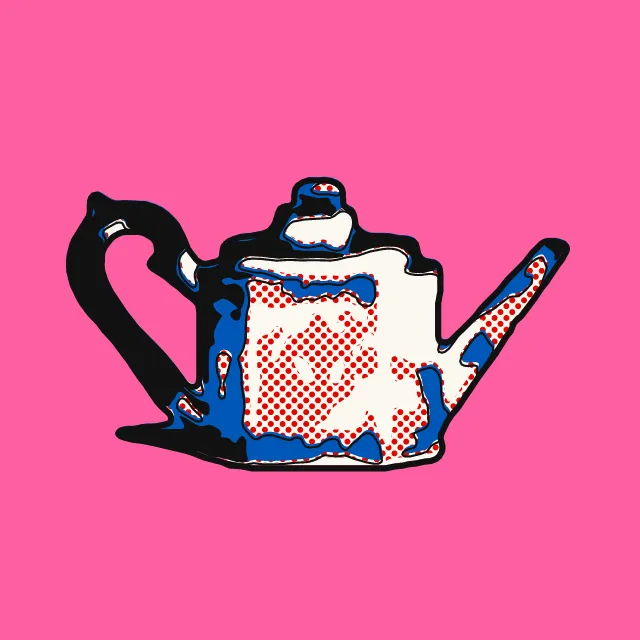
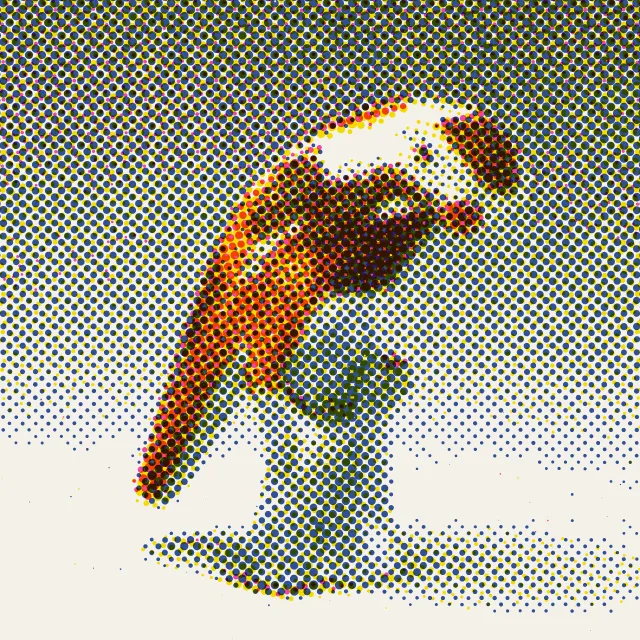
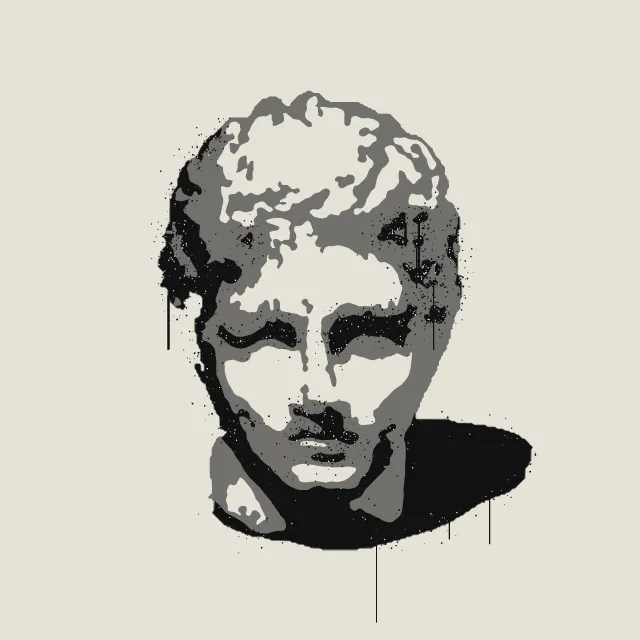
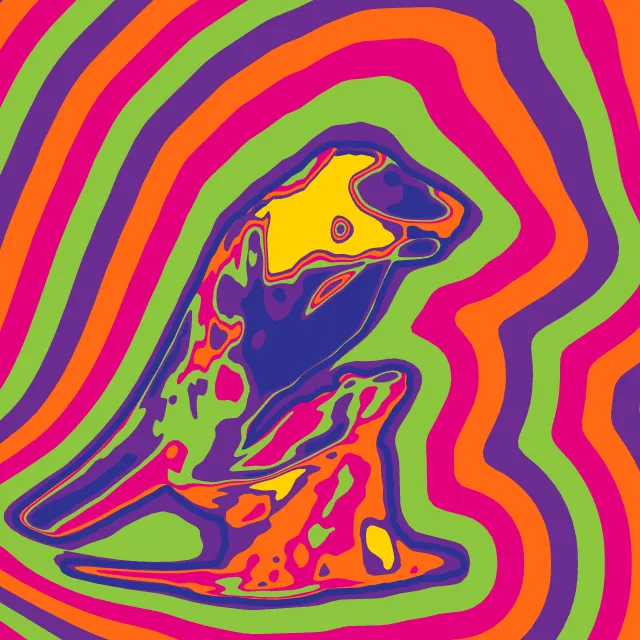
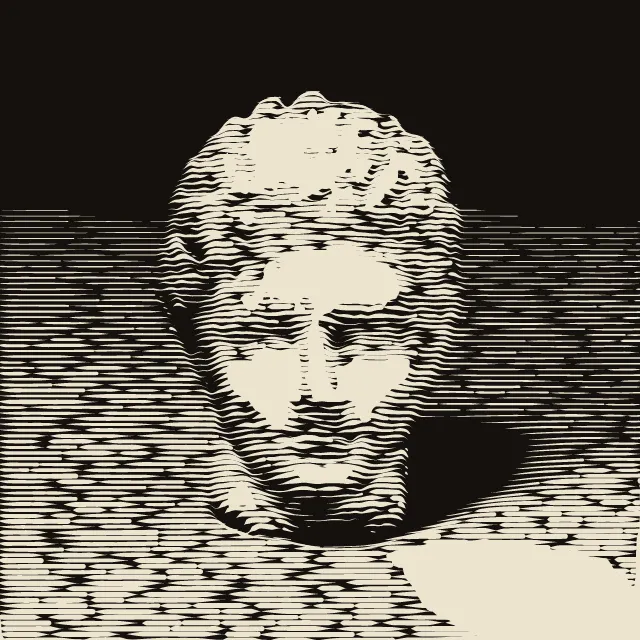
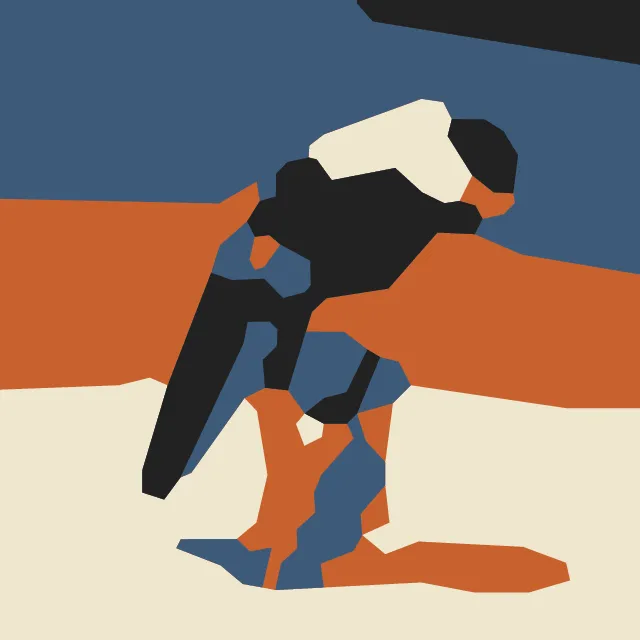
Your photo redrawn as a comic panel: a few broad shapes, each in one flat colour and closed by one even black line. The photo stays on your device.
What makes it Clear line
These are the design choices this generator makes or lets you set. Where a choice says “Measured”, Morphogeny changed that control alone, kept everything else, and measured the picture: a number that moves with the choice, not proof that the picture reads as the style.
- Unmodulated areas of colour. Set by “Flat colours”.
- Many saturated hues at once. “Colour”: The photo’s own hues.
- A single object or figure isolated on a plain ground. “Backdrop”: Bare paper. Measured on the opening picture: ground showing 79% with “Bare paper”, 26% with “As photographed, simplified” and 53% with “A flat colour”.
- Content held in borders, cartouches or compartments. Set by “Framed panels”.
- Outline drawing, engraving, pen and ink. Always.
- Outlines, speech balloons, character art. Always.
- Duotone, high-contrast or posterised photographs. Always.
- Decoration rejected; form follows function. Always.
How this generator works
- The photo is simplified into a few broad closed shapes, each in one flat, unshaded colour from the palette, and every shape is closed by one even black contour; shapes are simplified as forms, so specks and slivers give way and contours run as smooth curves.
- The subject’s silhouette is its own shape with a slightly firmer line, and throws at most one flat cast shadow.
What it never does:
- No hatching, no shading by line, no gradients, no halftone dots and no photographic texture: tone appears only as a different flat colour.
- No characters, lettering or settings from any comic: the tool draws only what is in the visitor’s photo.
Every picture is a recipe: the variation number and the settings, kept in the page's address. Copy the link and the same picture comes back, in any browser. Random (or R) draws a new variation; ← and → step through them; S shuffles the settings; C borrows another style's colours.
About Ligne Claire (Franco-Belgian Clear Line)
Clear line is a way of drawing comics that took shape in Belgian and French comic magazines from the 1930s and was given its name in the late 1970s. Every figure, building and cloud is closed by one black line of even weight; colour fills each shape flat, with no hatching and no shading, and the few shadows are flat shapes too. Near and far are drawn with the same clarity, so a picture reads at a glance. Since the late 1970s the style has also been used for posters, record sleeves and magazine covers.
This generator draws only from your photo. It cuts the subject from its backdrop, joins areas that differ only by soft shading while keeping the real edges, then gives each shape the palette colour nearest its own, or lays the palette on from light to dark. Specks join their neighbours, and every outline is smoothed into a curve that is drawn once and shared by the shapes on either side, so line and colour always meet.
Choose the line weight, how much detail to keep, the number of colours, the backdrop, a flat cast shadow and a ruled panel. The photo is read in your browser and never uploaded; the SVG is plain vector shapes, so the line stays sharp at any size.
Ligne Claire (Franco-Belgian Clear Line): 1929–today. What the controls mean: Help.
Use it from code
The recipe below draws the picture this page opens with. Copy recipe gives you the one on screen. Agents can render recipes to SVG or PNG through Morphogeny's MCP server (morphogeny_render); the same recipe always gives the same SVG.
{
  "tool": "clear-line",
  "v": 1,
  "seed": 1,
  "format": "portrait",
  "params": {
    "weight": 3.5,
    "detail": 0.85,
    "count": 4,
    "colour": "hue",
    "backdrop": "flat",
    "shadow": true,
    "frame": "panel"
  },
  "palette": "ligne-claire"
}
Open this recipe: /clear-line/#seed=1&v=1. A plain-text version of this page:/clear-line.md.