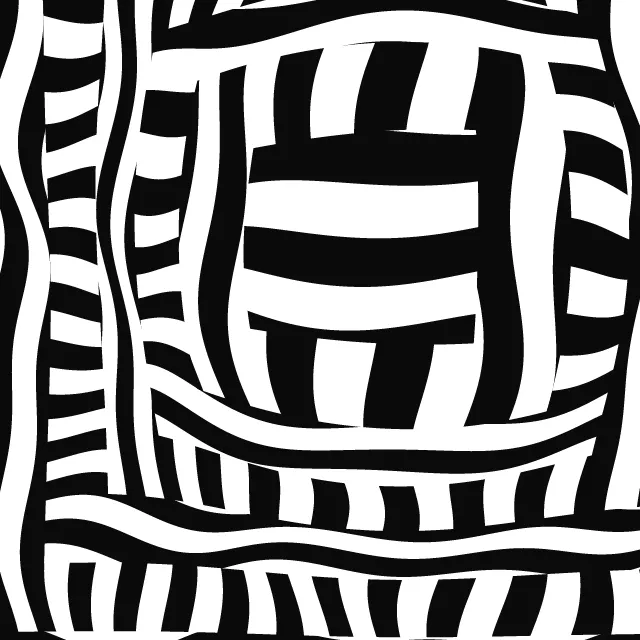
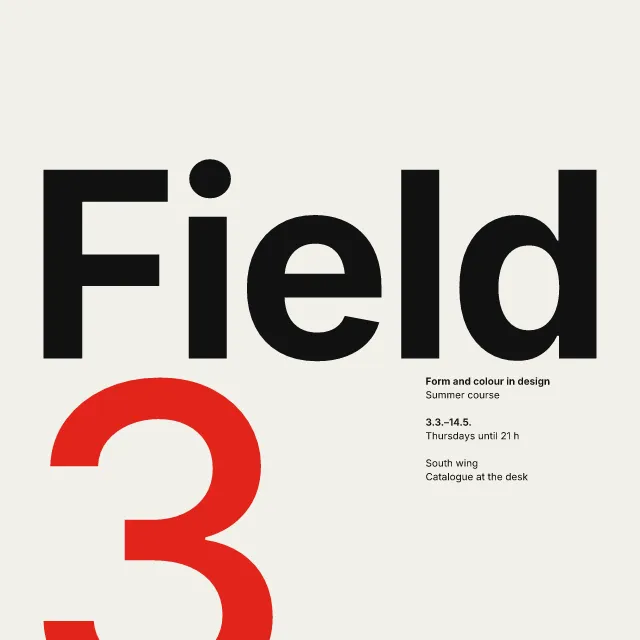
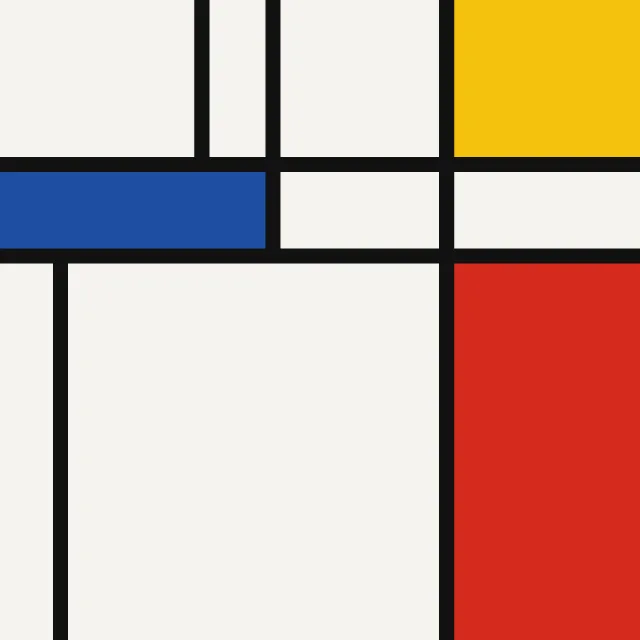
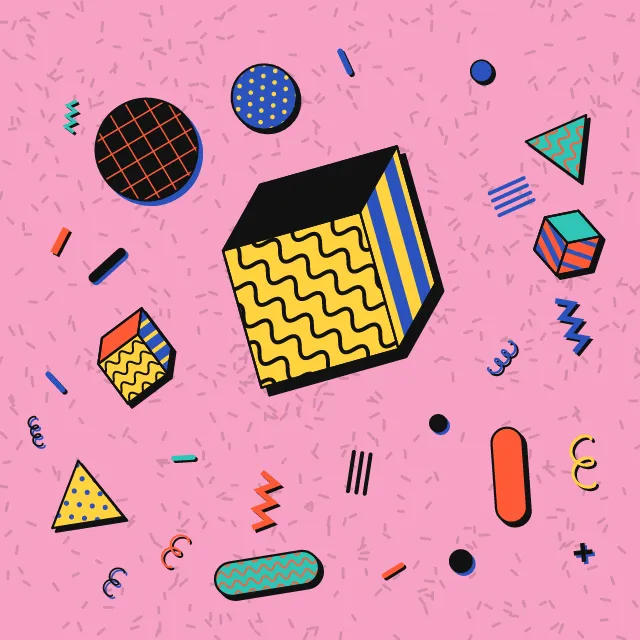
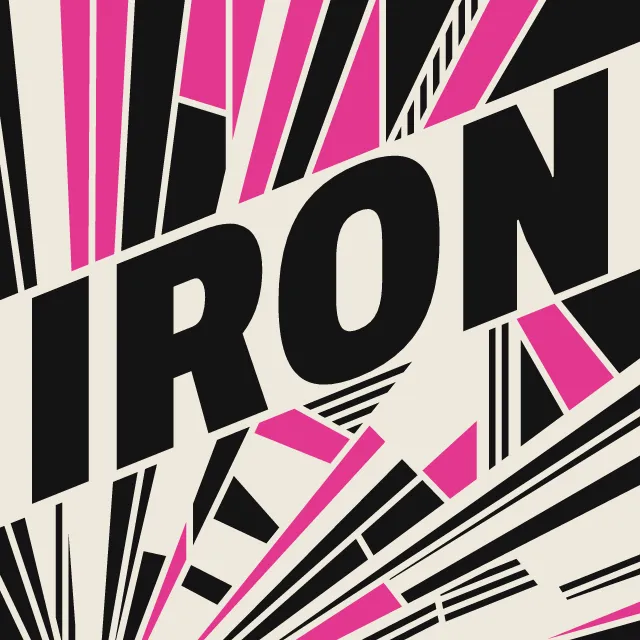
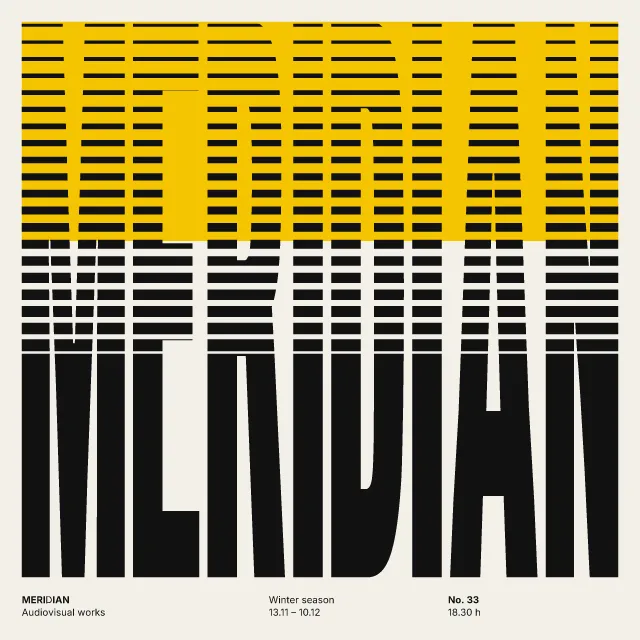
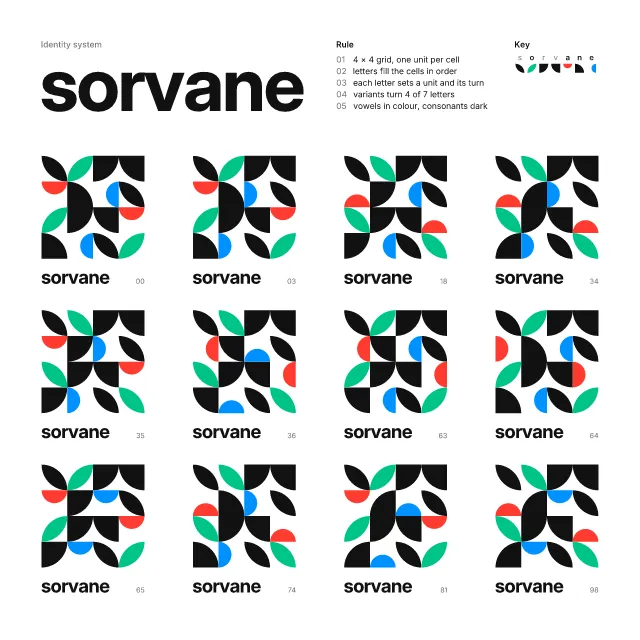
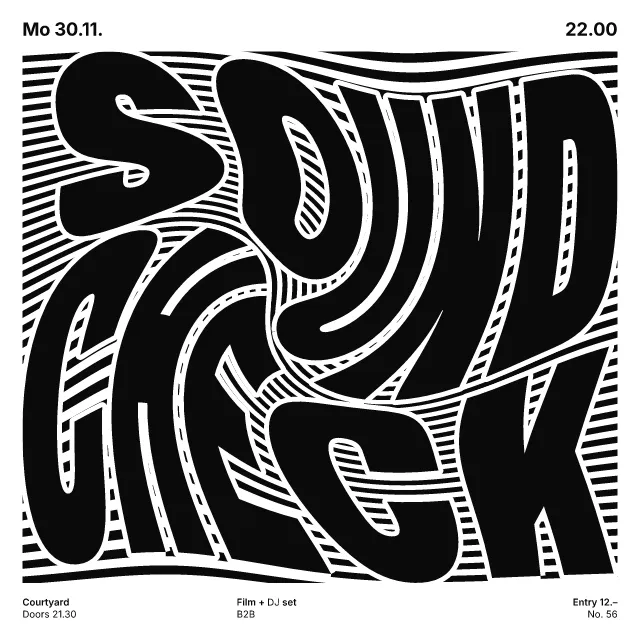
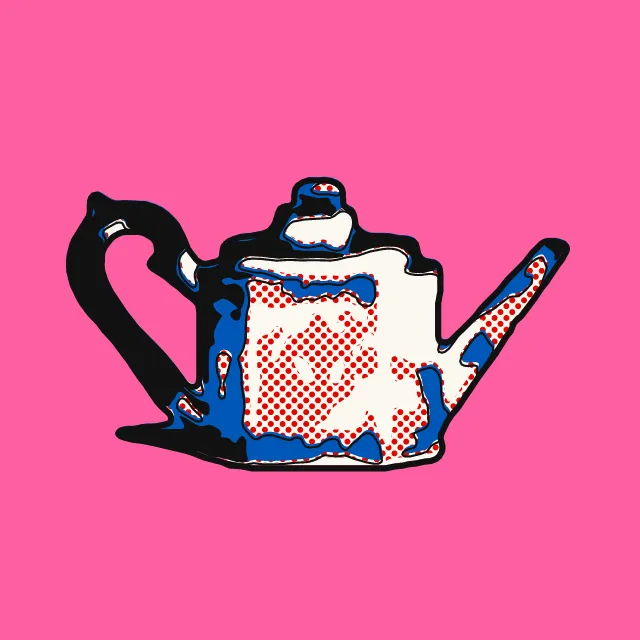
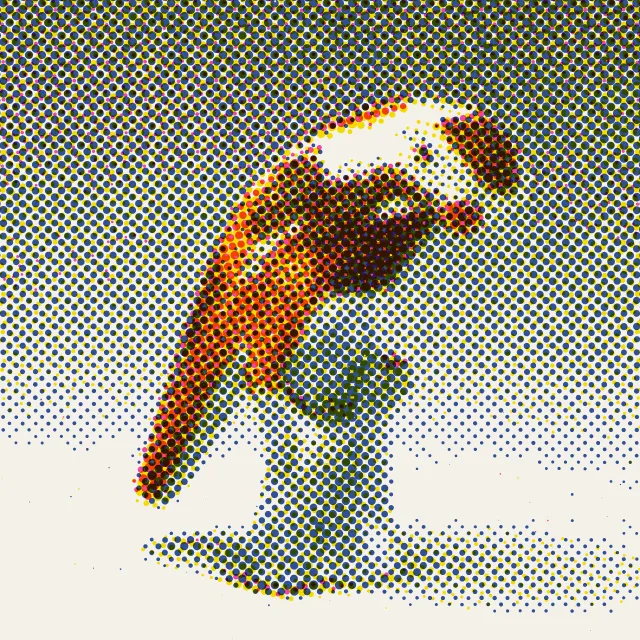
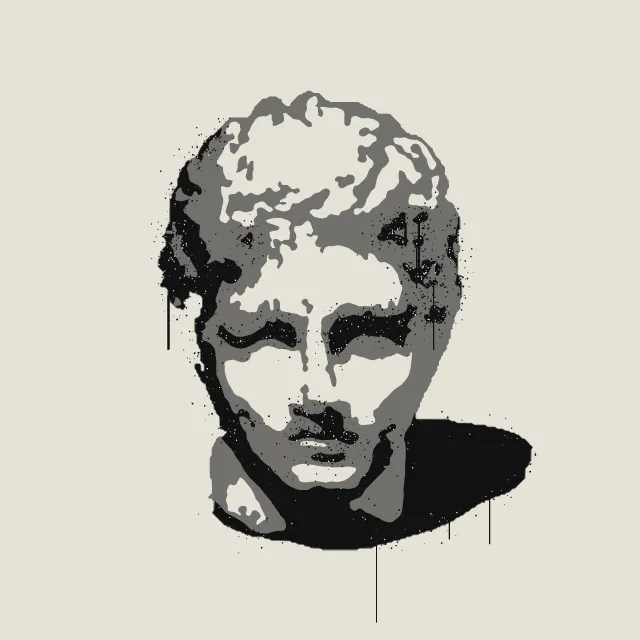
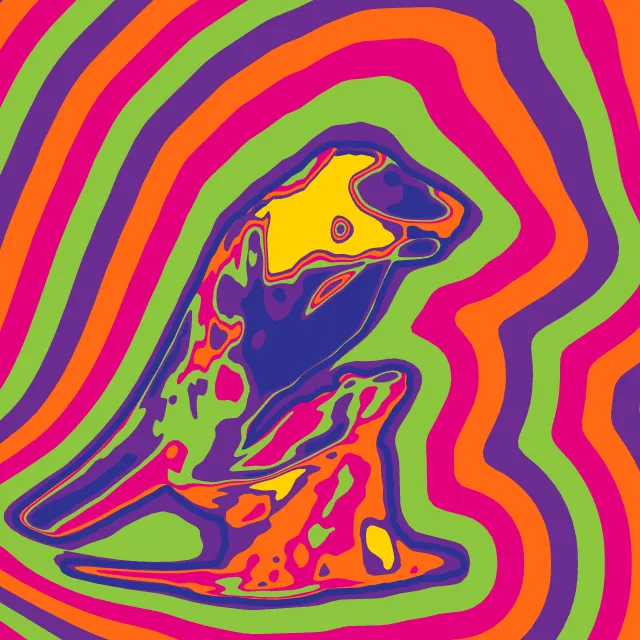
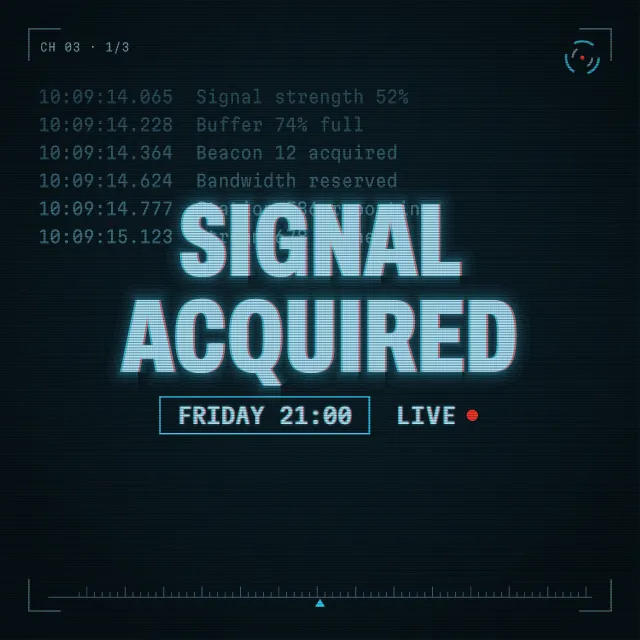
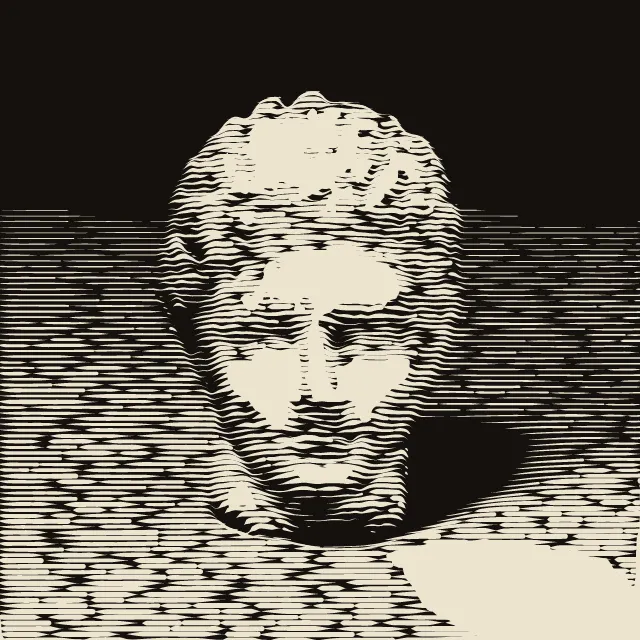
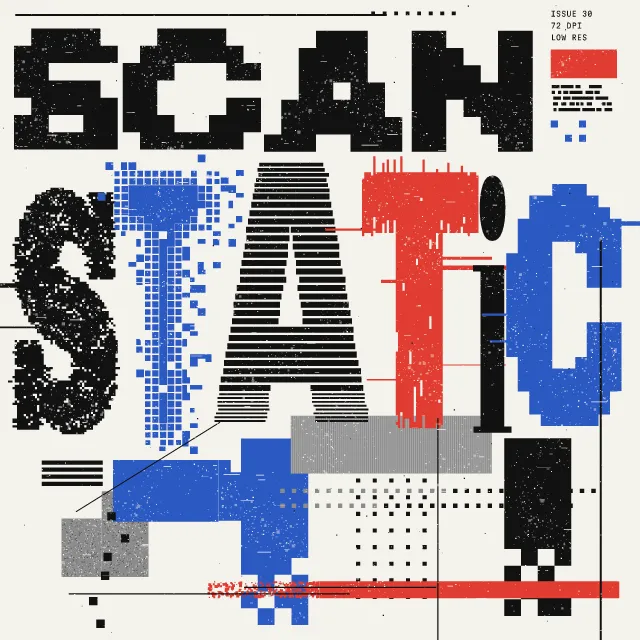
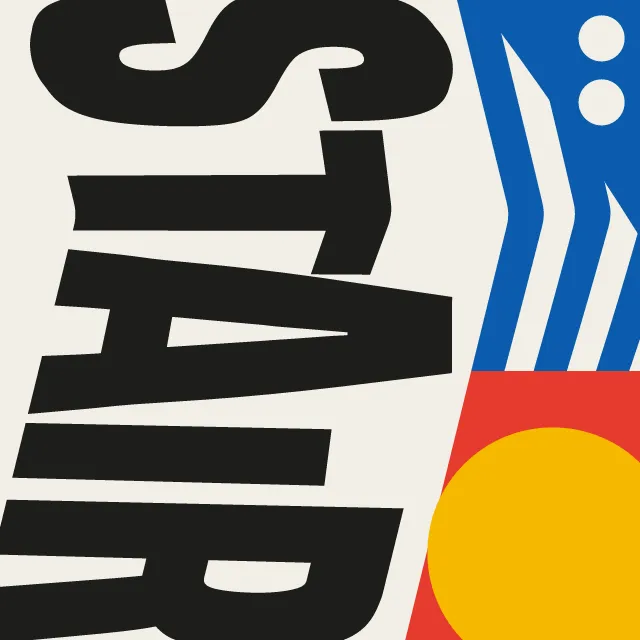
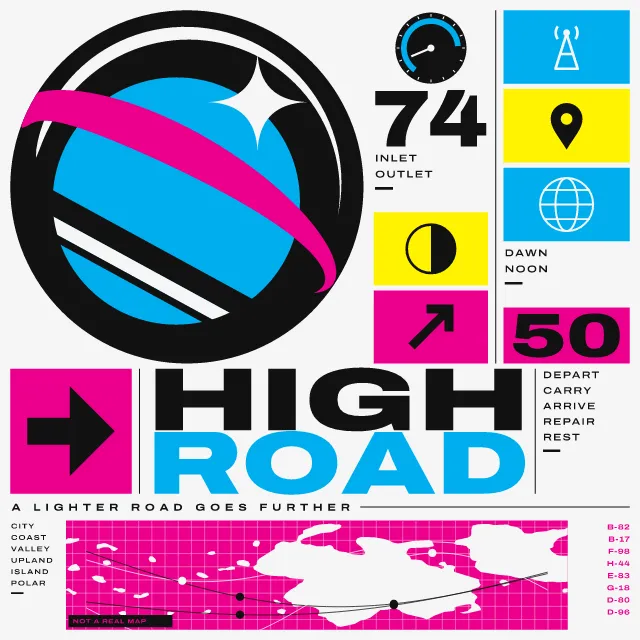
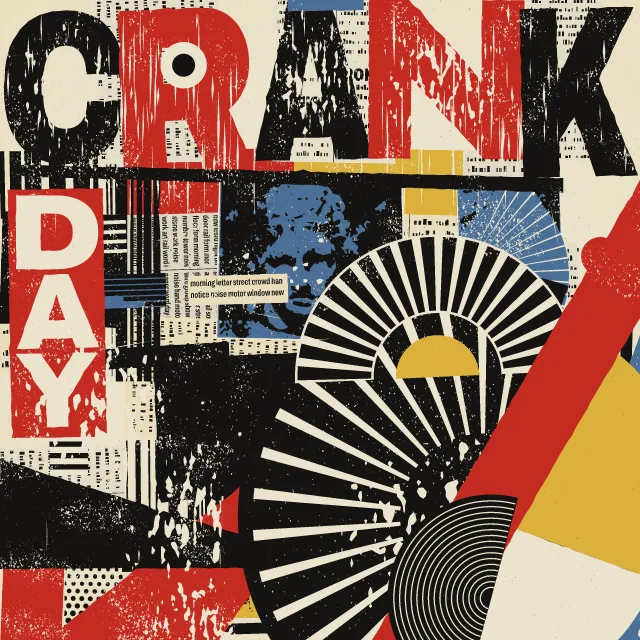
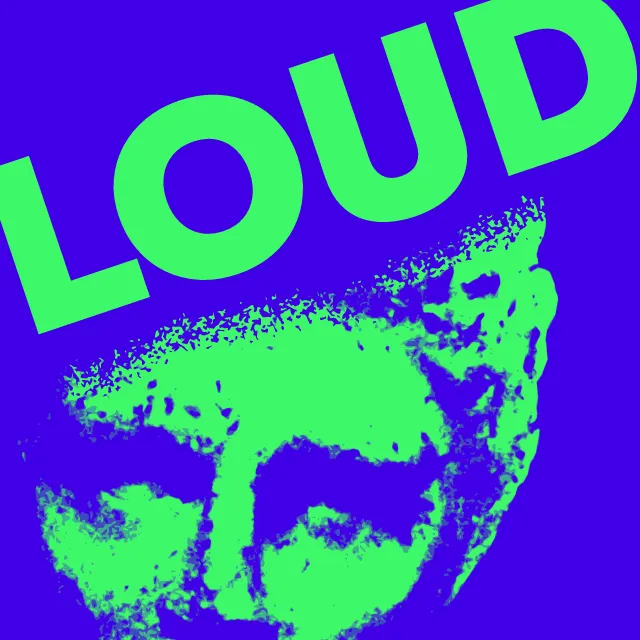
Spaced capitals, one heavy word thrown across the sheet, your photo as a coarse gritty halftone, flat spots that overprint and hairlines through it all.
What makes it New wave
These are the design choices this generator makes or lets you set. Where a choice says “Measured”, Morphogeny changed that control alone, kept everything else, and measured the picture: a number that moves with the choice, not proof that the picture reads as the style.
- Airy, generously spaced letters, usually capitals. Set by “Wide letterspacing”.
- Lines set at angles, stacked or running vertically. Set by “Rotated type”.
- Composition driven by tilted axes and oblique movement. Set by “Diagonal axis”.
- Dot screens made visible. Set by “Halftone & Ben-Day dots”.
- Xerox degradation, toner, torn and pasted edges. Set by “Photocopy & distress”.
- Two or three flat inks. Set by “Limited spot colours”. Measured on the opening picture, from 0 to 1: colours besides the ground (each on 1% of the picture or more) 1 → 7.
- Thick bars, lines and dots as structural accents. Set by “Rules & bars”. Measured on the opening picture, from 0 to 1: long thin shapes 10 → 11.
- Duotone, high-contrast or posterised photographs. Set by “Treated photography”.
- A grid is implied and then deliberately violated or deconstructed. Always.
- Overlapping fragments, cut-outs and stacked planes. Always.
- Neutral, rational sans: Akzidenz-Grotesk, Helvetica, Univers. Always.
- Very large against very small elements, for drama and order. Always.
- Inks slightly out of register; transparent overprints. Always.
How this generator works
- One word tracked from margin to margin, one heavy word thrown across the sheet at the working angle, and a real photo as a coarse black print inside cut discs and slanted blocks. Flat spots overprint it and hairlines run through everything.
What it never does:
- Gradients, shadows, drawn imagery, and any arrangement or wording taken from a particular poster.
Every picture is a recipe: the variation number and the settings, kept in the page's address. Copy the link and the same picture comes back, in any browser. Random (or R) draws a new variation; ← and → step through them; S shuffles the settings; C borrows another style's colours.
About Swiss Punk / New Wave Typography
New wave typography began as a rebellion inside the Swiss school in the late 1960s. It kept the grotesque and the grid, then opened one word across the page, crowded the next, set lines at an angle and layered enlarged halftone film with rules and bars.
This generator draws that sheet. One word is tracked from margin to margin; a second, much heavier, is thrown across it at the working angle. Your photo becomes a coarse black print, like a bad photocopy, cut into discs and slanted blocks and repeated enlarged. Your photo stays in your browser.
The print is worked out once and then stays still, so the band, the word and the hairlines slide over it slowly. You choose the words, the slant, how coarse and how gritty the print is, how much colour, how many ornaments and how much of the sheet the print takes. Everything is vector.
Swiss Punk / New Wave Typography: 1968–1990. What the controls mean: Help.
Use it from code
The recipe below draws the picture this page opens with. Copy recipe gives you the one on screen. Agents can render recipes to SVG or PNG through Morphogeny's MCP server (morphogeny_render); the same recipe always gives the same SVG.
{
  "tool": "new-wave",
  "v": 1,
  "seed": 3,
  "format": "portrait",
  "params": {
    "word": "FIELD",
    "thrown": "SHIFT",
    "slant": 12,
    "screen": 9,
    "grit": 0.6,
    "spot": 0.8,
    "ornament": 0.75,
    "mass": 0.55,
    "movement": "slide"
  },
  "palette": "new-wave-typography"
}
Open this recipe: /new-wave/#seed=3&v=1. A plain-text version of this page:/new-wave.md.