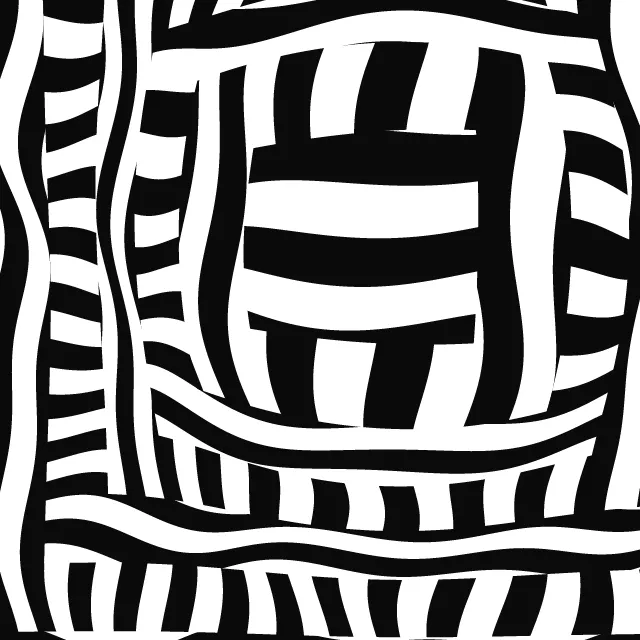
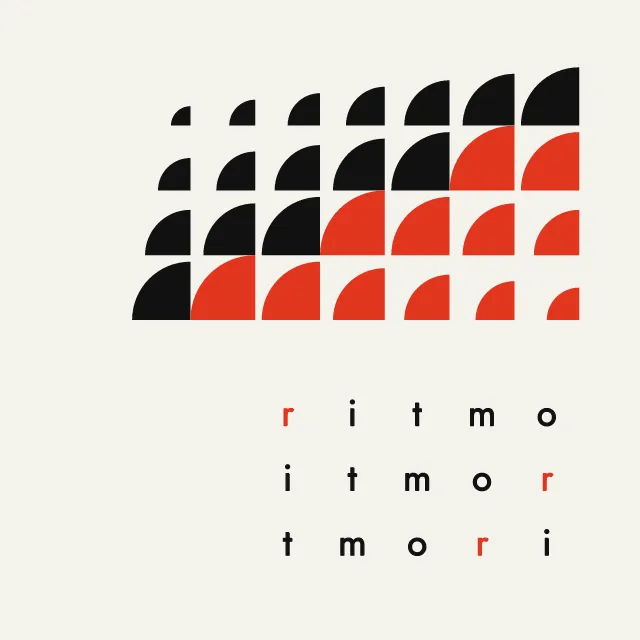
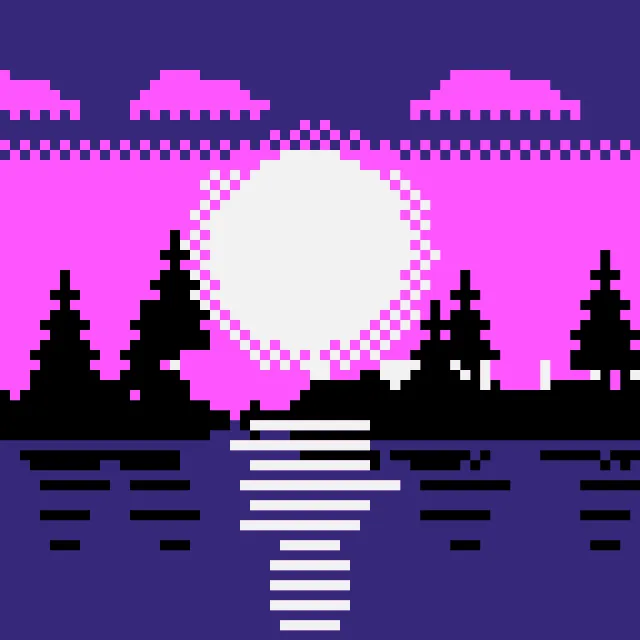
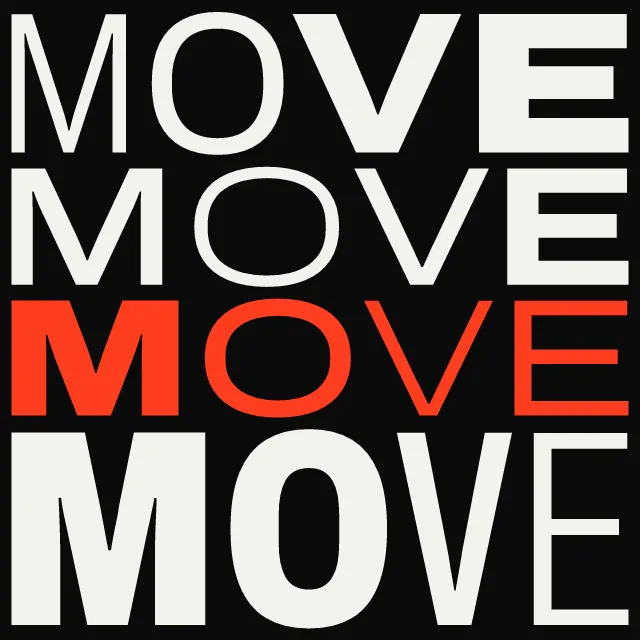
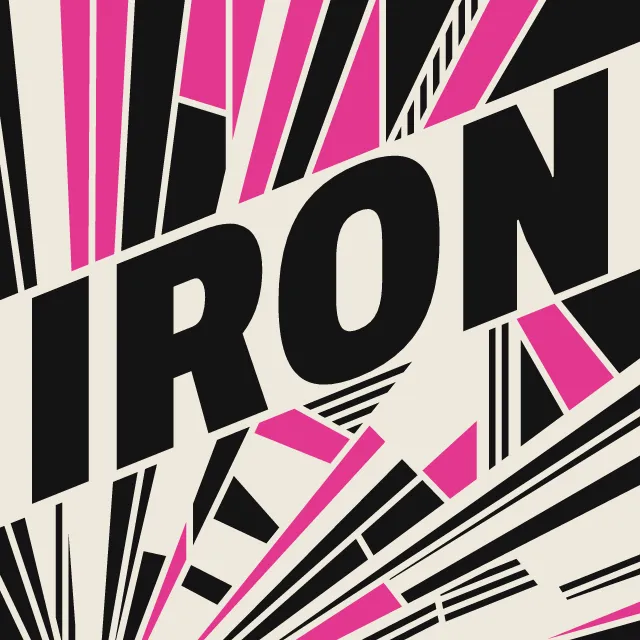
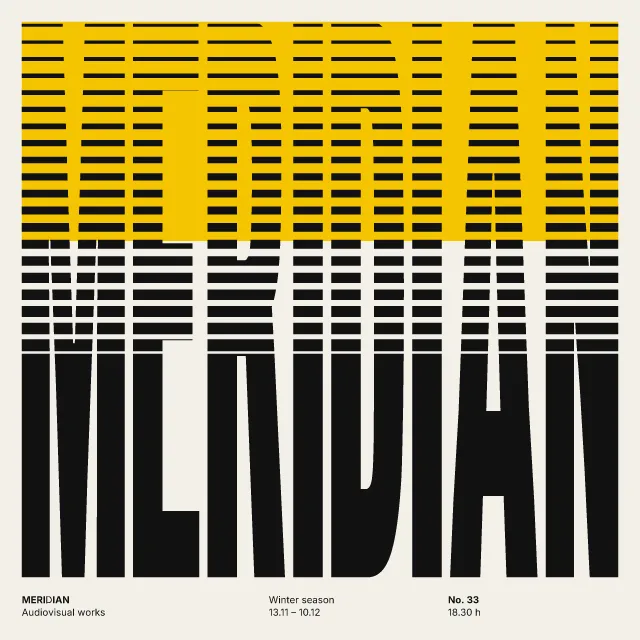
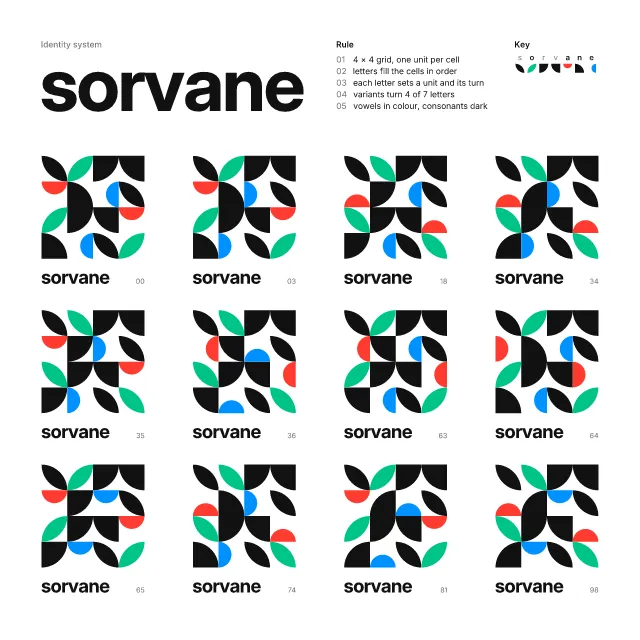
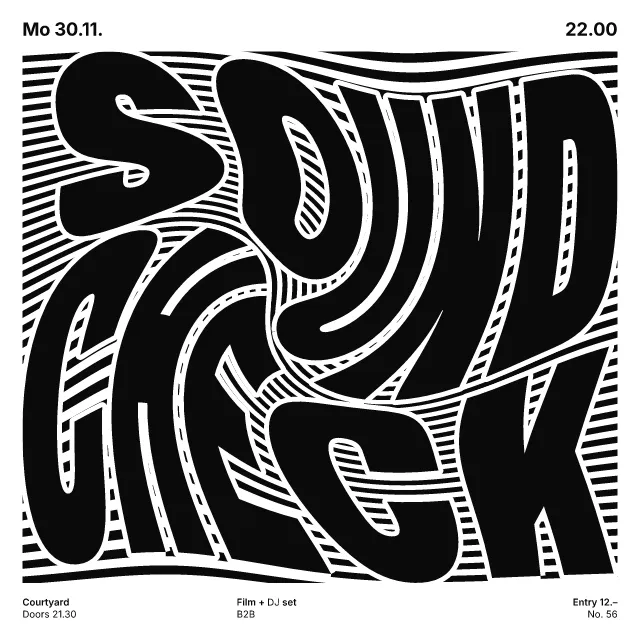
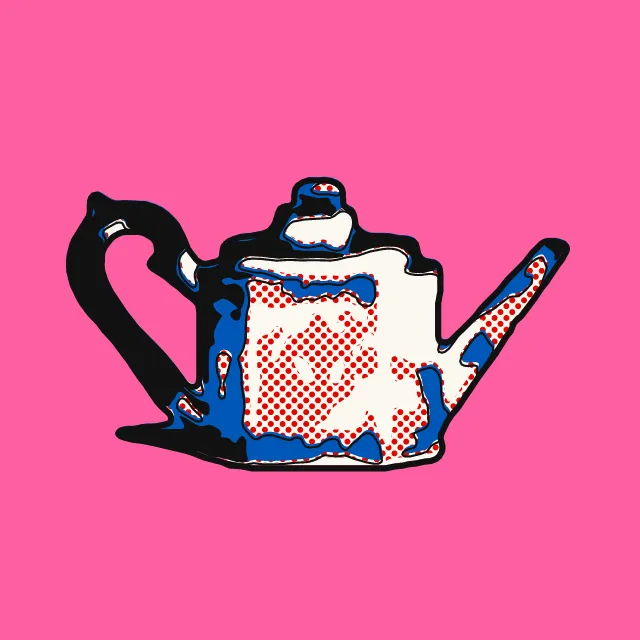
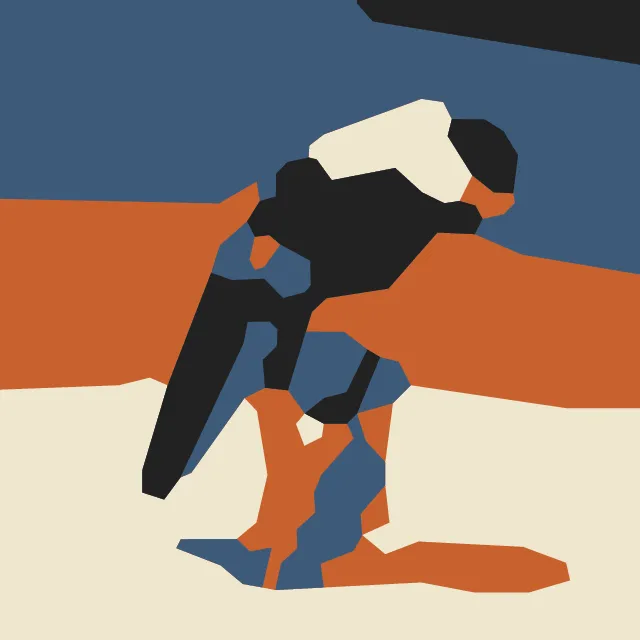
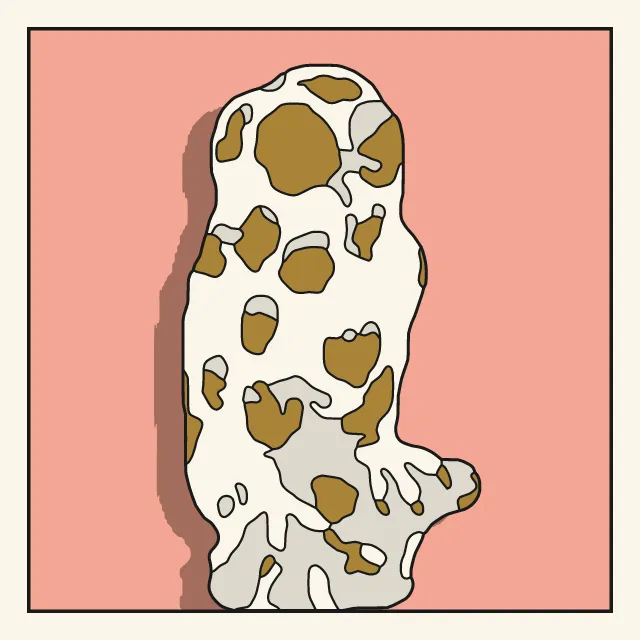
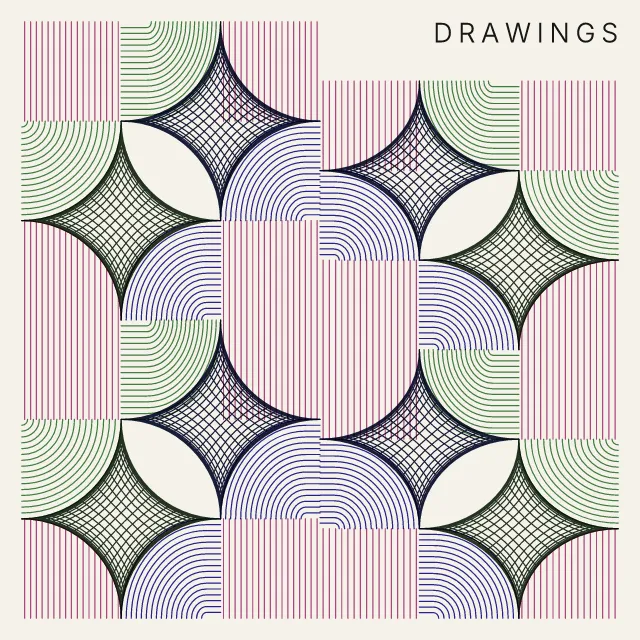
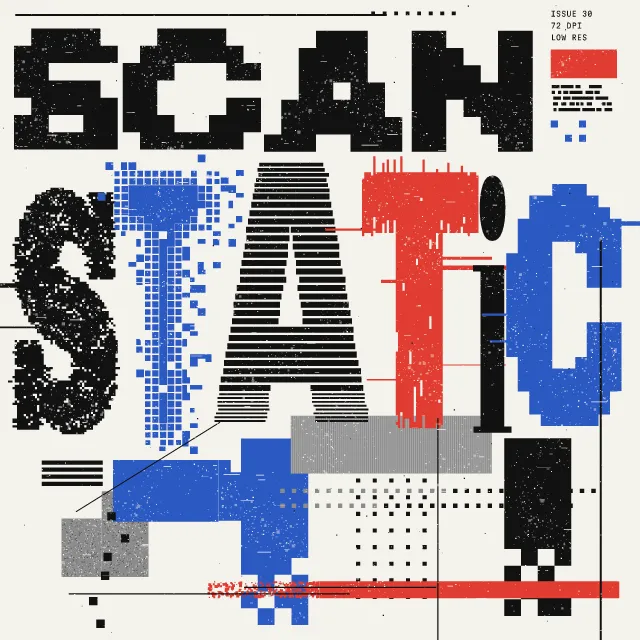
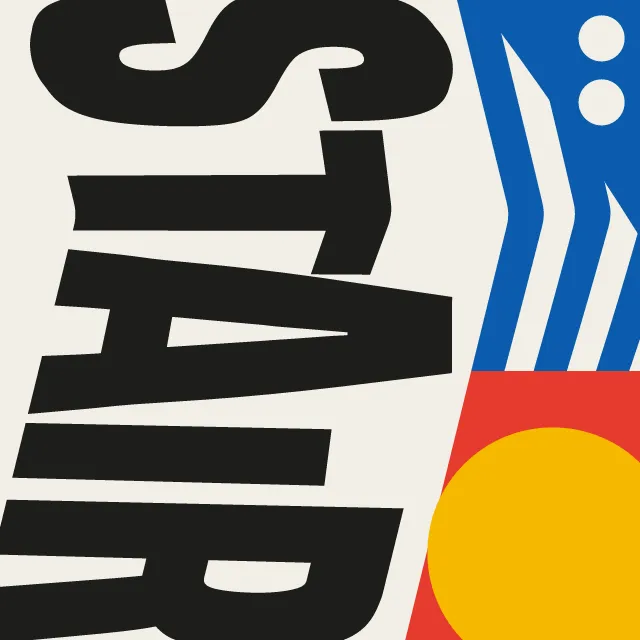
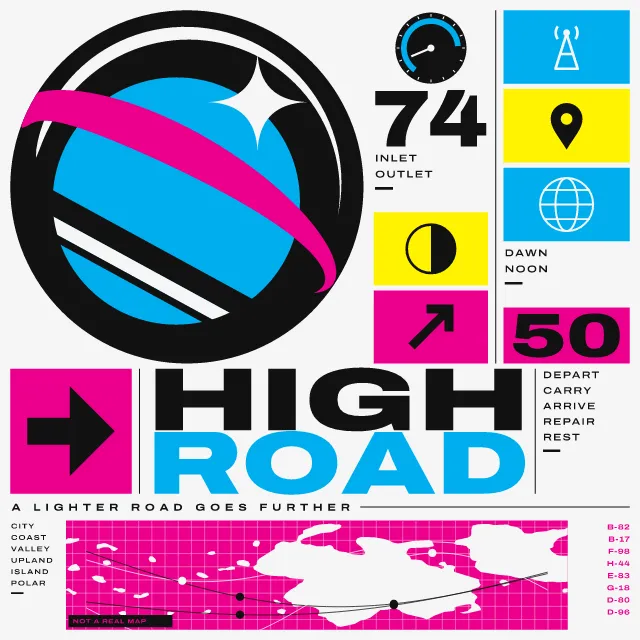
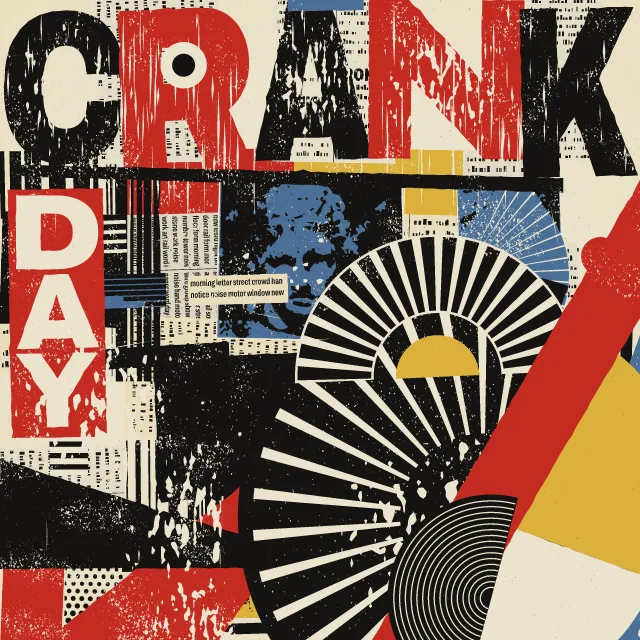
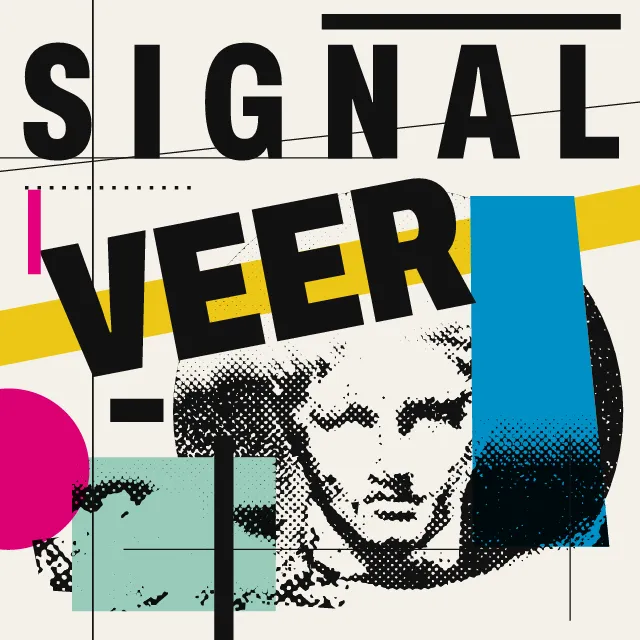
Cloth worked out thread by thread from a loom’s threading, tie-up and treadling. Show it edge to edge, as a wall hanging or on its draft sheet. Export SVG, PNG or a loop.
What makes it Weave
These are the design choices this generator makes or lets you set. Where a choice says “Measured”, Morphogeny changed that control alone, kept everything else, and measured the picture: a number that moves with the choice, not proof that the picture reads as the style.
- Weaving, dyeing, embroidery and applied craft. Set by “Draft”.
- Repeated units create a visual cadence. Set by “Repetition & rhythm”. Measured on the opening picture, from 40 to 160: pixels on an edge 43% → 87%.
- Unmodulated areas of colour. Set by “Colour order”.
- Orthogonal bars, blocks and lines. Always.
- Clarity, neutrality and order above personality. Always.
How this generator works
- Every picture is a true weave draft worked out thread by thread: each end sits on one shaft, each pick presses one treadle, and the tie-up decides which thread lies on top, so a cloth could be set up on a loom from the sheet the tool can show.
- Curves, diagonals and blocks are never drawn: they appear because straight vertical and horizontal threads change places.
What it never does:
- No motifs from living weaving traditions and no named or registered cloths: the figure comes only from a seeded draft, and there is no stepped-diamond draft, because in strong colours it reads as a community’s rug.
- No tile sets, sheared bands or cord shapes copied from any artist: every mark is a straight thread on the square grid, at fine counts, on the palette of the recipe.
- Movement never pans over a still picture: threads change places, so the figure itself bends, runs, ripples or turns over, and every frame is still a true draft.
Every picture is a recipe: the variation number and the settings, kept in the page's address. Copy the link and the same picture comes back, in any browser. Random (or R) draws a new variation; ← and → step through them; S shuffles the settings; C borrows another style's colours.
About Bauhaus
A weave draft is an old piece of notation. One strip says which shaft each warp thread runs through, another which treadle each weft thread presses, and a small grid says which shafts each treadle lifts. From those three lists a weaver can tell where every thread lies before setting up the loom. The weaving workshop at the Bauhaus treated this as a way of composing: rectangles, stripes and rhythm worked out from what the loom could do, for wall hangings and for cloth made in quantity.
This generator works from the draft and nothing else. Your seed sets the threading, tie-up and treadling, and the picture is what results when straight threads change places: nothing here is drawn as a curve or a block. Network curves bend a twill along a wandering line, damask blocks swap warp-faced and weft-faced satin, and log cabin and dogtooth make their pattern purely from the order of the colours. The draft sheet shows the notation around the cloth, so you can read how it was made.
With animation on, the threads themselves change places. The figure can bend and melt, run through the cloth, ripple as if in moving air, or turn over to its reverse side. Every frame is still a true draft, and the loop ends where it began.
Bauhaus: 1919–1933. What the controls mean: Help.
Use it from code
The recipe below draws the picture this page opens with. Copy recipe gives you the one on screen. Agents can render recipes to SVG or PNG through Morphogeny's MCP server (morphogeny_render); the same recipe always gives the same SVG.
{
  "tool": "weave",
  "v": 1,
  "seed": 7,
  "format": "portrait",
  "params": {
    "draft": "network",
    "ends": 88,
    "shafts": 24,
    "sway": 0.9,
    "colour": "warp",
    "darkWeft": false,
    "stripes": 7,
    "look": "threads",
    "layout": "bleed",
    "move": "undulate"
  },
  "palette": "bauhaus"
}
Open this recipe: /weave/#seed=7&v=1. A plain-text version of this page:/weave.md.