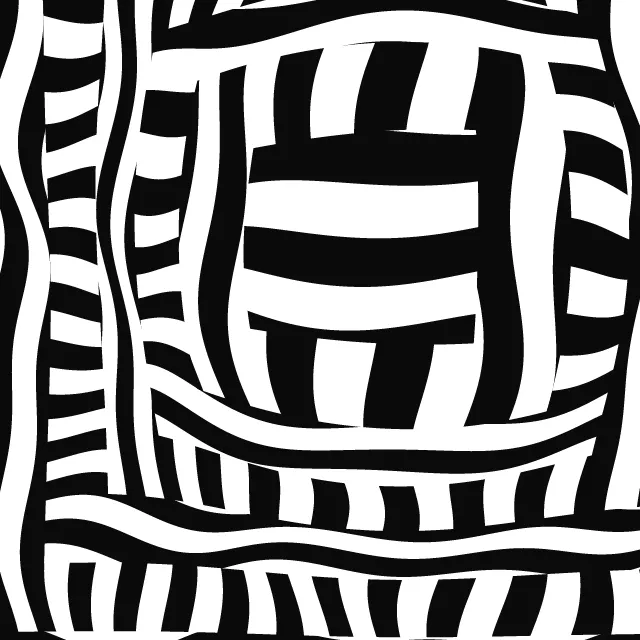
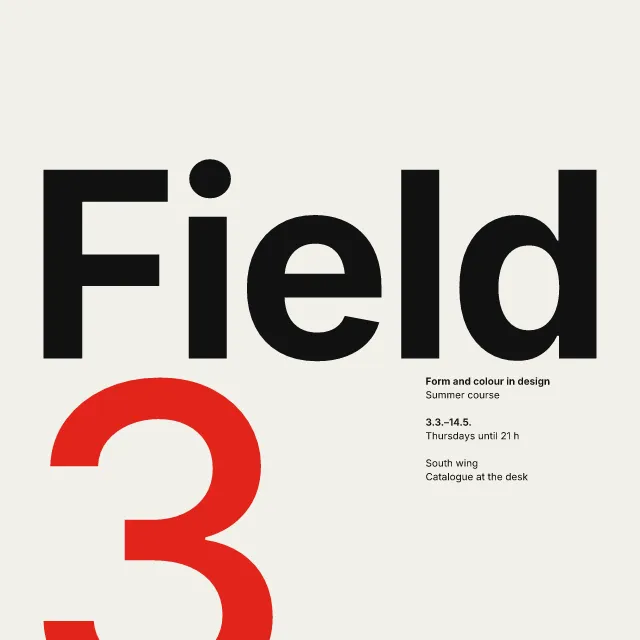
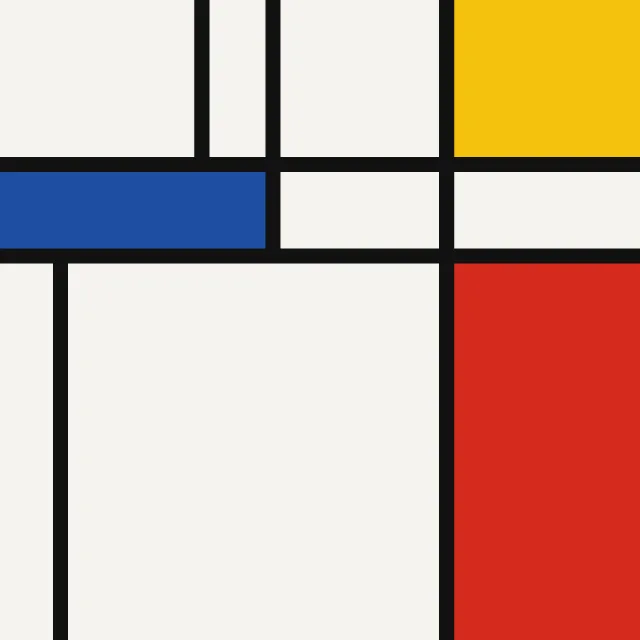
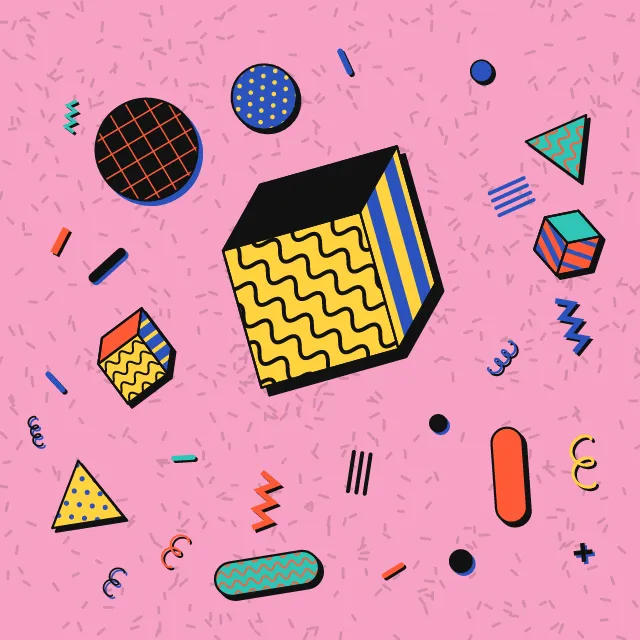
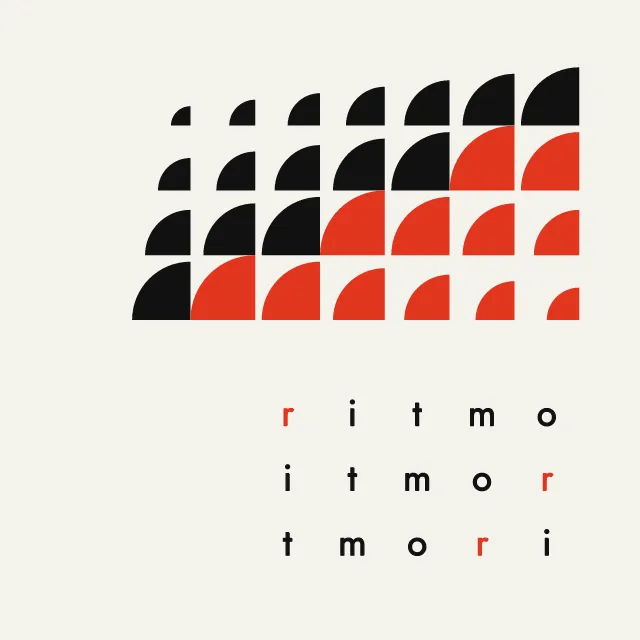
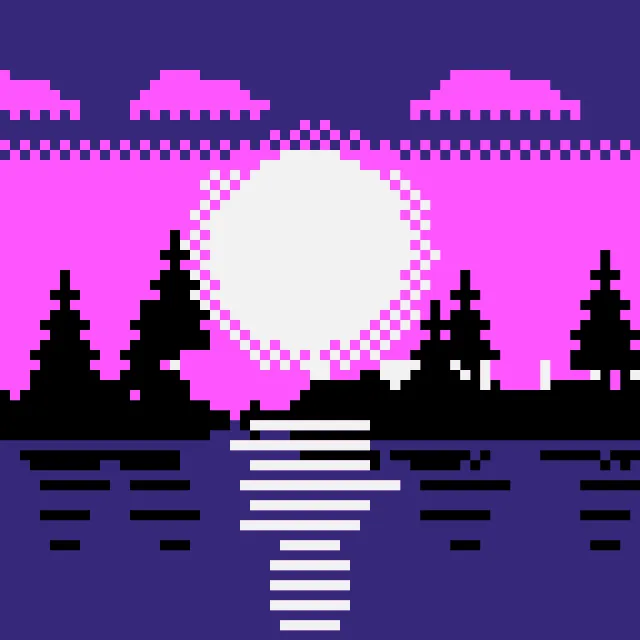
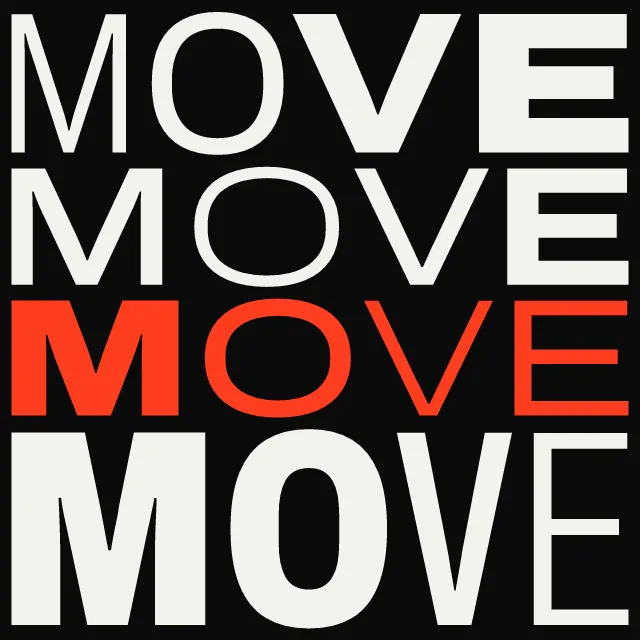
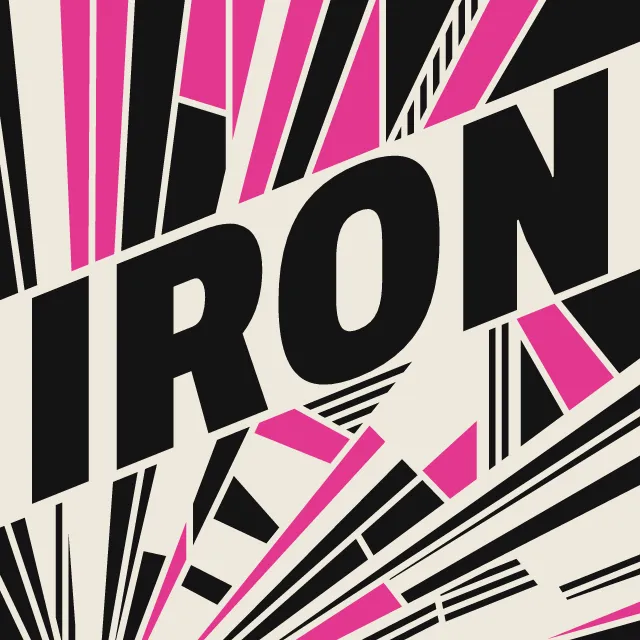
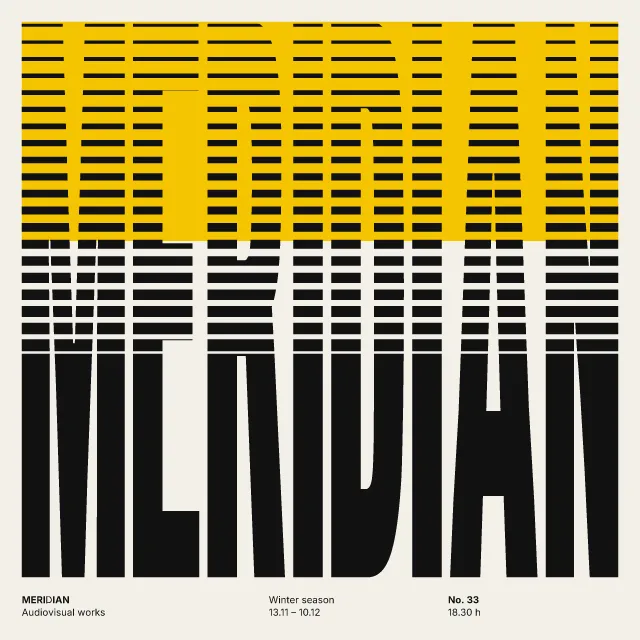
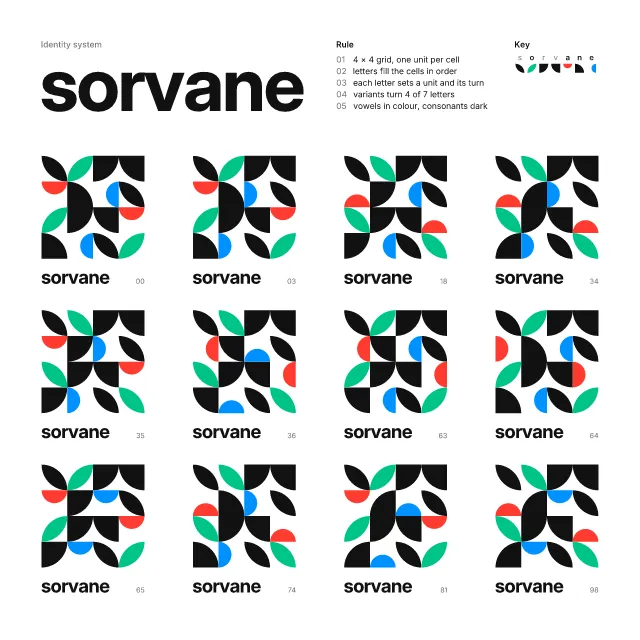
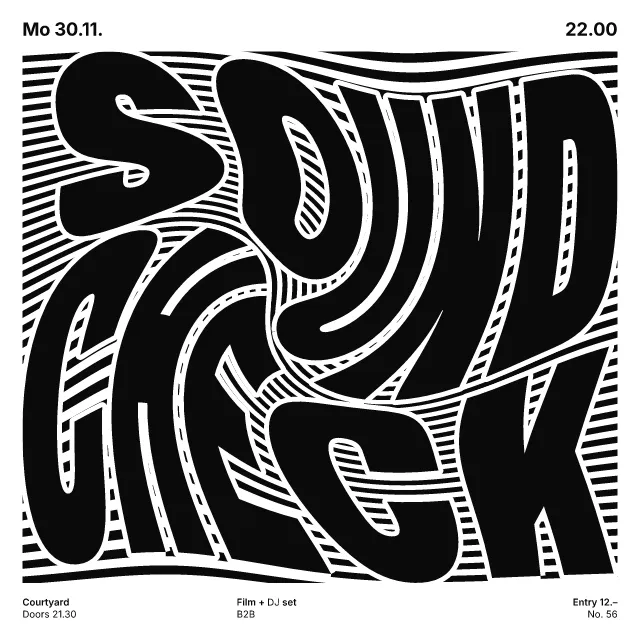
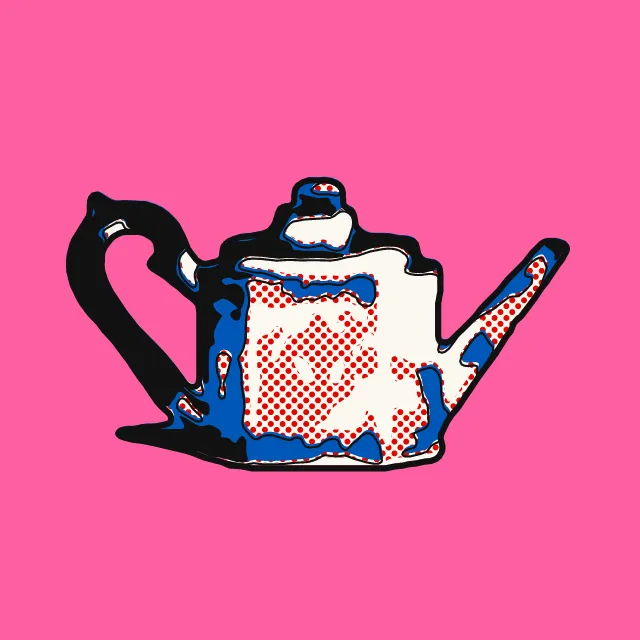
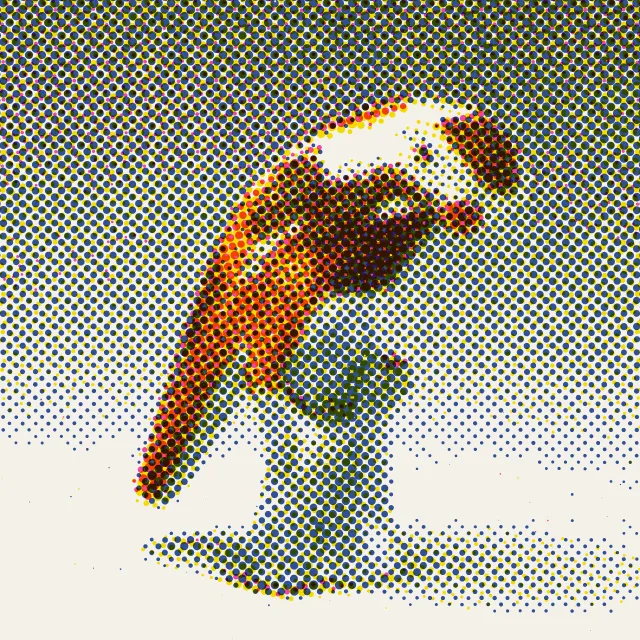
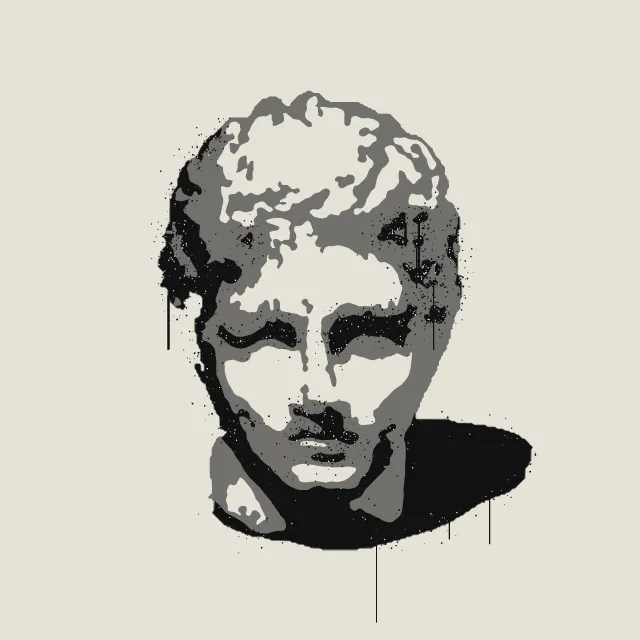
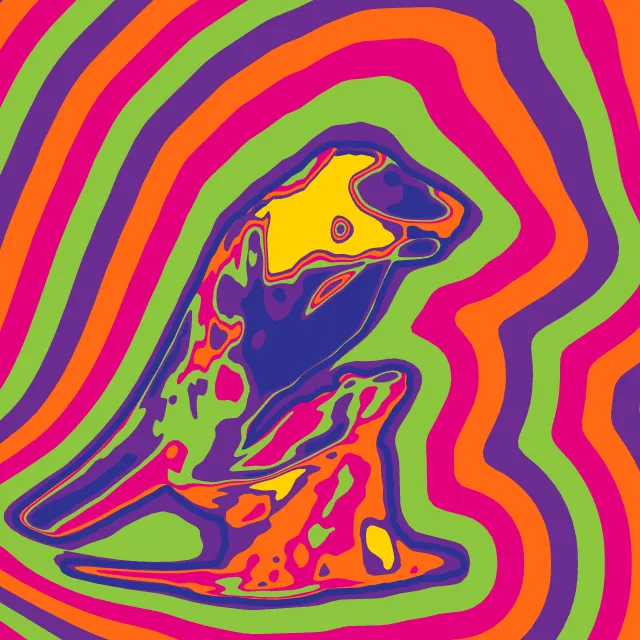
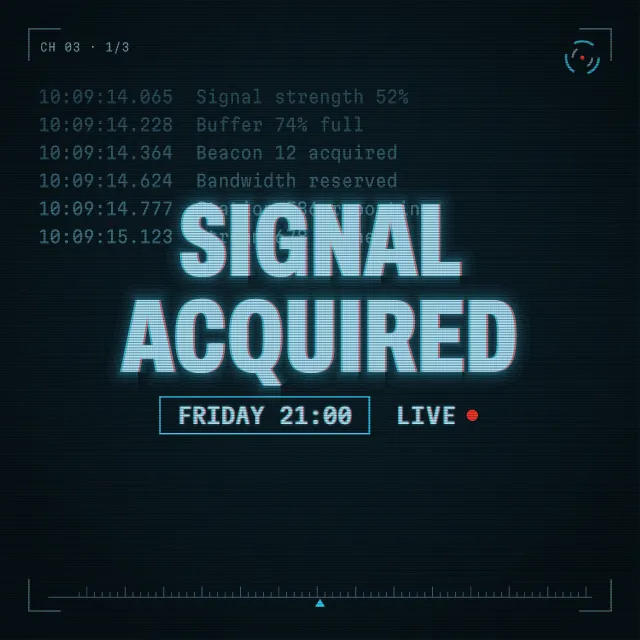
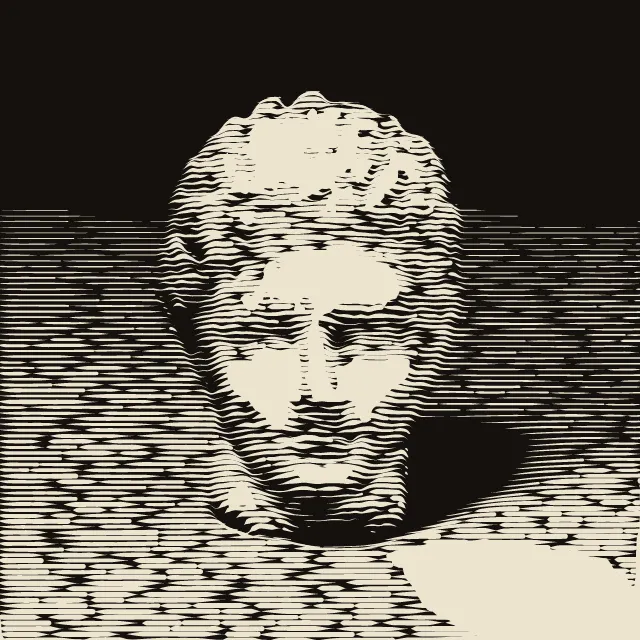
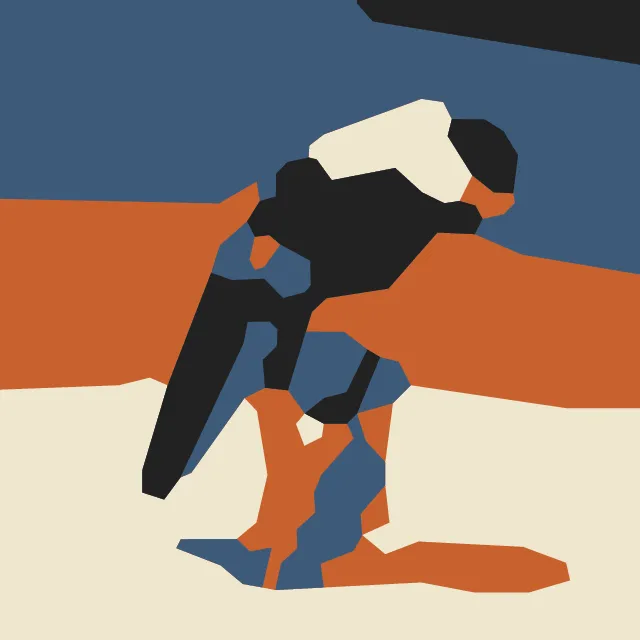
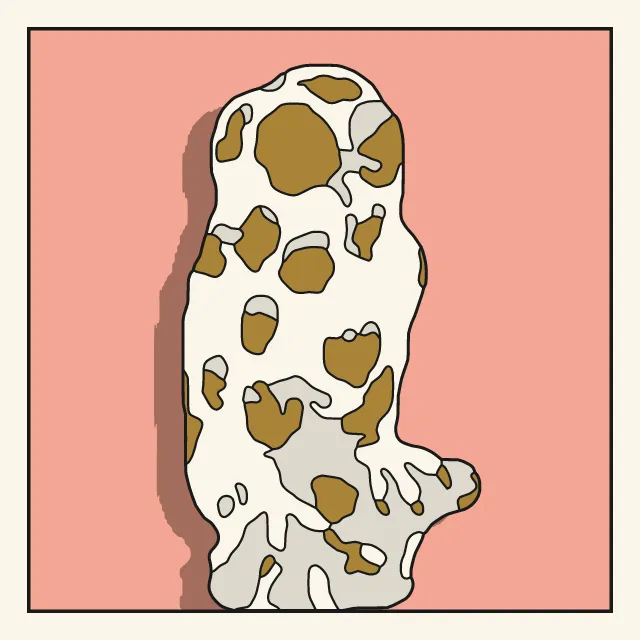
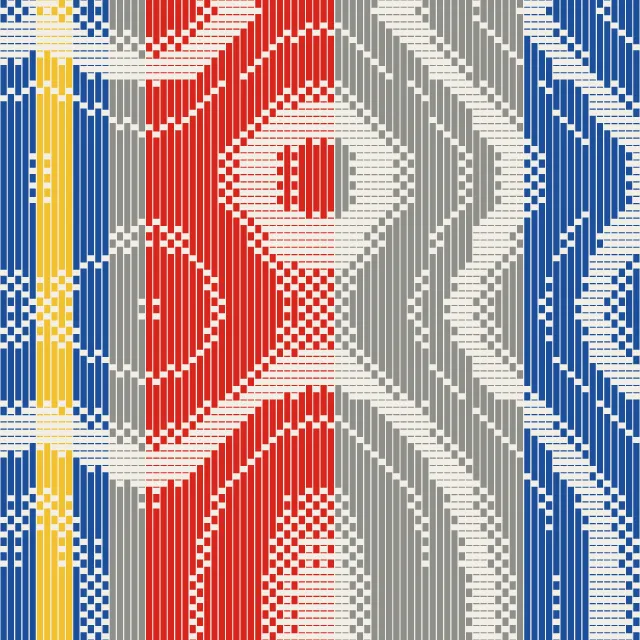
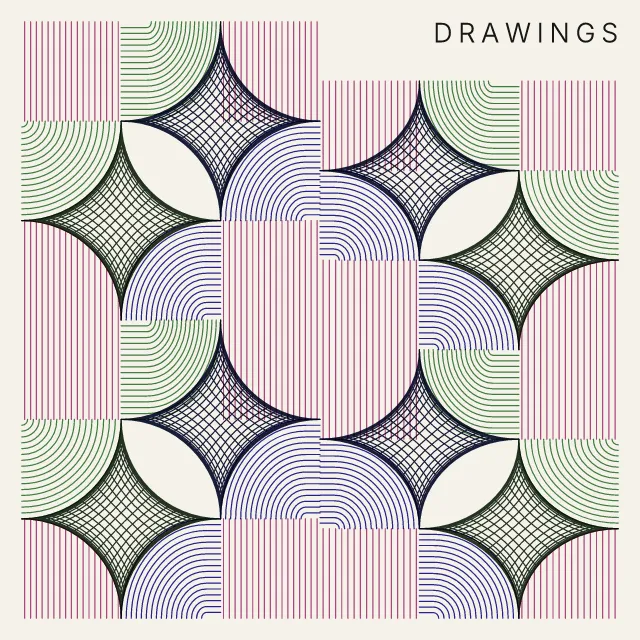
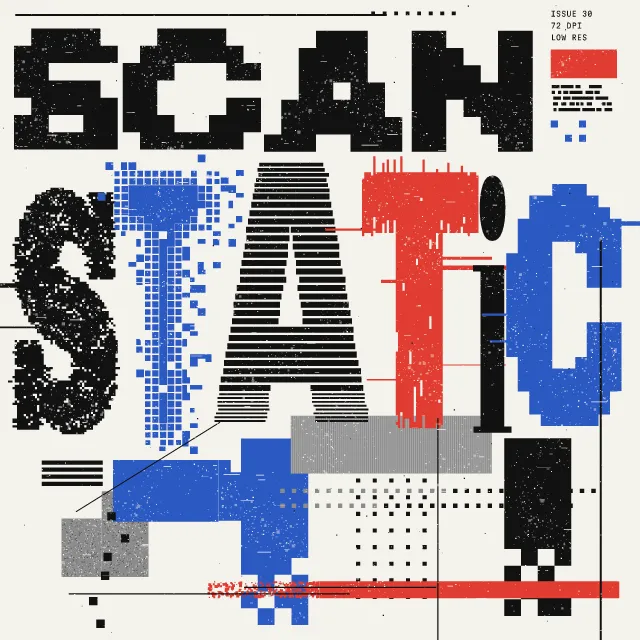
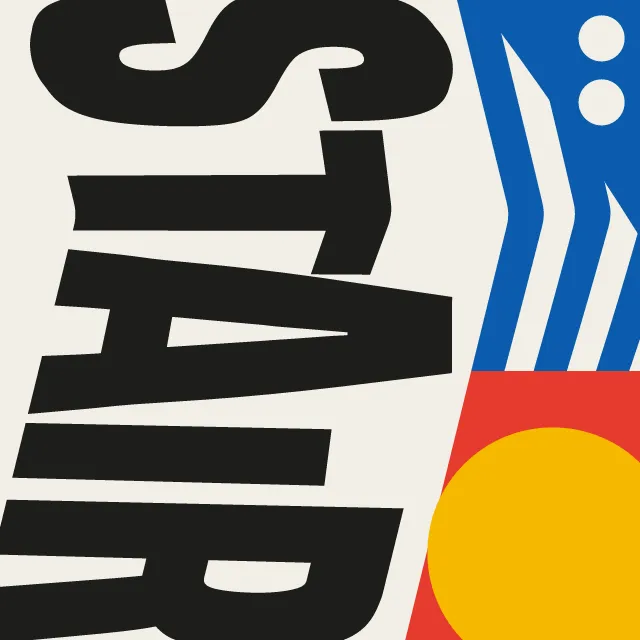
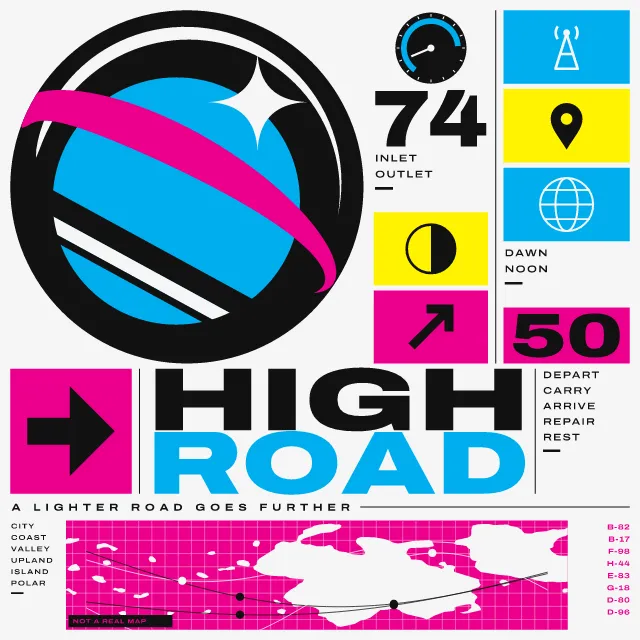
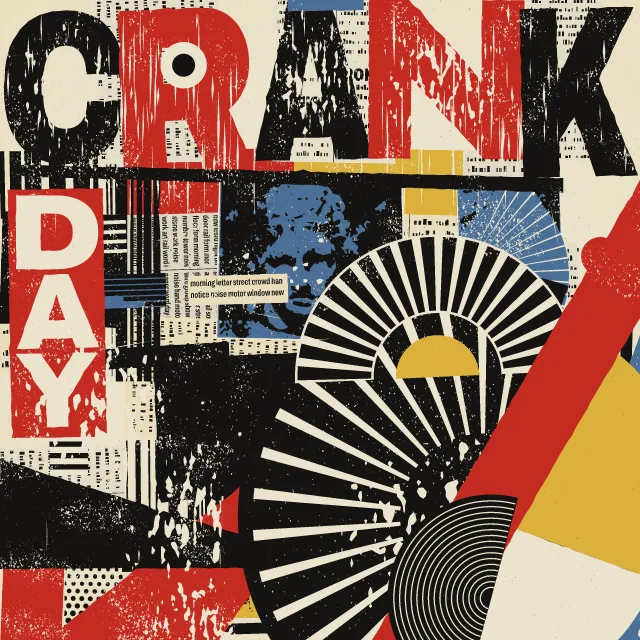
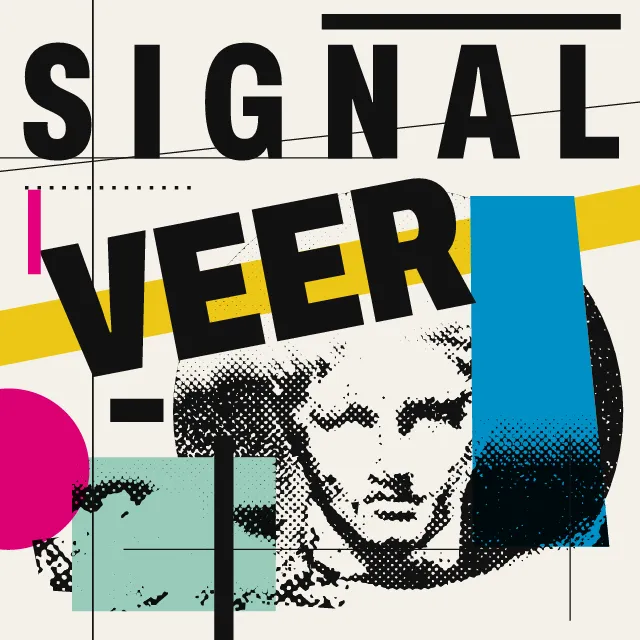
Your photo in two electric inks, enlarged past the frame and tilted, with one huge word cut by the edge of the sheet.
What makes it Duotone
These are the design choices this generator makes or lets you set. Where a choice says “Measured”, Morphogeny changed that control alone, kept everything else, and measured the picture: a number that moves with the choice, not proof that the picture reads as the style.
- Very large against very small elements, for drama and order. Set by “Extreme scale contrast”.
- Composition driven by tilted axes and oblique movement. Set by “Diagonal axis”.
- Film grain, riso speckle, dithering noise. Set by “Grain & noise”.
- Light elements on black or deep fields. “Ground”: Falls to shadow. Measured on the opening picture with “Falls to shadow”: brightness of the ground 6.8%.
- Paper-white or pale fields dominate. “Ground”: Blows out to light.
- Image or colour runs off every edge; no protective margins. Always.
- Built from circle and line: Futura, Avant Garde, Circular. Always.
- Vibrating opposites placed edge to edge. Always.
- Duotone, high-contrast or posterised photographs. Always.
- Unmodulated areas of colour. Always.
How this generator works
- Every photo is pushed to two inks, the pair picked from the palette for colour and contrast, and enlarged past the frame by an automatic crop to its own subject.
- One word in a heavy geometric sans, slanted and cut by the frame, takes a third of the sheet and stays flat.
What it never does:
- No third hue: the only tints are steps between the two inks, in the thin band where tone breaks up. No small print, logo, shapes or margin.
- No word from any existing campaign, and no copying of a known poster.
Every picture is a recipe: the variation number and the settings, kept in the page's address. Copy the link and the same picture comes back, in any browser. Random (or R) draws a new variation; ← and → step through them; S shuffles the settings; C borrows another style's colours.
About Duotone identity
A duotone identity recolours every photograph into two saturated inks, crops it hard at an angle and sets a short word in a heavy geometric sans across it. Music and media brands made the look common in the 2010s, because one fixed treatment makes any photograph part of the same set.
This generator finds the subject in your photo from its outline and where its detail gathers, then enlarges and tilts it to fill the sheet. If it finds no clear subject, or the subject already fills the frame, it crops gently and barely leans. Tone is pushed until highlights and shadows go flat, and the thin zone between them breaks into a worm-like grain. Your photo stays on your device.
The two inks are picked from any palette for colour and contrast, and pushed apart if they are too close. The word and the light drift slowly in the loop. The light moves by cross-fades between a few exposures, so large areas of the two inks never switch quickly.
Duotone identity: 2015–today. What the controls mean: Help.
Use it from code
The recipe below draws the picture this page opens with. Copy recipe gives you the one on screen. Agents can render recipes to SVG or PNG through Morphogeny's MCP server (morphogeny_render); the same recipe always gives the same SVG.
{
  "tool": "duotone",
  "v": 1,
  "seed": 3,
  "format": "portrait",
  "params": {
    "word": "Loud",
    "tight": 0.6,
    "tilt": 0.65,
    "contrast": 0.6,
    "light": 0.4,
    "worm": 1,
    "place": "auto",
    "ground": "shadow",
    "effect": "both"
  },
  "palette": "spotify-duotone"
}
Open this recipe: /duotone/#seed=3&v=1. A plain-text version of this page:/duotone.md.