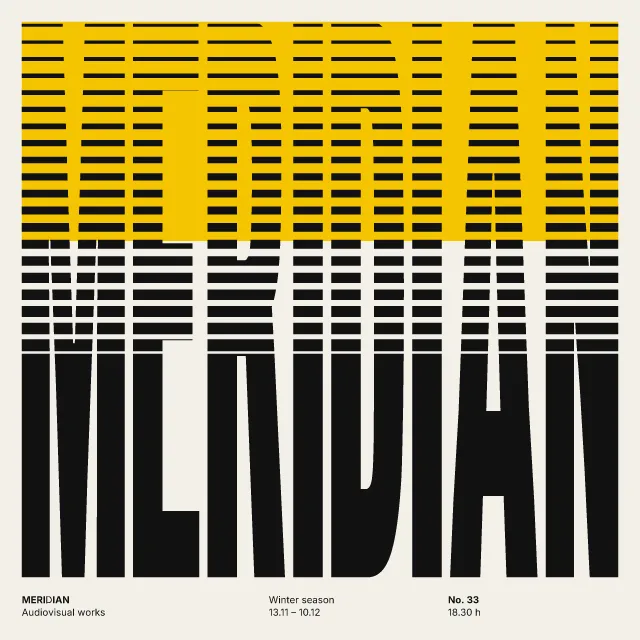
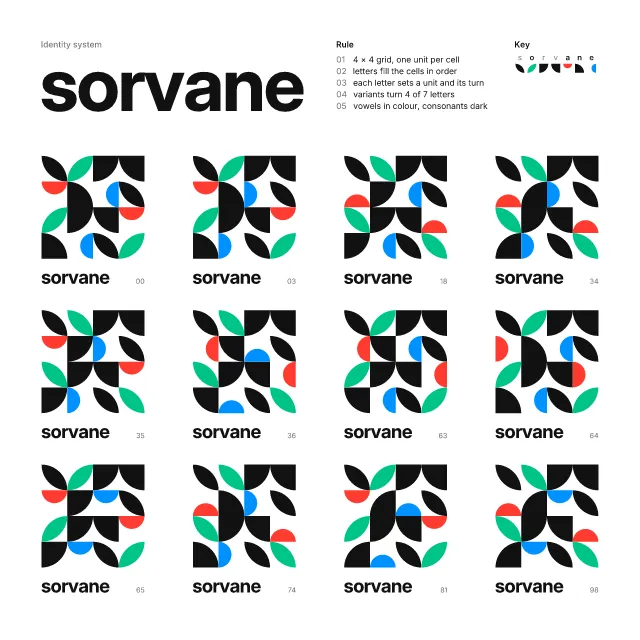
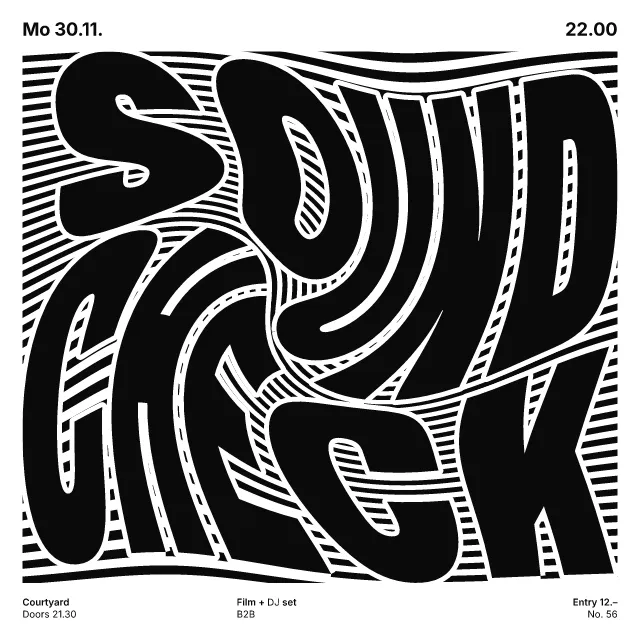

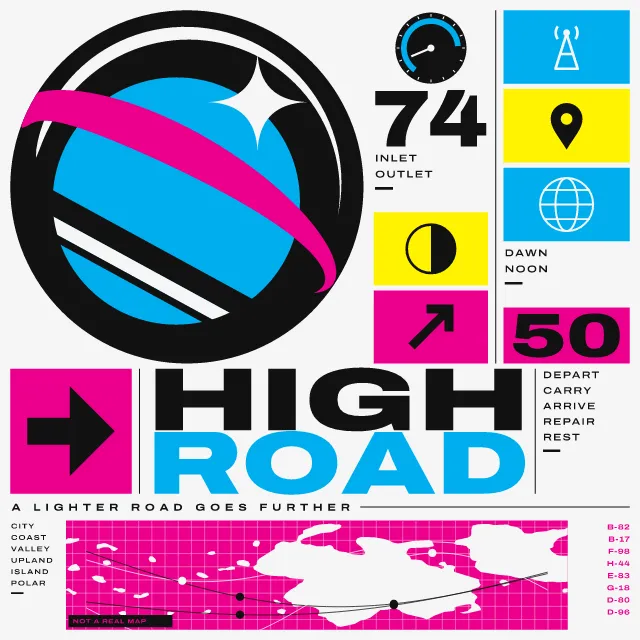
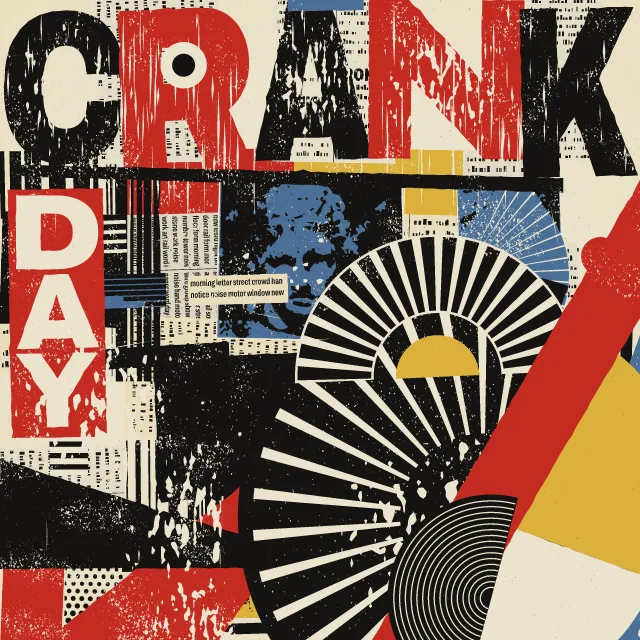
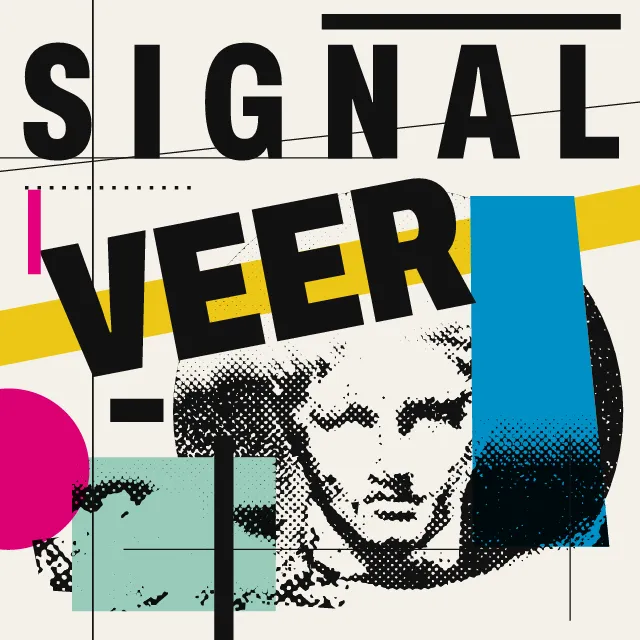
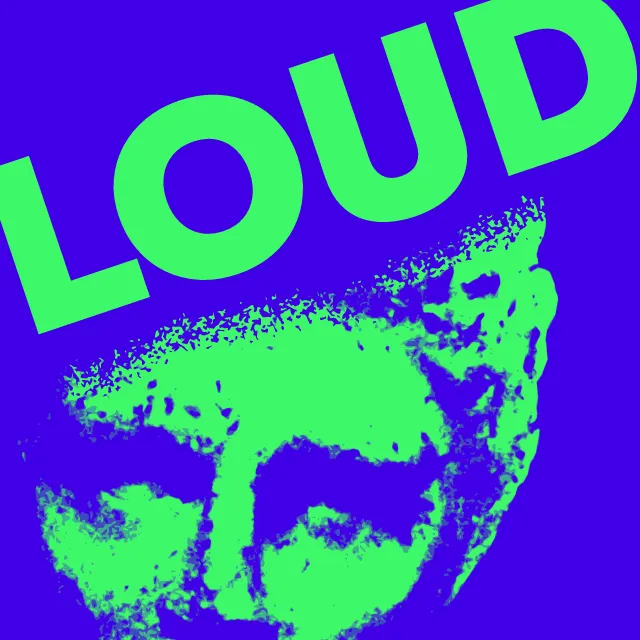
Film screen graphics as a loop: big reads over a machine log, your photo or video scanned into nodes and hairlines, or your sound on the screen’s instruments.
What makes it FUI
These are the design choices this generator makes or lets you set. Where a choice says “Measured”, Morphogeny changed that control alone, kept everything else, and measured the picture: a number that moves with the choice, not proof that the picture reads as the style.
- Duotone, high-contrast or posterised photographs. “Screen”: Photo or video.
- Charts, maps, isotypes, technical drawings. “Screen”: Sound.
- Several reading levels: headline, deck, captions, data. Set by “Layered information”.
- Tall, narrow, heavy letters for impact. “Typeface”: Condensed.
- Airy, generously spaced letters, usually capitals. “Typeface”: Extended.
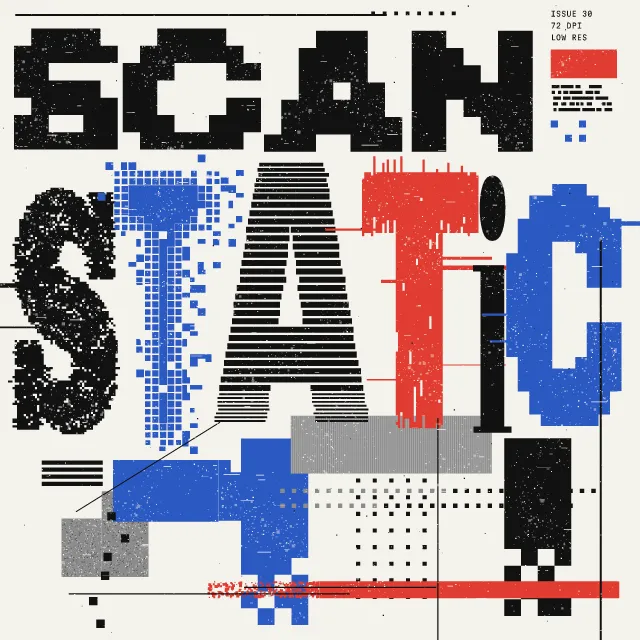
- Letters constructed on a pixel grid. “Typeface”: Pixel. Measured on the opening picture: edges that run straight across or down 50% with “Pixel”, 43% with “Condensed”, 42% with “Extended” and 44% with “Monospace”.
- Fixed-width typewriter or code letterforms. “Typeface”: Monospace.
- Dot screens made visible. Set by “Halftone & Ben-Day dots”.
- Outline drawing, engraving, pen and ink. “Halftone & Ben-Day dots”: Contour lines.
- Thick bars, lines and dots as structural accents. “Halftone & Ben-Day dots”: Scanlines.
- Circle, square and triangle as building blocks. Set by “Geometric primitives”.
- Elements radiate from, or orbit around, a centre. Set by “Radial & concentric”.
- Day-glo inks and RGB brights. Set by “Fluorescent & neon”.
- Corrupted pixels, scanlines, compression artefacts. Set by “Glitch”.
- Light elements on black or deep fields. Always.
- One unmistakable point of entry. Always.
- Animated, time-based work: titles, broadcast, video. Always.
- Speed, machines, progress and the future. Always.
How this generator works
- One read, centred and large, over a dim log that prints line by line: every screen has a single thing to grasp, and everything else is texture round it.
- The loop is a sequence, not a wave: up to three reads cut in with a torn-signal burst, the screen cuts in close on the boxed label, and the first read types back in, so the reel ends where it began.
- Light drawn on darkness: a phosphor halo, two colour fringes, scanlines and an aperture grille, all vector shapes that enlarge with the close-up.
What it never does:
- No targeting reticles, faces or surveillance feeds, and no event in the log presented as real data: the lines are generic machine events. The photo scan detects no faces or people and marks only edges, with no crosshair in a ring, and its labels name nothing: an index and a position.
- No flicker: each burst is three still states a tenth of a second long, bursts are at least a second apart, the log steps once per line and the live dot blinks once a second.
- No copy of a film’s screens or of any brand’s reel: the defaults are a generic signal message, and the face, log and instruments are the generator’s own.
Every picture is a recipe: the variation number and the settings, kept in the page's address. Copy the link and the same picture comes back, in any browser. Random (or R) draws a new variation; ← and → step through them; S shuffles the settings; C borrows another style's colours.
About Fantasy User Interface (FUI) & Sci-Fi HUD
FUI, short for fantasy or film user interface, is the screen graphics of films and series: computer screens, helmet displays and control rooms made to be watched for a few seconds, not used. Since the late 1990s specialist studios have drawn them in glowing hairlines and monospaced micro-text on black, and their rule is to give every screen one read, a single word or alert the audience grasps at once, with everything else as texture round it.
This generator builds that screen as a reel. A log of plausible machine events prints line by line, dim, behind the read; up to three reads of your own cut in with a torn-signal burst; the screen cuts in close on a boxed label, such as a date; then the first read types back in, so the loop ends where it began. Choose what the log reports, the face of the read, how much the letters glow, how much of the tube shows and how hard the cuts tear. It opens with the tube screen finish on: the picture made of red, green and blue phosphor dots, light blooming round the letters, colour fringes and dark edges, in the PNG and the video.
The photo or video screen reads your own file in your browser, never sending it anywhere, or a sample. It prints the picture as phosphor dots, dithered pixels, contour lines or scanlines, then draws its analysis over it: nodes on the strongest edges, marked with circles, squares, diamonds, crosses or brackets and sized by strength; hairlines joining them in a triangulation, to their nearest neighbours, along the edges or in right-angled steps; and a curtain of hairlines falling from the edges. Eight effects move it: a scan sweep, a signal pulse along the links, rain down the curtain, parallax, drifting nodes, a swell that sets contour lines flowing, a torn signal, or none. It detects no faces or people, and its labels give only an index and a position. On a light palette it reads as a print on paper.
A sound moves it too: the low band swells the marks and the print, the middle draws the links in and out, and the high band stretches the curtain. The sound screen shows the sound by itself, as rings, bars or traces. A video’s own sound is used unless you choose another, and the exported video carries it where your browser can encode sound. A copied link carries how loud the sound is in 64 coarse steps, never the sound, and a check of your video, never the video. Video frames come from your browser’s own decoder, so unlike a photo’s they are not promised identical in every browser.
The loop lasts twelve seconds or more, and its cuts are single still states a tenth of a second long, at least a second apart, so it stays below the flash thresholds for photosensitive viewers. A video is sampled six times a second with the print blended between samples, and sound levels change at most 5.3 times a second, so neither can push the screen past three flashes a second, whatever the file does. A still is the first frame: the first read, the log and the label. The log is in Martian Mono, an open-source monospace; the reads are set in Archivo, Silkscreen or Martian Mono. The SVG holds every letter as an outline, so it needs no font installed.
Fantasy User Interface (FUI) & Sci-Fi HUD: 1999–today. What the controls mean: Help.
Use it from code
The recipe below draws the picture this page opens with. Copy recipe gives you the one on screen. Agents can render recipes to SVG or PNG through Morphogeny's MCP server (morphogeny_render); the same recipe always gives the same SVG.
{
  "tool": "fui",
  "v": 1,
  "seed": 7,
  "format": "story",
  "params": {
    "picture": "reel",
    "read": "Signal / acquired",
    "then": "Stand by / for contact",
    "last": "Open channel 7",
    "chip": "Friday 21:00",
    "log": "signal",
    "face": "condensed",
    "print": "dots",
    "marks": "mixed",
    "links": "delaunay",
    "nodes": 0.55,
    "curtain": 0.45,
    "scope": "rings",
    "react": "all",
    "response": 0.8,
    "effect": "sweep",
    "glow": 0.6,
    "screen": 0.6,
    "tear": 0.5
  },
  "palette": "fantasy-ui"
}
Open this recipe: /fui/#seed=7&v=1&crt=1. A plain-text version of this page:/fui.md.