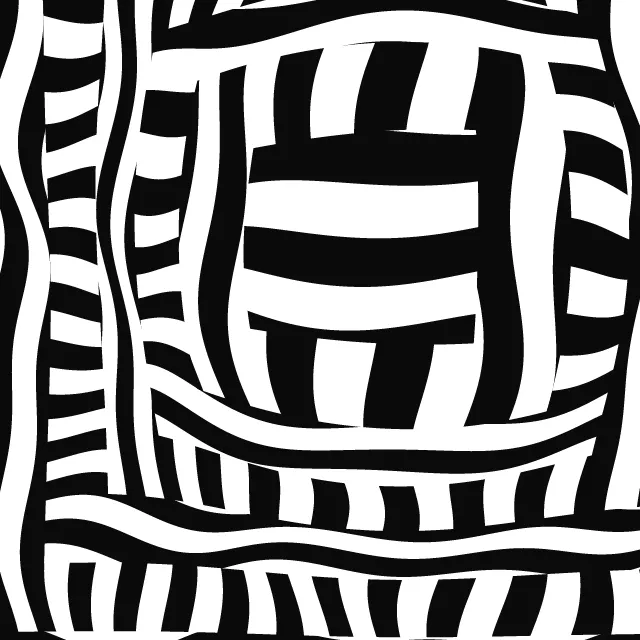
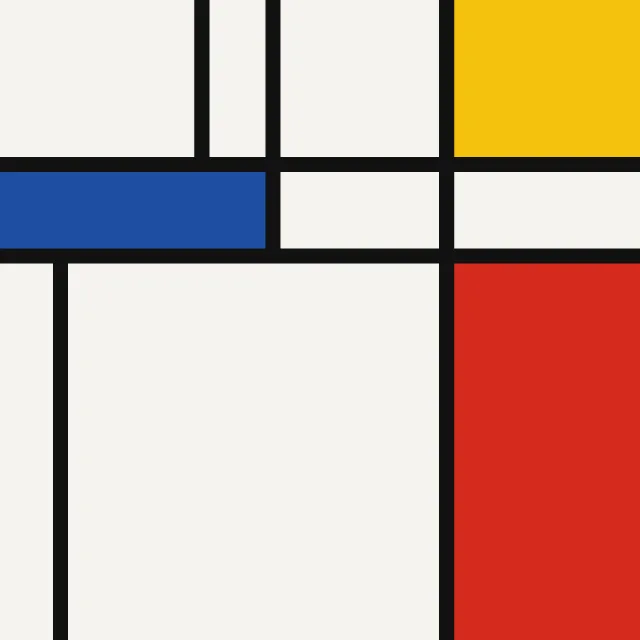
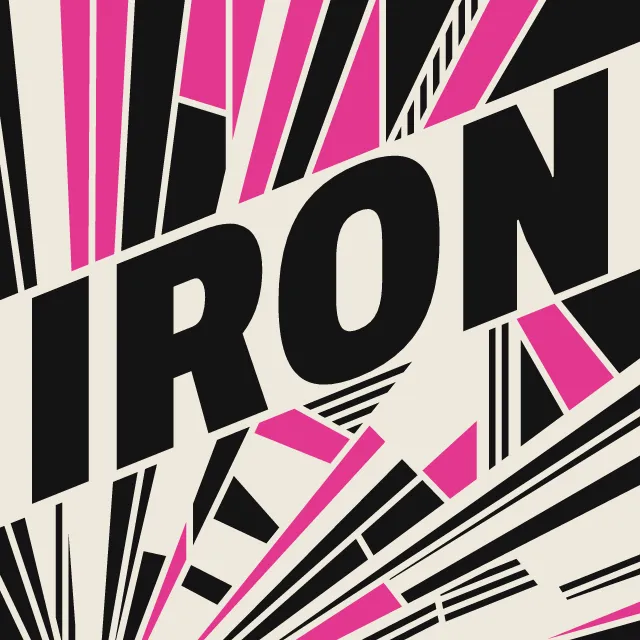
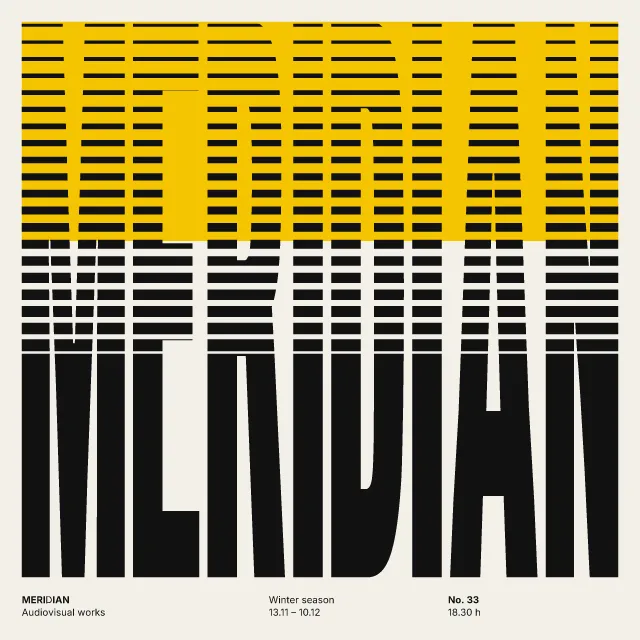
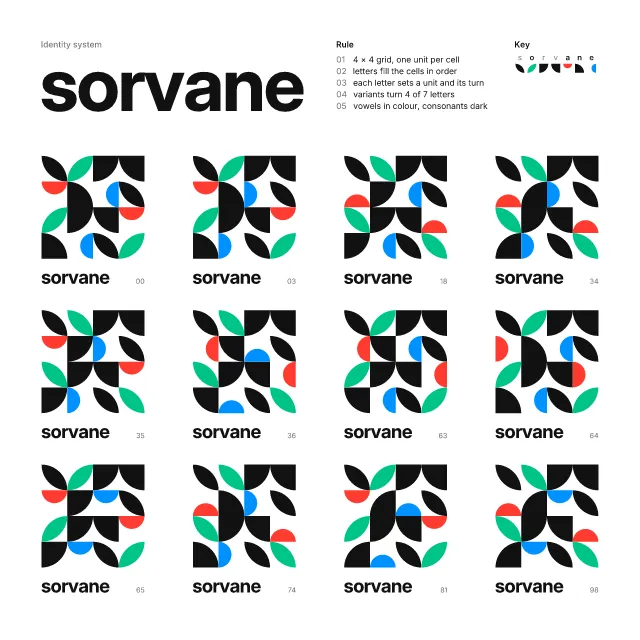
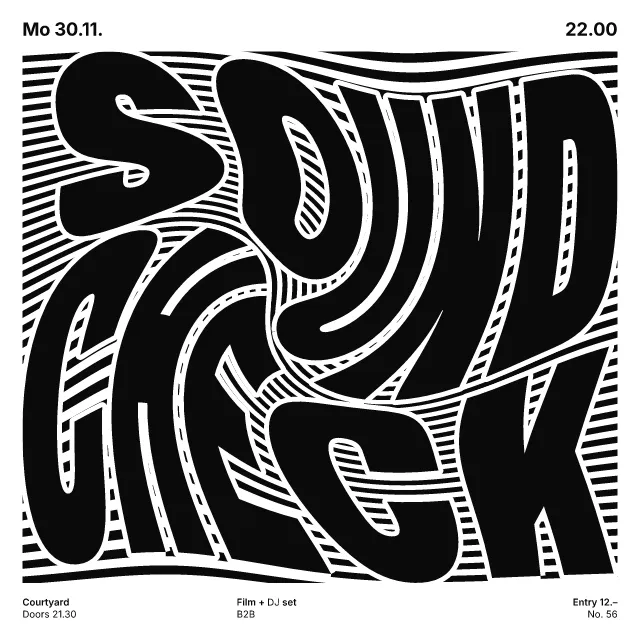
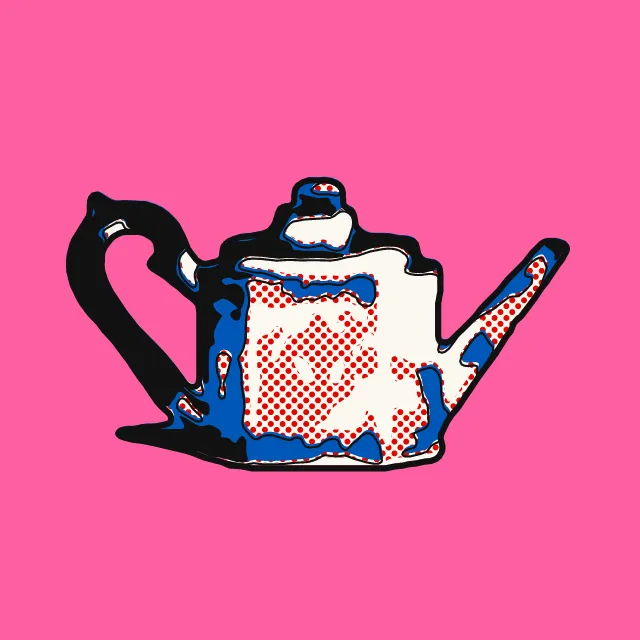
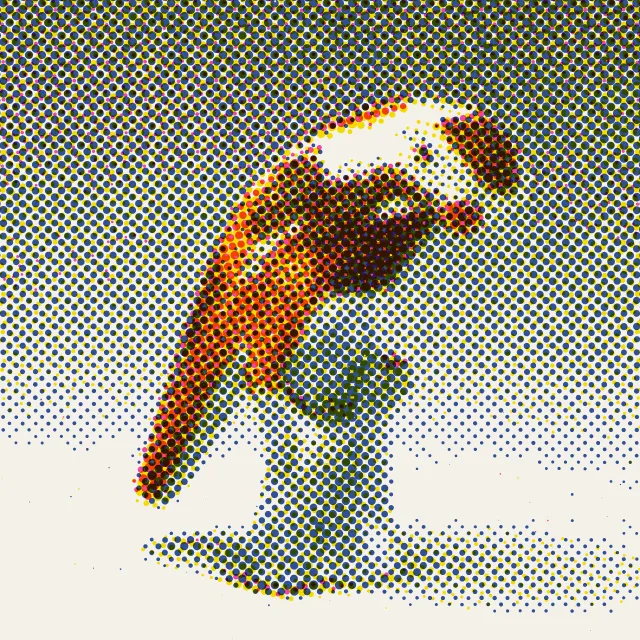
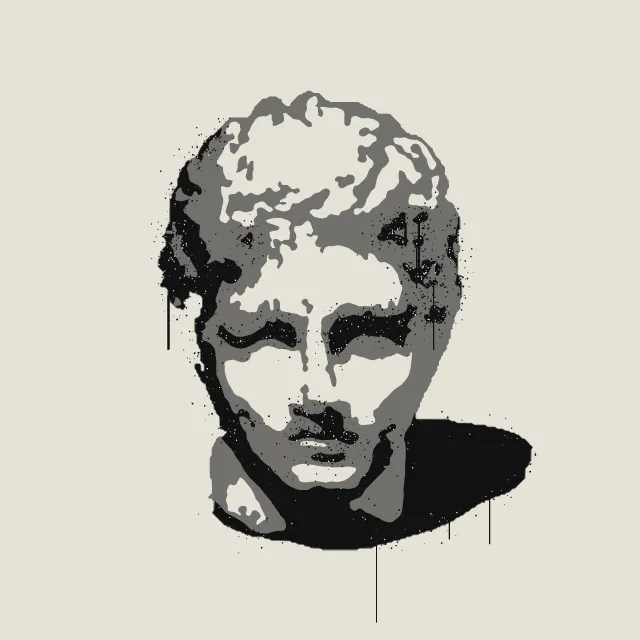
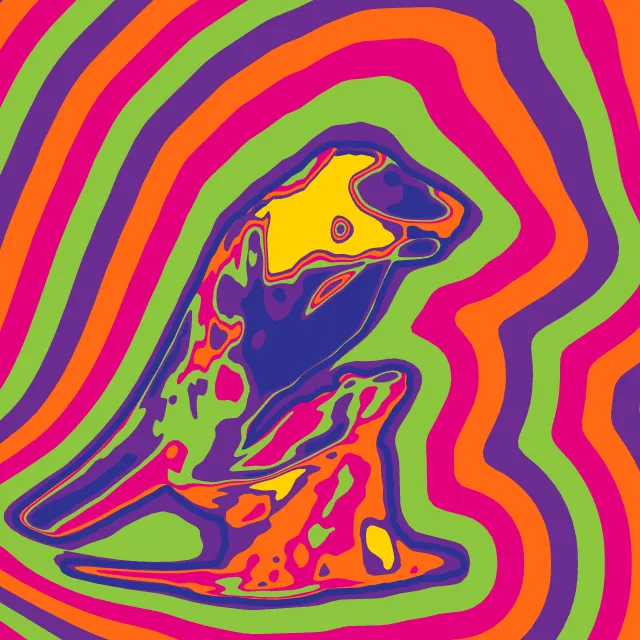
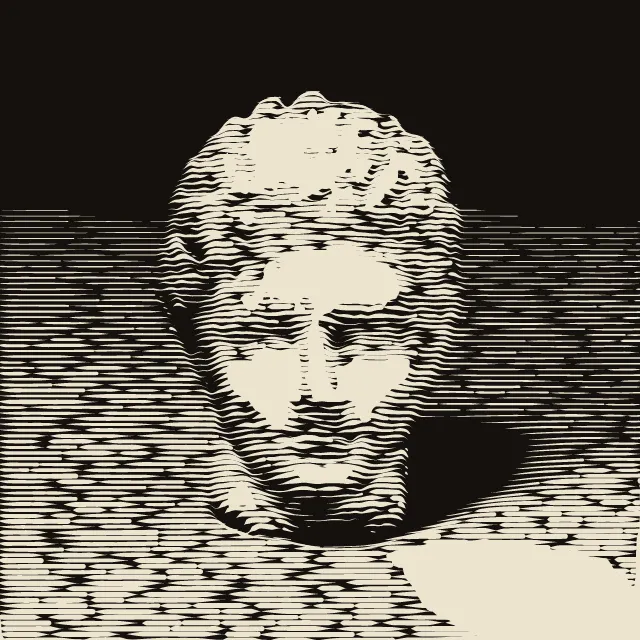
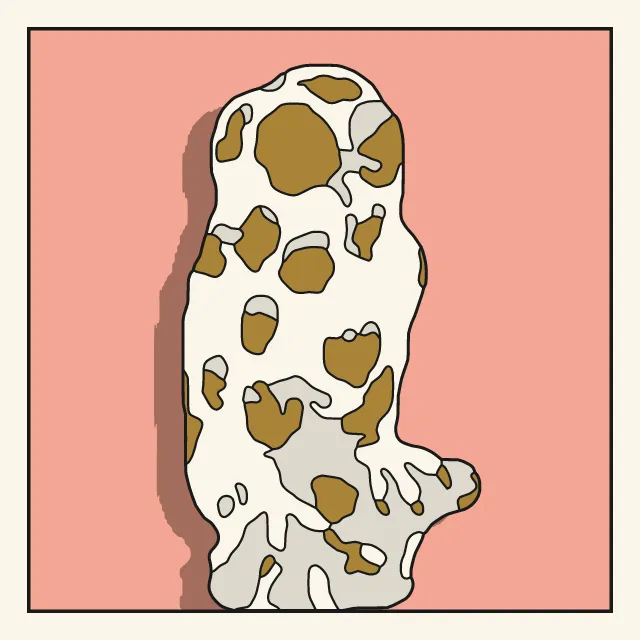
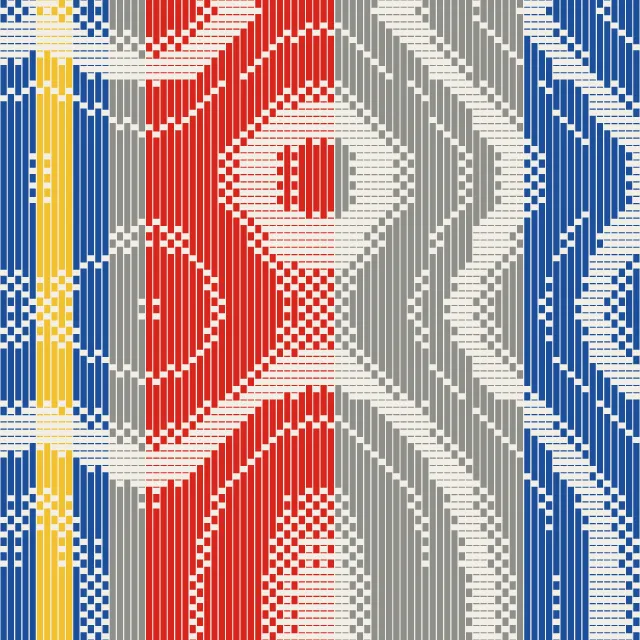
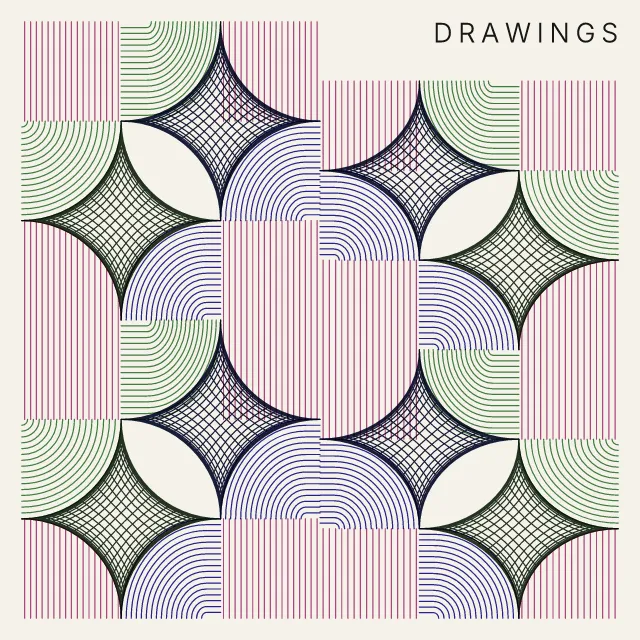
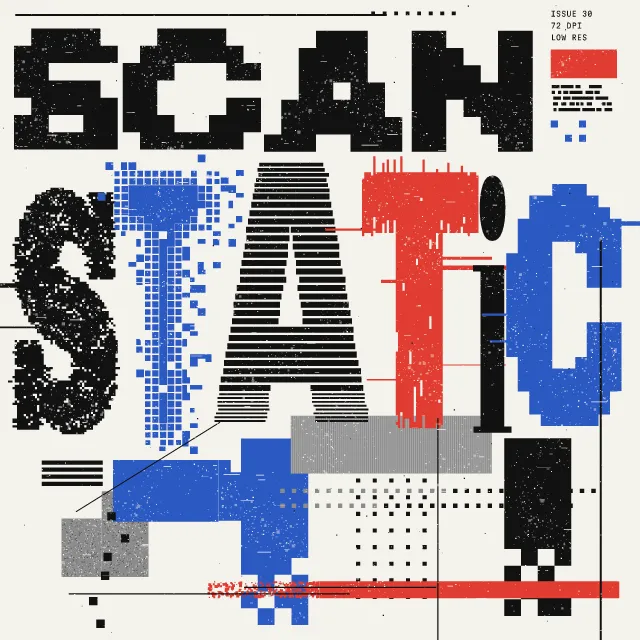
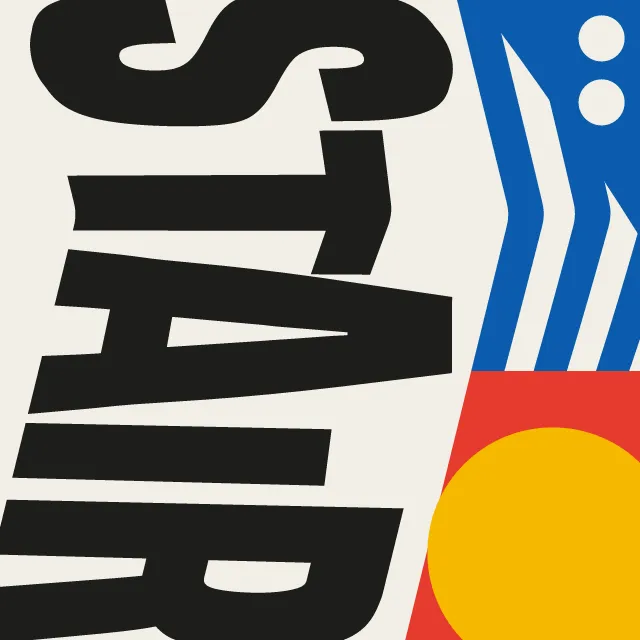
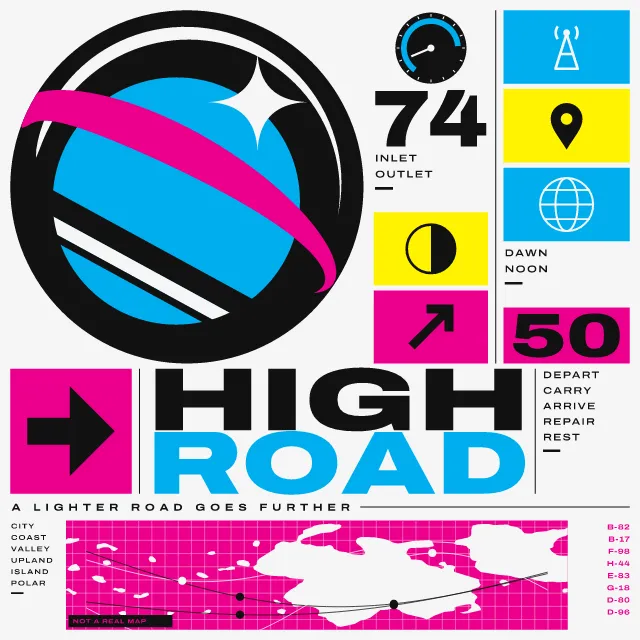
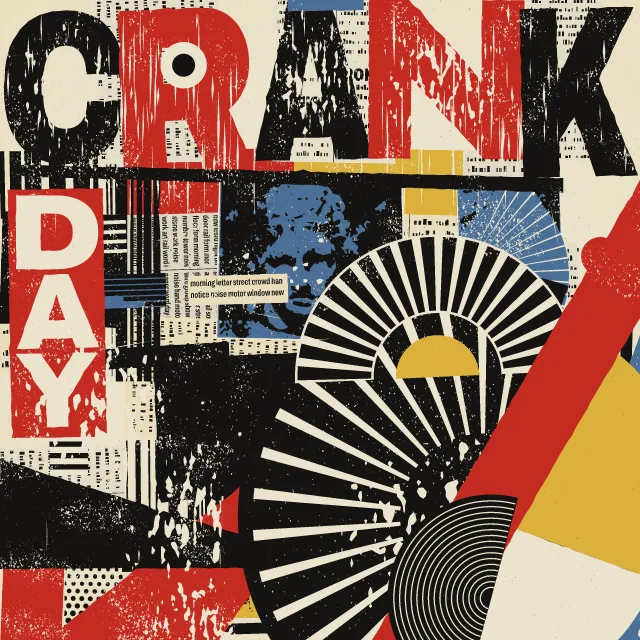
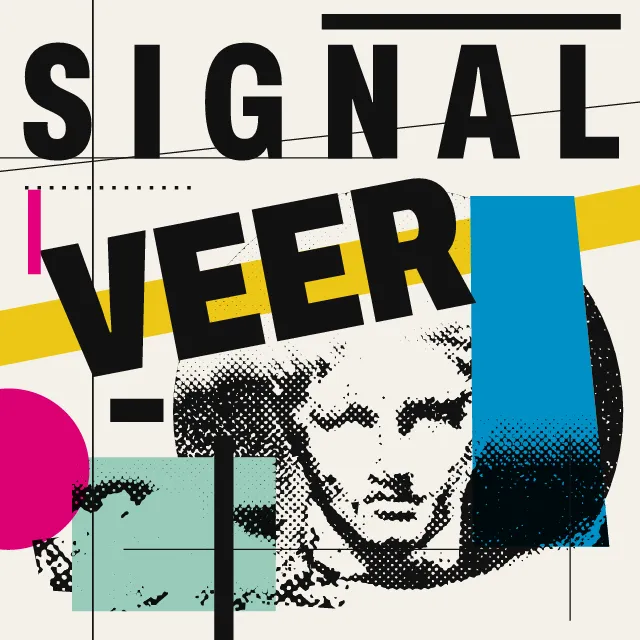
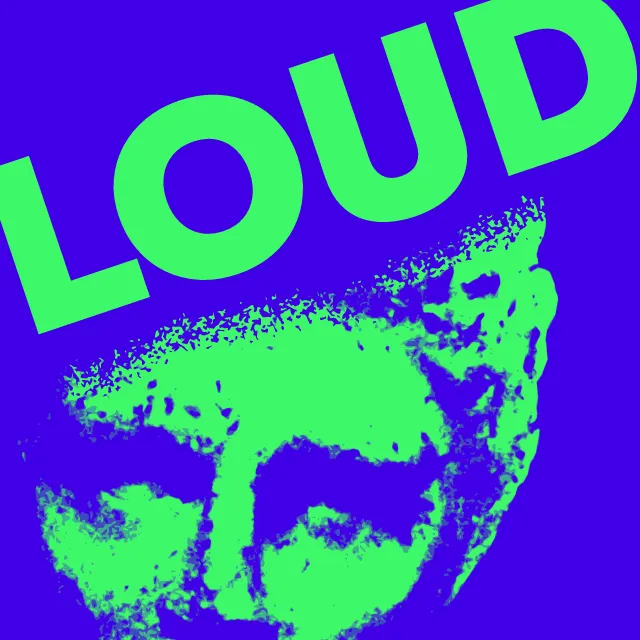
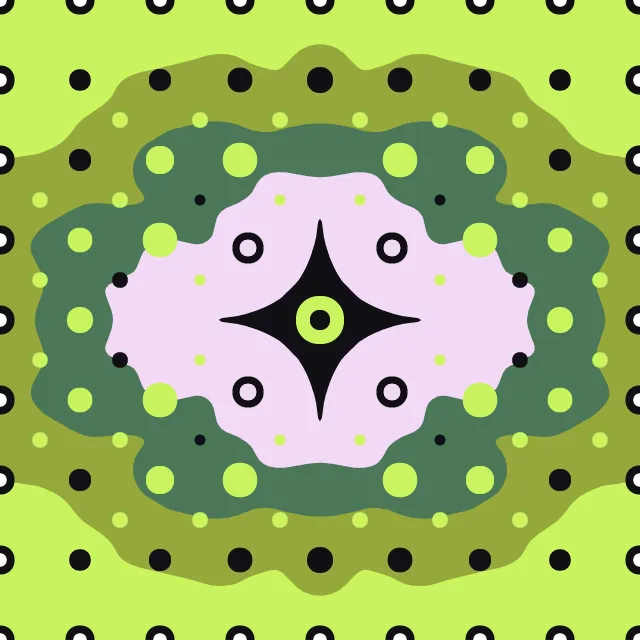
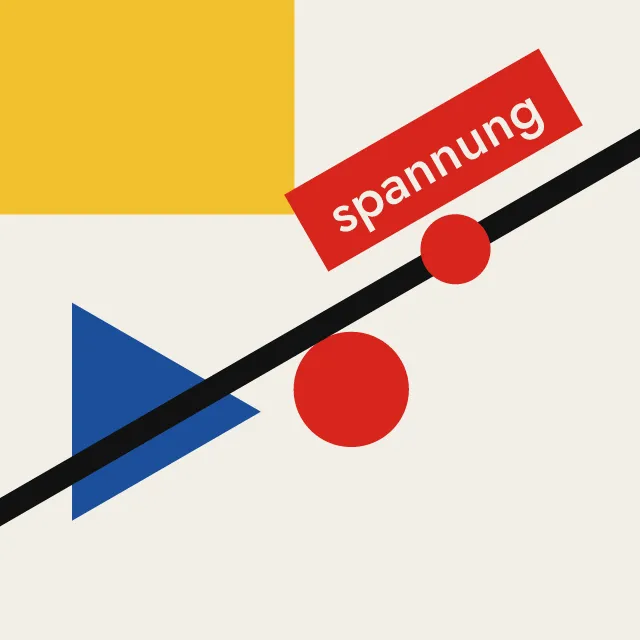
Your photo cut into a few flat, opaque colours, one stencil per screen, with clean knife-cut edges. The photo stays on your device; the SVG has one shape per colour.
What makes it Silkscreen
These are the design choices this generator makes or lets you set. Where a choice says “Measured”, Morphogeny changed that control alone, kept everything else, and measured the picture: a number that moves with the choice, not proof that the picture reads as the style.
- Two or three flat inks. Set by “Limited spot colours”. Measured on the opening picture, from 2 to 5: colours besides the ground (each on 1% of the picture or more) 2 → 5.
- Chevrons, zigzags, sunbursts and faceted shards. “Cut”: Straight knife cuts.
- Soft, cell-like, plant-like forms. “Cut”: Smooth curves.
- A single object or figure isolated on a plain ground. “Backdrop”: Dropped to the paper.
- Unmodulated areas of colour. “Backdrop”: One flat colour.
- Inks slightly out of register; transparent overprints. Set by “Misregistration & overprint”.
- Duotone, high-contrast or posterised photographs. Always.
- Flat stencil-printed inks, often opaque or fluorescent. Always.
- Simplified, flattened people and objects. Always.
How this generator works
- The photo is cut into two to five flat, opaque screens by tone, each a few bold masses with clean, mostly straight edges; neighbouring screens share every cut exactly.
- Screens print light to dark, each lying under the darker ones, so a screen off register shows the colour beneath, never a gap.
What it never does:
- No halftone, grain, gradient or outline: every tone is one flat shape, and pieces smaller than the shape size merge into their neighbours.
- No transparent overprints, no four-tone campaign portrait as a default, and no copy of any known poster.
Every picture is a recipe: the variation number and the settings, kept in the page's address. Copy the link and the same picture comes back, in any browser. Random (or R) draws a new variation; ← and → step through them; S shuffles the settings; C borrows another style's colours.
About WPA Silkscreen Posters
Screen printing pushes ink through a fine mesh, blocked wherever a stencil covers it. In the 1930s, poster studios cut those stencils by hand, one for each colour, and printed public notices, theatre bills and travel posters in a few opaque layers: bold, simplified shapes in earthy colours, each colour a flat field with crisp edges.
This generator does the cutting for you. It flattens your photo into calm masses, splits its tones between the paper and two to five colours, and drops every piece too small or too thin to cut. The borders are then cut once, as straight knife strokes or smooth curves, and shared by the colours on either side, so they meet exactly. Choose the shape size, the backdrop and how far the screens land off register.
WPA Silkscreen Posters: 1935–1943. What the controls mean: Help.
Use it from code
The recipe below draws the picture this page opens with. Copy recipe gives you the one on screen. Agents can render recipes to SVG or PNG through Morphogeny's MCP server (morphogeny_render); the same recipe always gives the same SVG.
{
  "tool": "silkscreen",
  "v": 1,
  "seed": 1,
  "format": "portrait",
  "params": {
    "screens": 3,
    "cut": "knife",
    "size": 3,
    "balance": 0,
    "backdrop": "photo",
    "offset": 0
  },
  "palette": "wpa-poster"
}
Open this recipe: /silkscreen/#seed=1&v=1. A plain-text version of this page:/silkscreen.md.