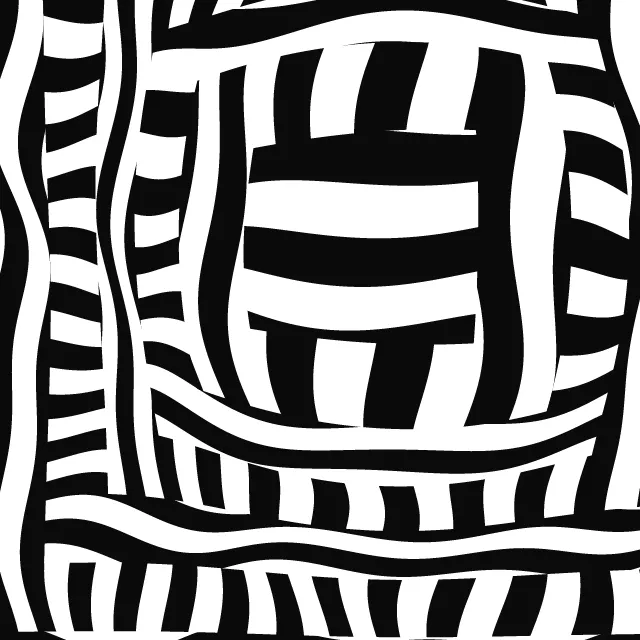
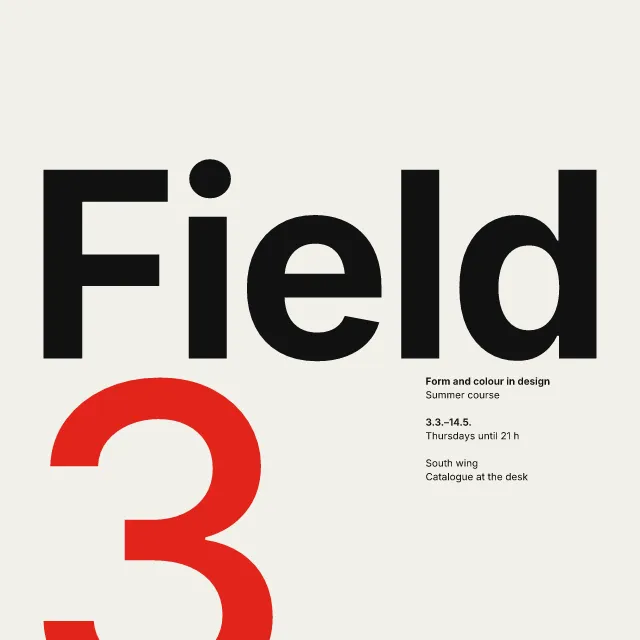
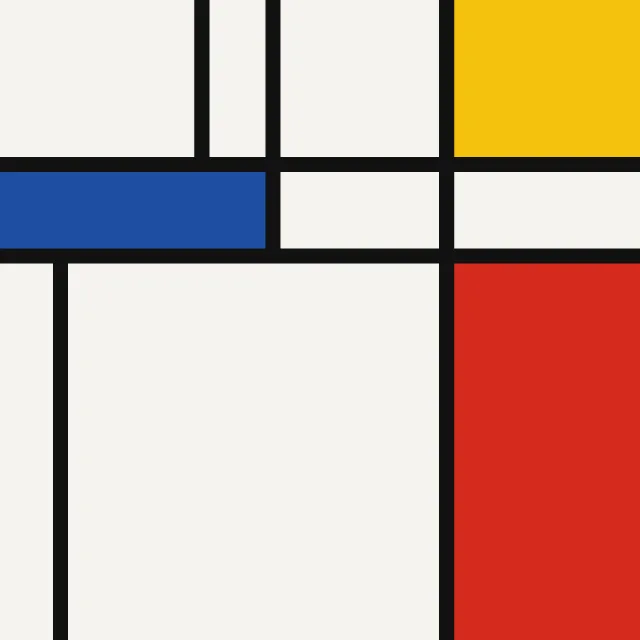
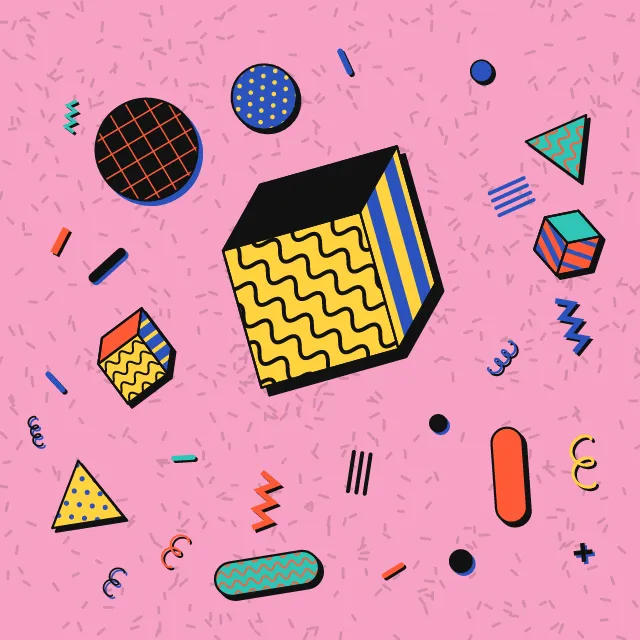
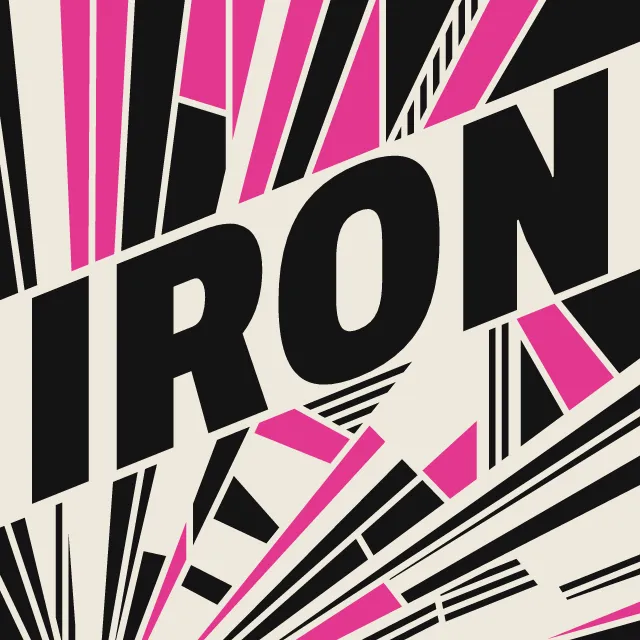
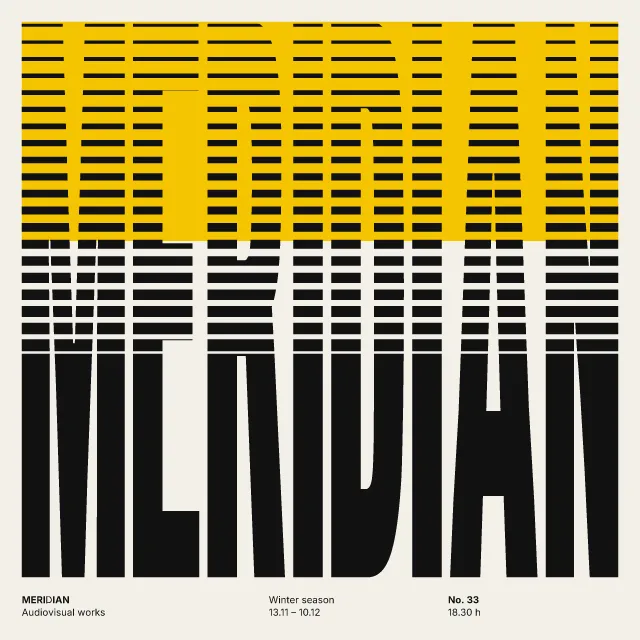
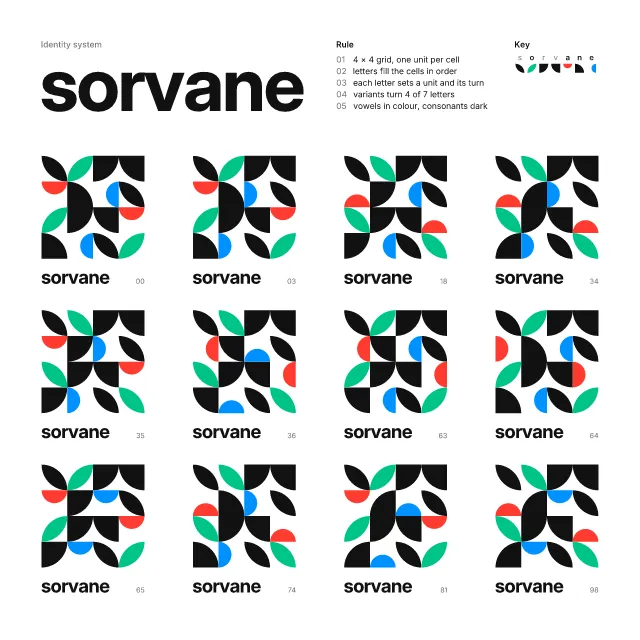
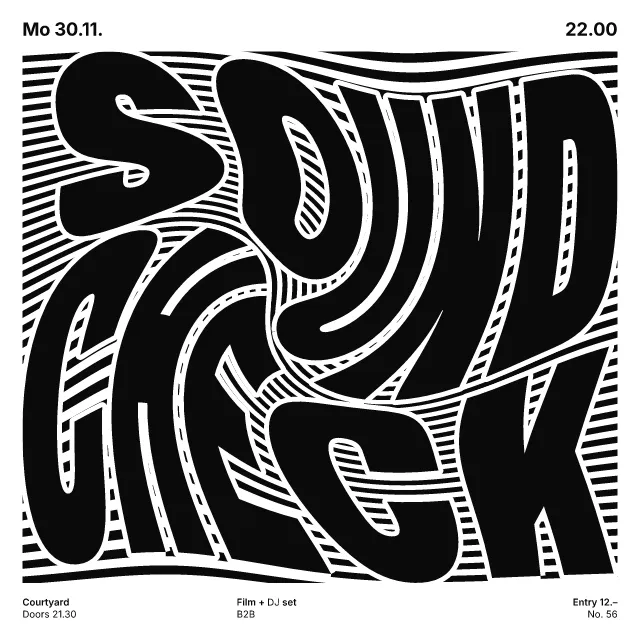
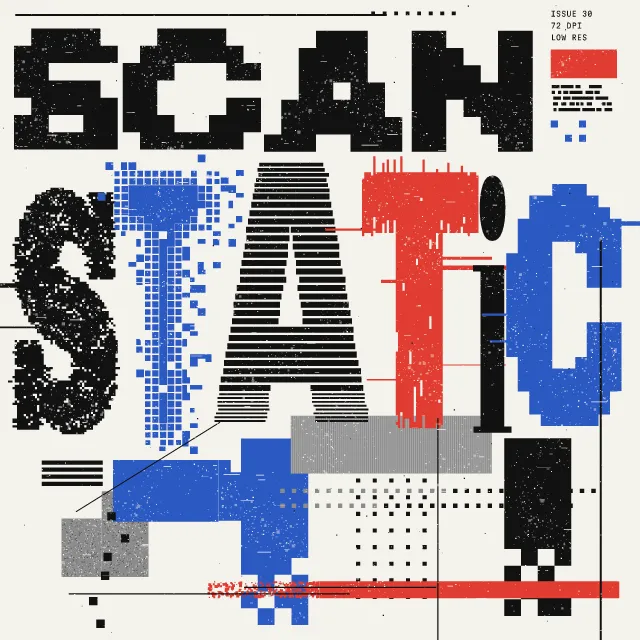
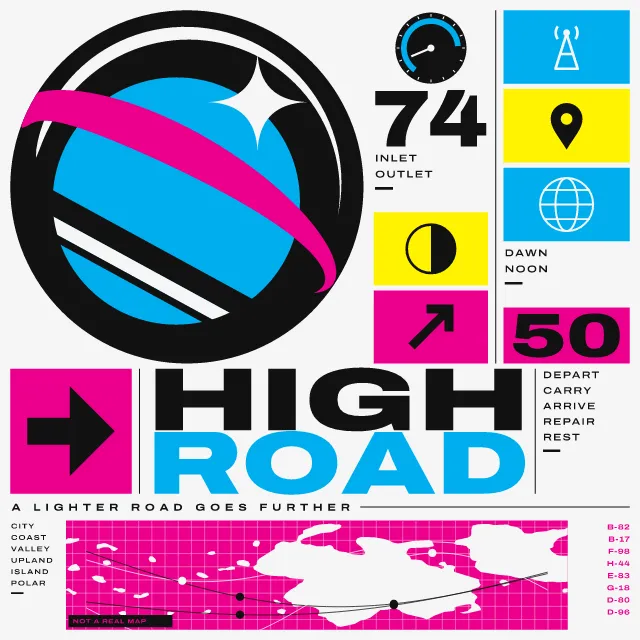
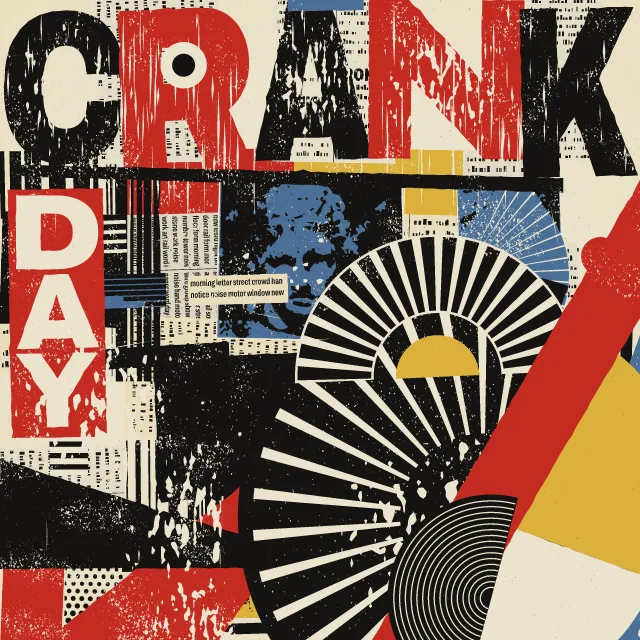
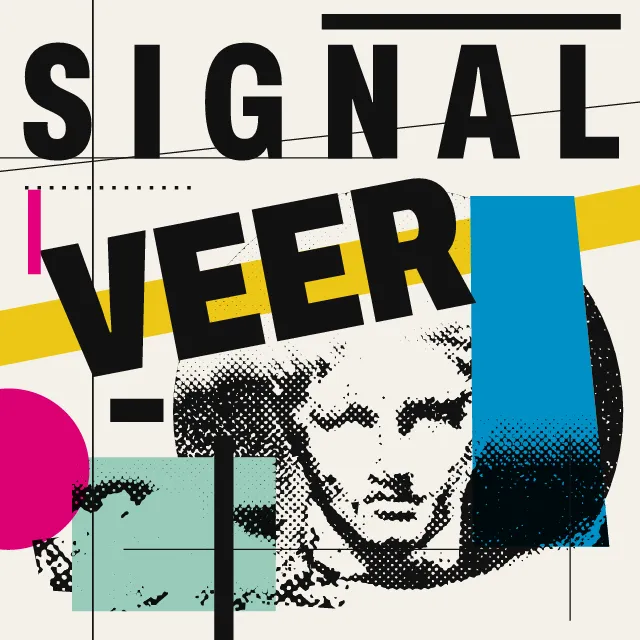
One huge word folds across the sheet as paint folds across a wall corner. Stripes and flat wedges take the same fold and stop dead on a cut.
What makes it Supergraphics
These are the design choices this generator makes or lets you set. Where a choice says “Measured”, Morphogeny changed that control alone, kept everything else, and measured the picture: a number that moves with the choice, not proof that the picture reads as the style.
- Composition driven by tilted axes and oblique movement. “Layout”: Valley fold.
- Lines set at angles, stacked or running vertically. “Layout”: Along the long edge.
- Perspective, overlap, shadow or parallax create a z-axis. “Layout”: Round a corner.
- Thick bars, lines and dots as structural accents. “Layout”: In bands. Measured on the opening picture: long thin shapes 11 with “In bands”, and 1 to 6 with the other options.
- Chevrons, zigzags, sunbursts and faceted shards. “Layout”: Zigzag.
- Circle, square and triangle as building blocks. Set by “Disc and dots”.
- Unmodulated areas of colour. Set by “Colour roles”.
- Image or colour runs off every edge; no protective margins. Always.
- Very large against very small elements, for drama and order. Always.
- Letters so large they become the picture. Always.
How this generator works
- One word, far larger than the sheet can hold, folds across it as paint folds across a wall corner; stripes, wedges and flats take the same fold, keep a channel of bare ground from the letters and stop dead on a straight cut.
What it never does:
- Gradients, shading, outlines, texture and fine detail: everything is a flat colour with a hard edge, and the smallest mark is a dot about 7 % of the sheet across. It sets no second line of type and copies no particular wall or poster.
Every picture is a recipe: the variation number and the settings, kept in the page's address. Copy the link and the same picture comes back, in any browser. Random (or R) draws a new variation; ← and → step through them; S shuffles the settings; C borrows another style's colours.
About Supergraphics
Supergraphics are oversized letters, stripes and flat shapes painted straight onto walls, floors and ceilings, wrapping round corners so that a room reads larger or differently shaped. They date from the mid-1960s and later became a standard tool of signs and wayfinding in buildings.
This generator treats the sheet as such a wall. Word and shapes lie on one folded surface, so the stripes and wedges stay parallel to the letters, with a channel of bare ground between them. Six layouts decide where the word goes: dipping into a valley fold, hanging from a ridge, along the long edge, round a corner, in bands or on a zigzag.
Type any word. Long words break into rows and short ones grow until a stem reaches its limit. When it moves, it moves slowly: the fold slides along the word and the stripes travel away from it, because areas this large must never switch quickly.
Supergraphics: 1966–2026. What the controls mean: Help.
Use it from code
The recipe below draws the picture this page opens with. Copy recipe gives you the one on screen. Agents can render recipes to SVG or PNG through Morphogeny's MCP server (morphogeny_render); the same recipe always gives the same SVG.
{
  "tool": "supergraphics",
  "v": 1,
  "seed": 2,
  "format": "portrait",
  "params": {
    "word": "WALL",
    "layout": "any",
    "fold": 0,
    "slope1": 1,
    "slope2": 1,
    "stripes": 3,
    "marks": "both",
    "roles": "set",
    "effect": "both"
  },
  "palette": "supergraphics"
}
Open this recipe: /supergraphics/#seed=2&v=1. A plain-text version of this page:/supergraphics.md.