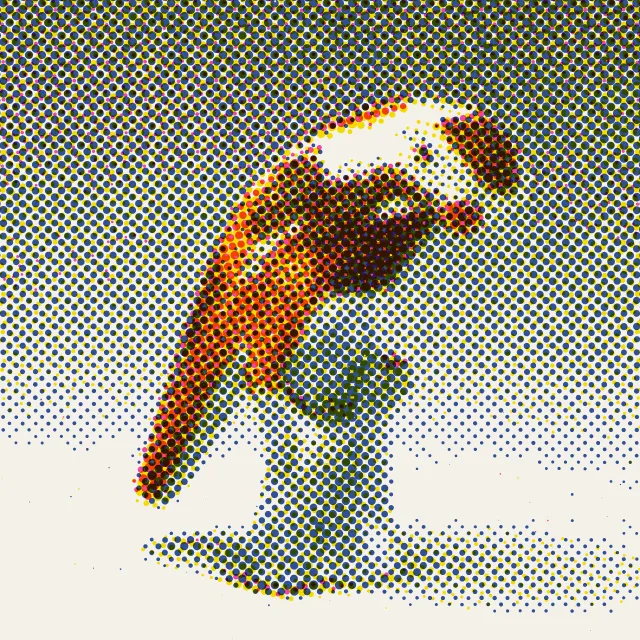
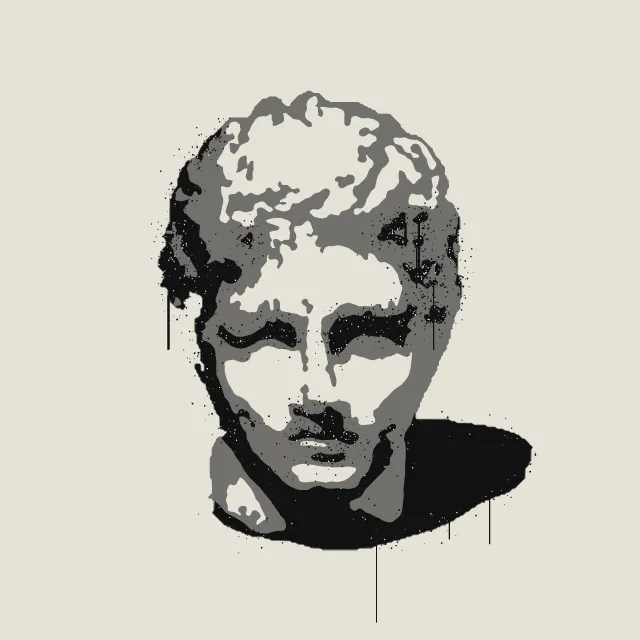
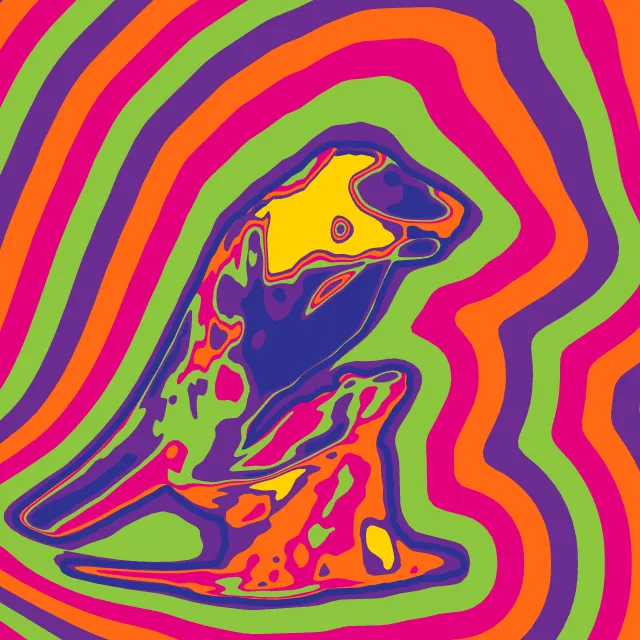
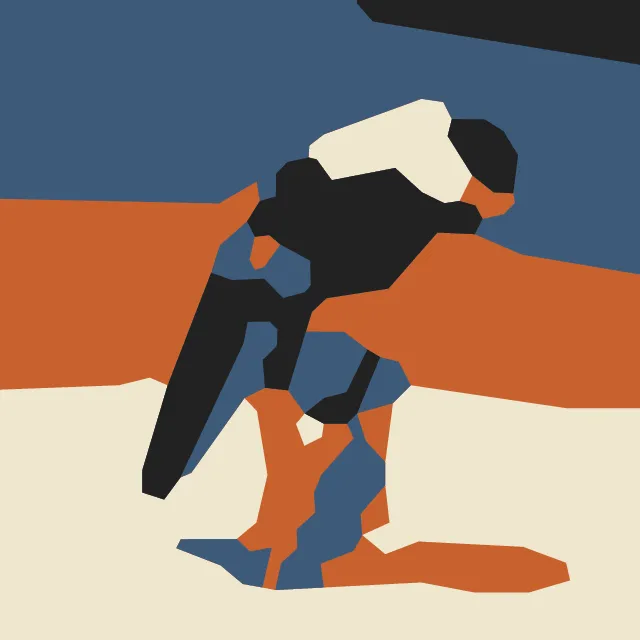
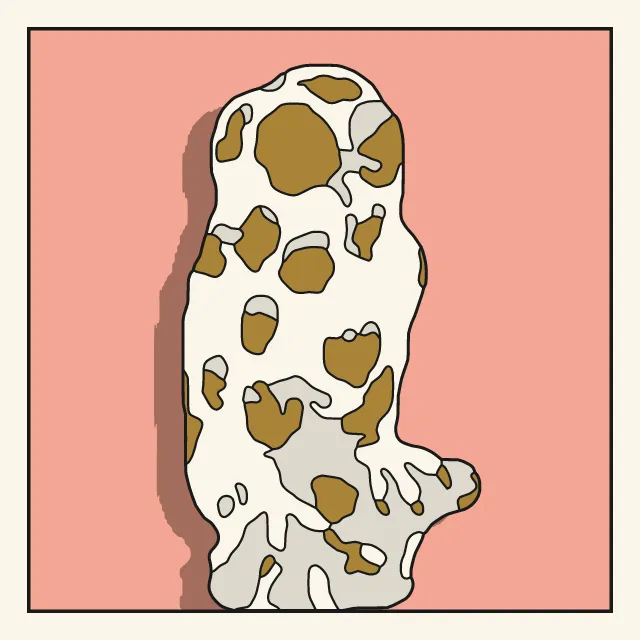
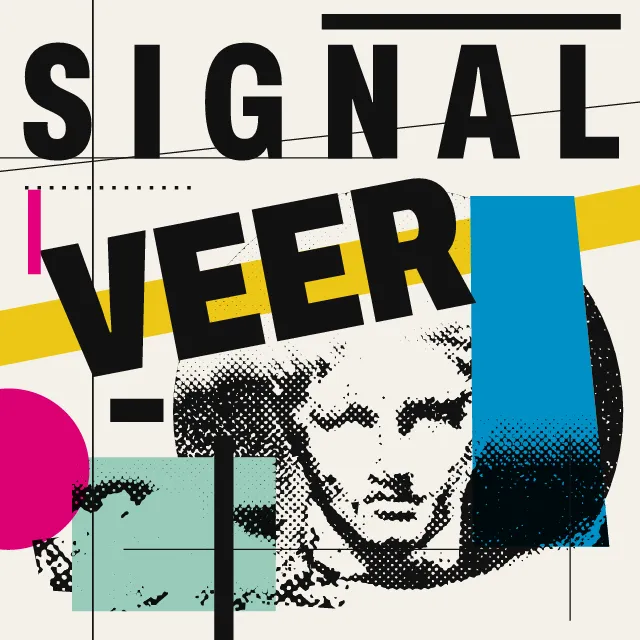
Your photo printed in flat inks with true Ben-Day dots and a heavy black plate off register, alone on a bright field or repeated in a grid. The photo stays on your device.
What makes it Pop Art
These are the design choices this generator makes or lets you set. Where a choice says “Measured”, Morphogeny changed that control alone, kept everything else, and measured the picture: a number that moves with the choice, not proof that the picture reads as the style.
- Repeated units create a visual cadence. Set by “Repetition & rhythm”.
- One unmistakable point of entry. “Repetition & rhythm”: One icon.
- Fields defined by rows and columns; every element snaps to modules. “Repetition & rhythm”: Two by two.
- A single object or figure isolated on a plain ground. Set by “Isolated object”.
- Dot screens made visible. Set by “Halftone & Ben-Day dots”.
- No simulated depth or texture. “Halftone & Ben-Day dots”: None.
- Inks slightly out of register; transparent overprints. Set by “Misregistration & overprint”.
- Duotone, high-contrast or posterised photographs. Always.
- Flat stencil-printed inks, often opaque or fluorescent. Always.
- Unmodulated areas of colour. Always.
- Clip art, stock, screenshots, appropriated ephemera. Always.
How this generator works
- The photo is cut into three or four flat inks from nested tone thresholds, stacked light to dark, with the darkest as a black plate printed slightly off register.
- One tone band is a tint of true Ben-Day dots: one size, one spacing, one ink, on a 45° lattice, never a halftone whose dots grow with the tone.
- A clear subject is cut out and set on a plain field as an icon; the serial grid repeats the same print with a new colourway in every cell.
What it never does:
- No two-by-two grid of a face in four colourways as the default, and no copies of famous prints: the default is one everyday object as an icon.
- No gradients, no soft shadows and no photographic texture: only flat inks, dots and black.
Every picture is a recipe: the variation number and the settings, kept in the page's address. Copy the link and the same picture comes back, in any browser. Random (or R) draws a new variation; ← and → step through them; S shuffles the settings; C borrows another style's colours.
About Pop Art Graphics
Pop Art took the pictures of post-war consumer culture (comics, packaging, publicity photographs, advertising) and made them its subject and its method. From the mid-1950s to the mid-1970s, images were borrowed, enlarged, flattened and repeated. Colour was bright and unmodulated, and the marks of the printing process, from Ben-Day dots to off-register screens, were left in plain sight as signs of mass production.
This generator pulls your photo through that print shop. Its tones are traced into three or four flat inks stacked light to dark, one tone band becomes a tint of Ben-Day dots (one size, one spacing, one ink, unlike a halftone, whose dots grow with the tone), and the darkest band is a black plate with heavy contours, printed a little off register. A clear subject is cut out and set on a plain field as an icon, or the same print repeats in a grid with a new colourway in every cell.
Your photo is read only in your browser and is never uploaded. The SVG holds only shapes, ready to scale to any size.
Pop Art Graphics: 1955–1975. What the controls mean: Help.
Use it from code
The recipe below draws the picture this page opens with. Copy recipe gives you the one on screen. Agents can render recipes to SVG or PNG through Morphogeny's MCP server (morphogeny_render); the same recipe always gives the same SVG.
{
  "tool": "pop-art",
  "v": 1,
  "seed": 1,
  "format": "portrait",
  "params": {
    "repeat": "single",
    "isolate": true,
    "dots": "tones",
    "dotSize": 13,
    "black": 0.24,
    "outline": 0.6,
    "register": 0.35,
    "detail": 0.5
  },
  "palette": "pop-art"
}
Open this recipe: /pop-art/#seed=1&v=1. A plain-text version of this page:/pop-art.md.