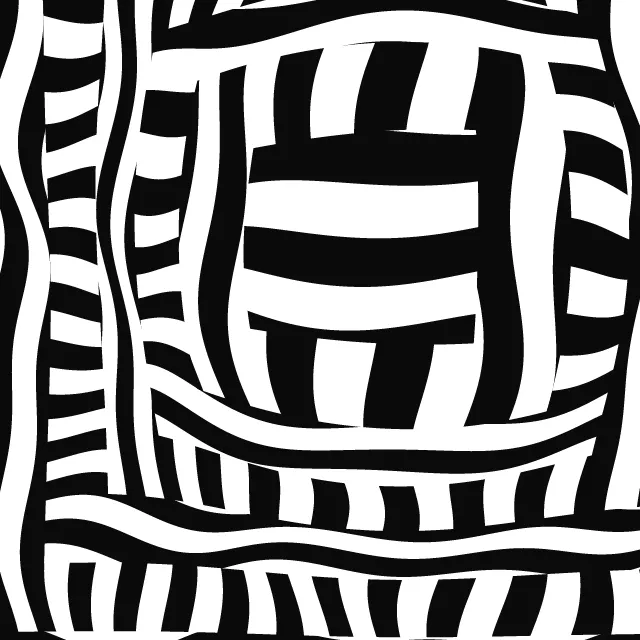
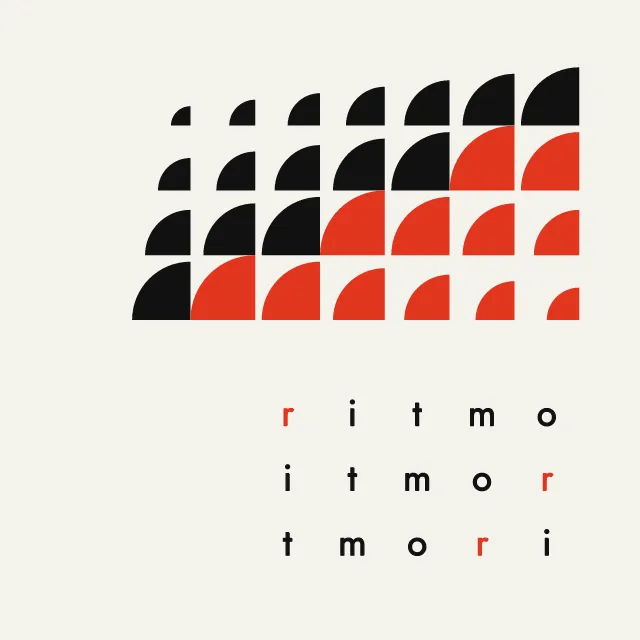
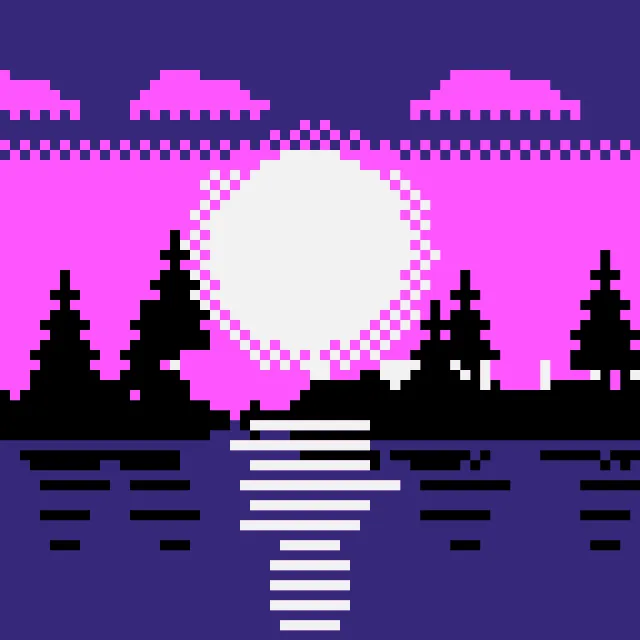
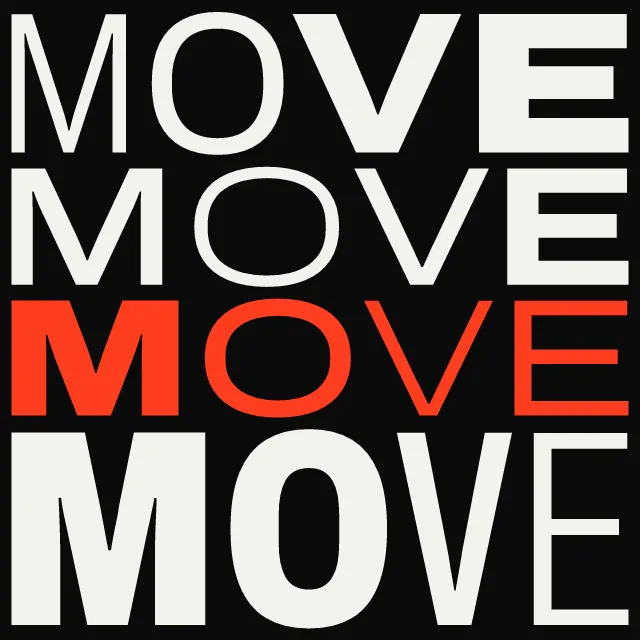
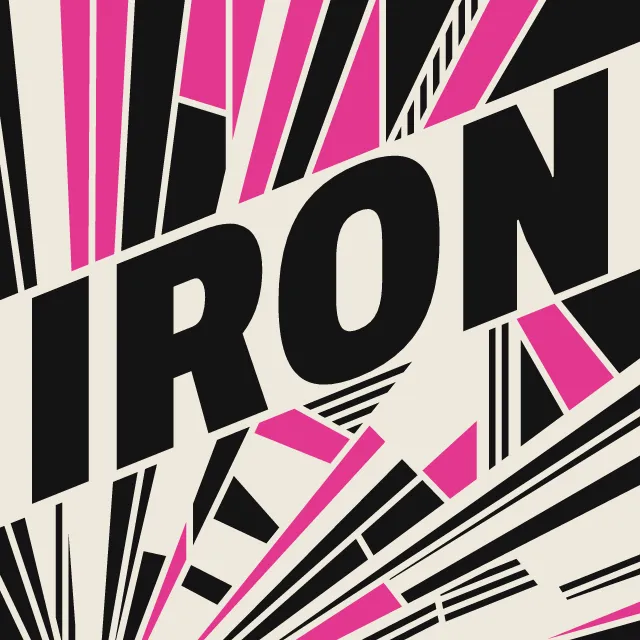
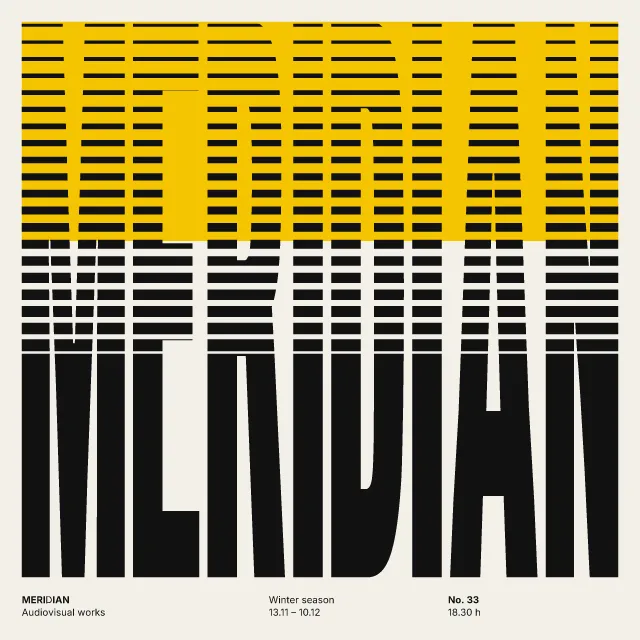
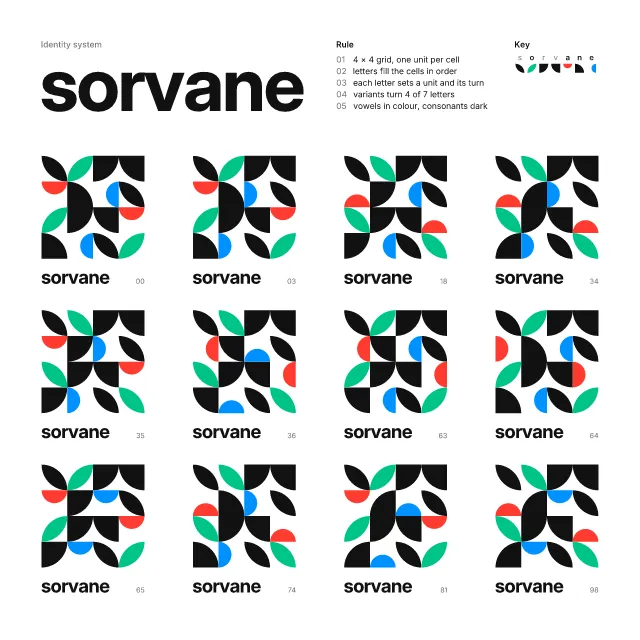
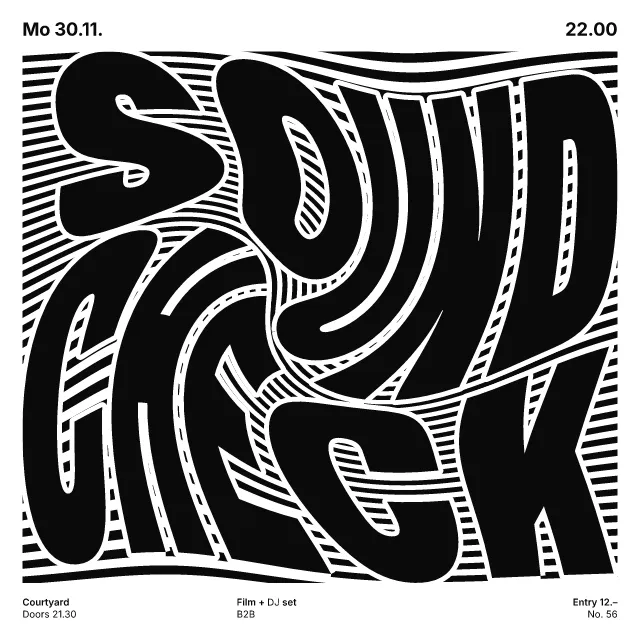
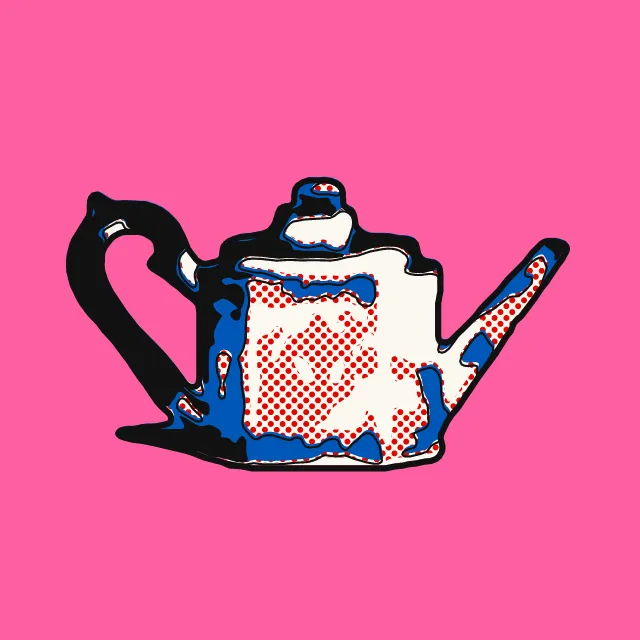
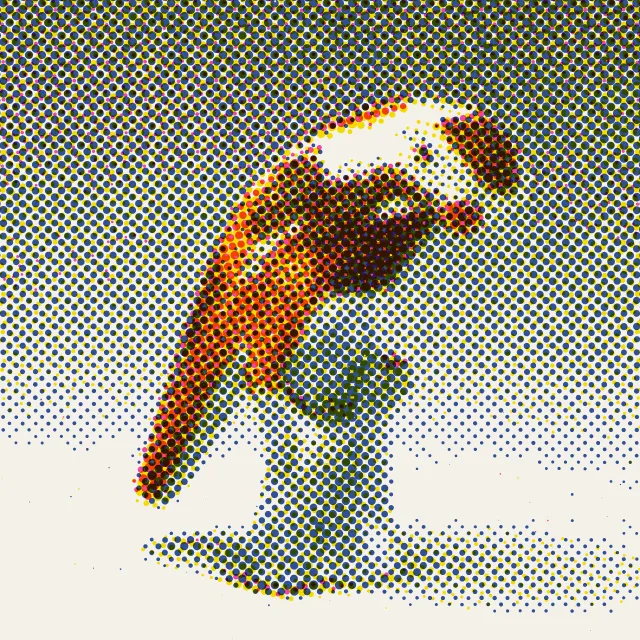
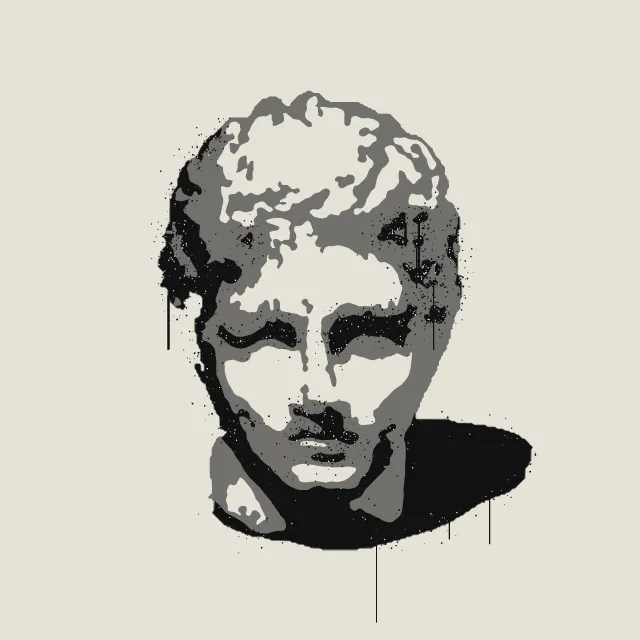
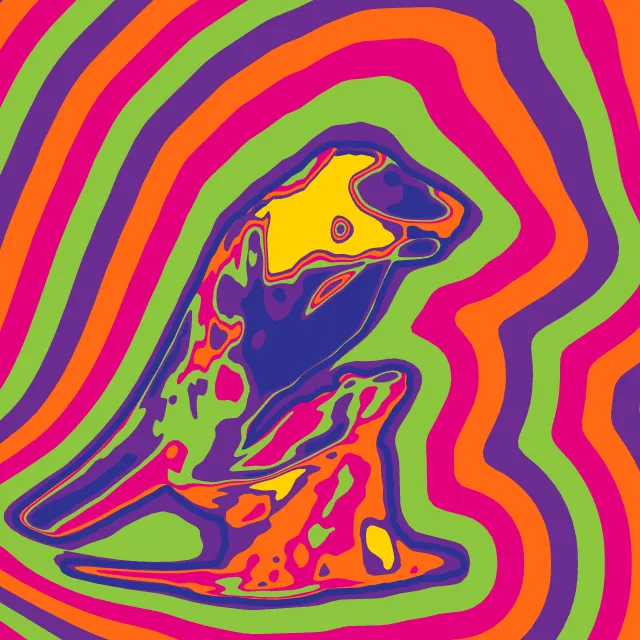
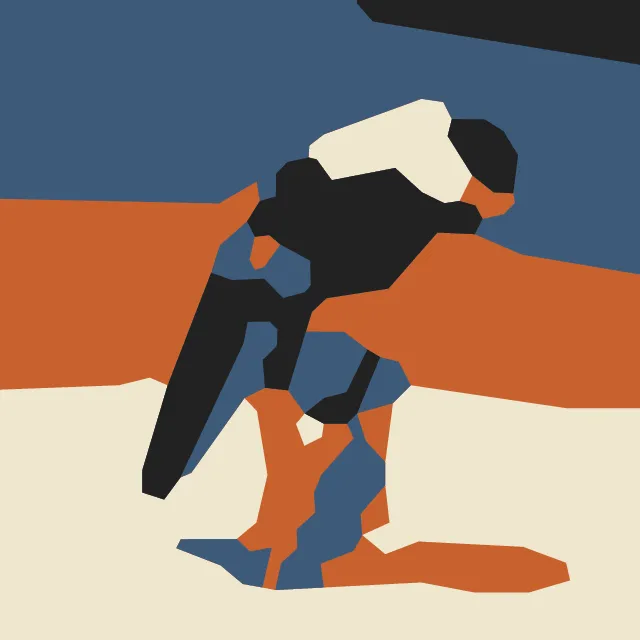
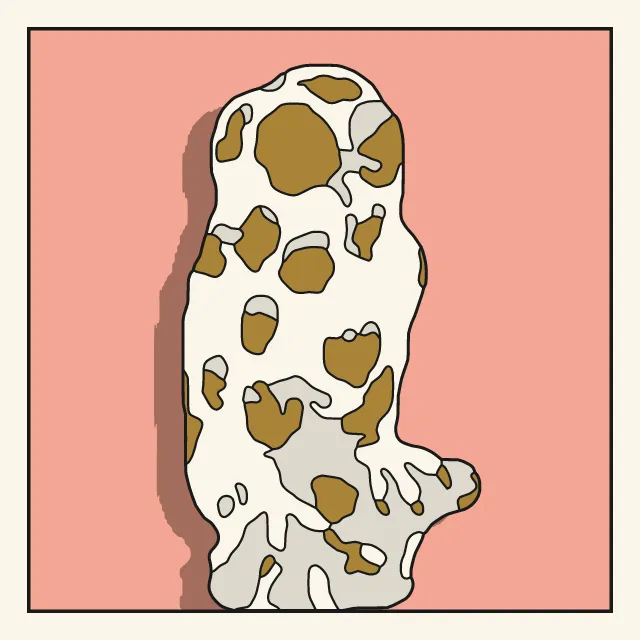
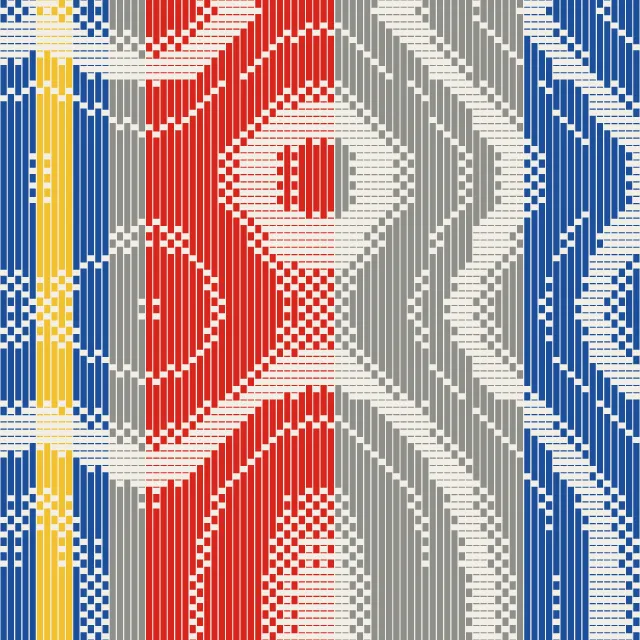
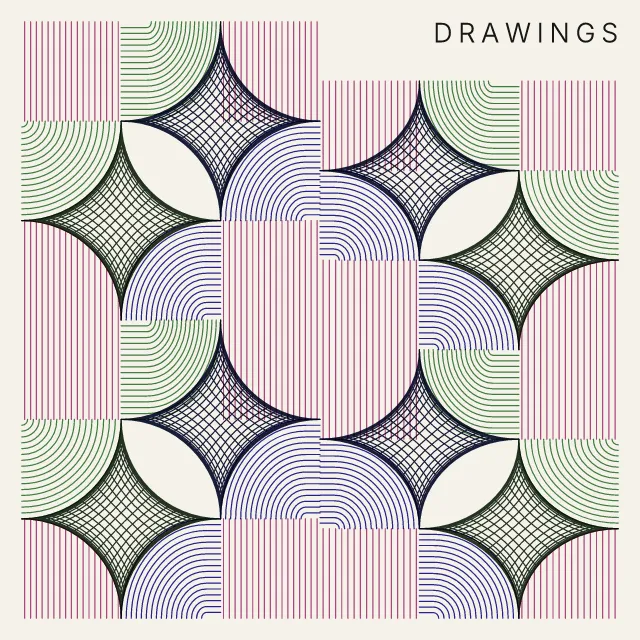
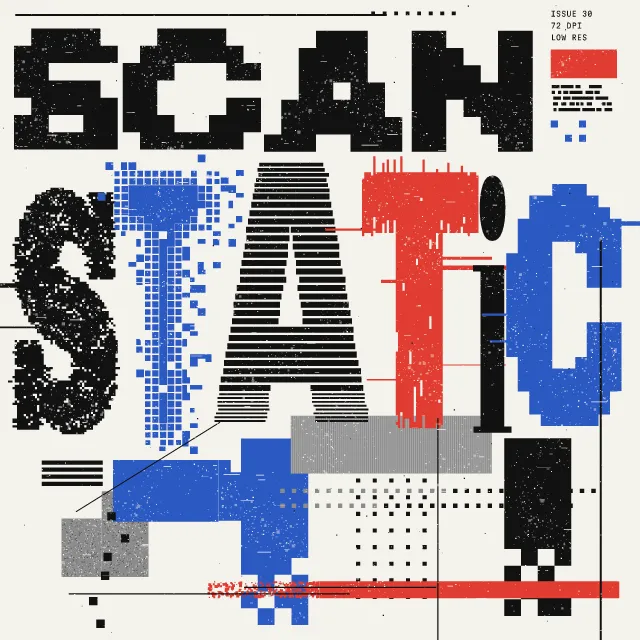
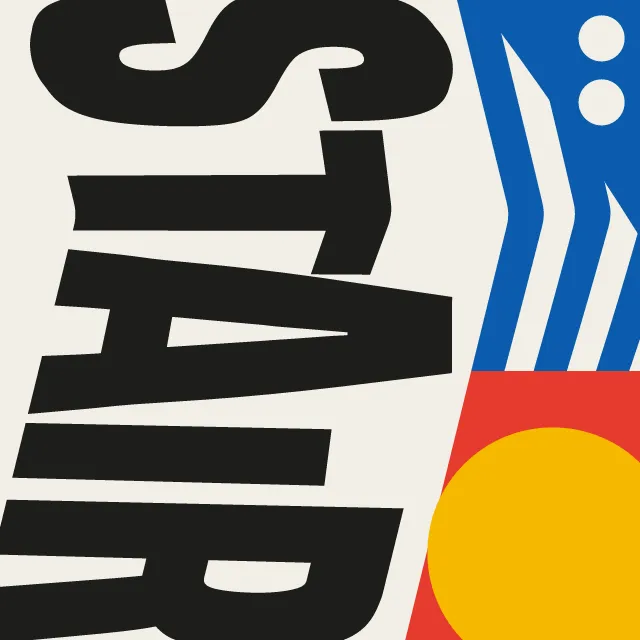
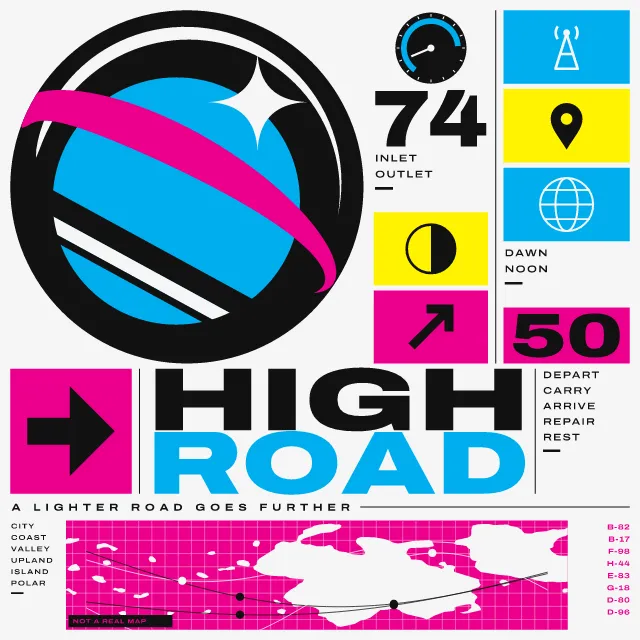
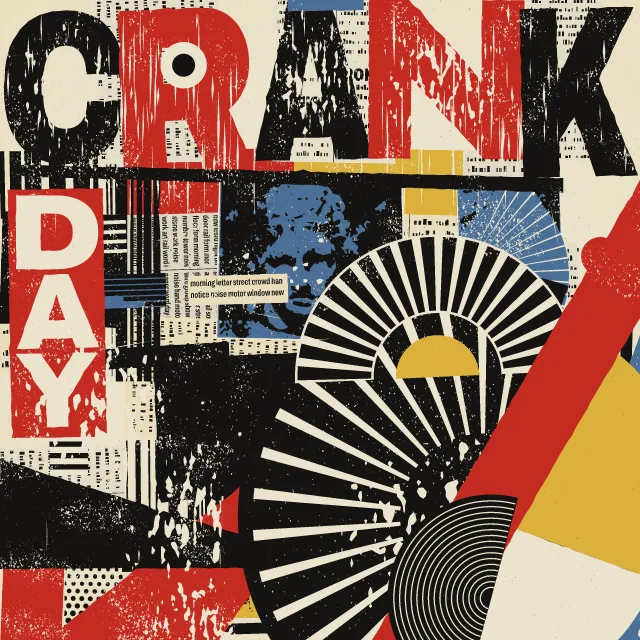
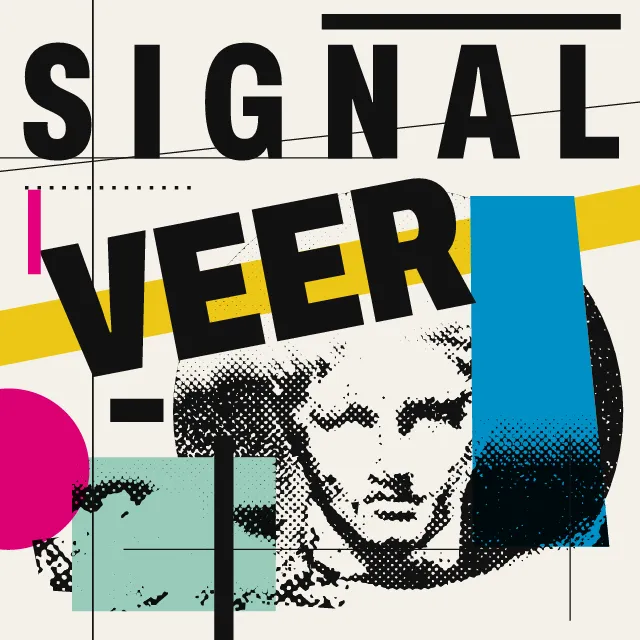
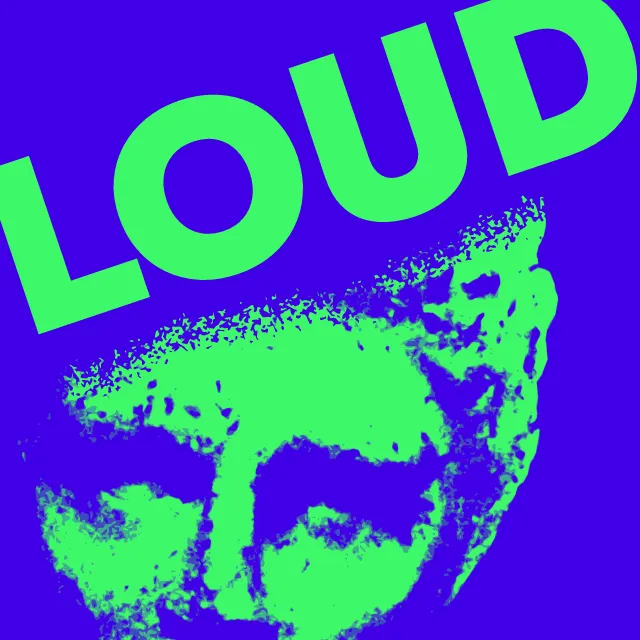
Your photo cut into a block: white strokes of the gouge, each pressed and lifted by hand, wider where the light falls. The photo stays on your device.
What makes it Linocut
These are the design choices this generator makes or lets you set. Where a choice says “Measured”, Morphogeny changed that control alone, kept everything else, and measured the picture: a number that moves with the choice, not proof that the picture reads as the style.
- Woodcut, linocut or engraving marks. Set by “Carved line”.
- Composition driven by tilted axes and oblique movement. “Carved line”: Slanted. Measured on the opening picture: edges on the diagonal 88% with “Slanted”, and 7.5% to 45% with the other options.
- A single object or figure isolated on a plain ground. “Backdrop”: Cleared to the paper. Measured on the opening picture: ground showing 80% with “Cleared to the paper”, 49% with “As photographed” and 76% with “Left solid”.
- Two or three flat inks. Set by “Limited spot colours”.
- A single hue, or black and white. “Limited spot colours”: One block. Measured on the opening picture with “One block”: hues besides black, white and grey 0.
- Duotone, high-contrast or posterised photographs. Always.
- Carved relief printing. Always.
- Deliberate instability: crowded edges, clashes, near-collisions. Always.
How this generator works
- Subtractive: the block starts fully inked and every mark is a cut that takes ink away, a white gouge stroke as wide as the photo is light, all running in one family of lines.
- Each stroke is cut by hand: it swells as it is pressed in, some deeper than others, lifts out to a point or stops on a round nose, and strays a little; a ridge of ink stays between cuts until an area is cleared.
What it never does:
- No grey, no gradient and no embedded photo: only ink and paper, and at most one colour block under the key.
- No even, machine-ruled lines and no square stroke ends; no famous print reproduced.
Every picture is a recipe: the variation number and the settings, kept in the page's address. Copy the link and the same picture comes back, in any browser. Random (or R) draws a new variation; ← and → step through them; S shuffles the settings; C borrows another style's colours.
About Expressionist Woodcut Graphics
A linocut is printed from a block of linoleum. The whole block takes ink, so the artist works backwards: every cut with the gouge removes darkness and leaves white paper. Expressionist printmakers in the early twentieth century made the woodcut and linocut a raw, direct medium, with heavy black masses, white gouge marks left plainly visible and a single ink on the paper.
This generator cuts your photo the same way. The cuts run in one family, bent over the form, in level or slanted rows, in rings or one spiral, and each is wider where the photo is lighter. Every stroke is cut by hand: it swells as the gouge is pressed in, some deeper than their neighbours, and lifts out to a point or stops on its round nose. The Hand control sets how steady the cutter is. A second block can print a colour under the key, showing through its cuts.
Expressionist Woodcut Graphics: 1905–1925. What the controls mean: Help.
Use it from code
The recipe below draws the picture this page opens with. Copy recipe gives you the one on screen. Agents can render recipes to SVG or PNG through Morphogeny's MCP server (morphogeny_render); the same recipe always gives the same SVG.
{
  "tool": "linocut",
  "v": 1,
  "seed": 1,
  "format": "portrait",
  "params": {
    "cuts": "form",
    "spacing": 9,
    "hand": 0.25,
    "light": 0,
    "backdrop": "photo",
    "blocks": "one"
  },
  "palette": "expressionist-graphics"
}
Open this recipe: /linocut/#seed=1&v=1. A plain-text version of this page:/linocut.md.