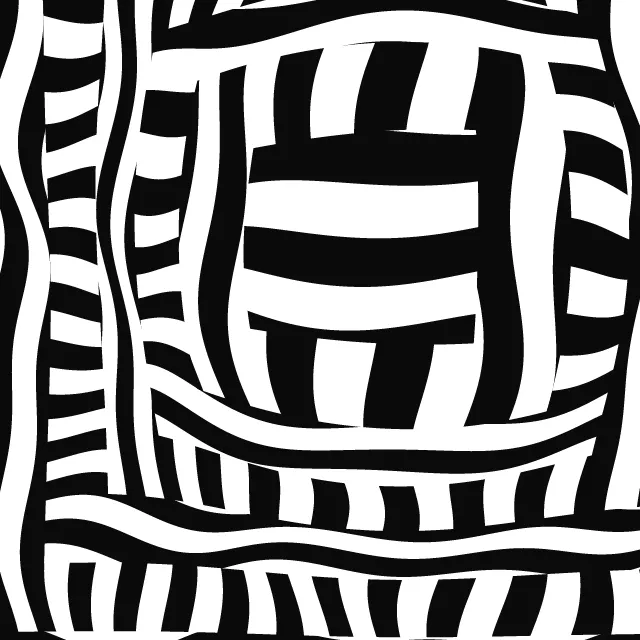

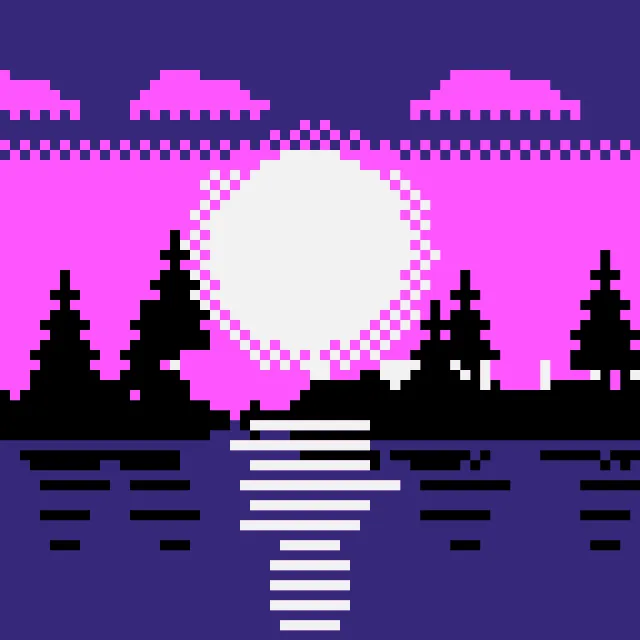


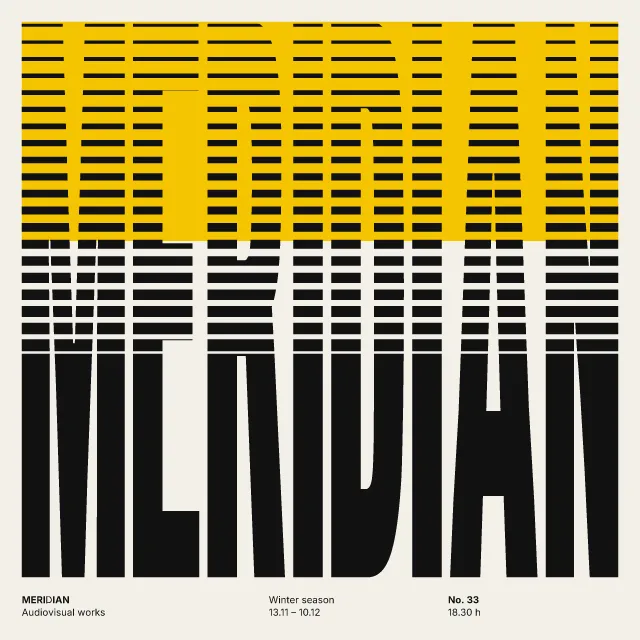
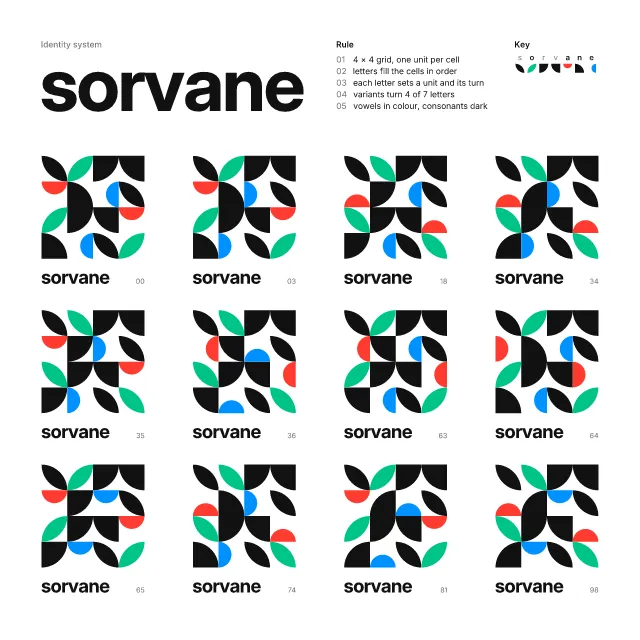
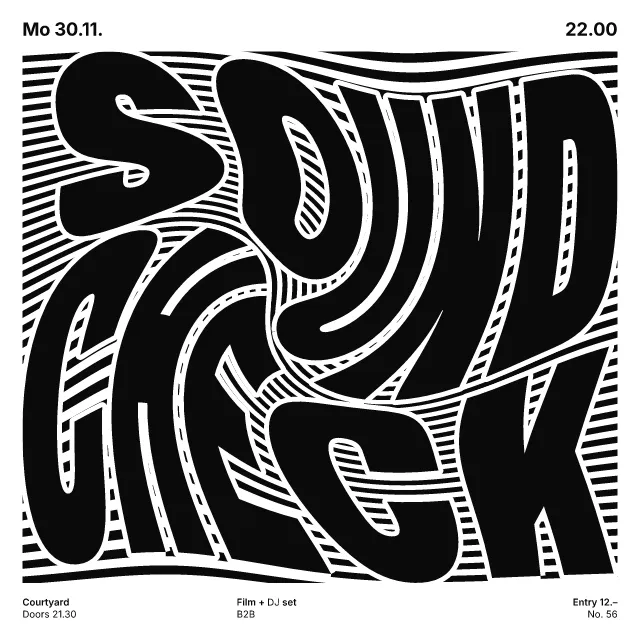
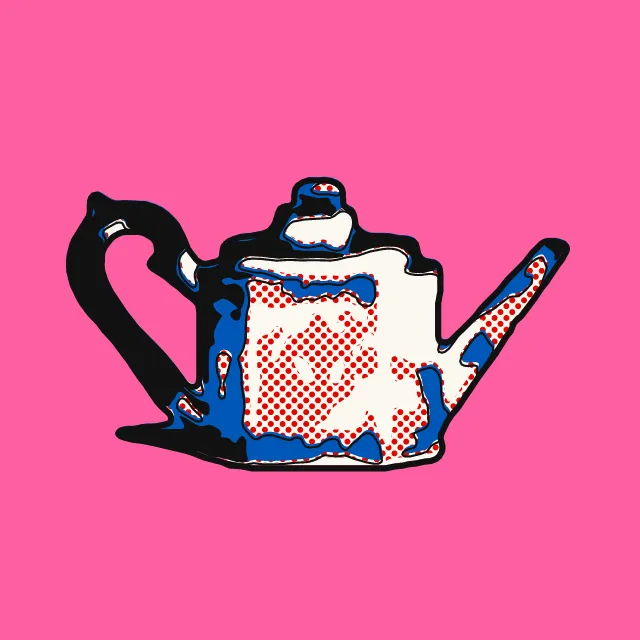
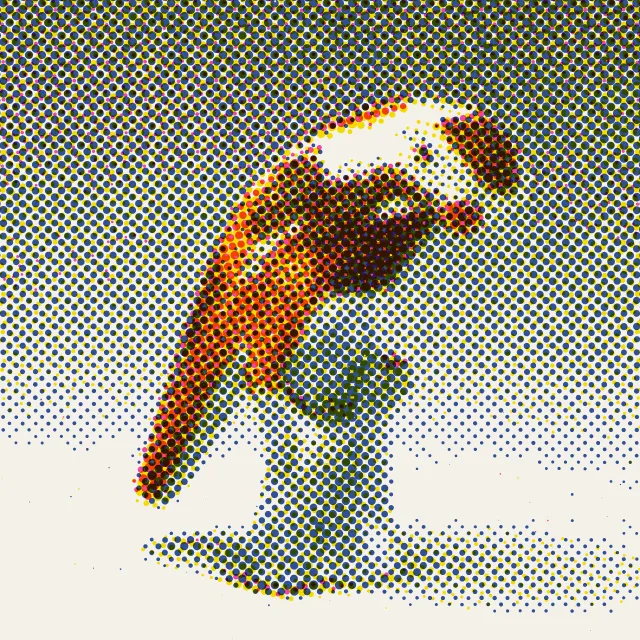
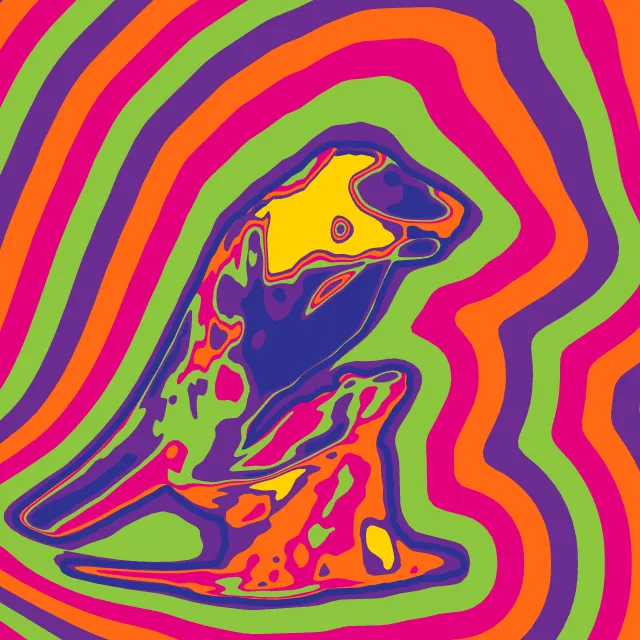



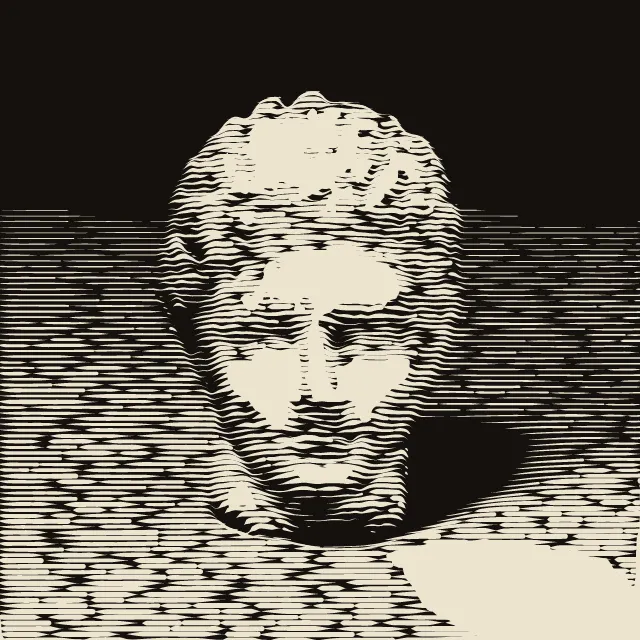
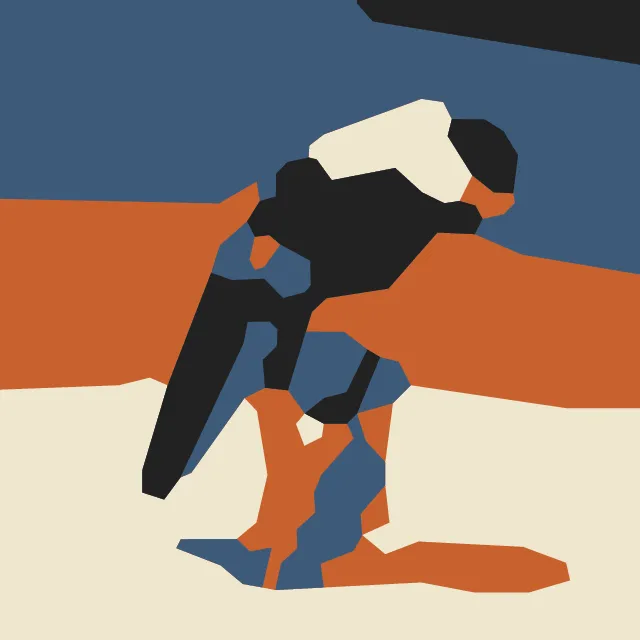
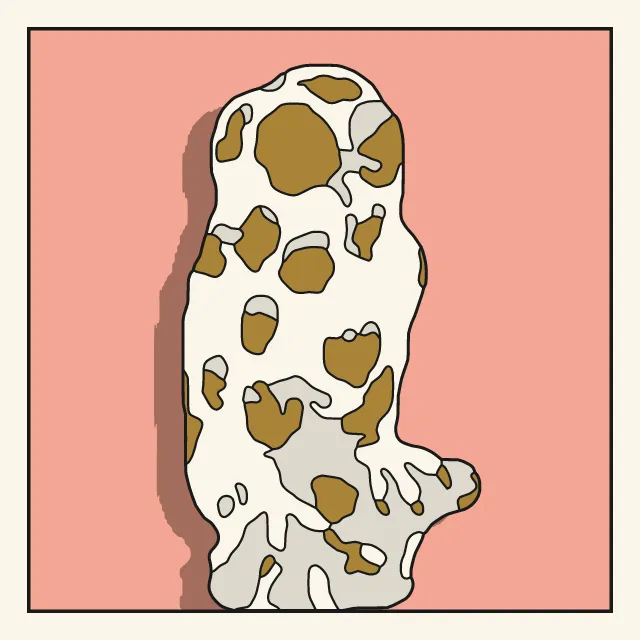
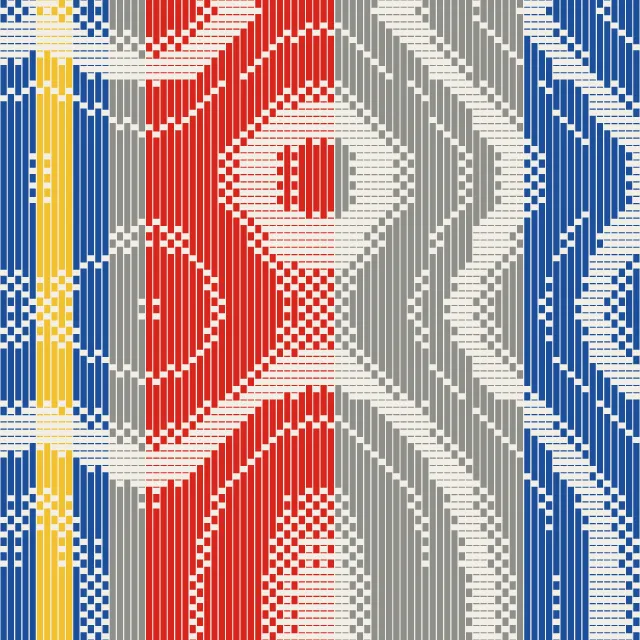

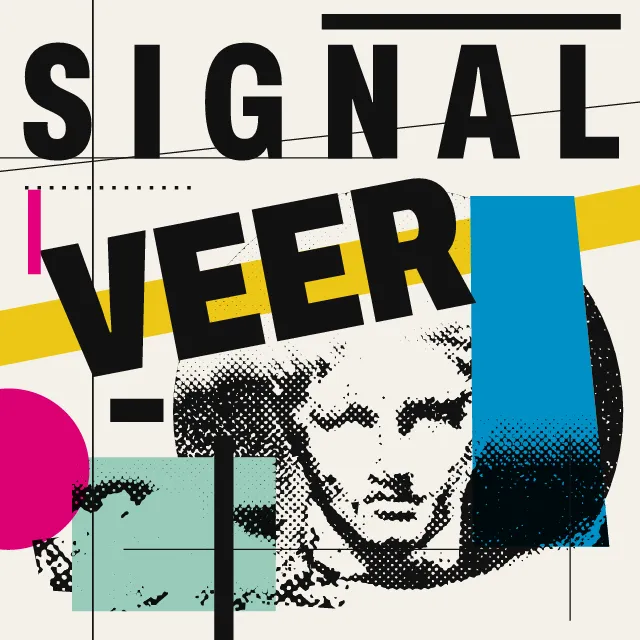
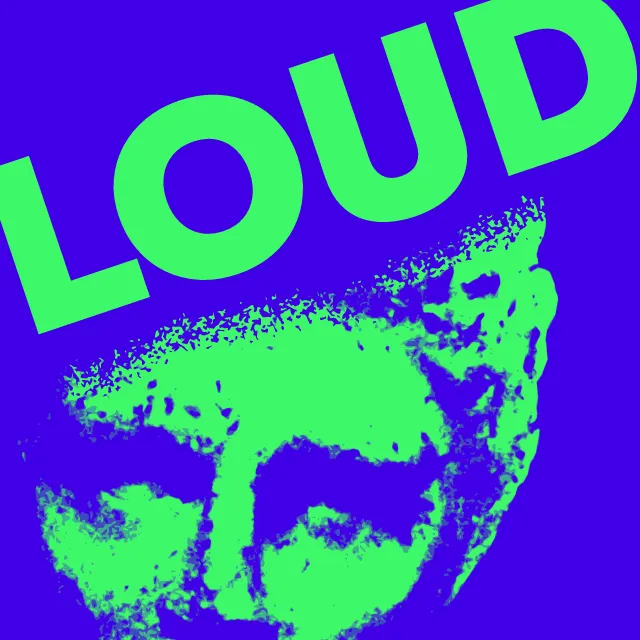
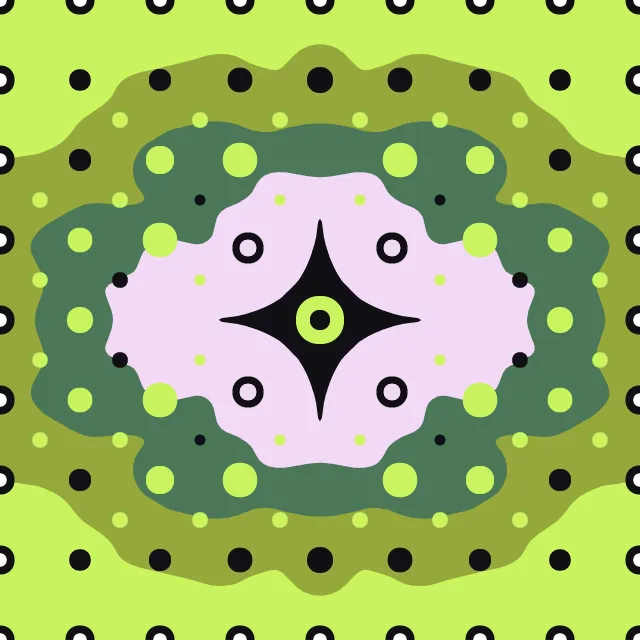

Your photo cut into one to three flat stencil layers, tied together by bridges, with overspray and drips from its own edges. The photo stays on your device.
What makes it Stencil
These are the design choices this generator makes or lets you set. Where a choice says “Measured”, Morphogeny changed that control alone, kept everything else, and measured the picture: a number that moves with the choice, not proof that the picture reads as the style.
- Unmodulated areas of colour. Set by “Flat fields”.
- Bridged letterforms evoking crates, military or industrial marking. Set by “Stencil”.
- Two or three flat inks. Set by “Limited spot colours”.
- Film grain, riso speckle, dithering noise. Set by “Grain & noise”.
- Xerox degradation, toner, torn and pasted edges. Set by “Photocopy & distress”.
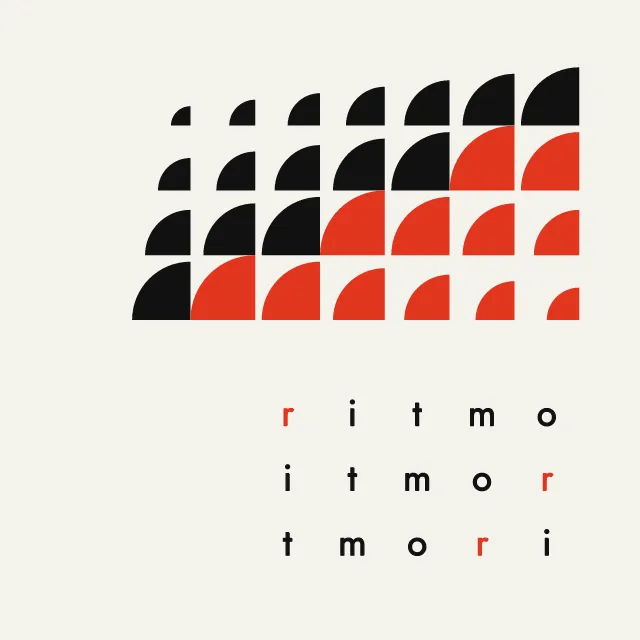
- Repeated units create a visual cadence. Set by “Repetition & rhythm”. Measured on the opening picture, from 1 to 3: pixels on an edge 12% → 20%.
- Capitals for monumentality, order or shouting. Set by “All caps”.
- Duotone, high-contrast or posterised photographs. Always.
- A single object or figure isolated on a plain ground. Always.
- One unmistakable point of entry. Always.
- A single hue, or black and white. Always.
How this generator works
- The photo is cut as a card that would hold together: every island of bare wall is tied to the rest by a bridge, a clean gap through the paint.
- One to three flat layers from nested tones, sprayed light to dark, with a clear subject standing alone on the wall and no frame.
- Overspray and drips come from the cut’s own edges, so they follow the figure rather than lying over it as a texture.
What it never does:
- No stock figures of the genre: no balloons, rats or campaign portraits in posterised tones, and no slogan unless you type one. It is a treatment for your own photo, not a pastiche of any street artist.
- No gradients: every layer is one flat paint.
Every picture is a recipe: the variation number and the settings, kept in the page's address. Copy the link and the same picture comes back, in any browser. Random (or R) draws a new variation; ← and → step through them; S shuffles the settings; C borrows another style's colours.
About Stencil Street Art
Stencil art is a picture cut rather than drawn. A photograph is reduced to two or three flat tones, each tone is cut into card, and the paint goes on through the holes, so a figure keeps a photograph’s proportions and loses every gradation. It took shape in the late 1970s in the punk scenes of Amsterdam and São Paulo, spread through Paris in the early 1980s, and went worldwide after 2000, on walls and then on screenprints and posters.
This generator cuts your photo the way a card has to be cut. Nested tones become flat layers, sprayed light to dark, and a clear subject stands alone on the wall. A patch of wall surrounded by paint would drop out of a real stencil, so a bridge ties each one to the rest and leaves the clean gaps the style is known for. Overspray and drips start from the cut’s own edges. Cut once and repeat it across the wall, or add a short slogan in stencil capitals.
If you take the picture onto a real wall, ask the owner first, and start from a photograph you took or may use: most stencils begin as someone else’s picture, and that has ended in court. Your photo is read only in your browser and is never uploaded.
Stencil Street Art: 1978–today. What the controls mean: Help.
Use it from code
The recipe below draws the picture this page opens with. Copy recipe gives you the one on screen. Agents can render recipes to SVG or PNG through Morphogeny's MCP server (morphogeny_render); the same recipe always gives the same SVG.
{
  "tool": "stencil",
  "v": 1,
  "seed": 4,
  "format": "portrait",
  "params": {
    "layers": 2,
    "level": 0.32,
    "detail": 0.55,
    "bridges": 0.45,
    "accent": false,
    "overspray": 0.45,
    "drips": 0.35,
    "repeat": 1,
    "wall": "light",
    "words": ""
  },
  "palette": "stencil-street-art"
}
Open this recipe: /stencil/#seed=4&v=1. A plain-text version of this page:/stencil.md.