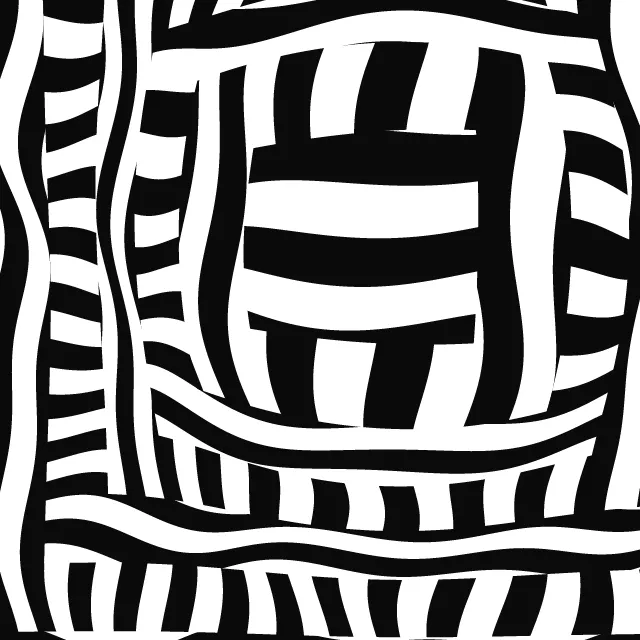
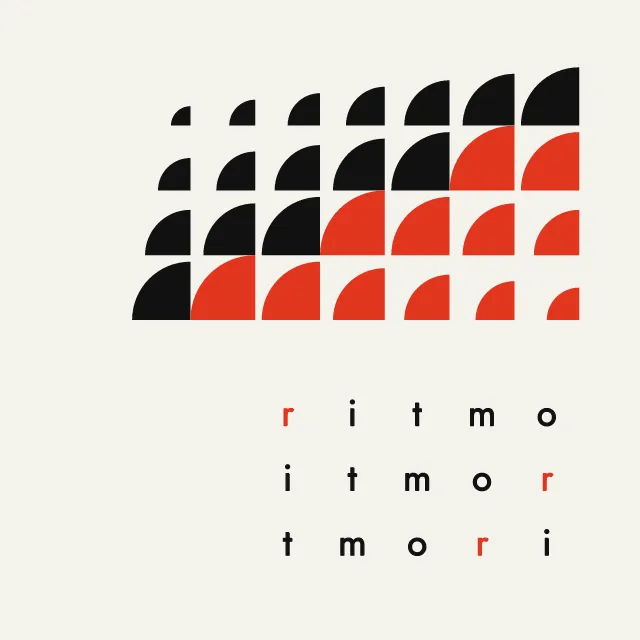
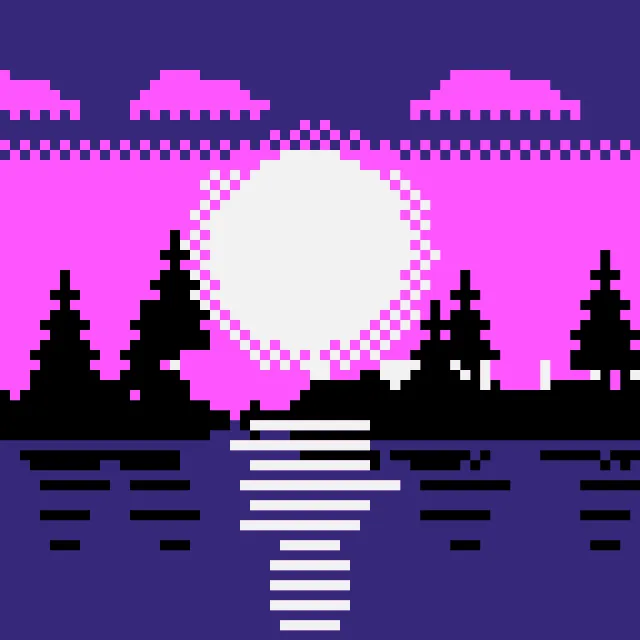
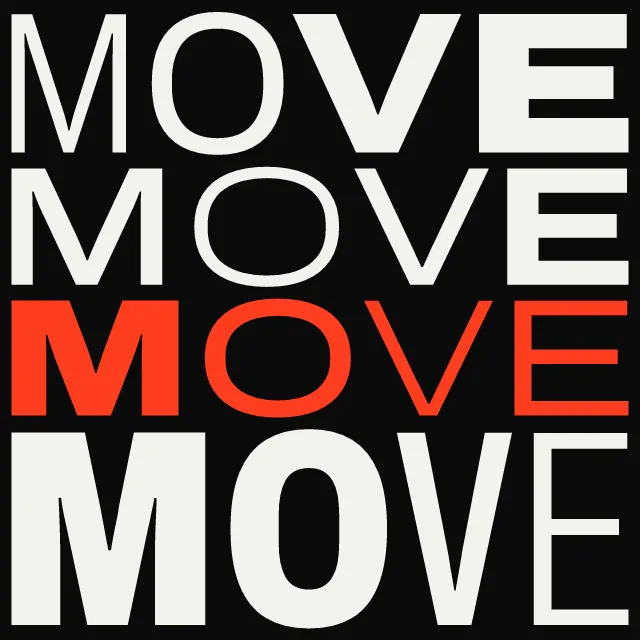
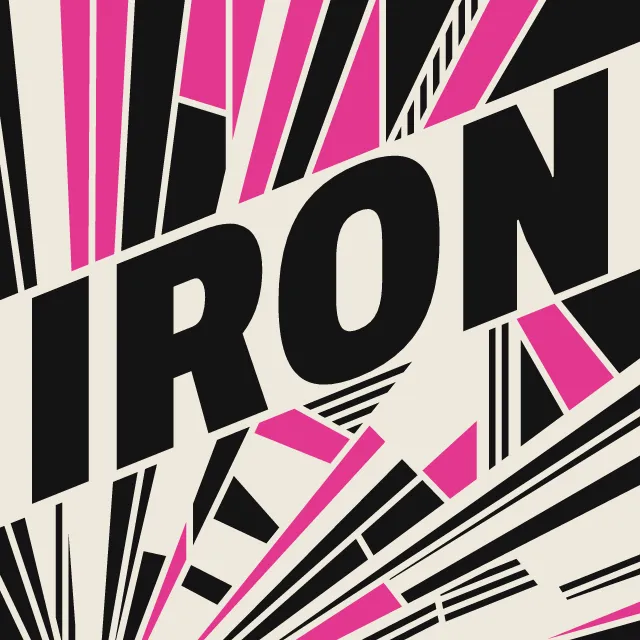
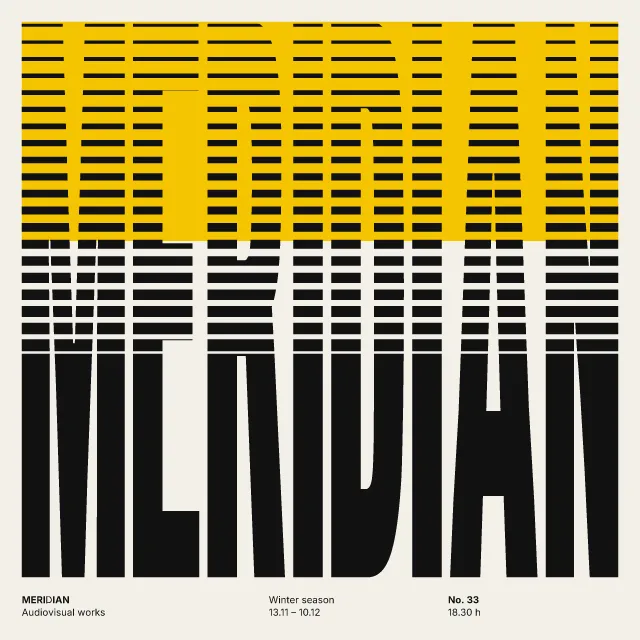
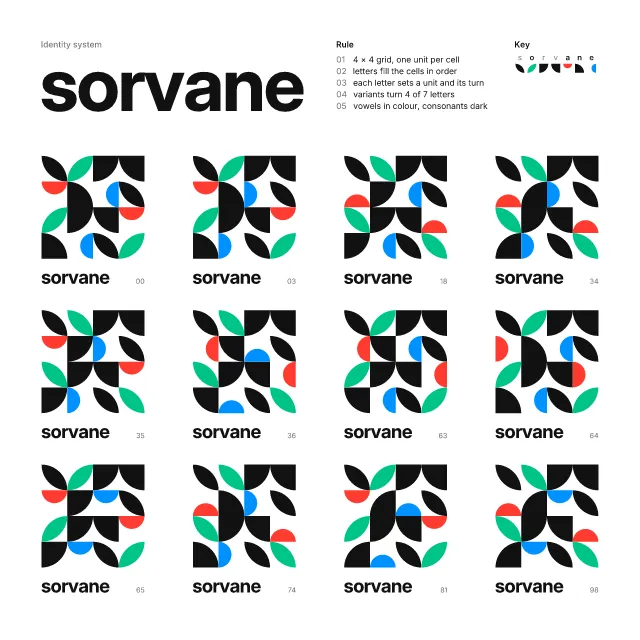
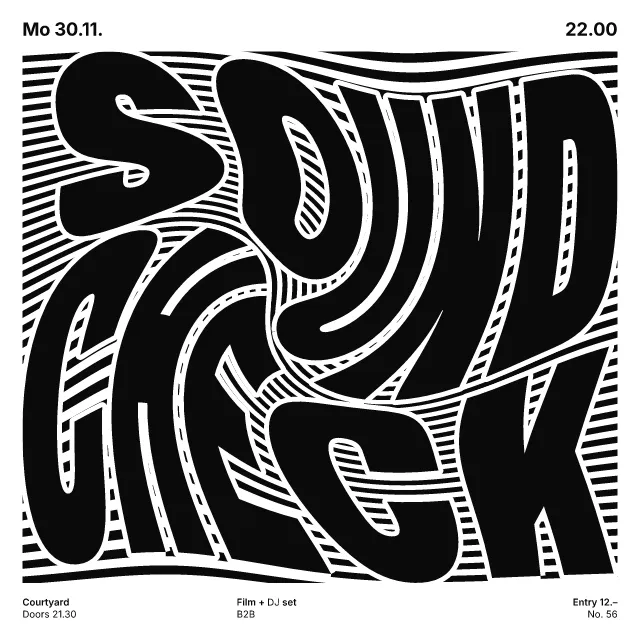
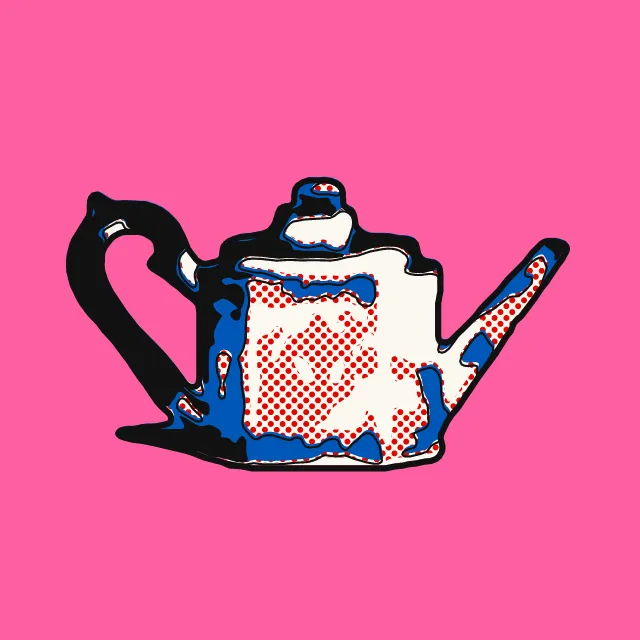
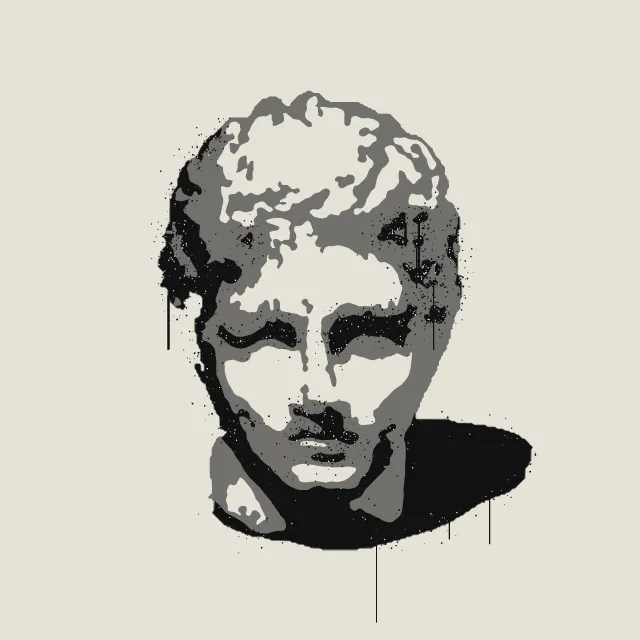
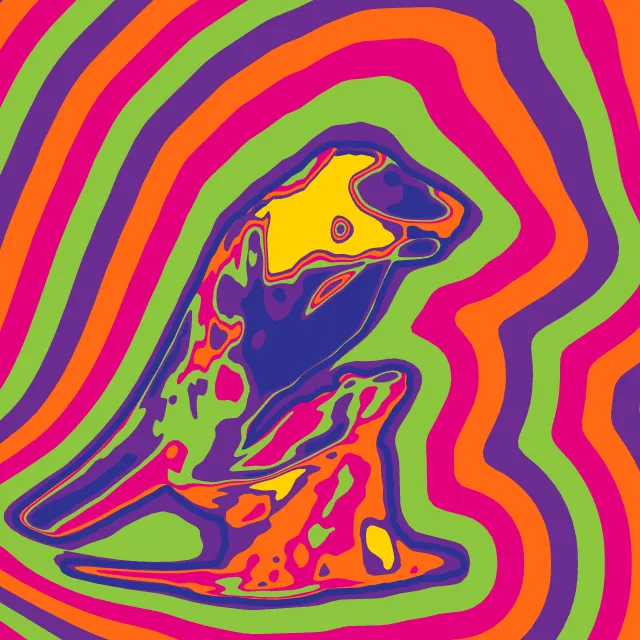
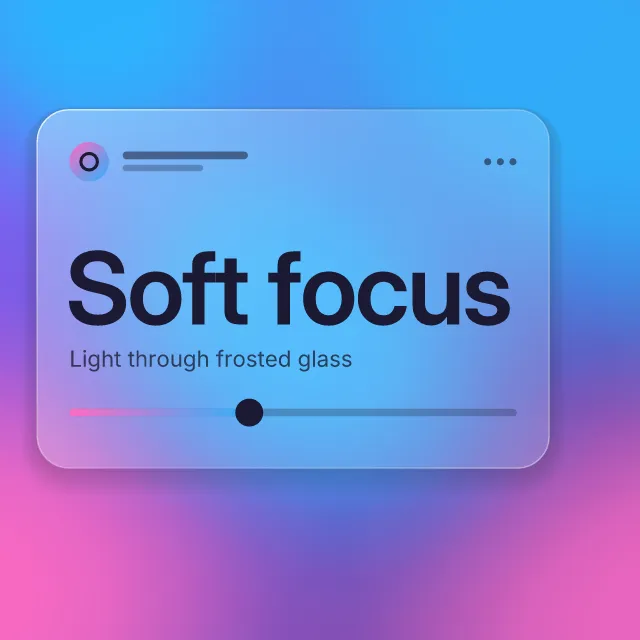
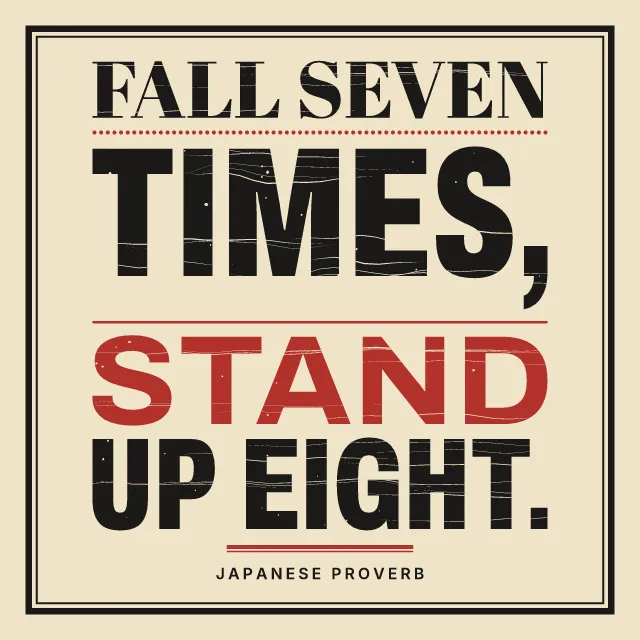
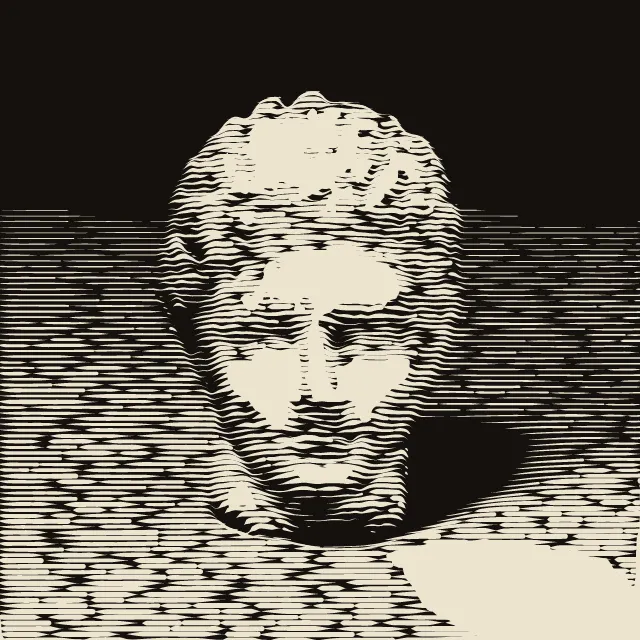
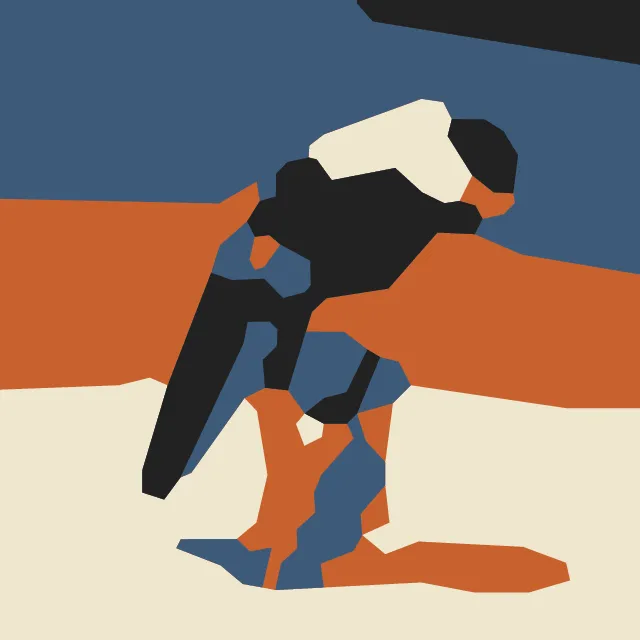
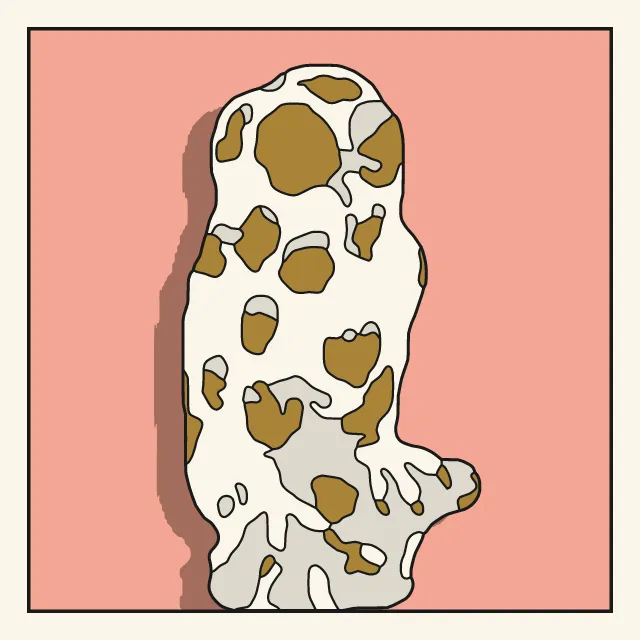
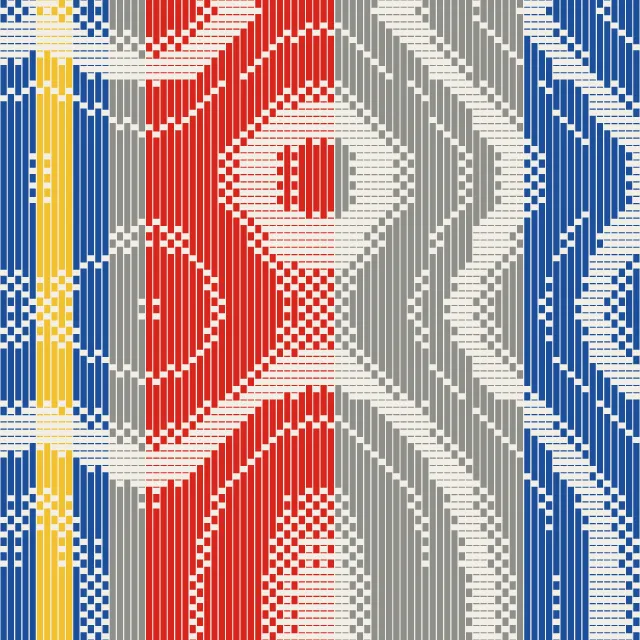
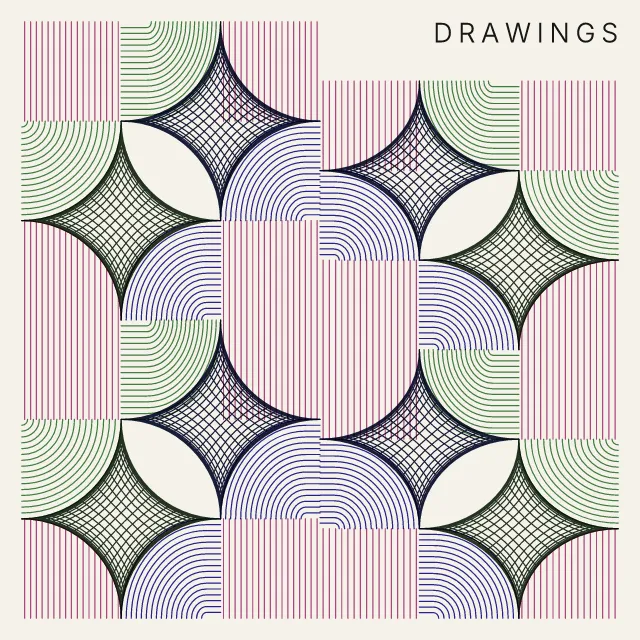
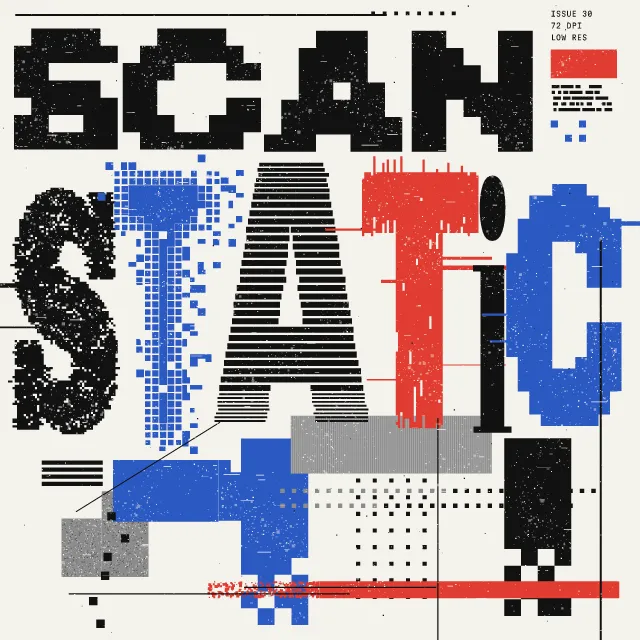
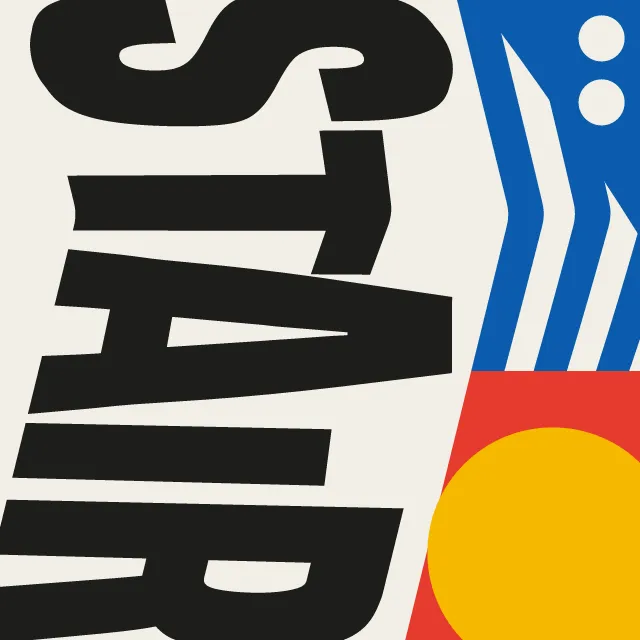
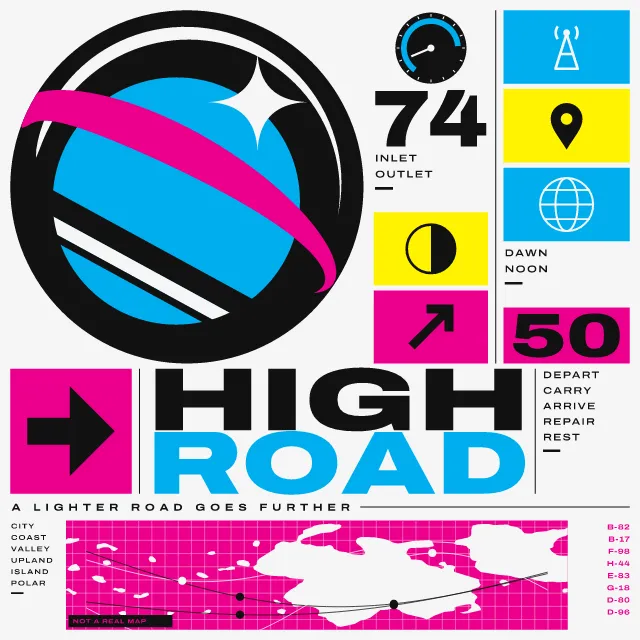
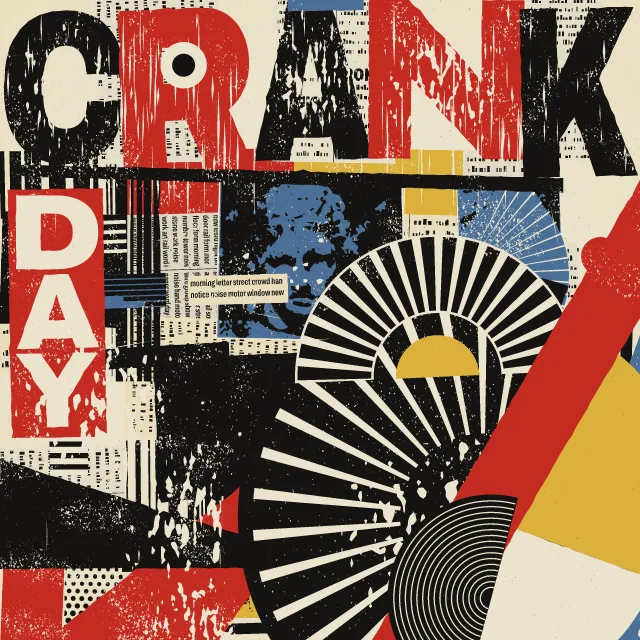
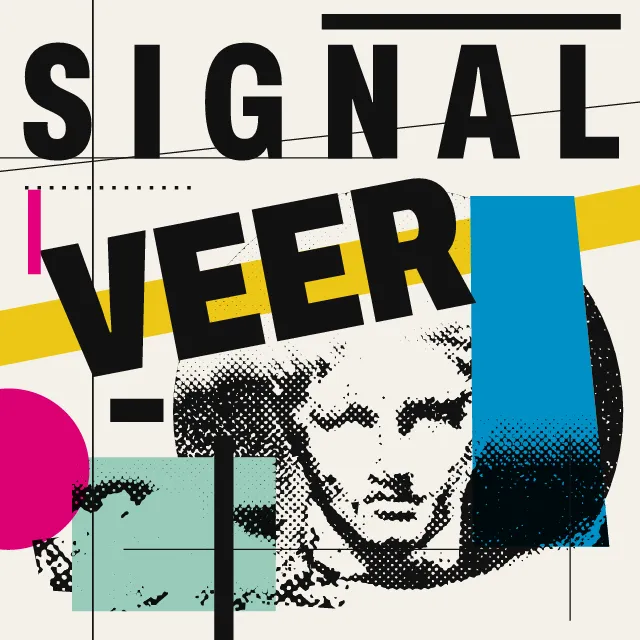
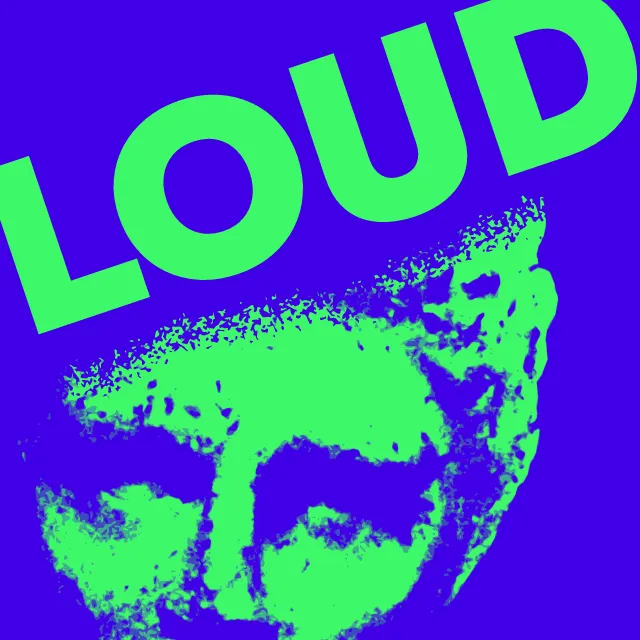
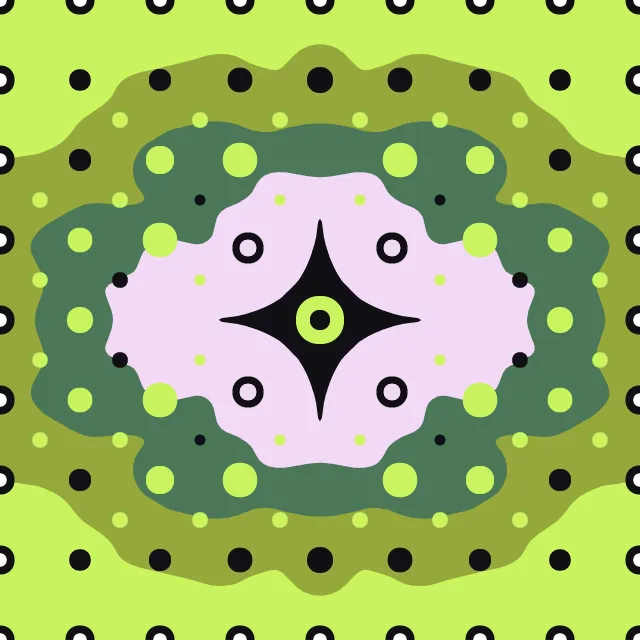
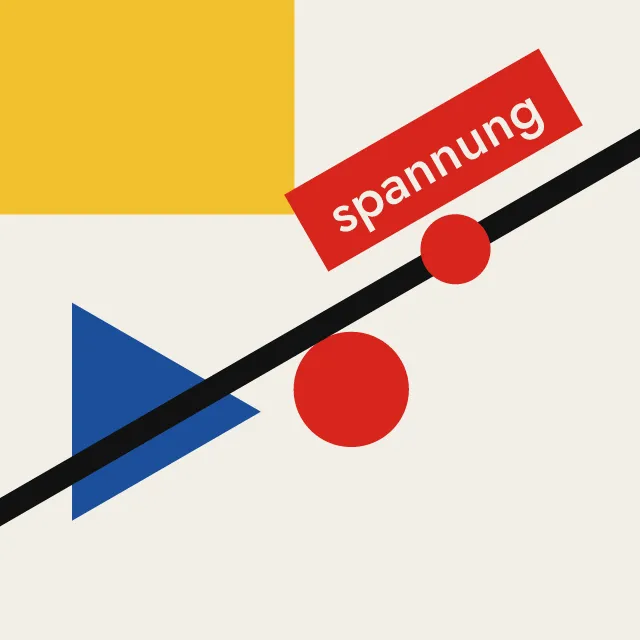
Your photo split into two to four spot inks, each screened in coarse dots, grain or lines and printed a little off register. The photo stays on your device; the SVG has one layer per ink.
What makes it Risograph
These are the design choices this generator makes or lets you set. Where a choice says “Measured”, Morphogeny changed that control alone, kept everything else, and measured the picture: a number that moves with the choice, not proof that the picture reads as the style.
- Two or three flat inks. Set by “Limited spot colours”.
- Day-glo inks and RGB brights. “Ink colours”: Fluorescent pink and blue.
- Dot screens made visible. Set by “Halftone & Ben-Day dots”.
- Film grain, riso speckle, dithering noise. “Halftone & Ben-Day dots”: Grain.
- Inks slightly out of register; transparent overprints. Set by “Misregistration & overprint”.
- A single object or figure isolated on a plain ground. “Backdrop”: Dropped to the paper. Measured on the opening picture: ground showing 75% with “Dropped to the paper”, 34% with “As photographed” and 70% with “A flat ink”.
- Unmodulated areas of colour. “Backdrop”: A flat ink.
- Duotone, high-contrast or posterised photographs. Always.
- Stencil duplicator printing with soy inks. Always.
- Paper-white or pale fields dominate. Always.
How this generator works
- The photo is separated into two to four spot inks by its colour, one drum per ink; each ink is its own screen at its own angle, and the inks multiply where they overprint, so their overlaps make the new hues.
- Coarse dots, grain or lines that drop out to bare paper in the highlights; every drum lands a little off register, and coverage is uneven.
What it never does:
- No embedded photo and no smooth gradients: every tone is dots, grain or lines in flat inks.
- No 2×2 grid of one portrait in four colourways; inks and papers are named by what they are, never by a maker.
Every picture is a recipe: the variation number and the settings, kept in the page's address. Copy the link and the same picture comes back, in any browser. Random (or R) draws a new variation; ← and → step through them; S shuffles the settings; C borrows another style's colours.
About Risograph & Indie Print Culture
A risograph is a stencil duplicator: a drum of soy-based ink pushes colour through a cut master onto uncoated paper, one colour per drum. Since the late 2000s, zine makers, small presses and print studios have used it for posters and books because it is cheap per copy and the inks are bright, flat and see-through. The look comes from its limits: few colours, coarse screens, layers that never quite line up, and coverage that varies from sheet to sheet.
This generator works out how much of each ink every part of your photo needs, assuming the inks overprint as they do on paper, where two transparent inks make a third colour. Each ink then gets its own screen at its own angle, its own small shift off register and its own uneven inking. Pick the inks from a palette or from common drum colours, choose a paper, and the file keeps each ink on its own layer.
Risograph & Indie Print Culture: 2008–today. What the controls mean: Help.
Use it from code
The recipe below draws the picture this page opens with. Copy recipe gives you the one on screen. Agents can render recipes to SVG or PNG through Morphogeny's MCP server (morphogeny_render); the same recipe always gives the same SVG.
{
  "tool": "risograph",
  "v": 1,
  "seed": 1,
  "format": "portrait",
  "params": {
    "count": 3,
    "inks": "chosen",
    "paper": "palette",
    "screen": "dots",
    "ruling": 70,
    "offset": 0.4,
    "grit": 0.4,
    "backdrop": "photo",
    "vivid": 1
  },
  "palette": "risograph-indie"
}
Open this recipe: /risograph/#seed=1&v=1. A plain-text version of this page:/risograph.md.