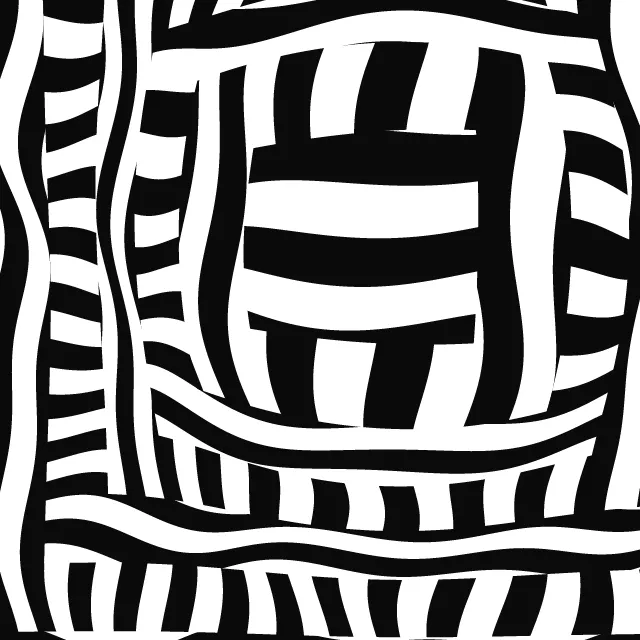
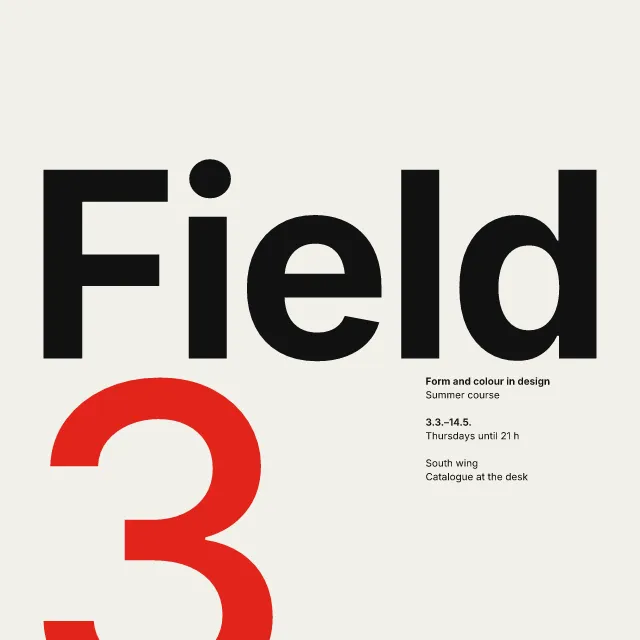
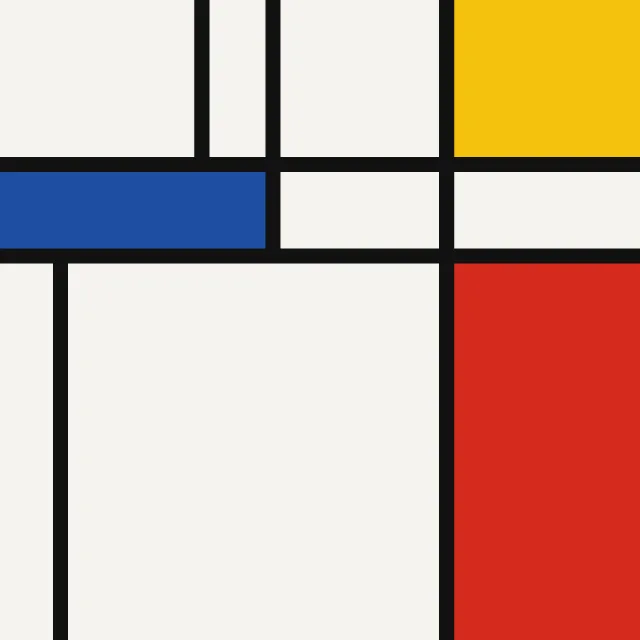
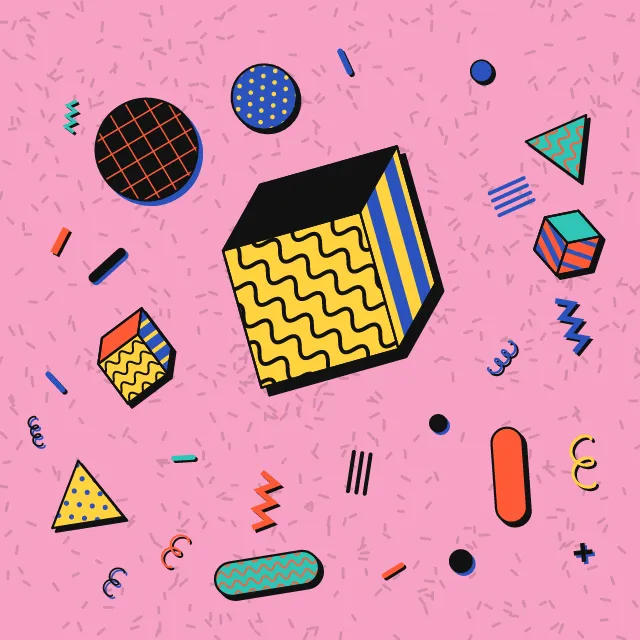
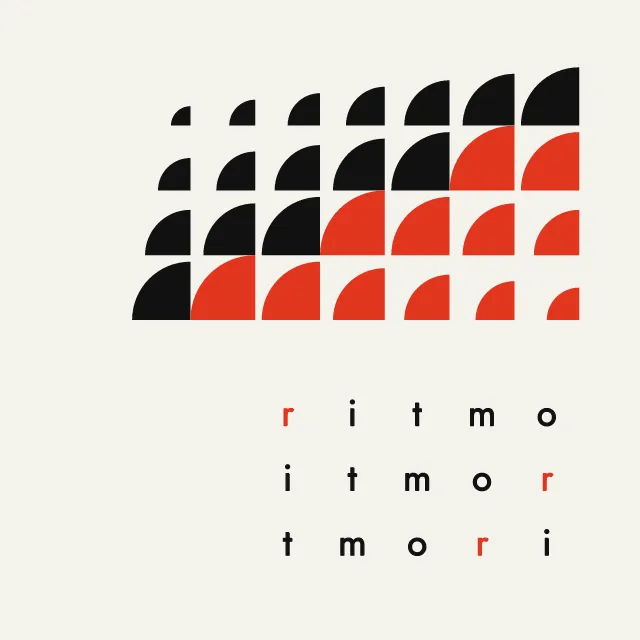
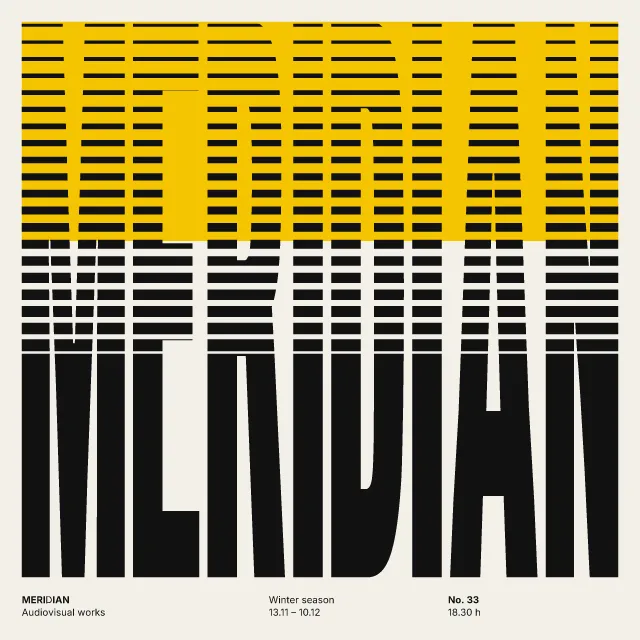
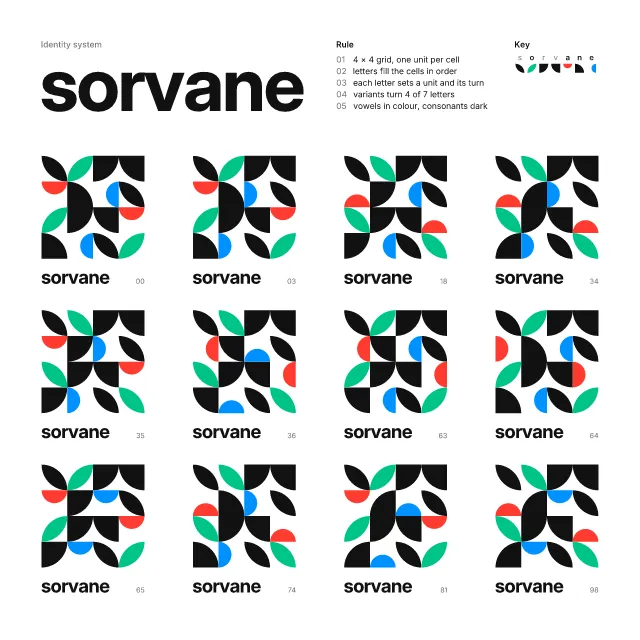
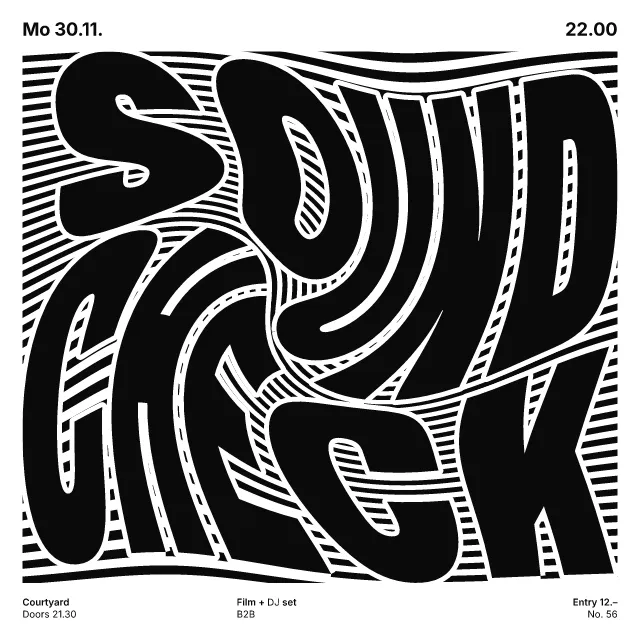
A sheet as an early pen plotter drew it: one fine line weight, tone only from spacing, and string-art nets crowding against quarter circles.
What makes it Plotter
These are the design choices this generator makes or lets you set. Where a choice says “Measured”, Morphogeny changed that control alone, kept everything else, and measured the picture: a number that moves with the choice, not proof that the picture reads as the style.
- No focal point; the whole surface is filled evenly, like a textile. “Organisation”: Repeated module.
- Content held in borders, cartouches or compartments. “Organisation”: Ruled tiles.
- Outline drawing, engraving, pen and ink. “Organisation”: Your drawing.
- Repeated units create a visual cadence. Set by “Repetition & rhythm”.
- Emptiness is an active element: wide margins and quiet areas. Set by “Generous white space”. Measured on the opening picture, from 0 to 1: ground showing 55% → 69%.
- Two or three flat inks. “Colour”: By role. Measured on the opening picture with “By role”: hues besides black, white and grey 3.
- A single hue, or black and white. “Colour”: One pen. Measured on the opening picture with “One pen”: hues besides black, white and grey 0.
- Circle, square and triangle as building blocks. Always.
- Pure form with no depicted subject. Always.
- Code-, algorithm- or AI-generated pictures. Always.
- Code, parametric systems or machine-learning models. Always.
- Clarity, neutrality and order above personality. Always.
How this generator works
- Everything is a stroke of one constant fine weight, and tone comes only from how close the strokes sit: no fills, no line that swells or fades.
- Every curve is a quarter circle ending on a cell corner, so neighbouring arcs join, and string-art nets crowd against those arcs until the edge shows.
- Bare paper is a shape: a lens between two knots, or the empty quarter disc a web closes around.
- Your own drawing follows the same rule: it is never traced as a thick line, only filled and echoed in the one pen.
What it never does:
- No thick line, solid area, gradient or shadow; nothing bleeds off the sheet, and no mark is scaled up to be the focal point.
- It copies no known plot: modules, tiles and colours are made by rule from the seed, and the word is one small line in a corner.
- In motion the pen adds each line once a loop and the sheet clears once a loop, so nothing flickers.
Every picture is a recipe: the variation number and the settings, kept in the page's address. Copy the link and the same picture comes back, in any browser. Random (or R) draws a new variation; ← and → step through them; S shuffles the settings; C borrows another style's colours.
About Early Computer Art & Plotter Graphics
In the 1960s and 70s, computers drew on paper through a pen on a moving arm or drum. A program set out a small repertoire of lines and repeated it by rule. The pen could not swell or fade, so a darker area could only be made by putting more lines closer together. Early plotter graphics take their look from that limit: fine even strokes on a light sheet, with the rule left readable.
This generator builds every sheet on the quarter circle. Concentric arcs, hatches stopped by a quarter disc, leaf fans and nets all end on a cell corner, so neighbouring curves join up, and bare paper reads as a shape. Choose a repeated module in dropped columns, with knots of near-black net, or ruled square tiles. Grid size, line spacing, pen weight, net density and the share of voids change the sheet, and colour follows each mark’s role or wanders in patches.
In motion, the pen draws the sheet stroke by stroke, one pen after another, then the sheet clears and it begins again; a still is always the finished sheet. The strokes are merged into one path per pen, so the SVG stays small enough to send to a real plotter.
You can also draw on the picture yourself, with a mouse or a finger. A line that ends near its start becomes a shape, filled with parallel hatching, copies shrinking to its middle, or straight string-art chords whose crossings draw a curve nobody drew; any other line becomes a ribbon of parallel lines. Everything stays one pen weight, the pen can replay your drawing stroke by stroke, and a link keeps the drawing as its points.
Early Computer Art & Plotter Graphics: 1963–1980. What the controls mean: Help.
Use it from code
The recipe below draws the picture this page opens with. Copy recipe gives you the one on screen. Agents can render recipes to SVG or PNG through Morphogeny's MCP server (morphogeny_render); the same recipe always gives the same SVG.
{
  "tool": "plotter",
  "v": 1,
  "seed": 1,
  "format": "portrait",
  "params": {
    "drawing": "",
    "organisation": "module",
    "fill": "mixed",
    "grid": 6,
    "spacing": 9,
    "pen": 1.9,
    "net": 15,
    "voids": 0.4,
    "colour": "role",
    "word": "FIGURES",
    "movement": "draw"
  },
  "palette": "early-computer-plotter-graphics"
}
Open this recipe: /plotter/#seed=1&v=1. A plain-text version of this page:/plotter.md.