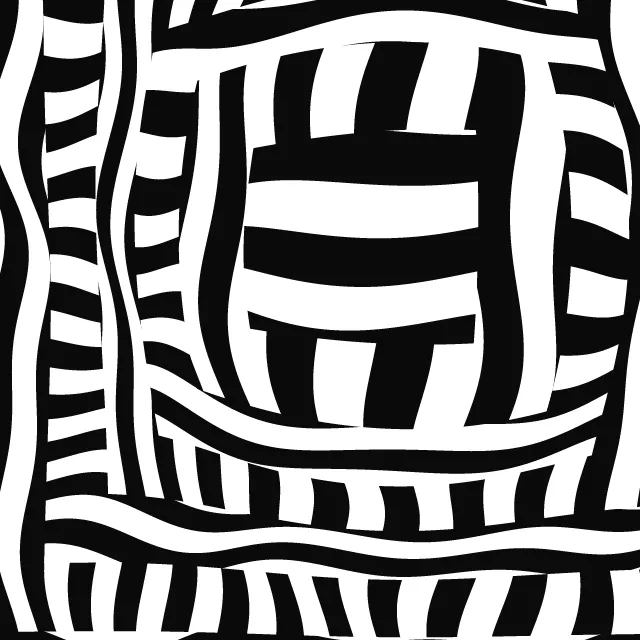
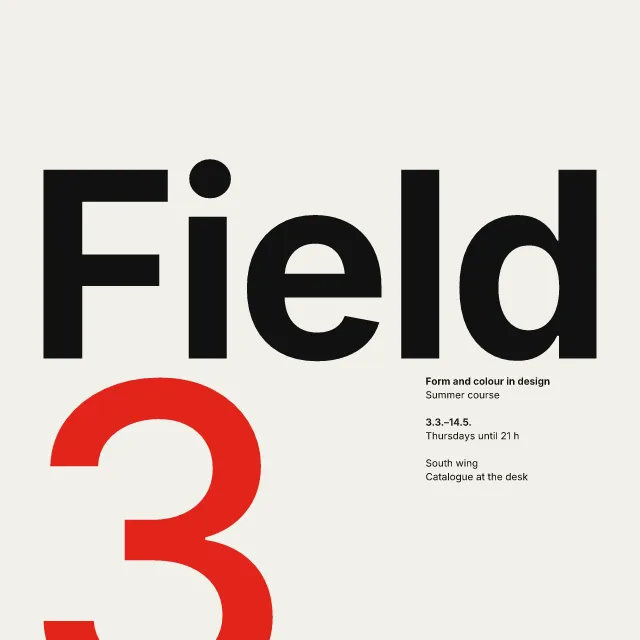
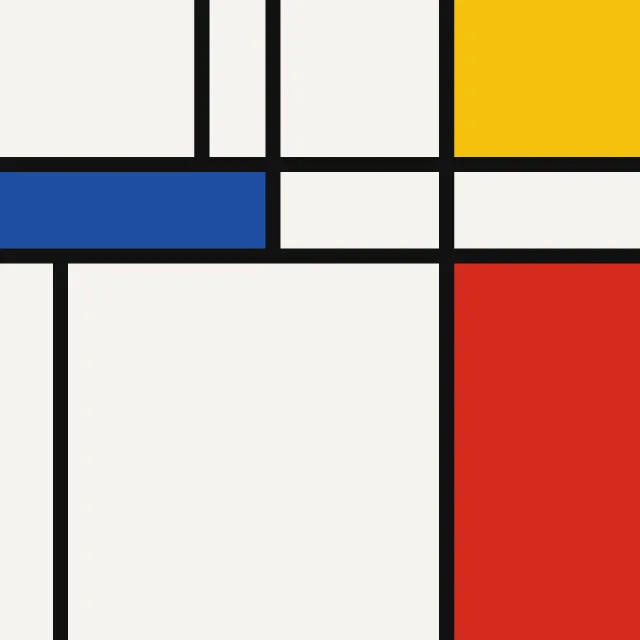
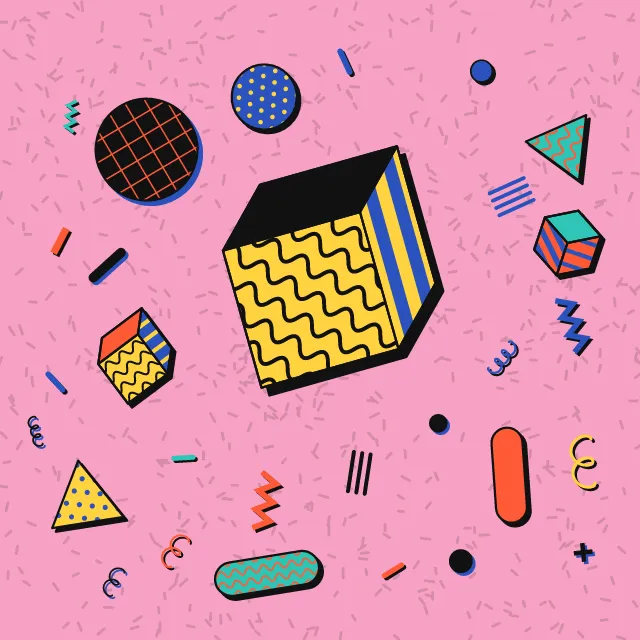
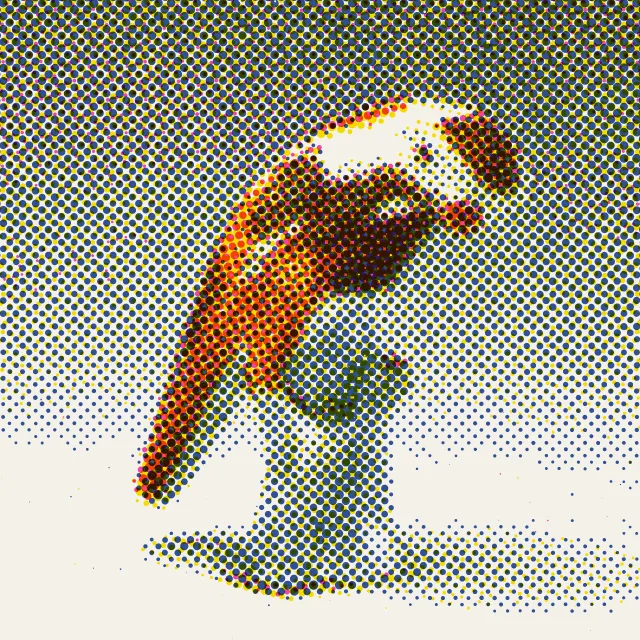
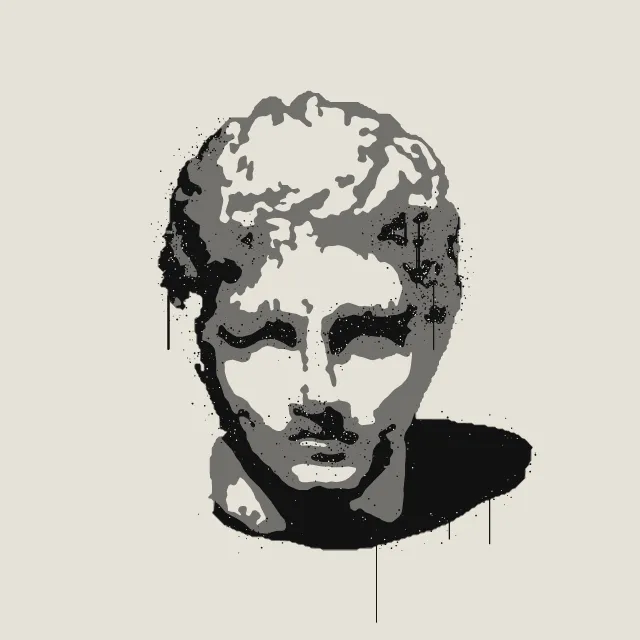
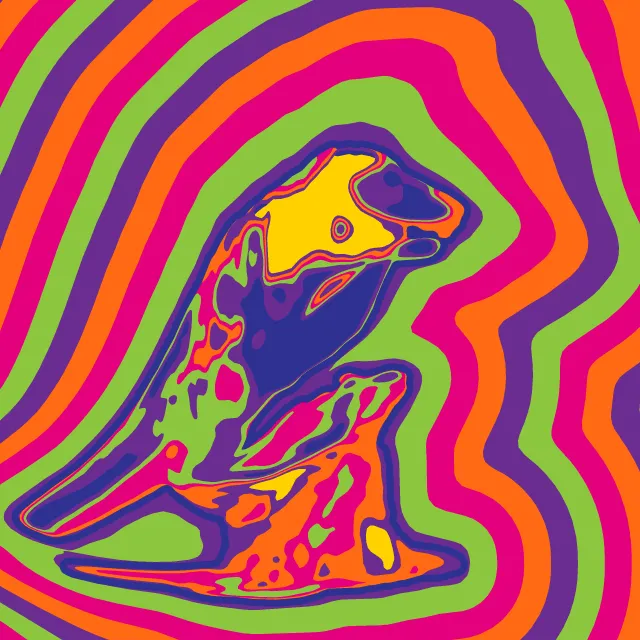
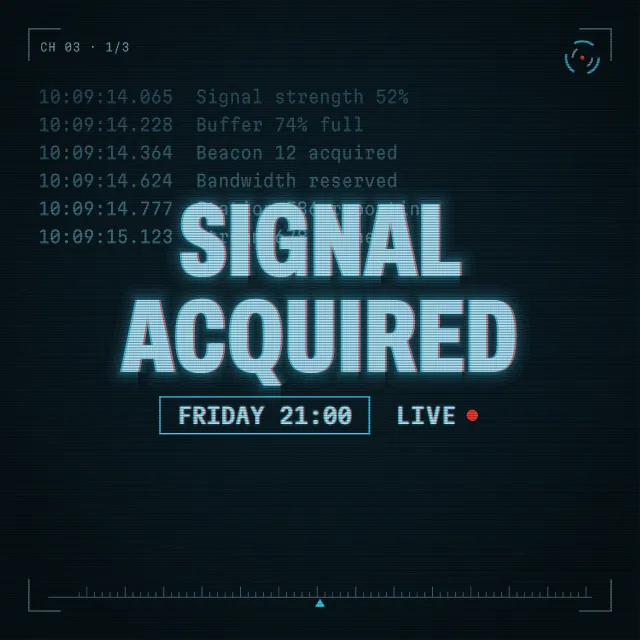
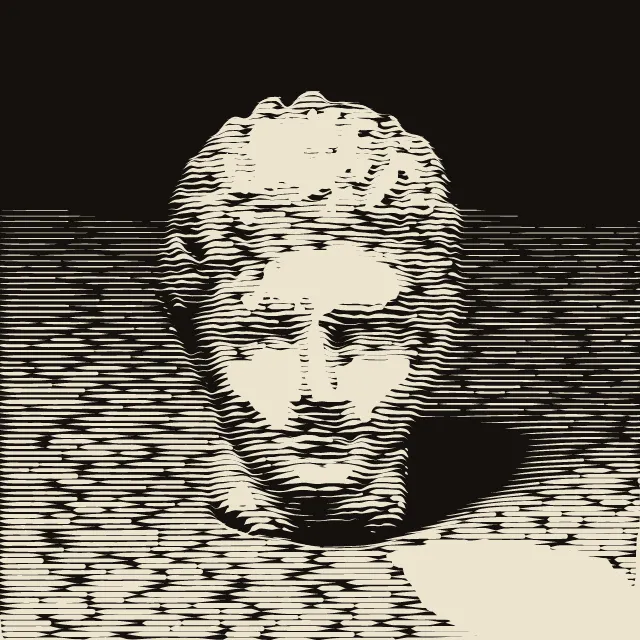
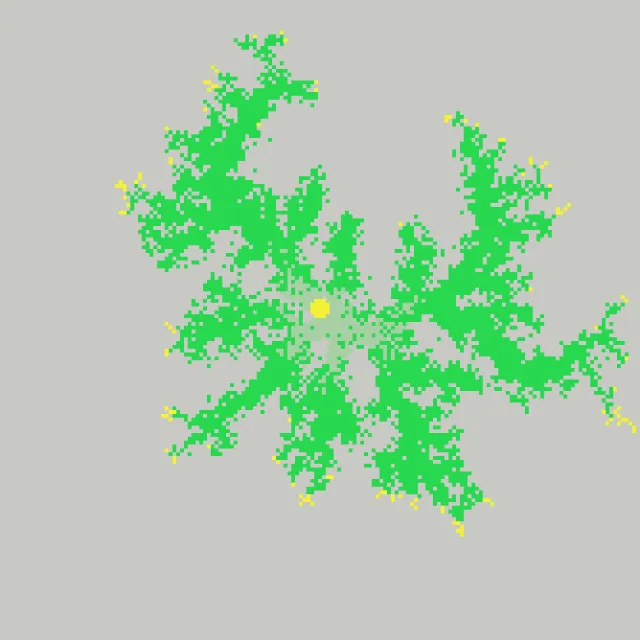
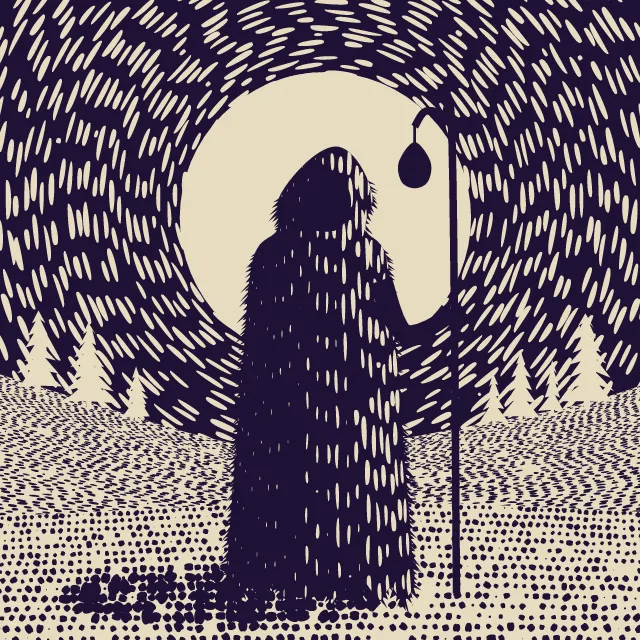
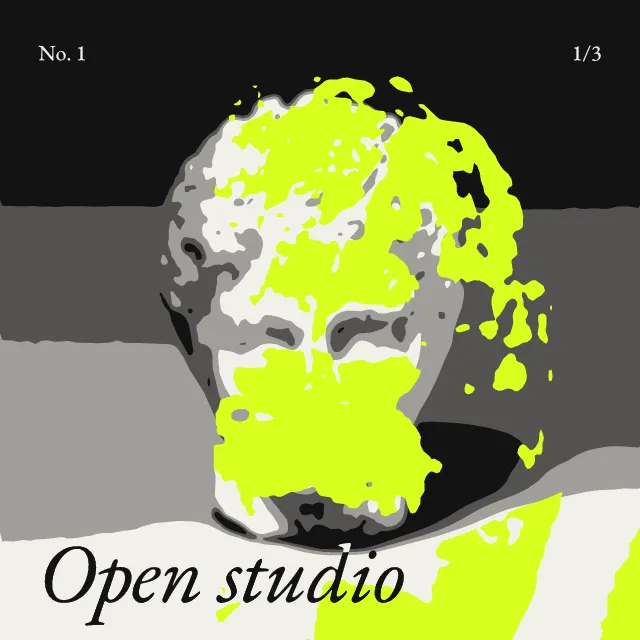
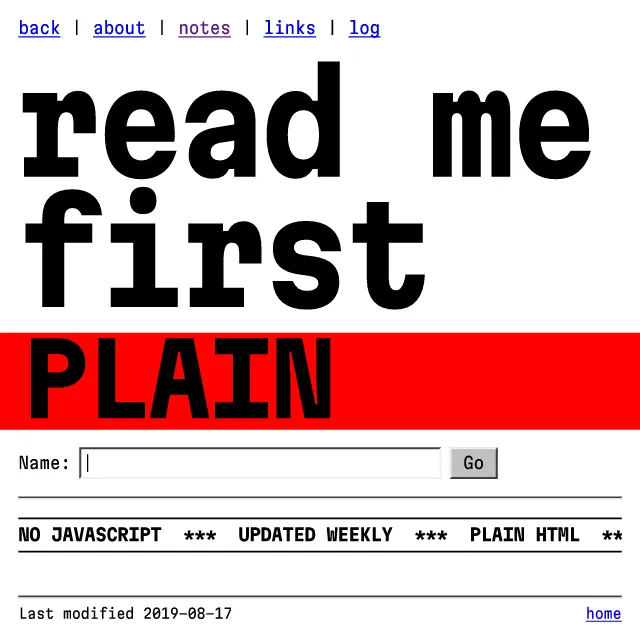
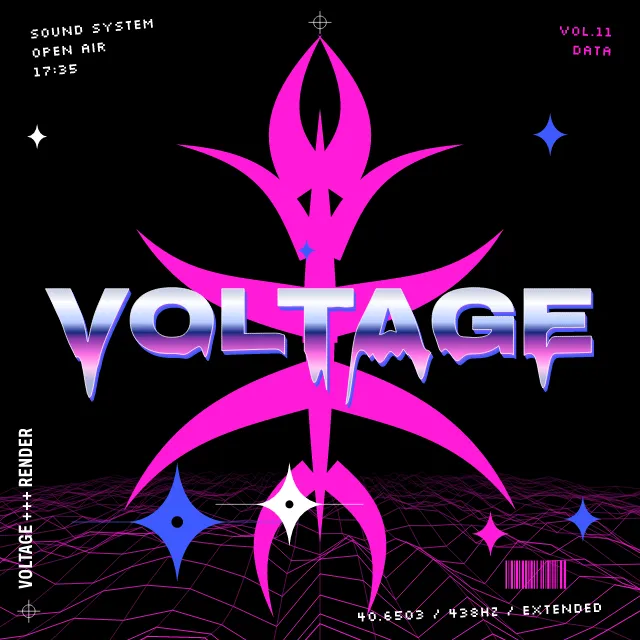
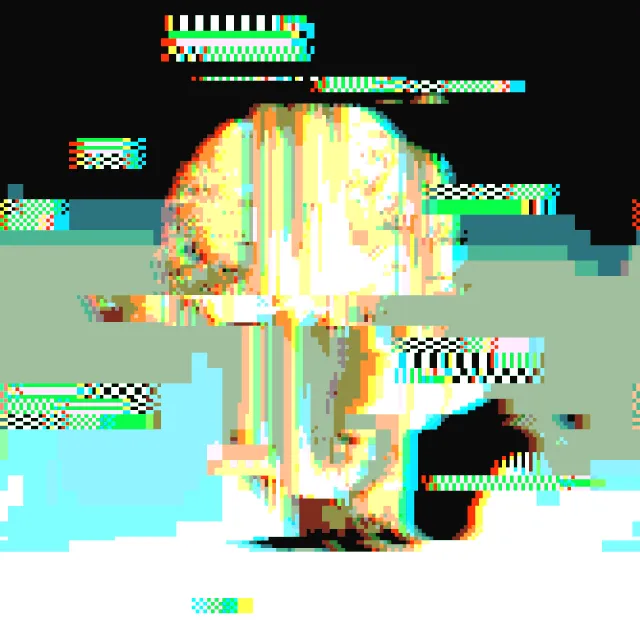




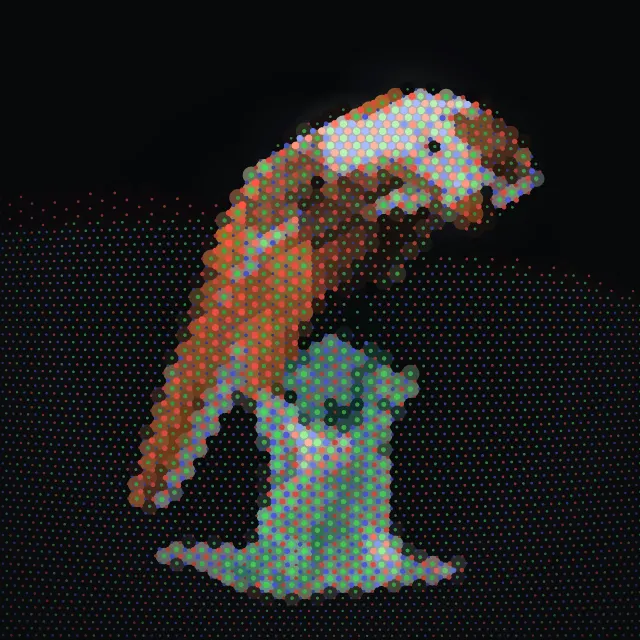
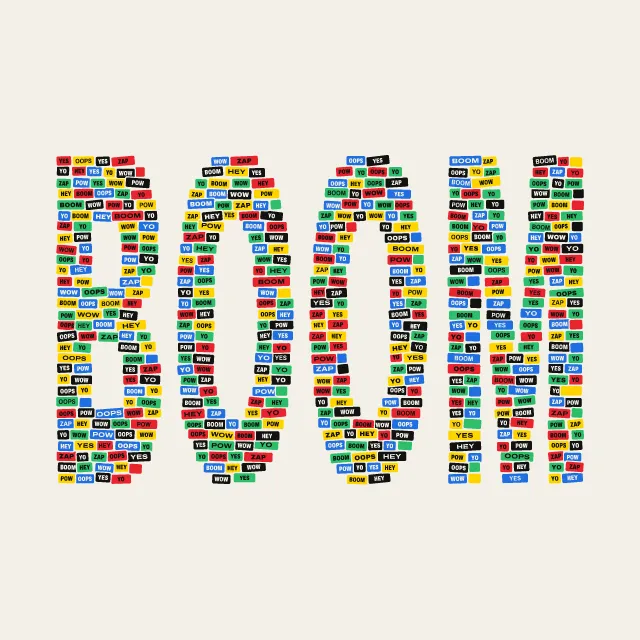
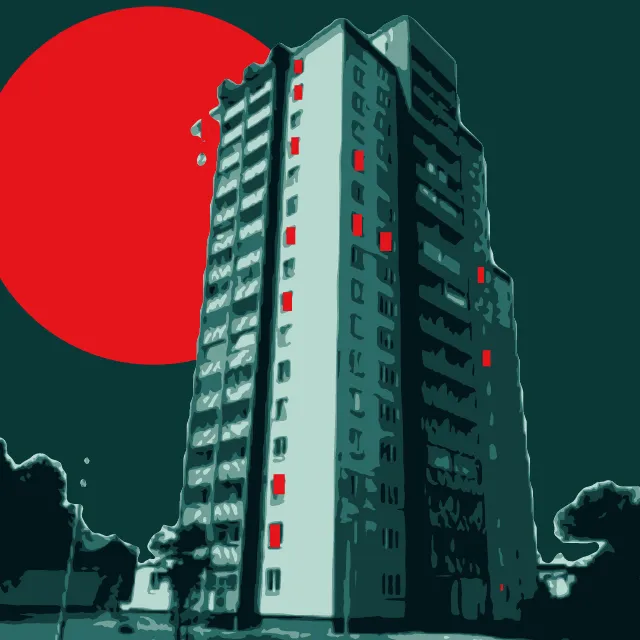
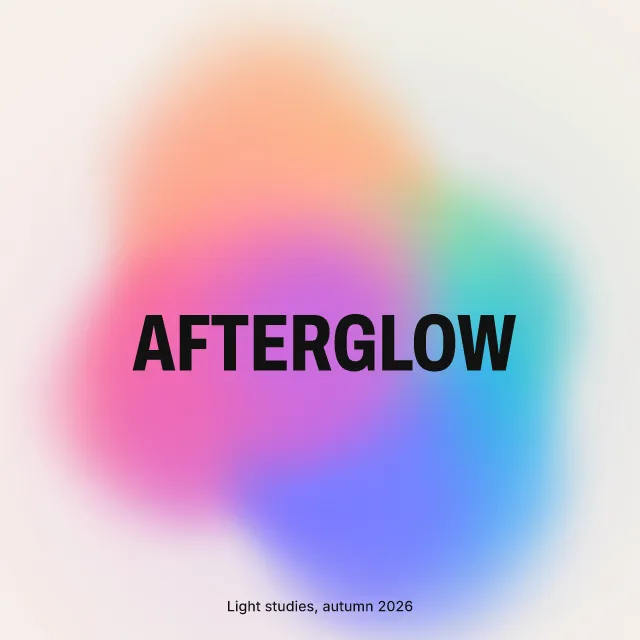
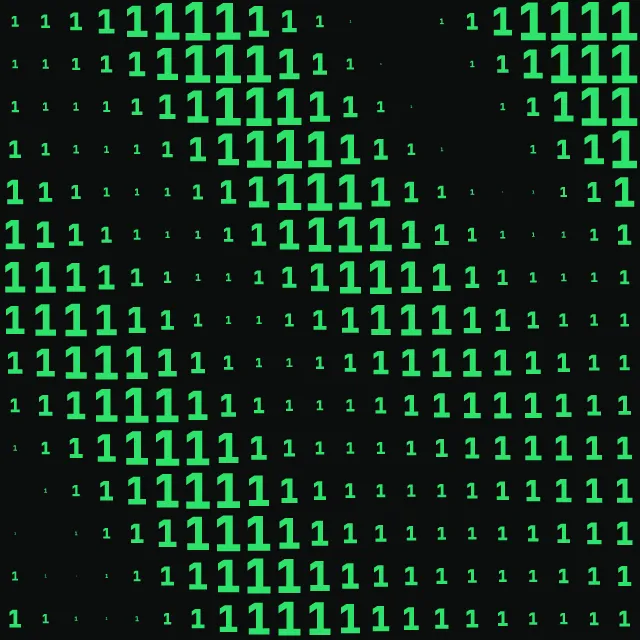
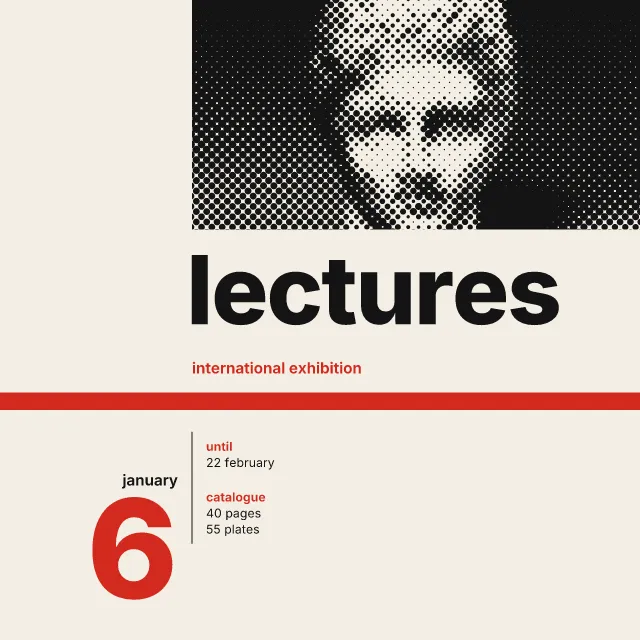
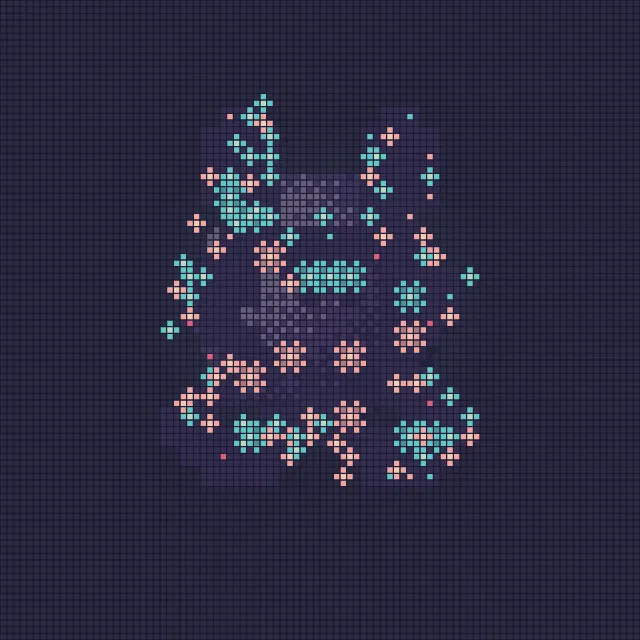
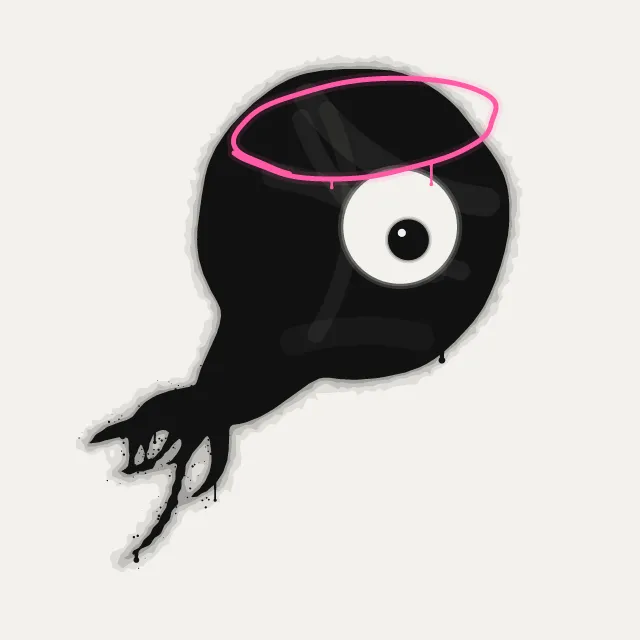
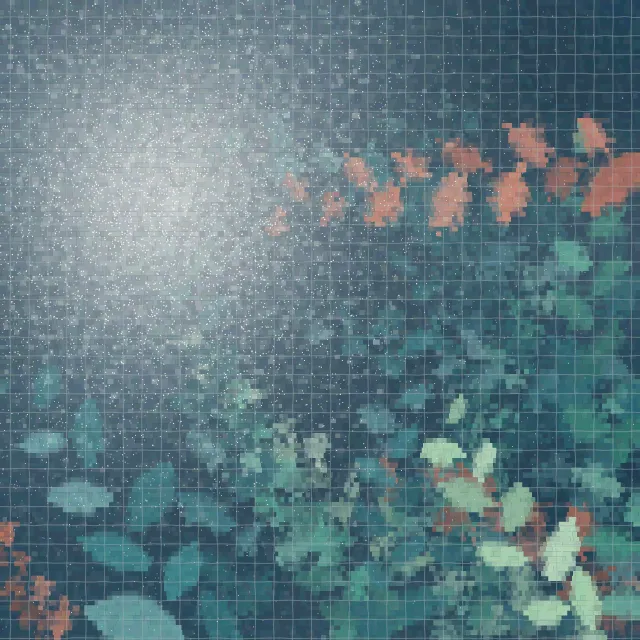

Your photo or video as a screen of characters, drawn by how much ink each one carries, in one phosphor ink, a gradient or the photo’s own colours.
What makes it ASCII
These are the design choices this generator makes or lets you set. Where a choice says “Measured”, Morphogeny changed that control alone, kept everything else, and measured the picture: a number that moves with the choice, not proof that the picture reads as the style.
- Repeated units create a visual cadence. Set by “Repetition & rhythm”. Measured on the opening picture, from 24 to 140: pixels on an edge 16% → 32%.
- Fixed-width typewriter or code letterforms. Set by “Monospace”.
- A single hue, or black and white. “Colour”: Phosphor. Measured on the opening picture with “Phosphor”: hues besides black, white and grey 1.
- Animated, time-based work: titles, broadcast, video. Set by “Motion & broadcast”.
- Light elements on black or deep fields. Always.
- Duotone, high-contrast or posterised photographs. Always.
How this generator works
- Every mark is one character cell on a monospace grid; the picture is drawn by how much ink each character carries, never by a traced outline.
- The photo’s backdrop stays the screen’s ground: it is set as a negative when its edges would light up.
- It moves forwards only, rain, a wave of density or a scrambling scan, each cell changing well under three times a second.
What it never does:
- No logos, group names or greetings of any demo group, and no copy of a known piece of text art: the characters come only from your photo.
- No embedded photo or raster: every character is an outline.
Every picture is a recipe: the variation number and the settings, kept in the page's address. Copy the link and the same picture comes back, in any browser. Random (or R) draws a new variation; ← and → step through them; S shuffles the settings; C borrows another style's colours.
About Text-mode art
Text-mode art draws a picture with the characters a screen or a printer already has. Each character covers a different share of its cell, so a full stop reads as a dark grey and a hash as nearly white, and a grid of them builds up a photograph. It began on teleprinters, grew on bulletin boards and in the demoscene, where artists and coders made whole screens from the characters of a text mode, and is now a common look for motion graphics and music visuals.
This generator samples your photo or video on a monospace grid and picks a character for each cell from a ramp, from the digits 0 and 1, from level blocks or dots, or from the letters of a word you type. Colour comes from one phosphor ink, from the palette as a gradient, or from the photo itself. The screen can rain down its columns, pass a wave of density across, or scan down with a band of scrambled characters.
Every character is an outline, so the SVG holds no copy of your photo and stays sharp at any size. Your photo or video is read only in your browser and is never uploaded.
Text-mode art: 1985–today. What the controls mean: Help.
Where ASCII art comes from
Pictures typed from characters are older than the screen, but text-mode art as a look belongs to the home computers of the 1980s. From the middle of that decade the demoscene, a mainly European community of coders, graphic artists and musicians, made screens that showed what a machine could do inside its limits. A fixed character set, a palette of a few colours and a tiny file size were the brief, not an obstacle.
In the 1990s, art groups on North American dial-up bulletin boards drew whole screens from the block, shade and line characters of the standard PC character set, in sixteen colours. Text files that came with software releases carried logos spelled out in letters and punctuation. Both branches still meet at demo parties, where text-mode pictures have competitions of their own, and several European countries now list the demoscene as living cultural heritage. Outside the scene, a screen of characters has become shorthand for code and for the machine itself.
How the generator turns a photo into ASCII art
The generator lays a monospace grid over your photo or video and measures the light in each cell. Repetition & rhythm sets how many characters run across, from 24 for a coarse screen to 140 for one that reads as a photograph. Monospace chooses what fills the cells: the Classic ramp, the Dense ramp, Binary, Blocks, Dots, or Your word.
Each cell takes the character whose ink best matches its tone, and Contrast sets how hard the tones are pushed. Colour gives one Phosphor ink in three strengths, a Gradient map in the palette’s most vivid ink, or Photo colour, the picture’s own colours. A clear subject is cut out and lit on an empty screen; otherwise the picture turns negative when its edges would light up.
Motion & broadcast moves the screen forwards only. Rain sends drops down the columns, Wave passes a band of density across, and Scramble scan runs a band of changing characters down once per loop. No cell changes as often as three times a second.
What to make with ASCII art from a photo or video
A portrait drawn in characters makes a cover for a music release, a gig poster, or the title slide of a talk about code. Story suits a vertical social video, Landscape a slide background or a screen behind a stage, and Banner a page header.
Bring a short clip of your own and export the moving screen as a video loop, or export a still as SVG or PNG. Poster has the proportions of A-series paper, so the SVG prints at A3 or larger without losing sharpness. Every character is an outline, so a print shop needs no fonts to open the file, and what you export is yours to use.
Tips for a readable ASCII portrait
Start with a photo whose subject stands clear of a plain background. The generator cuts it out and leaves the rest of the screen empty, where text-mode art looks most deliberate. Between about 60 and 90 characters across, a face stays readable while the characters still read as characters. Raise Contrast when the photo is flat, and lower it when the shadows fill in.
With Your word, keep the word short and the letters plain: complex letters make heavy outlines, so the generator draws fewer, larger cells to keep the file small. Tall formats also allow fewer columns. Before you print, look at a fine screen at full size, since small light characters on a dark ground can close up on uncoated paper.
Use it from code
The recipe below draws the picture this page opens with. Copy recipe gives you the one on screen. Agents can render recipes to SVG or PNG through Morphogeny's MCP server (morphogeny_render); the same recipe always gives the same SVG.
{
  "tool": "ascii",
  "v": 1,
  "seed": 1,
  "format": "portrait",
  "params": {
    "columns": 72,
    "chars": "classic",
    "word": "SIGNAL",
    "colour": "gradient",
    "contrast": 1.25,
    "motion": "rain"
  },
  "palette": "demoscene-graphics"
}
Open this recipe: /ascii/#seed=1&v=1. A plain-text version of this page:/ascii.md.