









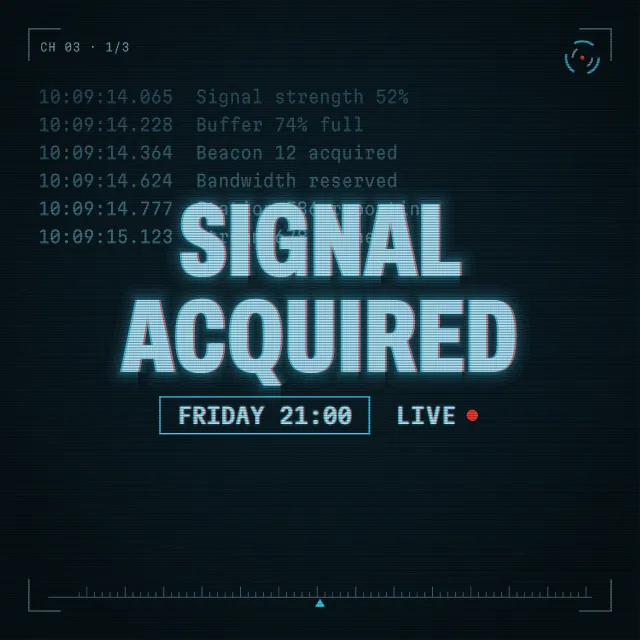



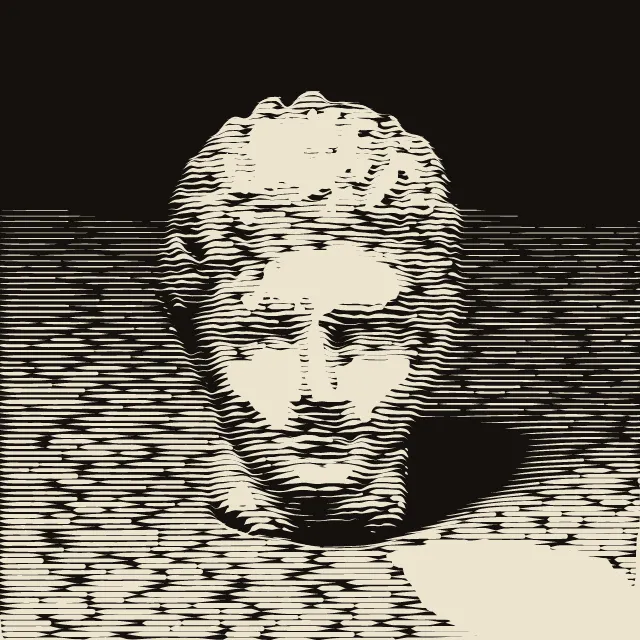










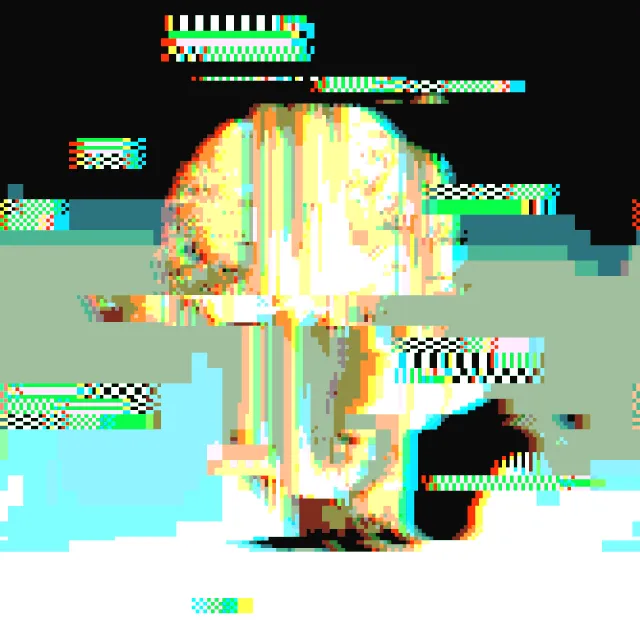




















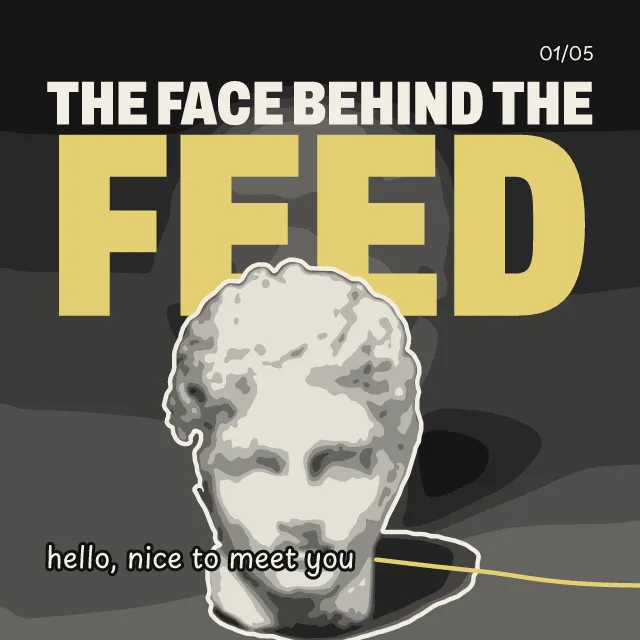



Lines of your own flying across a paused frame in the plain outlined type of bullet comments, from a quiet scene to a curtain that covers the picture.
What makes it Danmaku
These are the design choices this generator makes or lets you set. Where a choice says “Measured”, Morphogeny changed that control alone, kept everything else, and measured the picture: a number that moves with the choice, not proof that the picture reads as the style.
- Repeated units create a visual cadence. Set by “Bullet curtain”.
- Emptiness is an active element: wide margins and quiet areas. “Bullet curtain”: A quiet scene. Measured on the opening picture: ground showing 60% with “A quiet scene”, 53% with “A busy scene”, 45% with “The curtain” and 40% with “Comment art”.
- Every area is filled; abundant, crowded, layered. “Bullet curtain”: A busy scene.
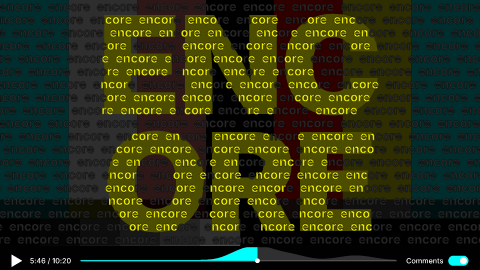
- Letters so large they become the picture. “Bullet curtain”: Comment art.
- Day-glo inks and RGB brights. Set by “Viewers’ colours”. Measured on the opening picture, from 0 to 1: area in bright saturated colour 0.0% → 3.8%.
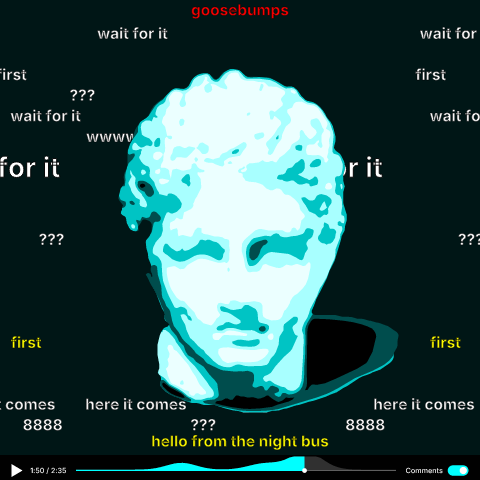
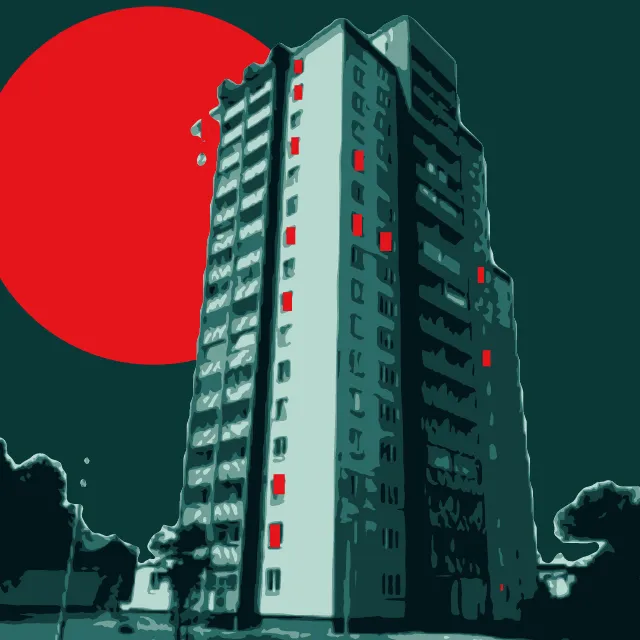
- Duotone, high-contrast or posterised photographs. “Under the comments”: A photo.
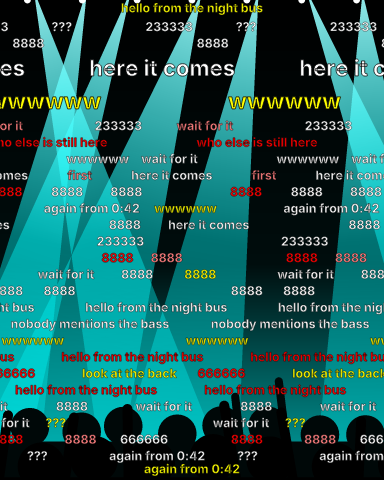
- No pictures; type carries everything. “Under the comments”: Nothing. Measured on the opening picture: large shapes 2 with “Nothing”, 13 with “A photo”, 12 with “A stage” and 16 with “Signal bars”.
- Perspective, overlap, shadow or parallax create a z-axis. Set by “Pass behind the subject”.
- Operating-system and mobile interfaces. Set by “Player bar”.
- Several reading levels: headline, deck, captions, data. Always.
- Elements carry equal weight; the reader chooses the path. Always.
- Neutral, rational sans: Akzidenz-Grotesk, Helvetica, Univers. Always.
- Solid, unblurred drop shadows and outlines. Always.
- Animated, time-based work: titles, broadcast, video. Always.
- Made by and for a community; street-level. Always.
How this generator works
- One-line comments in lanes over a picture, never beside it: the same plain sans, light with a thin dark outline, at one size bar the odd big comment, moving right to left so that none outranks another.
- Repetition builds the climax: one line posted again and again until it covers the frame, and characters of the crowd coloured to spell that line many times their size.
- With a cut-out, the comments pass behind the subject and pinned lines that would cross it are left out, so the layer sits in the picture and faces stay clear.
What it never does:
- No site’s logo, player or real comments: every line is one you can read and change in the box, and the player bar is generic.
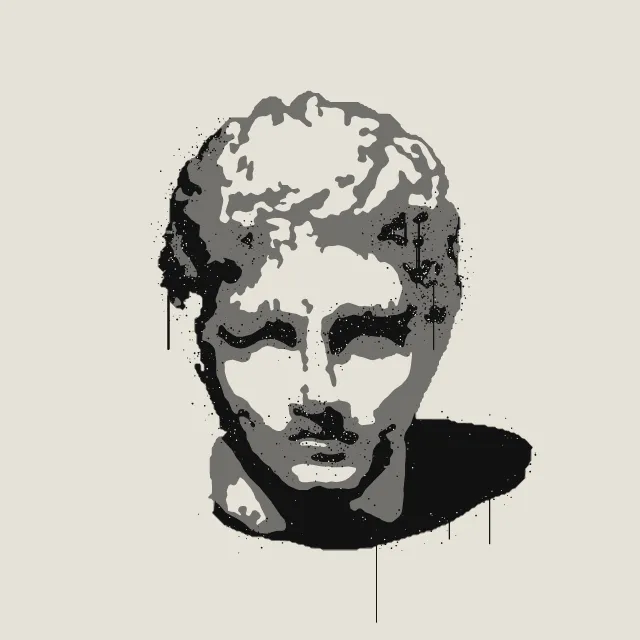
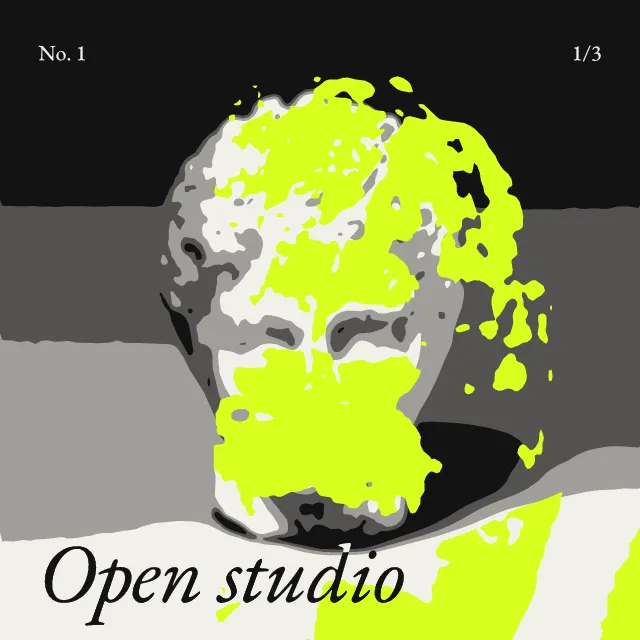
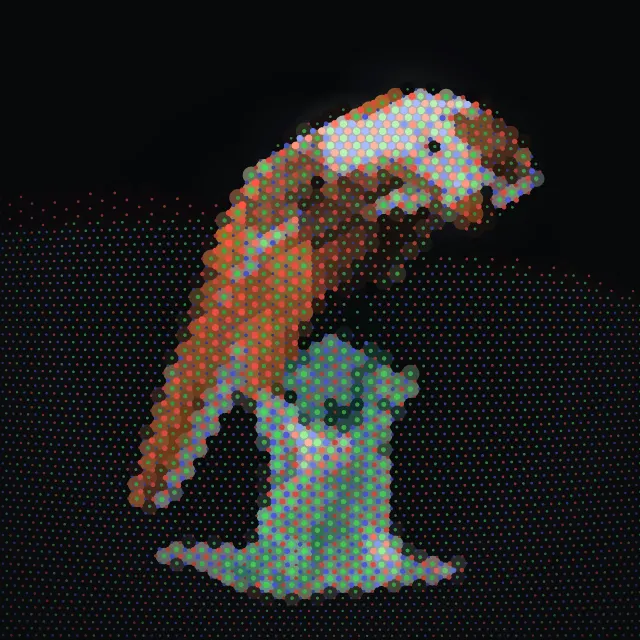
- The default is a line over a public-domain marble head in flat tones, not a frame of anyone’s film, show or game.
- Density goes down to nothing, so the layer can always be thinned or taken away.
Every picture is a recipe: the variation number and the settings, kept in the page's address. Copy the link and the same picture comes back, in any browser. Random (or R) draws a new variation; ← and → step through them; S shuffles the settings; C borrows another style's colours.
About Danmaku Bullet-Comment Overlay
Danmaku, “bullet curtain”, began on Japanese video sites in 2006 and spread to Chinese ones within a few years. Viewers’ one-line comments fly across the playing video from right to left, each timed to the moment it answers. Every line starts the same: a plain sans, light with a thin dark outline, at one size, so that any stranger’s comment reads on any footage and none outranks another. At a climax the same short line is posted over and over until it hides the picture.
This generator sets that crowd in lanes over a frame: a photo pushed to flat tones, a concert drawn in flat beams, signal bars or nothing. Choose how far the crowd has gone, from a few lines to the whole curtain, or comment art, where the characters passing through a giant word take its colour and spell it. With a photo that has a clear subject, the comments pass behind it, as players do to keep faces clear.
Every line is yours to rewrite in the box, one per line. The numbers are the crowd’s own shorthand: 8888 is applause, 233333 is laughter, 666666 is “nicely done”. In motion each lane travels at its own steady speed, and the loop closes without a seam. The fonts here have Latin and Hangul but no Japanese or Chinese, so those characters are left out.
Danmaku Bullet-Comment Overlay: 2006–today. What the controls mean: Help.
Where scrolling bullet comments come from
The Japanese word danmaku is military: a barrage of fire. Shoot-’em-up games borrowed it for a screen filled with bullets, and video viewers took it for a screen flooded with identical comments. On Chinese sites, where it is called danmu, the word came to mean each single comment. The scrolling line itself has an older relative in the marquee text of the early web.
What made the form new was timing: each comment is stored against the second of video it answers. Everyone who watches later sees the earlier remarks arrive at that moment, as if the viewers shared a room. Viewers could add colour, size and a pinned place at the top or bottom edge, and some arranged coloured characters into pictures and giant letters, known as comment art. Players later added an off switch, filters and density sliders, and live streams adopted the same layer.
How the generator builds a danmaku comment overlay
Write the line the crowd repeats in The line everyone posts, and up to 400 characters of Other comments, one per line. Bullet curtain sets how far the crowd has gone: A quiet scene, A busy scene, The curtain, or Comment art. Quiet and busy scenes can also pin a line at the top and bottom edges and set one or two loud lanes at double height.
Density thins the layer down to nothing, Comment size sets the one size every line shares, and Viewers’ colours sets how many lines use a colour command instead of the default. Under the comments chooses the paused frame: A photo, A stage, Signal bars, or Nothing.
With a photo, Pass behind the subject cuts the subject out so the lanes run behind it. Player bar adds a plain bar under the frame with a curve of how many comments each moment drew. Every lane travels at its own speed, and a loop lasts 20 seconds.
What to make with a scrolling comment overlay
The overlay suits anything about watching together: a poster for a screening, a title card for a stream, or a slide for a talk on online fan culture. Landscape fits a video frame, Story and Portrait vertical posts, and Banner a channel header.
Export a still as SVG or PNG, or the moving layer as a looping video. Your photo is read in your browser and never leaves your device. What you export is yours to use, but the comments are yours too: present them as your own lines, never as a real audience.
Tips for a readable bullet curtain
Keep each comment short: real bullet comments are a few words, and long lines crowd the lanes. For The curtain and Comment art, a line of two to six characters reads best; 8888 or a single word spells clearly in giant letters.
Choose A quiet scene when the picture matters and The curtain when the crowd is the subject. A photo with one clear subject lets the comments pass behind it; a busy photo gets toned darker instead. Keep Viewers’ colours low, since the plain outlined line is what makes the style. Japanese and Chinese characters are left out because the fonts lack them, while Latin and Hangul are kept.
Use it from code
The recipe below draws the picture this page opens with. Copy recipe gives you the one on screen. Agents can render recipes to SVG or PNG through Morphogeny's MCP server (morphogeny_render); the same recipe always gives the same SVG.
{
  "tool": "danmaku",
  "v": 1,
  "seed": 2,
  "format": "landscape",
  "params": {
    "chant": "8888",
    "comments": "wait for it\nhere it comes\nwwwwww\n666666\nagain from 0:42\nwho else is still here\n???\nlook at the back\ngoosebumps\nnobody mentions the bass\n233333\nfirst\nhello from the night bus",
    "moment": "curtain",
    "density": 0.85,
    "tint": 0.15,
    "size": 32,
    "picture": "photo",
    "mask": true,
    "bar": true
  },
  "palette": "danmaku-comments"
}
Open this recipe: /danmaku/#seed=2&v=1. A plain-text version of this page:/danmaku.md.