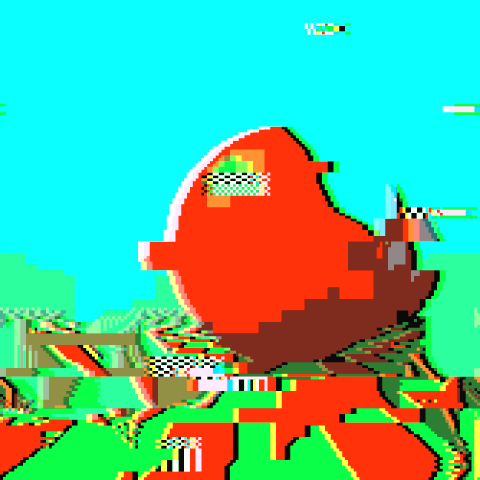
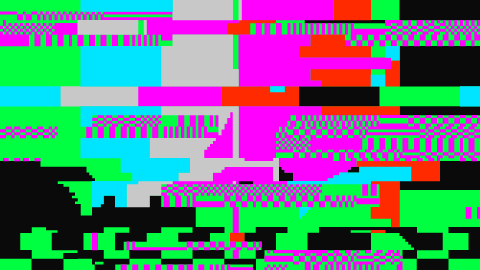
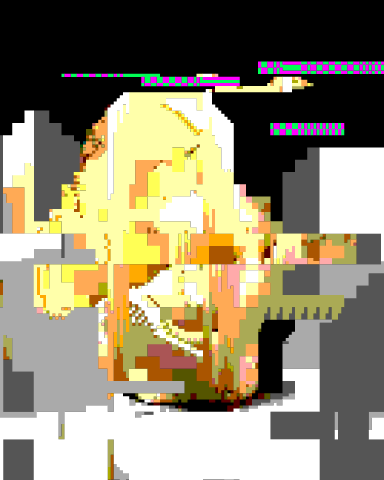
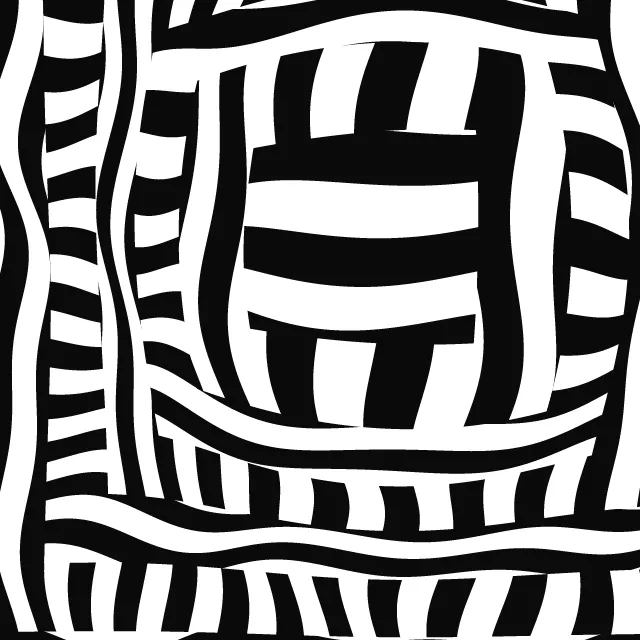
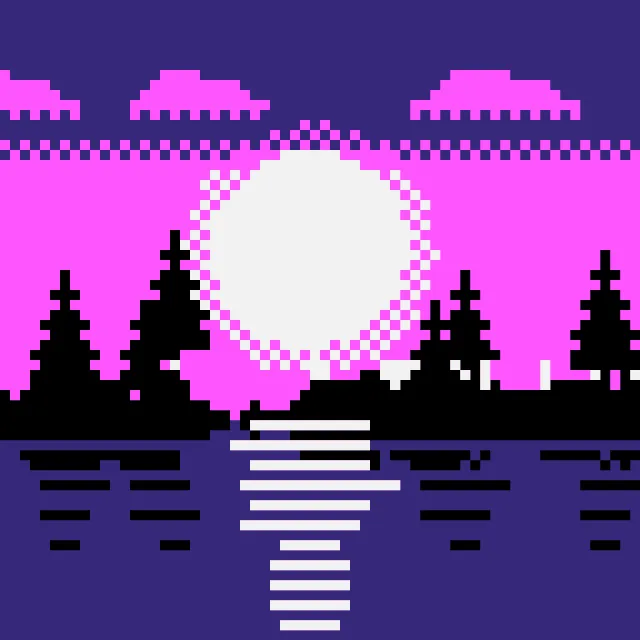
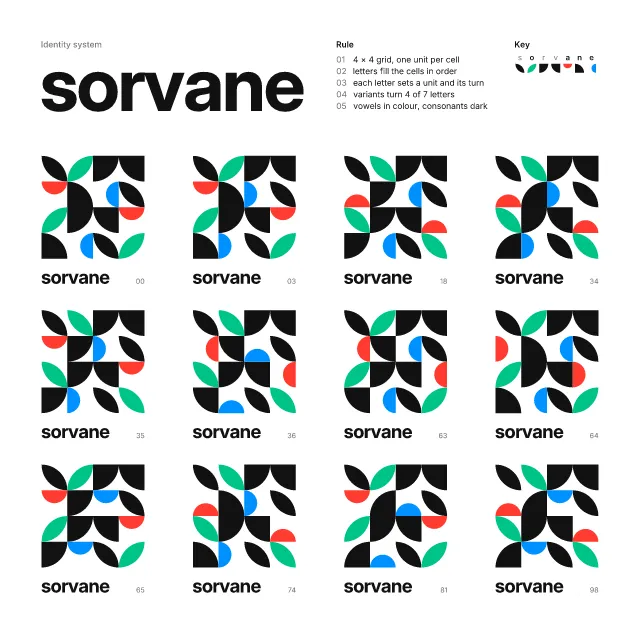
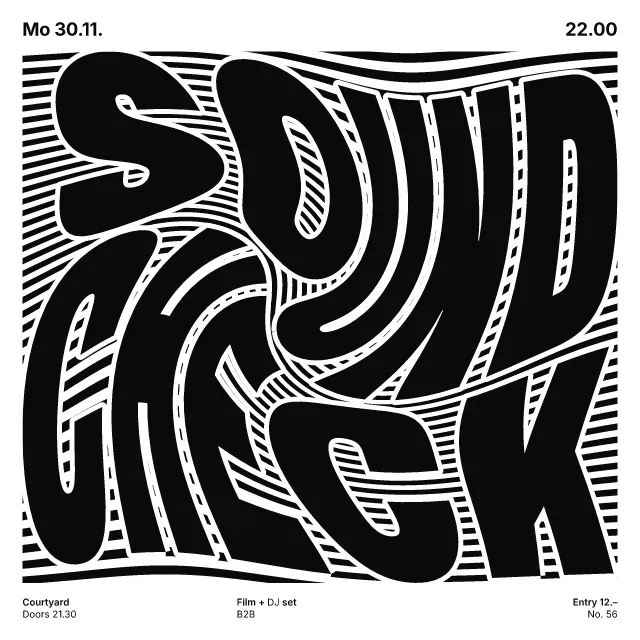
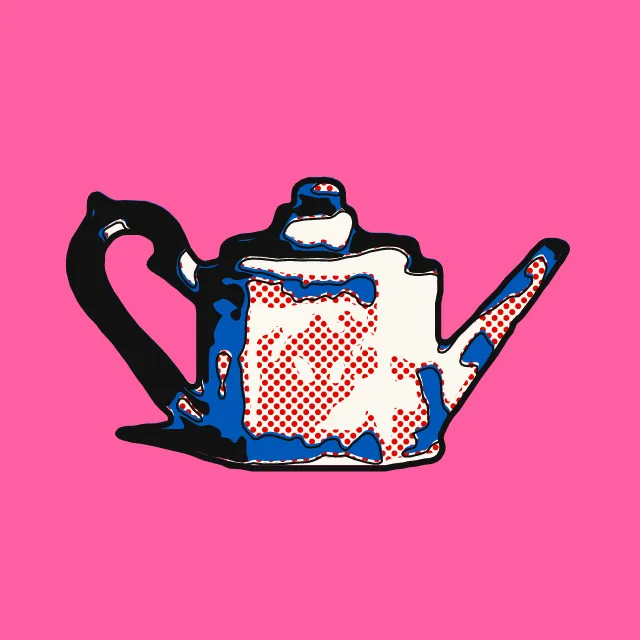
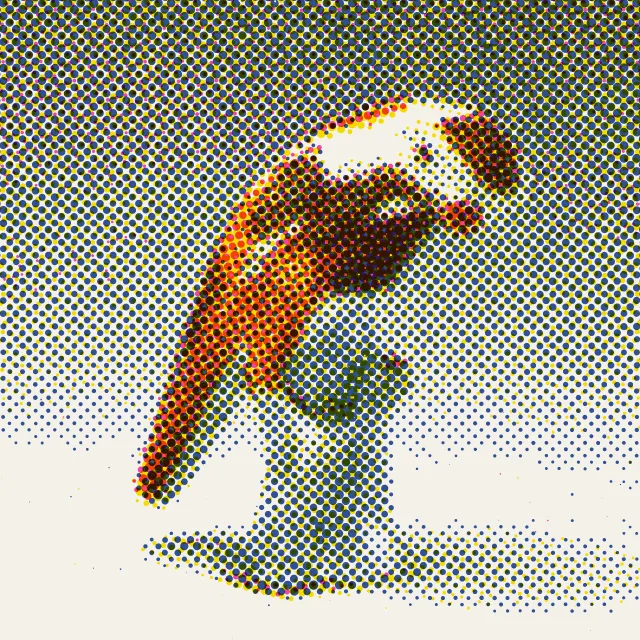
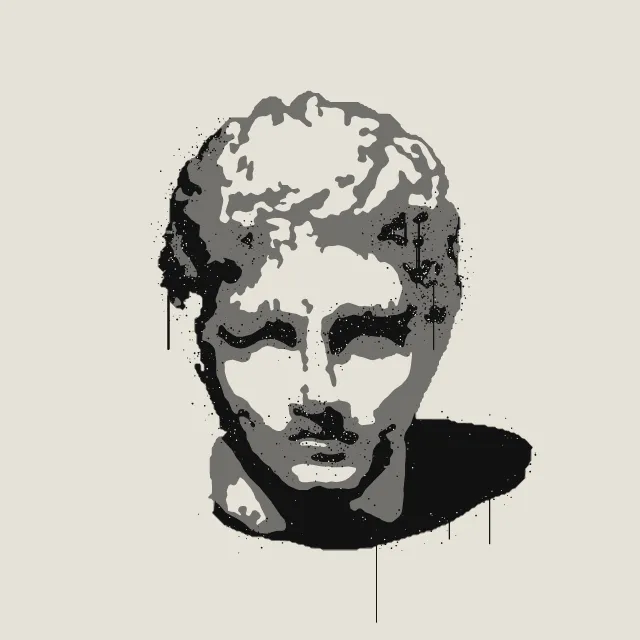
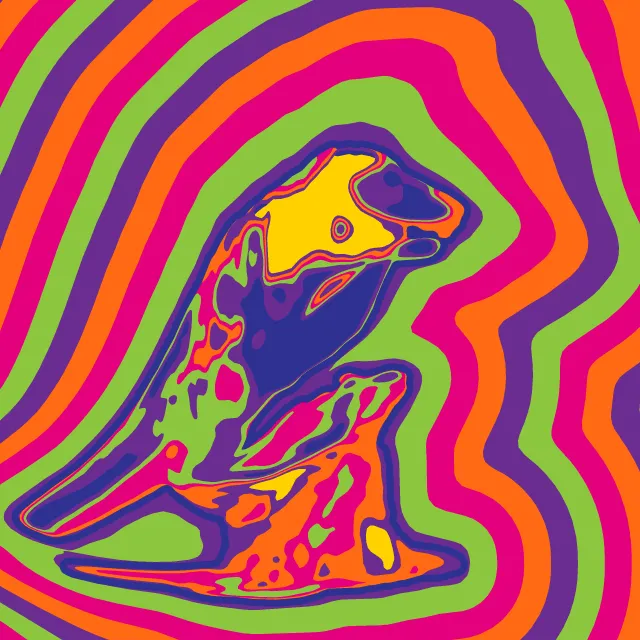
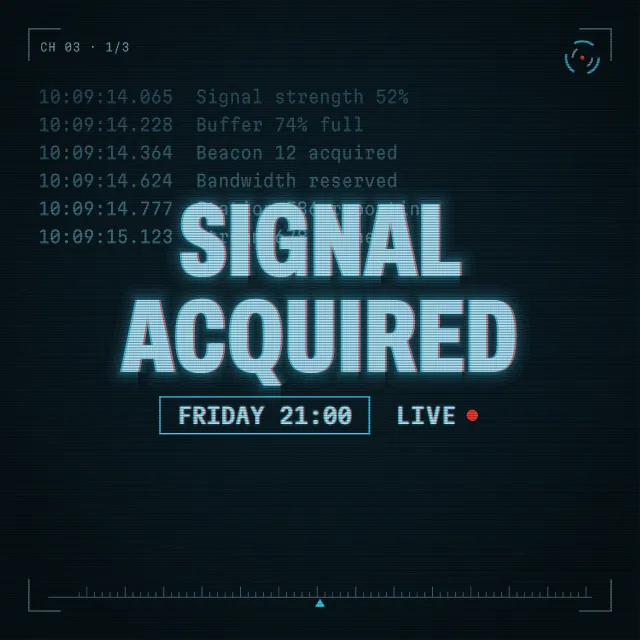
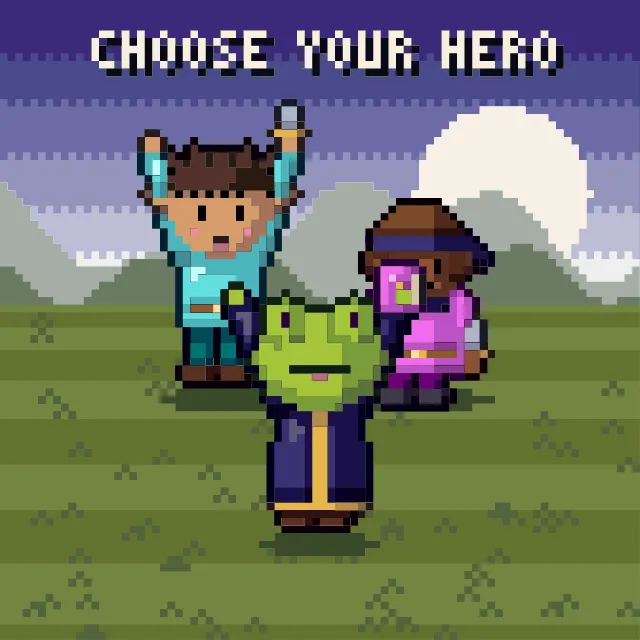
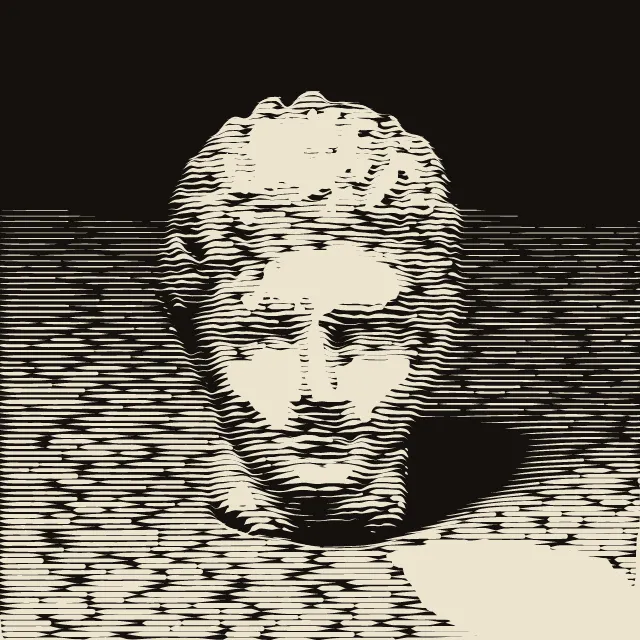
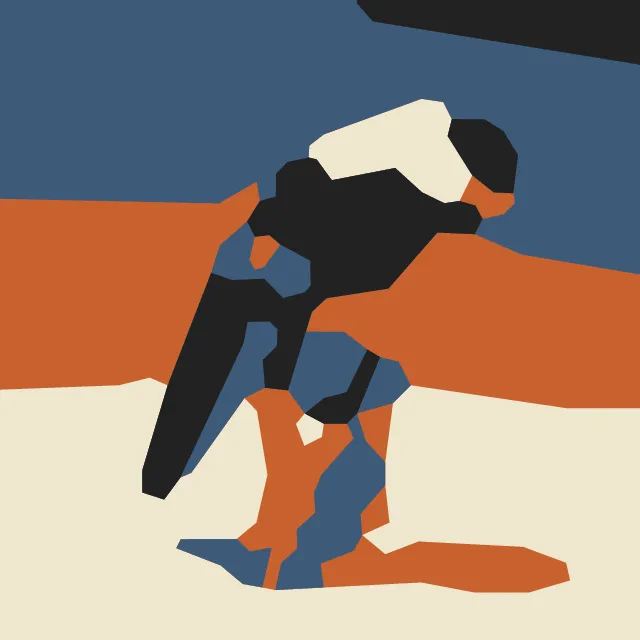
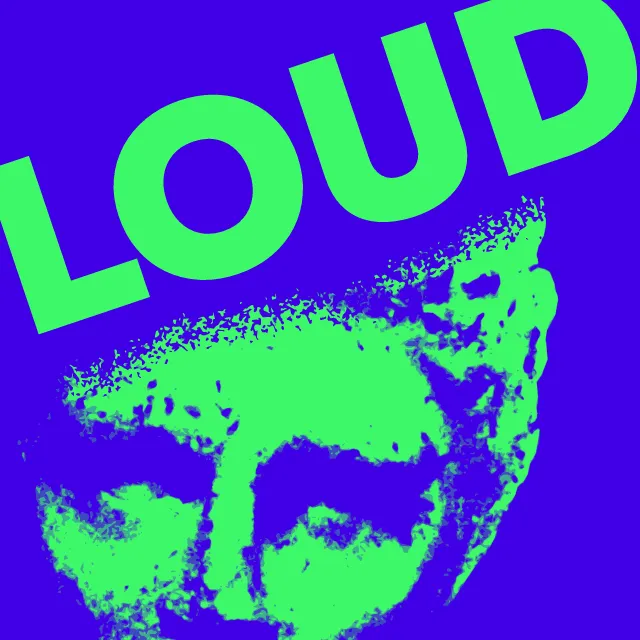
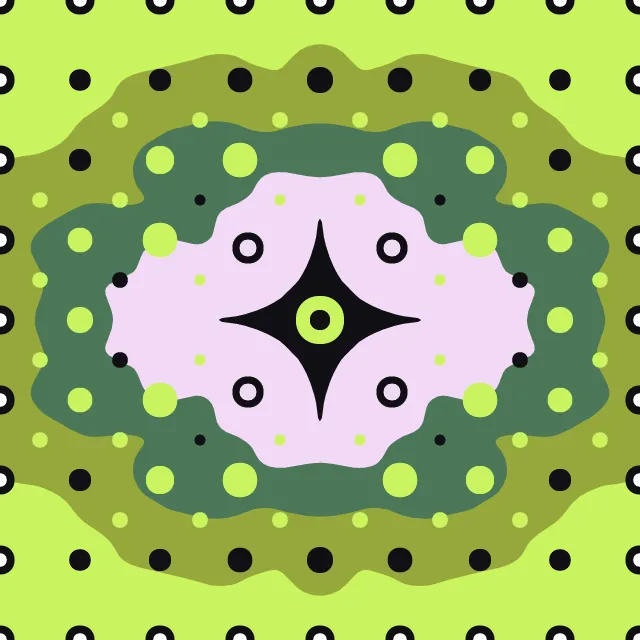
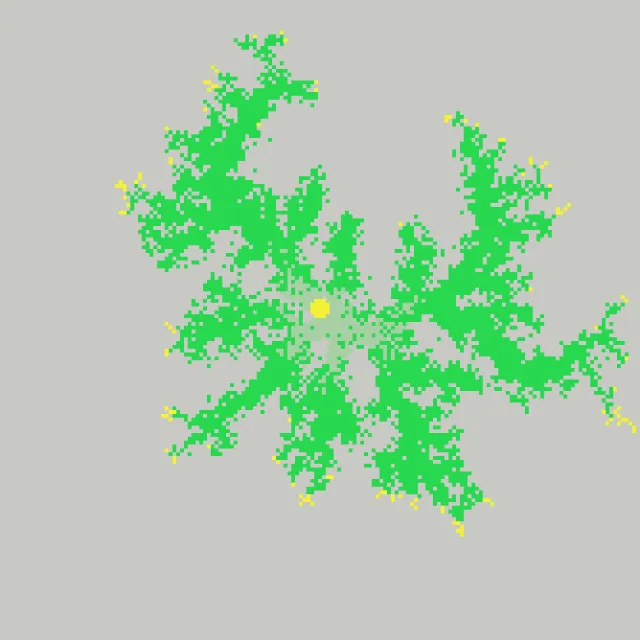
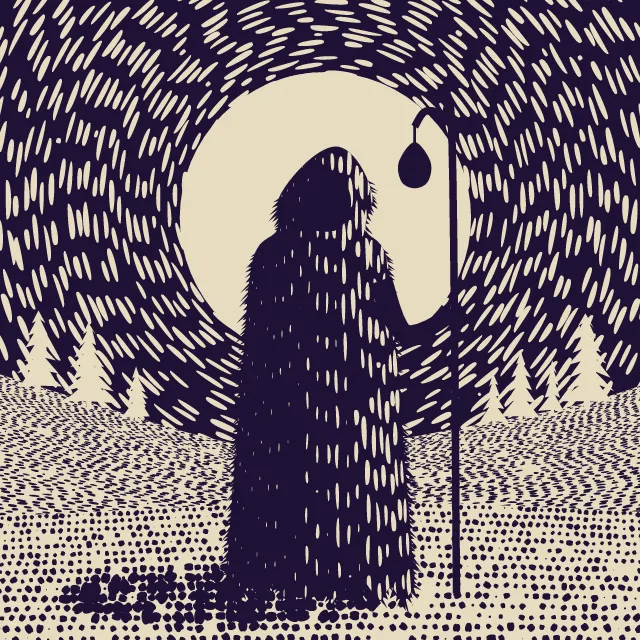
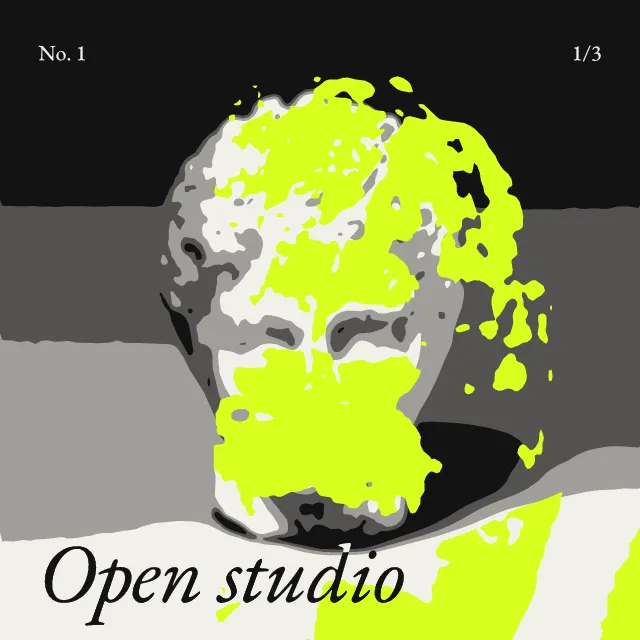
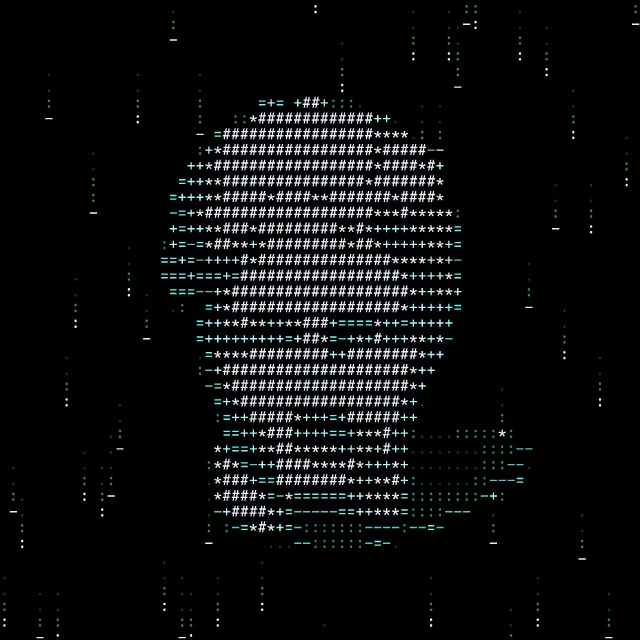
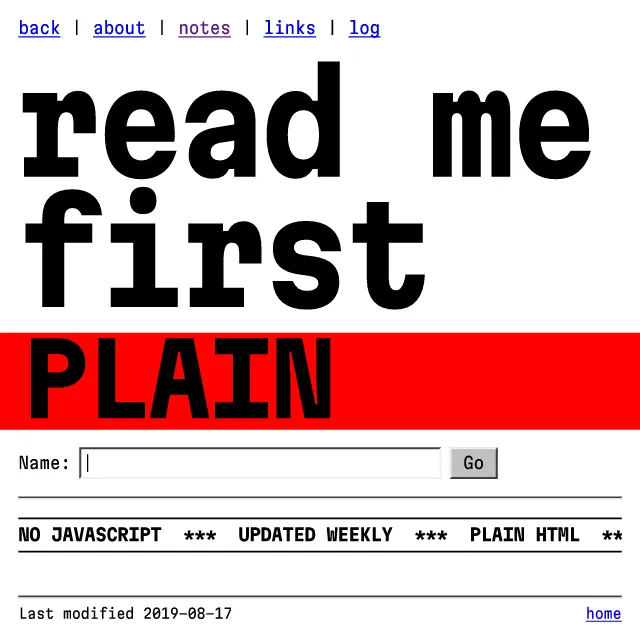
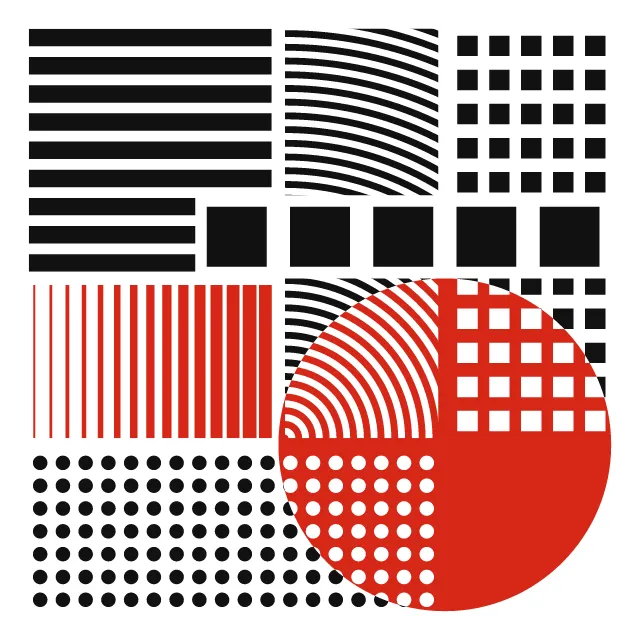
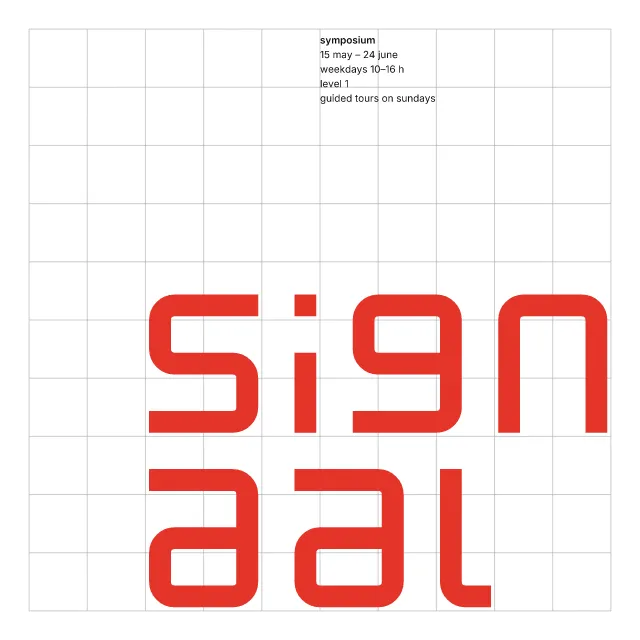
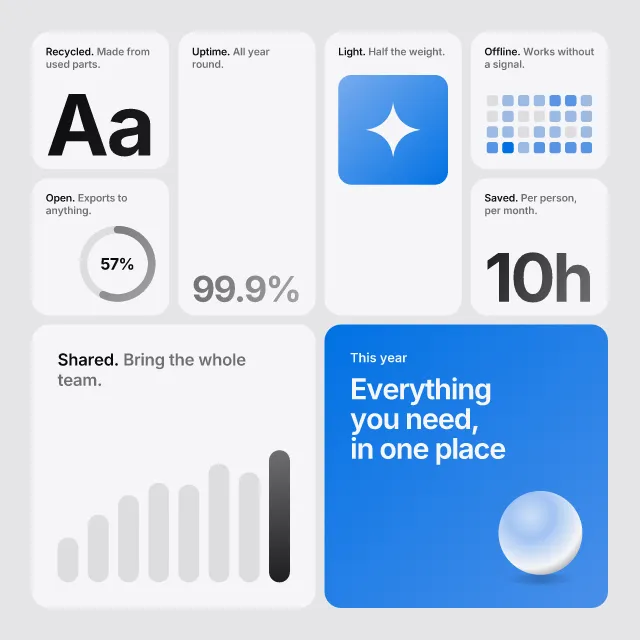
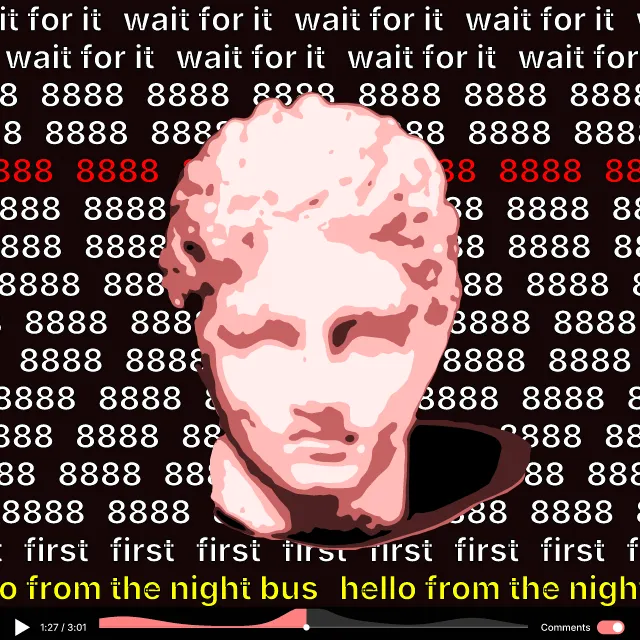
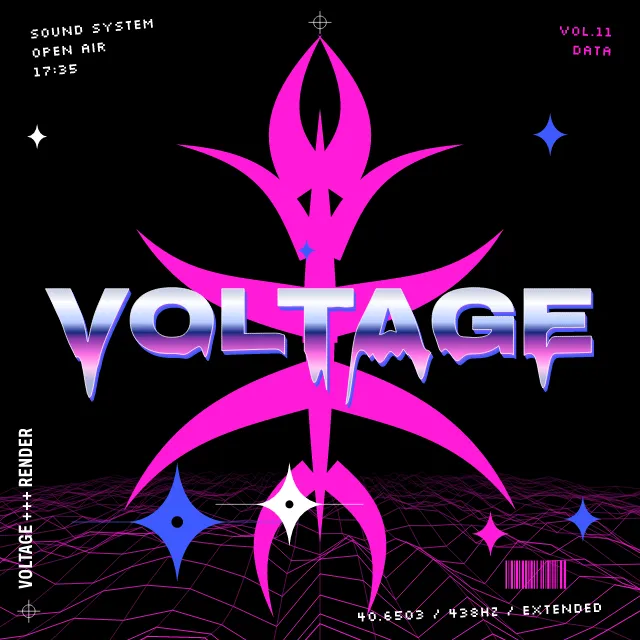
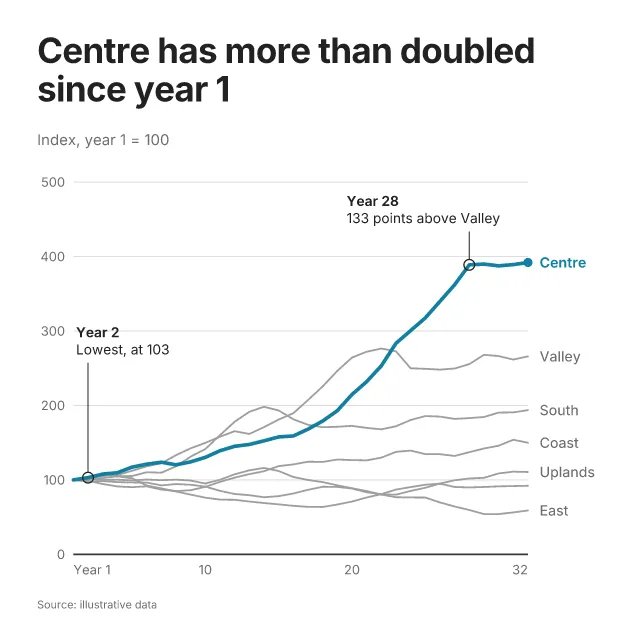



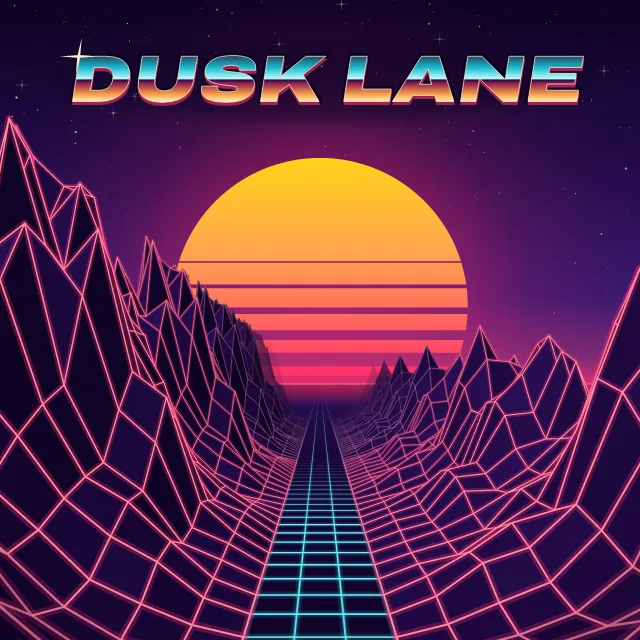

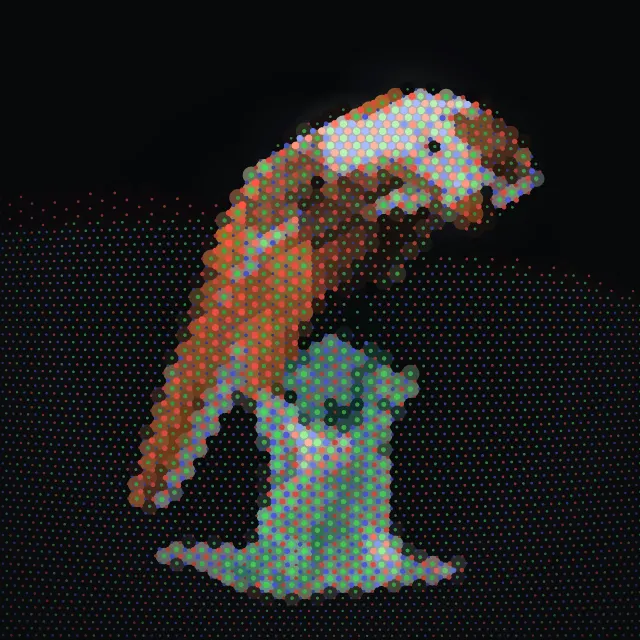
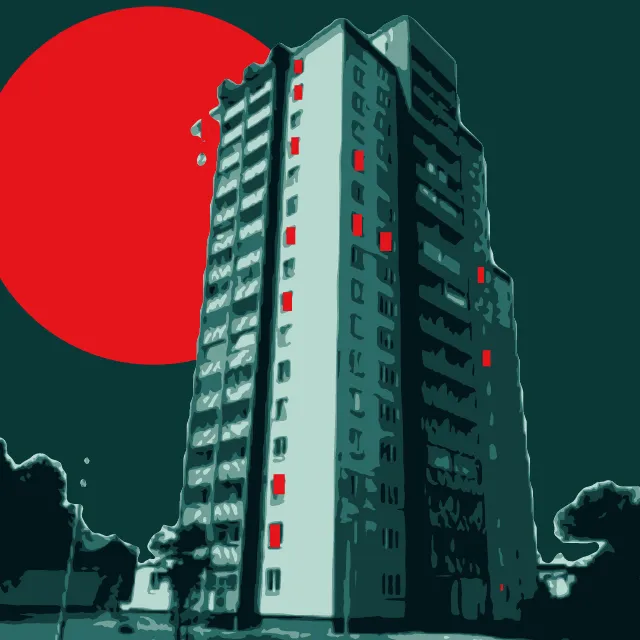
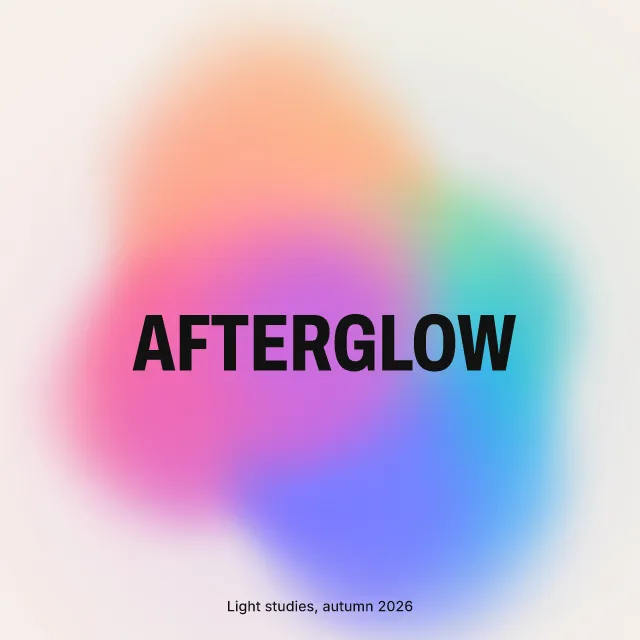
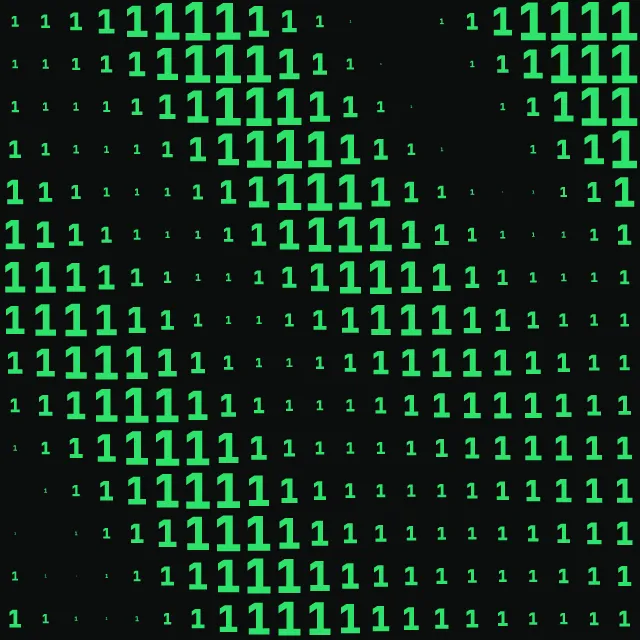
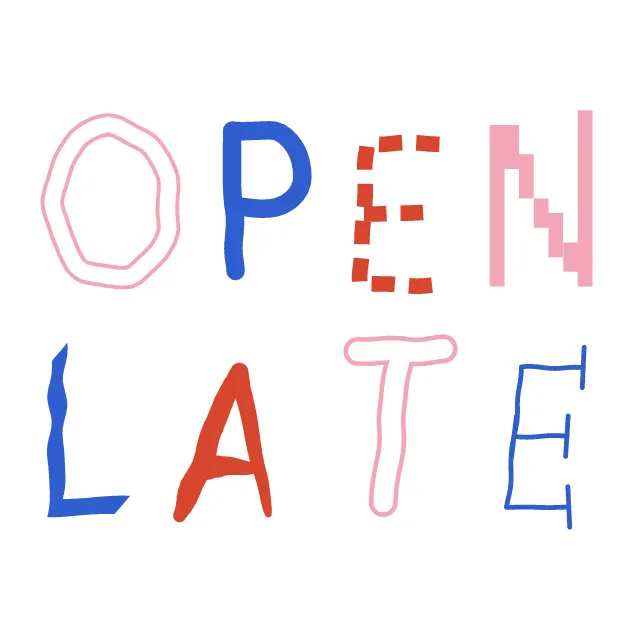

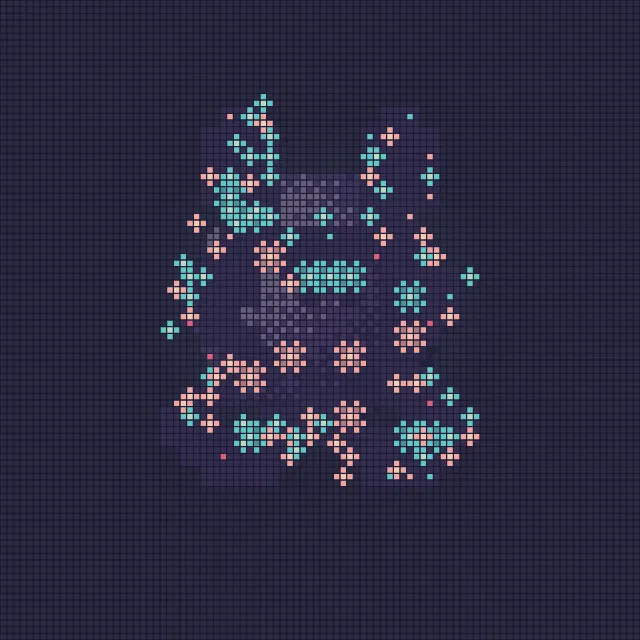
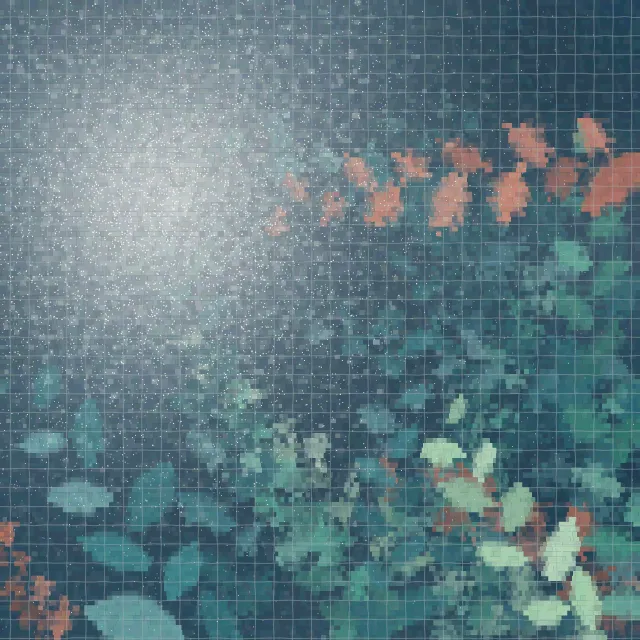


Your photo, a rendered scene or a test signal, broken the way a codec breaks: blocks dragged by motion vectors, light sorted into streaks, rows torn sideways.
What makes it Glitch art
These are the design choices this generator makes or lets you set. Where a choice says “Measured”, Morphogeny changed that control alone, kept everything else, and measured the picture: a number that moves with the choice, not proof that the picture reads as the style.
- Duotone, high-contrast or posterised photographs. “Source”: A photo.
- Computer-generated objects, scenes and textures. “Source”: A rendered scene.
- Clip art, stock, screenshots, appropriated ephemera. “Source”: A test signal.
- Vibrating opposites placed edge to edge. “Colour from the fault”: Palette. Measured on the opening picture: neighbouring pixels in opposite hues 38‰ with “Palette”, 24‰ with “Posterised source” and 3.8‰ with “Shifted channels”.
- Many saturated hues at once. “Colour from the fault”: Posterised source.
- Inks slightly out of register; transparent overprints. “Colour from the fault”: Shifted channels.
- Corrupted pixels, scanlines, compression artefacts. Set by “Datamosh”.
- A grid is implied and then deliberately violated or deconstructed. Set by “Torn lines”.
- Image or colour runs off every edge; no protective margins. Always.
- Orthogonal bars, blocks and lines. Always.
- Code, parametric systems or machine-learning models. Always.
- Against authority, taste or convention. Always.
How this generator works
- The fault is the whole picture: a frame buffer of macroblocks is broken as a decoder breaks it, with motion vectors repeated until blocks smear, light runs sorted into streaks, DCT patterns and torn rows.
- Every mark sits on the codec’s grid: blocks, half-blocks and cells a quarter of a macroblock wide, so the structure of the compression shows.
- Colour comes from the fault: the palette mapped by lightness, the source’s own colours posterised, or three channels shifted apart.
What it never does:
- No noise painted over an intact picture, no fake error windows or words, and no imitation of a particular artist’s piece or a music video.
- Starts from the visitor’s own photo, a bundled public-domain sample or a scene it renders itself, never from someone else’s footage.
- In motion only the torn bands move, rolling slowly down the frame, below the WCAG flash thresholds.
Every picture is a recipe: the variation number and the settings, kept in the page's address. Copy the link and the same picture comes back, in any browser. Random (or R) draws a new variation; ← and → step through them; S shuffles the settings; C borrows another style's colours.
About Glitch Art & Datamosh Graphics
Glitch art makes digital failure the picture. From the early 2000s artists broke files on purpose: they edited an image’s bytes, deleted a video’s keyframes so one shot smeared into the next (datamoshing), or sorted a photo’s pixels into streaks. Compression blocks, torn scanlines and shifted colour channels took the place of drawing, and the colour came from the fault.
This generator works on a small frame buffer the way a broken decoder does. Each macroblock gets a motion vector and the frame is moved by them again and again until blocks drag and smear; the result is coded in whole blocks, half-size blocks or single cells by how much detail each holds; runs of light cells are sorted into streaks; some blocks decode as DCT patterns in two clashing inks; and bands of rows slip sideways. In motion the torn bands roll slowly down the frame.
Everything is drawn as flat rectangles on the codec’s grid, so the SVG holds no copy of your photo and stays sharp at any size. Your photo is read only in your browser and is never uploaded.
Glitch Art & Datamosh Graphics: 2001–today. What the controls mean: Help.
A short history of glitch art and datamoshing
The idea of using failure as material is older than the file. In the 1930s artists painted straight onto film, and in the 1960s they held magnets to television sets to bend the picture. The word glitch came into art from the electronic music of the 1990s, where musicians built tracks from deliberately skipping CDs.
Designers carried the look onto record sleeves and into typefaces, and in 2009 datamoshing reached mainstream music videos, which soon overshadowed the artists who had developed the technique. Around 2010 festivals in Chicago, Amsterdam and Birmingham gathered the scene, many of whose artists framed the work as a critique of a noiseless, frictionless medium. The look has since become a stock filter, and practitioners answer by changing the file format or the process so that the work stays a real break.
How the generator breaks a photo like a codec
Source chooses what gets broken: A photo of your own, A rendered scene of spheres on a chequered floor, or A test signal of colour bars and ramps. Macroblocks sets the size of the compression blocks, and Compression sets how much detail a block may hold before it is coded as one flat block.
Datamosh sets how far the motion vectors drag the blocks and over how much of the frame. Pixel sort sets how much of the light picture is sorted into streaks, and Streaks run turns them Down or Across. Broken blocks sets how many runs of blocks decode as DCT patterns or repeat to the end of their slice. Torn lines sets how many bands of rows slip sideways.
Colour from the fault chooses the inks. Palette maps the picture to the palette by lightness, and Posterised source keeps its own colours at four levels a channel. Shifted channels slips red, green and blue apart as three layers.
What to make with a glitch effect on your photo
A broken portrait or test signal makes a record cover in Square, a gig poster in Poster, or a slide background for a talk about technology in Landscape. Story suits a vertical post and Banner a page header. With motion on, the torn bands roll slowly down the frame, which gives a short looping video.
Your photo is read in your browser and never leaves your device, and the generator never takes anyone else’s footage. Export SVG, PNG or video; the pictures are yours to use.
How to make a glitch effect that looks broken, not filtered
Leave part of the subject readable: the style works when the picture half dissolves, so a few faults at full strength often beat every slider pushed high. Start from a photo with dark areas and mid-tones, since a mostly white photo turns almost white in Shifted channels. A test signal keeps its bars best at a Datamosh of 0.3 or less.
Coarse Macroblocks with low Compression show the codec’s grid clearly; fine blocks read as texture. If you base a picture on a particular artist’s process, credit it. Use your own photos or ones you have the rights to, and check a moving version at full size before you show it on a large screen.
Use it from code
The recipe below draws the picture this page opens with. Copy recipe gives you the one on screen. Agents can render recipes to SVG or PNG through Morphogeny's MCP server (morphogeny_render); the same recipe always gives the same SVG.
{
  "tool": "glitch-art",
  "v": 1,
  "seed": 7,
  "format": "portrait",
  "params": {
    "source": "photo",
    "colour": "split",
    "block": 24,
    "coarse": 0.35,
    "mosh": 0.6,
    "sort": 0.5,
    "streak": "down",
    "broken": 0.35,
    "tear": 0.4
  },
  "palette": "glitch-art"
}
Open this recipe: /glitch-art/#seed=7&v=1. A plain-text version of this page:/glitch-art.md.