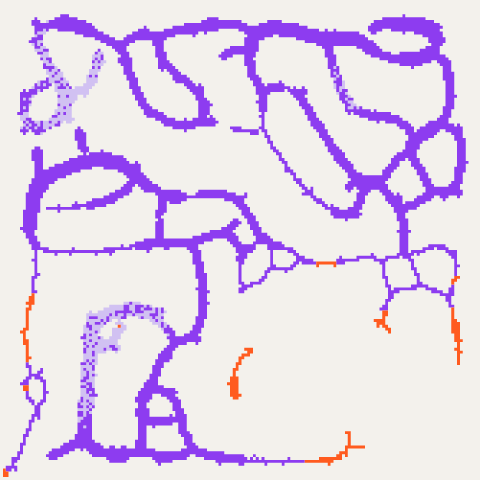
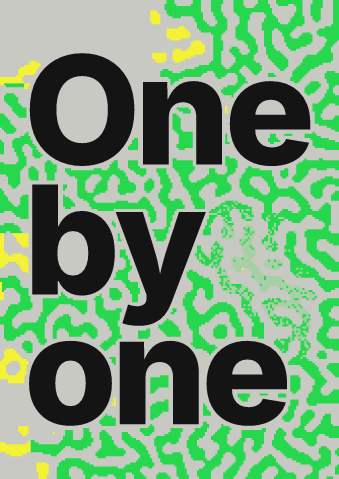
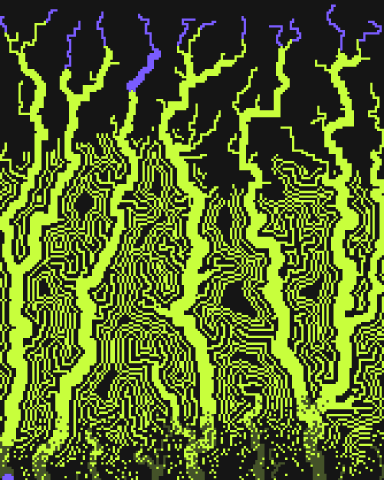
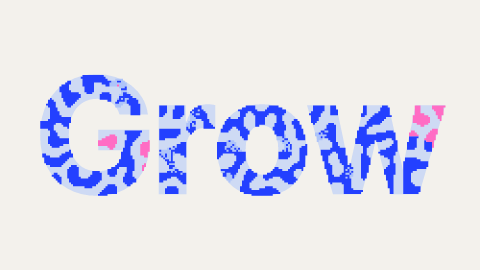
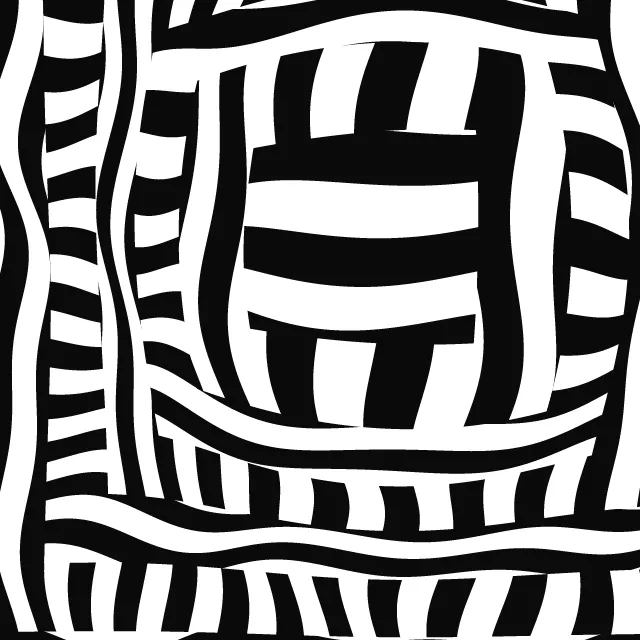



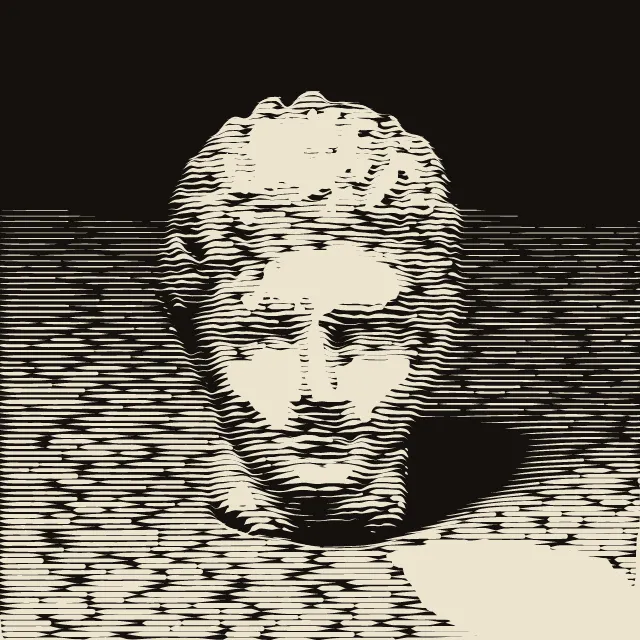
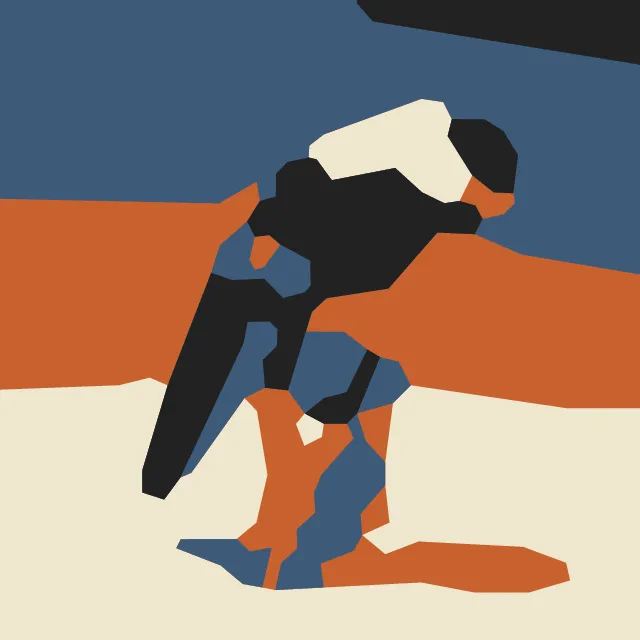
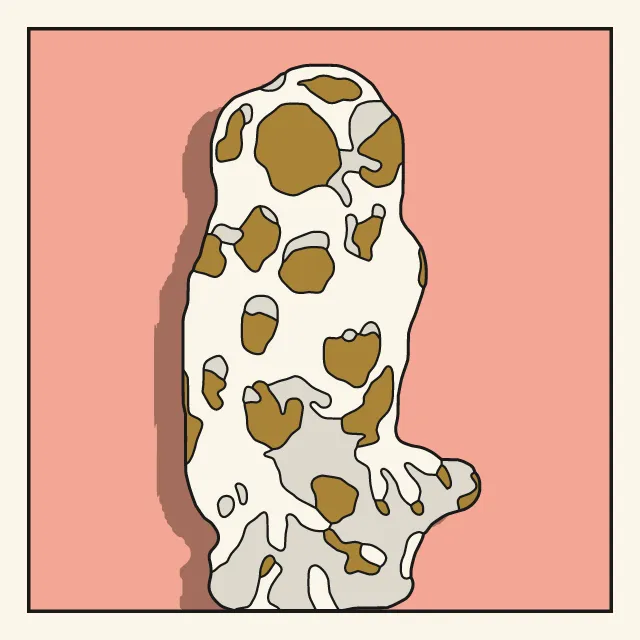
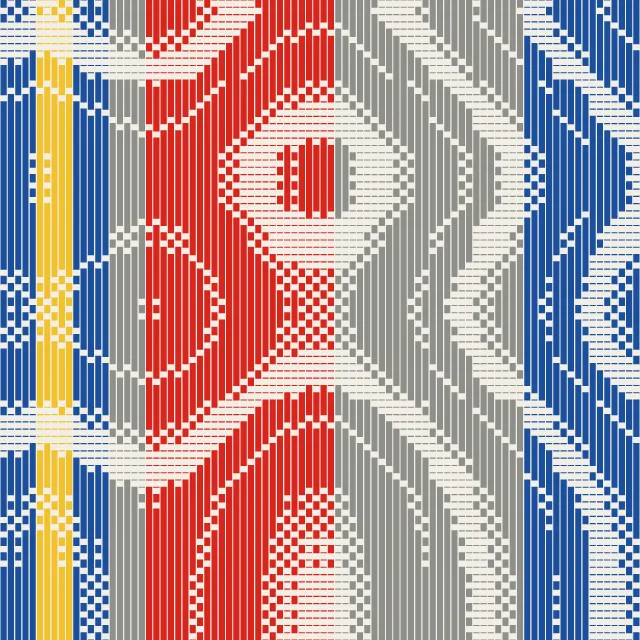

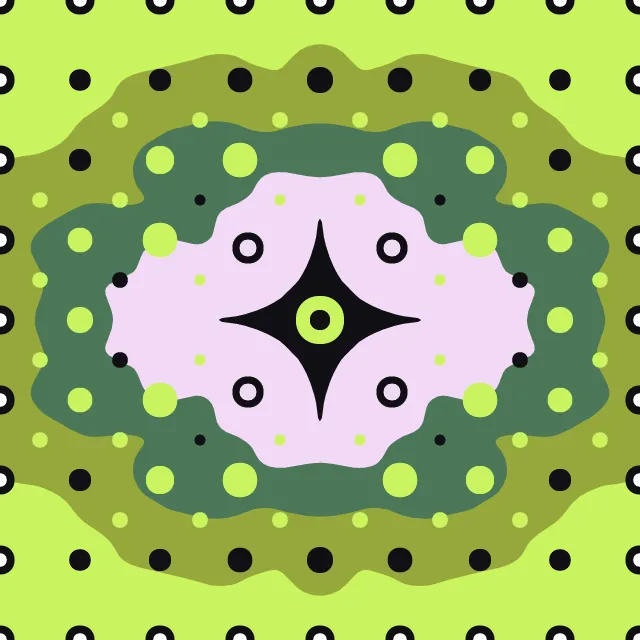




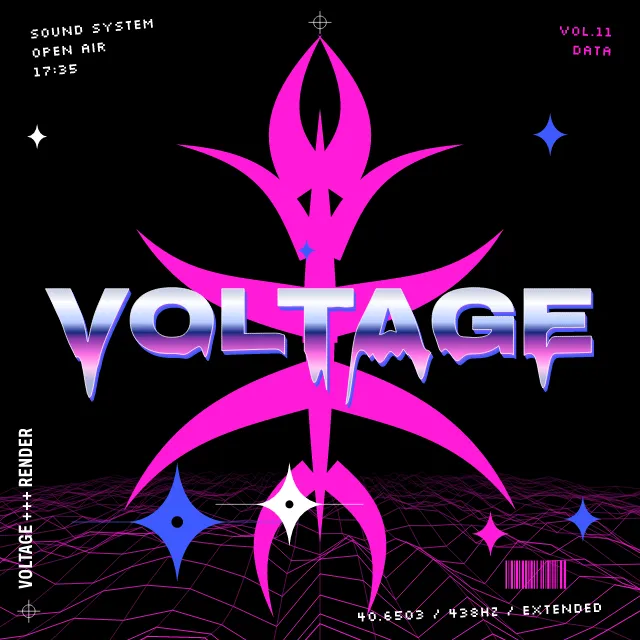
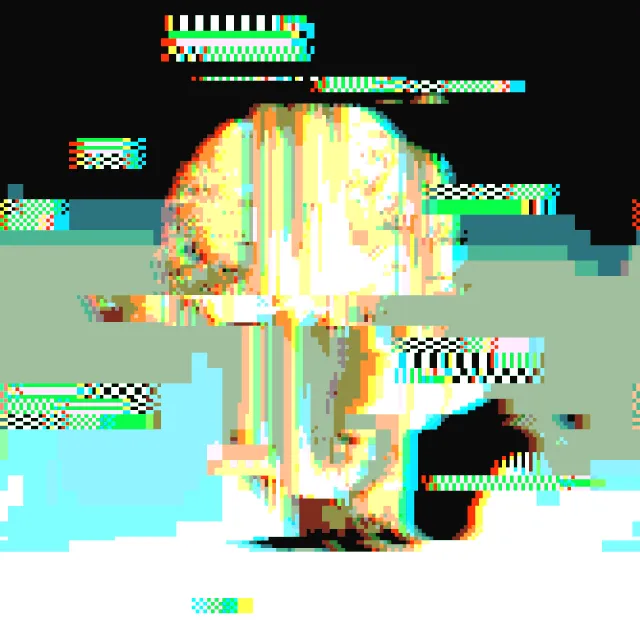
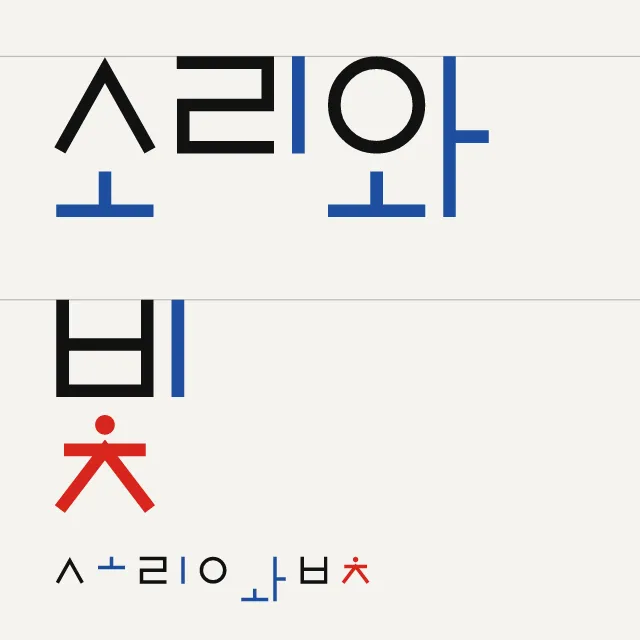
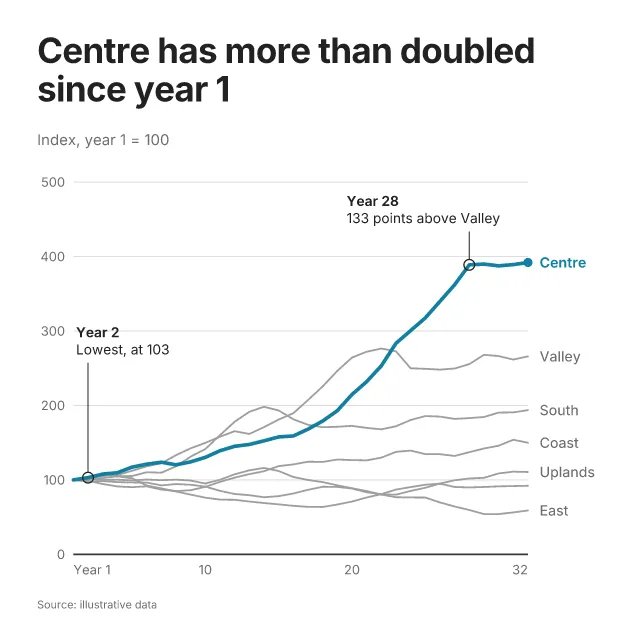



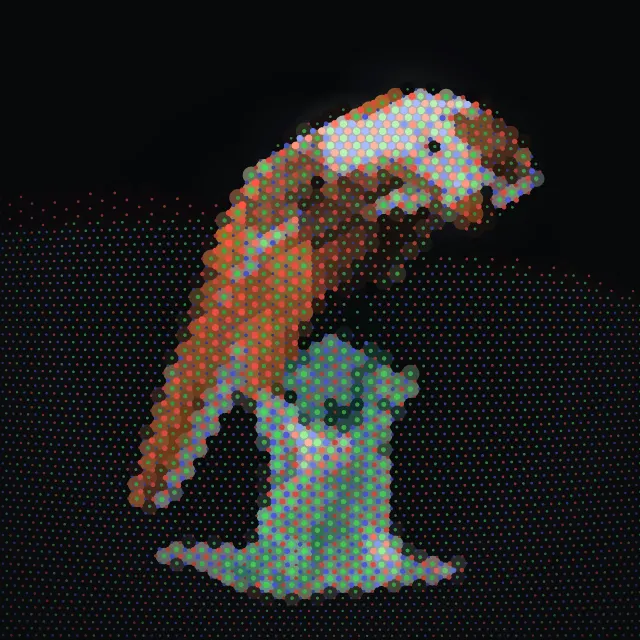




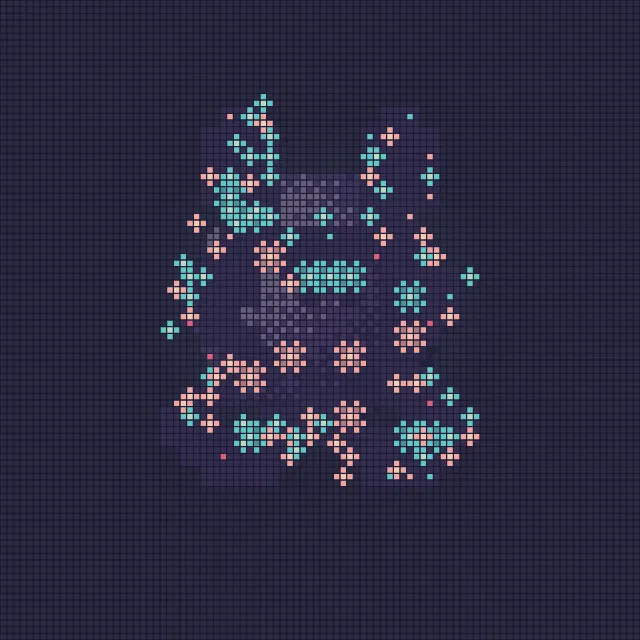
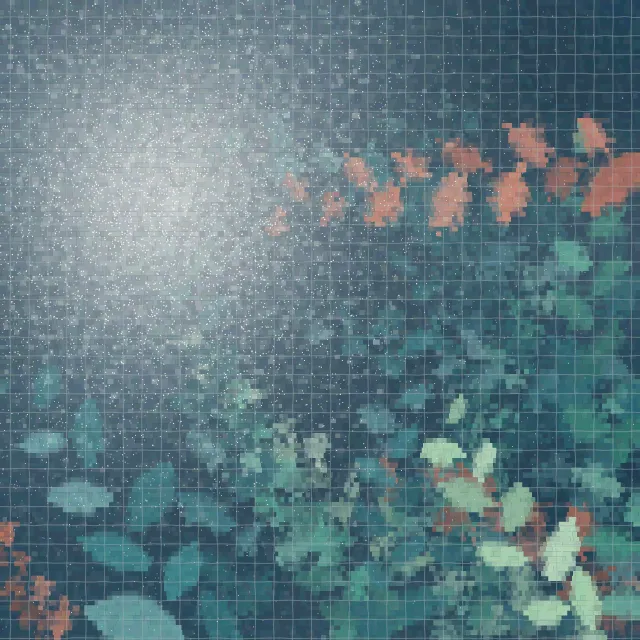



Forms grown by a rule on a grid of cells, as a coral, a slime mould or a river system grows, and played back as a loop that keeps growing forwards.
What makes it Growth
These are the design choices this generator makes or lets you set. Where a choice says “Measured”, Morphogeny changed that control alone, kept everything else, and measured the picture: a number that moves with the choice, not proof that the picture reads as the style.
- Code-, algorithm- or AI-generated pictures. Set by “Growth”.
- One unmistakable point of entry. Set by “Starts from”.
- No simulated depth or texture. Set by “Surface”.
- Film grain, riso speckle, dithering noise. “Surface”: A dithered halo.
- Repeated lines and modules that vibrate or warp perception. “Surface”: Contour lines round it.
- Two or three flat inks. Set by “Newest growth in a second colour”.
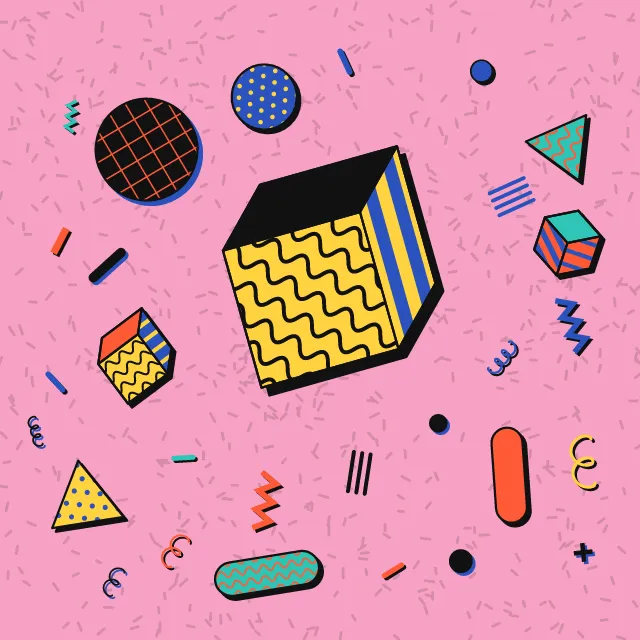
- Day-glo inks and RGB brights. Set by “Colourway”.
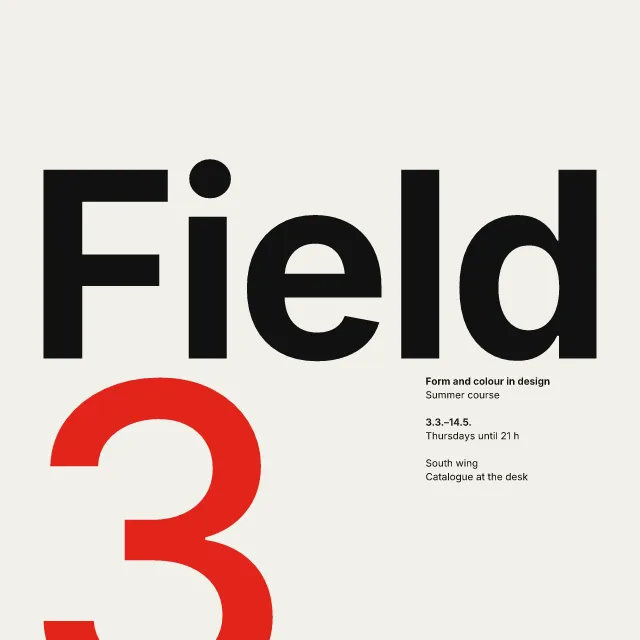
- Neutral, rational sans: Akzidenz-Grotesk, Helvetica, Univers. Set by “Words”.
- Code, parametric systems or machine-learning models. Always.
- Animated, time-based work: titles, broadcast, video. Always.
- Pure form with no depicted subject. Always.
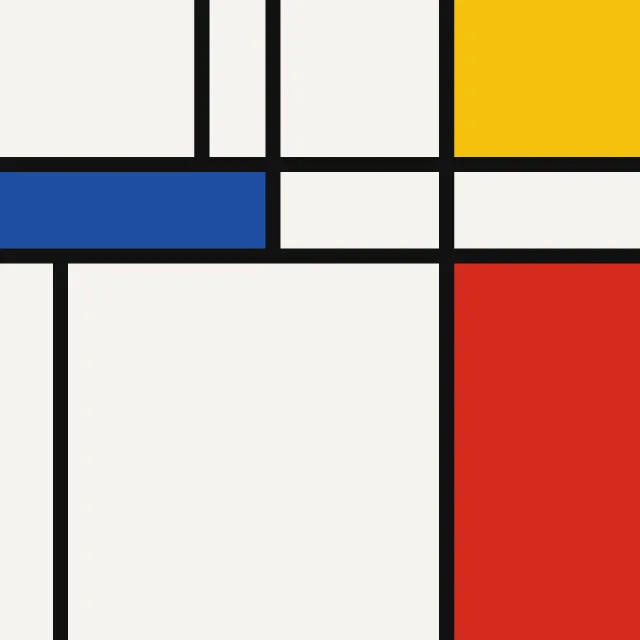
- Unmodulated areas of colour. Always.
How this generator works
- A form is grown by a rule on a grid of square cells, the way a coral, a slime mould, a fungus or a river system grows, and every cell remembers when it was reached: the loop plays the growth itself, always forwards: renewing outwards, travelling on, crossing over, or streaming with pulses.
- Words are obstacles the growth flows round, or the only ground it may grow in.
What it never does:
- No drawn or traced organism, no photograph and no gradient: only cells of flat colour, put down by the rule.
- No smooth vector curves: the grid stays visible.
Every picture is a recipe: the variation number and the settings, kept in the page's address. Copy the link and the same picture comes back, in any browser. Random (or R) draws a new variation; ← and → step through them; S shuffles the settings; C borrows another style's colours.
About Generative & Dynamic Identities
Studios that design identities as systems have taken to growing their images instead of drawing them: a simple rule, run many times, leaves a form no one drew. The rules come from biology and geology, where a few local habits make a coral branch, a slime mould spread a network or a river cut its valleys. This generator grows five of them on a grid of square cells and keeps the grid in view.
Coral is aggregation: particles wander in and stick where they touch. Slime mould is a crowd of agents that follow the trails they lay down until the trails settle into veins. Labyrinth is an activator–inhibitor pattern, each cell egged on by its neighbours and held back by a wider ring of them. Roots are tips that wander, branch and stop short of one another. Rivers wear the ground away from their outlets, softest ground first, and grow thicker where more water gathers.
Every cell remembers when it was reached, and the loop plays that back as a life: new growth buds thin in a second colour, thickens as it matures, and where it dies it crumbles cell by cell into a pale trail that fades. It always goes forwards: a new generation buds out from where the form began while the old crumbles just ahead of it, or the form travels on, crosses the whole picture from one side and comes in again, sends bands in from two sides to die where they meet, sweeps round the middle like the hand of a clock, or carries pulses outwards. Two more move the grown form itself: a current runs through it, or it drifts across and comes round again. Words set in a heavy grotesque are walls the growth flows round, or the only ground it may grow in. The surface sets the finish: solid cells, a dithered halo or contour lines.
Generative & Dynamic Identities: 2007–today. What the controls mean: Help.
Where organic growth patterns come from
Scientists modelled growth with simple rules long before designers took the rules up. A mathematical paper of 1952 proposed that two chemicals, one spreading faster than the other, could lay down spots and stripes in living tissue; the idea is now called reaction-diffusion. In 1981 physicists described diffusion-limited aggregation, in which wandering particles stick to a cluster and build branches like coral or frost.
Later, biologists found that a slime mould spreading between scraps of food can form networks comparable to a planned transport system. Geologists, for their part, model river networks by letting water run downhill and wear away the ground it crosses.
As computing grew cheaper, artists and creative coders began running such rules for the pictures they leave. Today grown forms appear in identities, posters and motion work, often as coarse cells behind large type.
How the generator grows coral, slime mould and rivers
Growth chooses the rule: Coral, Slime mould, Labyrinth, Roots or Rivers. Starts from places the start at One point, at Several points or along an edge. Reach sets how far the form spreads before it stops, Cell size how coarse the grid is, and Weight how thick the grown form is drawn.
Surface gives the finish: Solid cells, A dithered halo, or Contour lines round it. Newest growth in a second colour marks the young tips, and Colourway picks one of four sets of the generator’s own colours. Type Words and choose under Growth and words whether the form Grows round the letters or Grows only inside them.
Movement decides how the life plays out in the loop, from Renews itself outwards to Crosses to the other side or Sweeps round the middle. Every movement goes forwards, never back.
What to make with a generative growth animation
A single word filled with coral or slime mould makes a poster for a science festival, a talk or an exhibition. As a vector file it prints cleanly at A3. The square format suits an album cover or a social post, and the landscape format a slide background or the header of a page.
The loop keeps growing forwards without a jump. A video in the story format works as a calm moving background on short vertical screens, or on a screen in a foyer. Exports are SVG, PNG and video, and they are yours to use.
Tips for a clear organic growth pattern
Match the rule to the start. Rivers and Roots read best from an edge, Coral from one point, and Slime mould and Labyrinth fill the ground whatever you choose. A larger Cell size keeps the grid visible from a distance, while a small one gives fine detail that suits close viewing.
With words, use one or two short words. Grows only inside them needs wide letters to grow in, and Grows round the letters needs open ground between the lines. A lower Reach leaves more bare ground, which helps type stand out. Before printing small, check that A dithered halo has not turned into a flat grey.
Use it from code
The recipe below draws the picture this page opens with. Copy recipe gives you the one on screen. Agents can render recipes to SVG or PNG through Morphogeny's MCP server (morphogeny_render); the same recipe always gives the same SVG.
{
  "tool": "growth",
  "v": 1,
  "seed": 3,
  "format": "portrait",
  "params": {
    "system": "coral",
    "origin": "centre",
    "reach": 0.85,
    "cell": 6,
    "weight": 0.5,
    "surface": "dither",
    "move": "renew",
    "tips": true,
    "colourway": "acid",
    "words": "",
    "letters": "around"
  },
  "palette": "generative-identity"
}
Open this recipe: /growth/#seed=3&v=1. A plain-text version of this page:/growth.md.