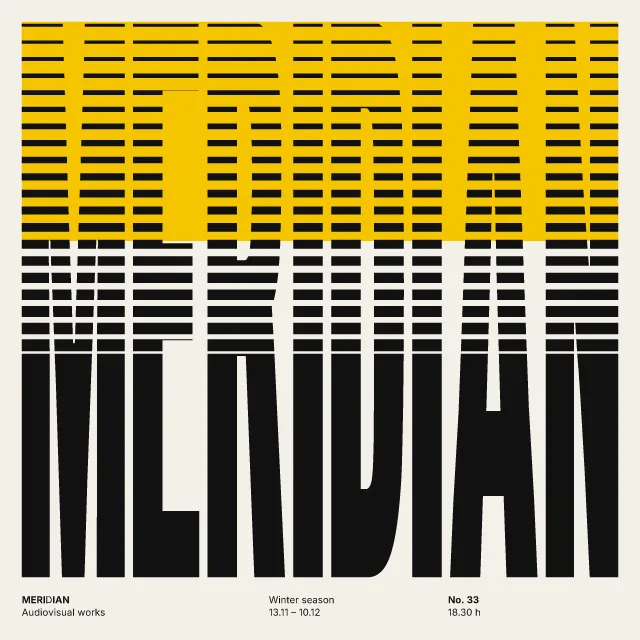
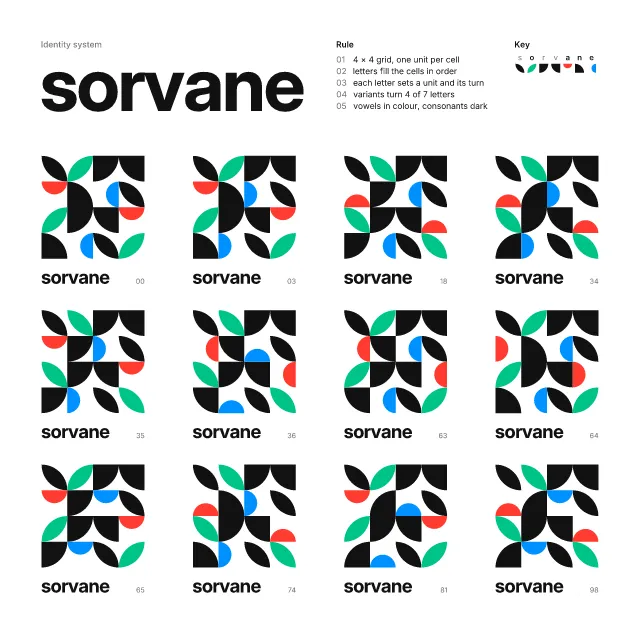
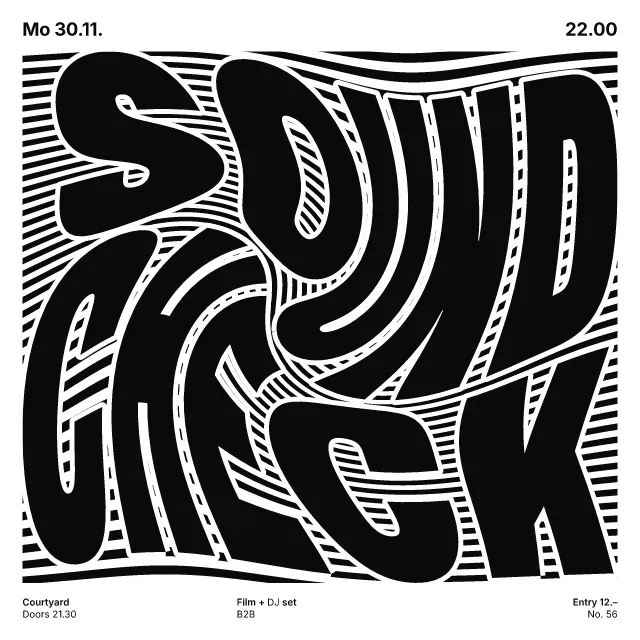
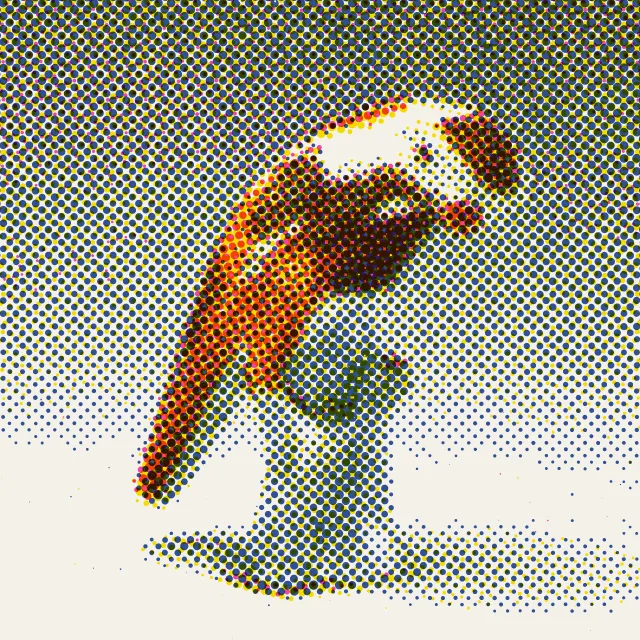
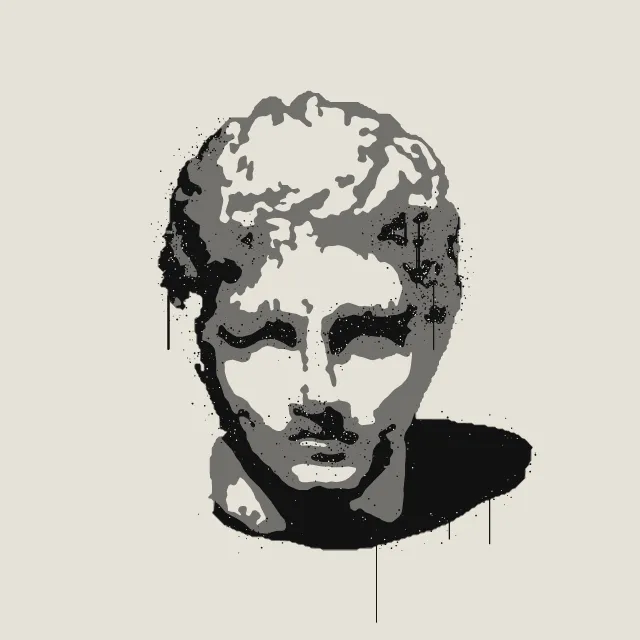
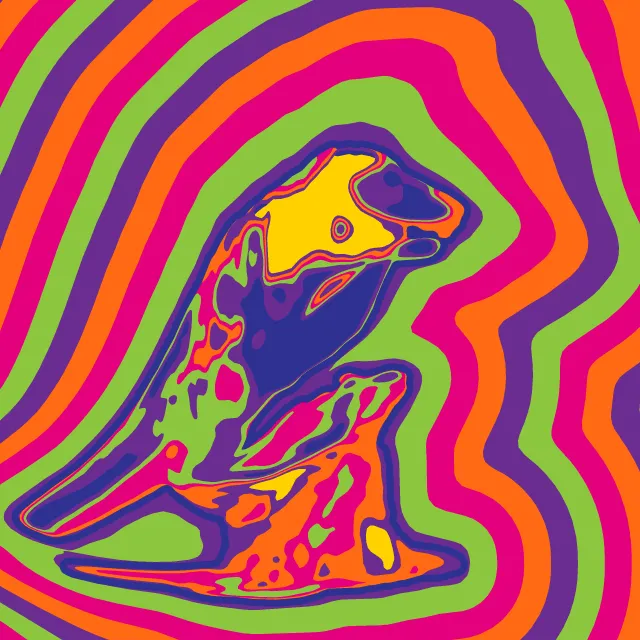
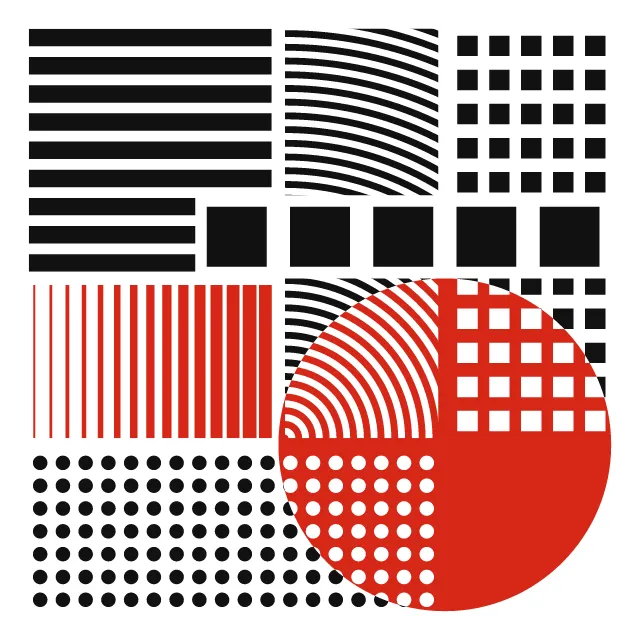
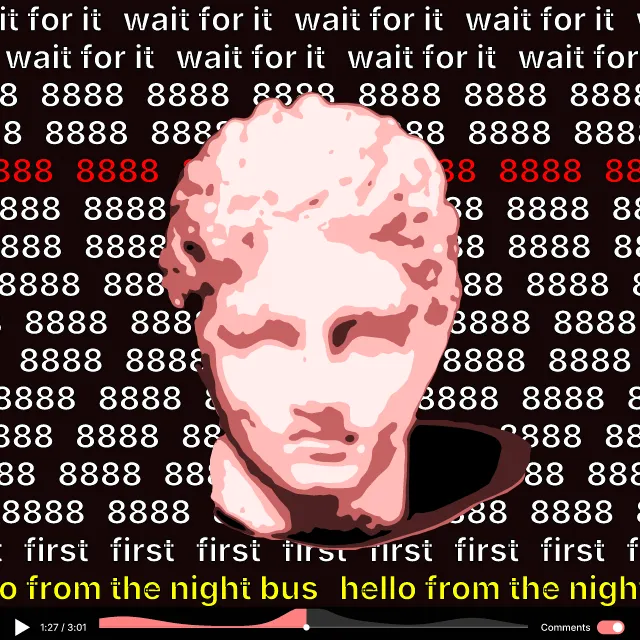




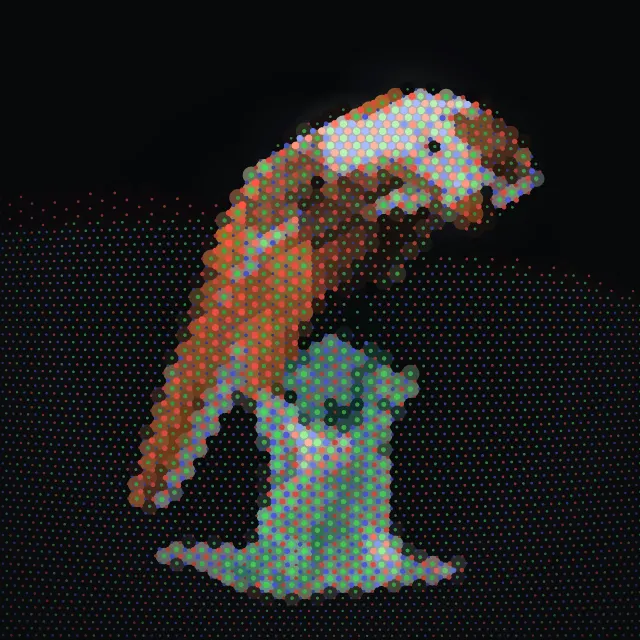
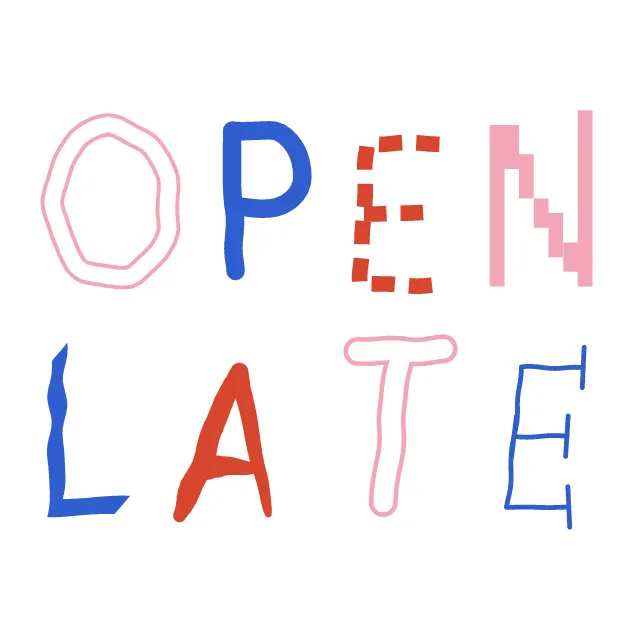
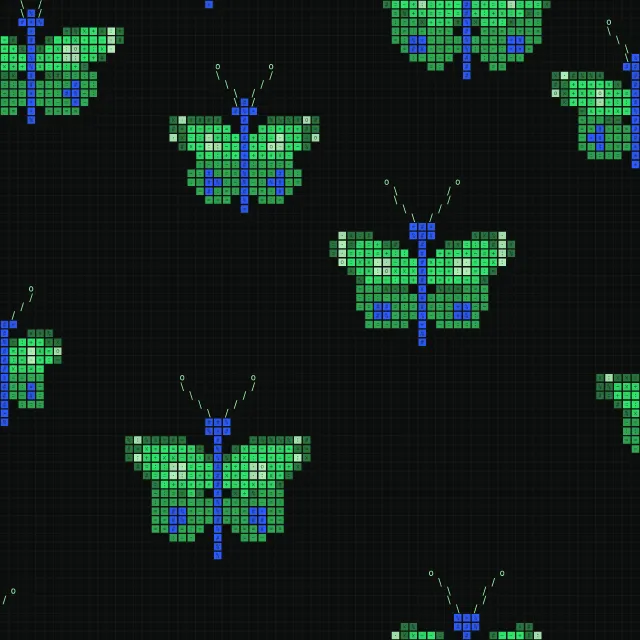
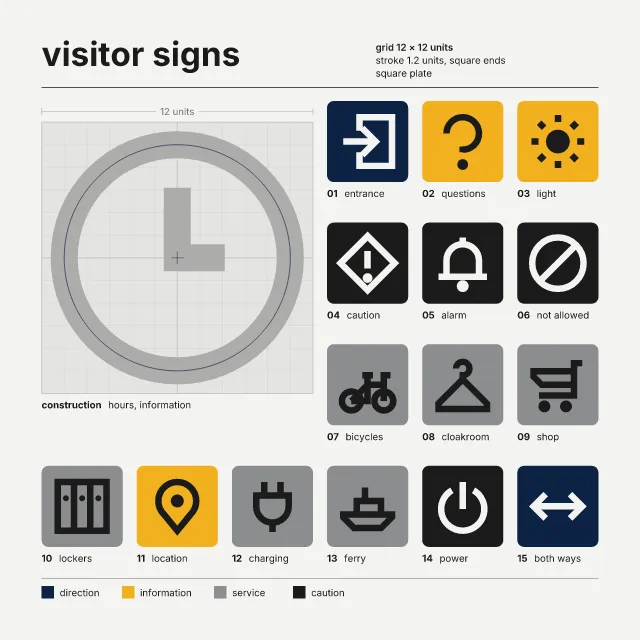


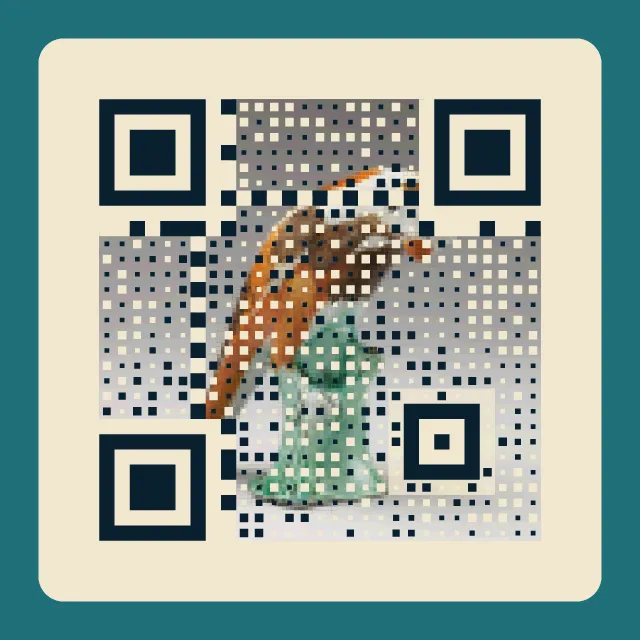
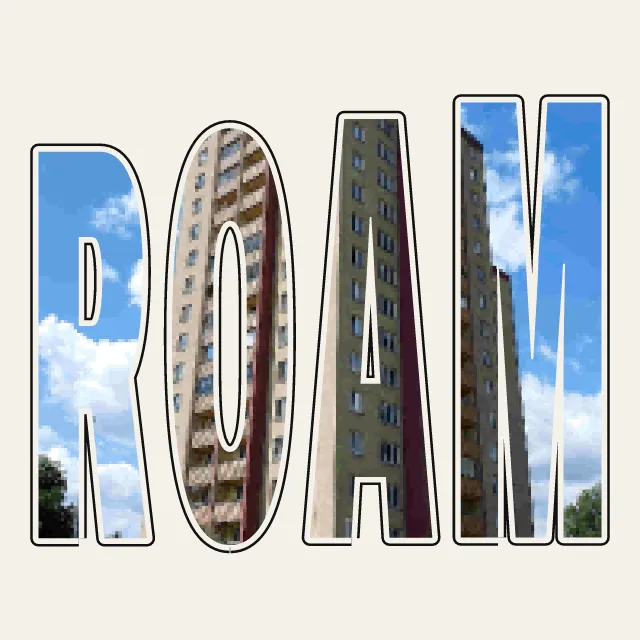
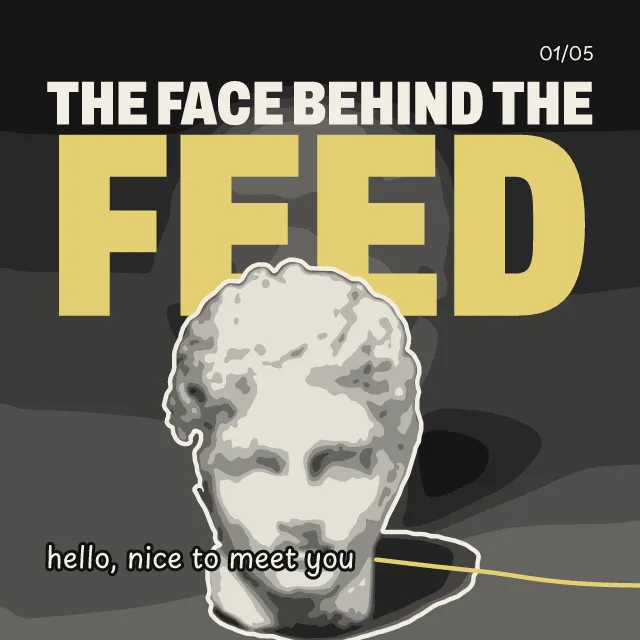
A big word, the subject of your photo or the whole sheet, built from die-cut stickers that each carry one short word you choose.
What makes it Sticker bomb
These are the design choices this generator makes or lets you set. Where a choice says “Measured”, Morphogeny changed that control alone, kept everything else, and measured the picture: a number that moves with the choice, not proof that the picture reads as the style.
- Simplified, flattened people and objects. “Figure”: Your photo.
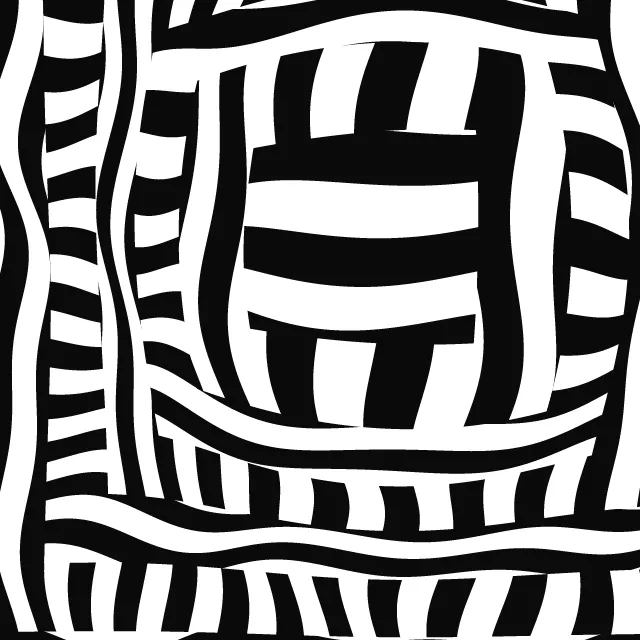
- No focal point; the whole surface is filled evenly, like a textile. “Figure”: All over. Measured on the opening picture: evenness of the filling 99% with “All over”, 0.0% with “Your word” and 2.1% with “Your photo”.
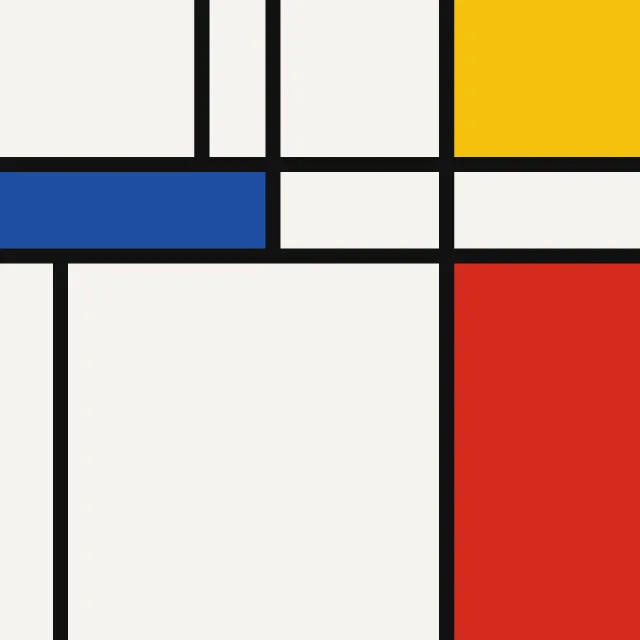
- Overlapping fragments, cut-outs and stacked planes. Set by “Collage & layering”.
- Seals, crests, roundels and badges. Set by “Emblems & badges”.
- Decorative frames, cartouches and rules around content. Set by “Die-cut rim”.
- Many saturated hues at once. “Colour”: Mixed. Measured on the opening picture with “Mixed”: hues besides black, white and grey 4.
- Every area is filled; abundant, crowded, layered. Always.
- Humour, games, visual puns. Always.
- Capitals for monumentality, order or shouting. Always.
- Many typefaces and sizes combined in one composition. Always.
- No simulated depth or texture. Always.
How this generator works
- Every mark is a die-cut sticker carrying one short word: laid in rows like bricks, each row cut exactly at the figure’s edge, so the figure is drawn by where the stickers stop.
- Collage turns neat brickwork into a pile: stickers turn, slip, overlap and lose their order, with mixed widths and weights of letter.
- It moves forwards only: here and there a sticker fades and drops off and a new one is slapped into its place, so the figure keeps its shape.
What it never does:
- No logos, brand names, characters or tags of real crews: the stickers carry only the words you give them.
- No embedded photo or raster: the photo only decides where the stickers go and, if you like, their inks.
Every picture is a recipe: the variation number and the settings, kept in the page's address. Copy the link and the same picture comes back, in any browser. Random (or R) draws a new variation; ← and → step through them; S shuffles the settings; C borrows another style's colours.
About Sticker Bombing (All-Over Sticker Collage)
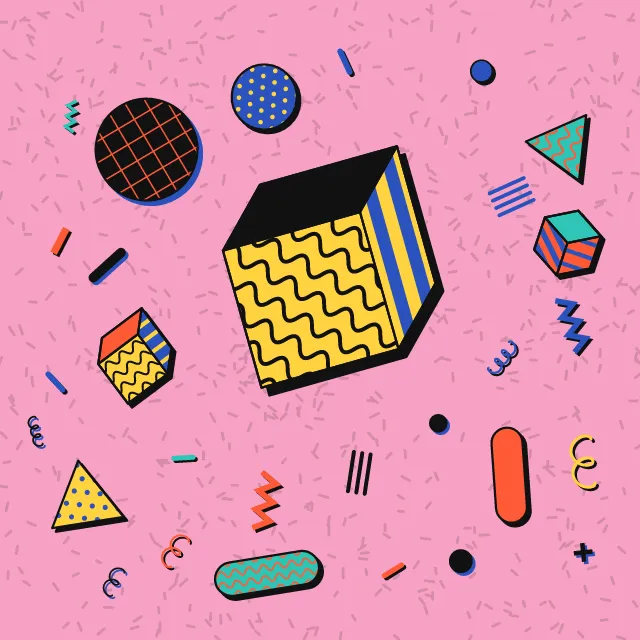
Sticker bombing covers a surface with stickers until little of it shows: a lamp post, a guitar case, a laptop lid. It grew out of street, skate and graffiti culture, where stickers are quick to put up and hard to scrape off, and became a printed look of its own on phone cases, car wraps and posters. Each sticker keeps its paper rim, so the pile reads as many separate pieces, slapped on by many hands.
This generator lays its stickers in rows like bricks and cuts each row exactly where the figure ends, so a word or the subject of a photo stands out sharp, built from tags you can read up close. Collage loosens the rows into a pile of turned, overlapping stickers in mixed letters. In motion, stickers here and there fade and drop off and new ones are slapped into their places.
Every sticker and letter is an outline, so the SVG holds no copy of your photo. Your photo is read only in your browser and is never uploaded.
Sticker Bombing (All-Over Sticker Collage): 2014–today. What the controls mean: Help.
Where sticker bombing comes from
Stickers have been put up on the street at least since the late 1980s, alongside graffiti and paste-ups. They are cheap to print, quick to slap on and stubborn to remove, so they gather where people pass: on signposts, doors, bins and shop shutters. Where nobody cleans them off, layer builds on layer until the surface underneath almost disappears.
That accumulated skin became a look in its own right. By the 2010s it was printed as an all-over pattern on product skins, phone cases and car wraps, an imitation of years of sticking done in one pass.
The style lets very little ground show. Each sticker is cropped by its neighbours while its die-cut rim stays readable, and many voices speak at once with no single hero. Where it began is not recorded: it is a shared vernacular rather than a school.
How to make a word out of stickers
The stickers are laid in rows like courses of bricks. Along each row, every run that falls inside the figure is filled with stickers as wide as their own words, and the last one stretches to the edge, so the outline comes out clean. Each sticker’s word takes the darkest or lightest colour of the palette, whichever stands off its ink more.
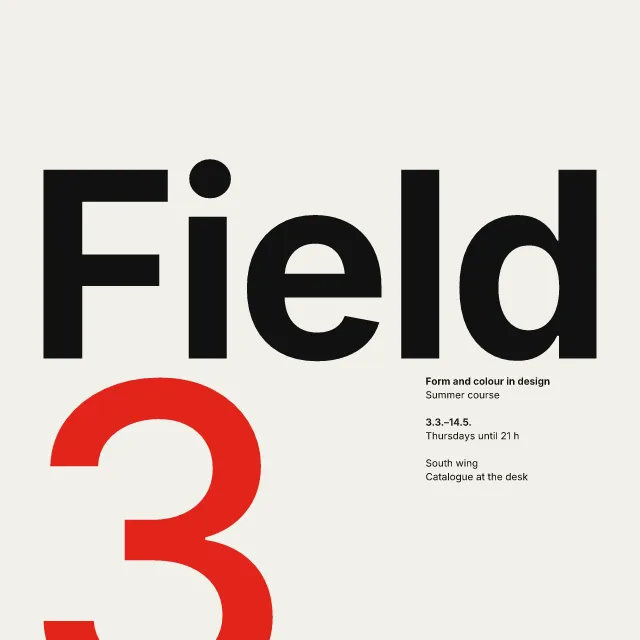
Figure chooses what is built: Your word, Your photo or All over. Big word sets the figure’s text and Sticker words the short tags, up to 40 characters split at the spaces. Sticker size runs from a fine mosaic to a few large pieces, and Collage & layering from neat courses to a turned, overlapping pile. Emblems & badges sets the cut, from Labels to Mixed die-cuts, Die-cut rim adds the paper edge, and Colour deals the inks Mixed, By row or From the photo.
What to make with a sticker collage
A word made of words suits a poster for a skate jam, a zine launch or a gig, with the act names on the stickers and the event as the big word. Your photo turns a portrait, a pet or a board into a figure made of tags, for a cover or a square post. All over gives a pattern for a banner, a slide background or a print at A3 and 300 dpi.
The Video button records stickers dropping off and new ones slapped on, a loop for a story or a screen. Your photo is read in your browser and never leaves your device. The SVG, PNG and video are yours to use.
Tips for a good sticker bomb design
Short tags of three or four letters give the most even mosaic. For a big word, keep Sticker size low so the letters of the figure read before the tags do. Push Collage & layering high and the edge of the figure starts to break up, which suits All over better than a word.
Leave Die-cut rim on: the paper edge is what makes each piece read as a separate sticker. Use your own words and leave out other people’s brand names and crew tags. Before printing, check that the smallest sticker words can still be read at the final size.
Use it from code
The recipe below draws the picture this page opens with. Copy recipe gives you the one on screen. Agents can render recipes to SVG or PNG through Morphogeny's MCP server (morphogeny_render); the same recipe always gives the same SVG.
{
  "tool": "sticker-bomb",
  "v": 1,
  "seed": 3,
  "format": "portrait",
  "params": {
    "figure": "word",
    "word": "BOOM",
    "labels": "WOW BOOM OOPS ZAP YES POW HEY YO",
    "size": 0.4,
    "toss": 0.25,
    "shapes": "labels",
    "rim": true,
    "colour": "mixed",
    "order": "scatter"
  },
  "palette": "sticker-bombing"
}
Open this recipe: /sticker-bomb/#seed=3&v=1. A plain-text version of this page:/sticker-bomb.md.