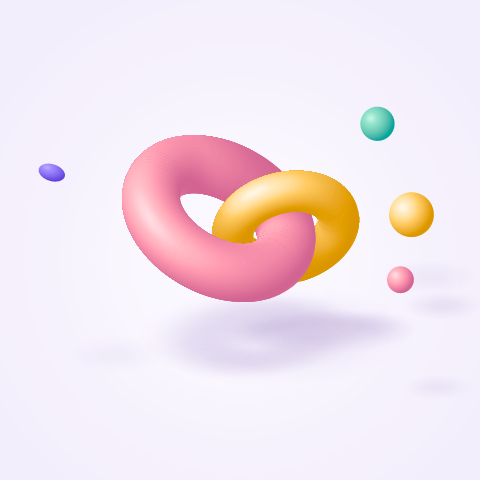
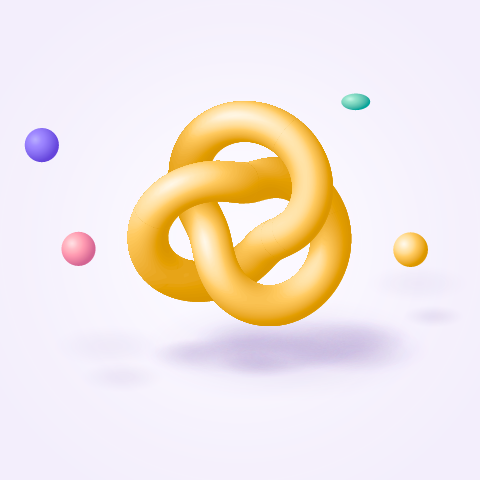
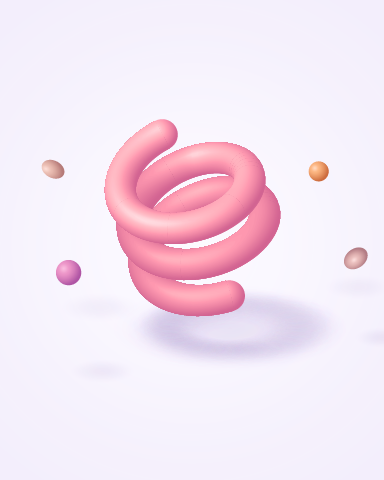
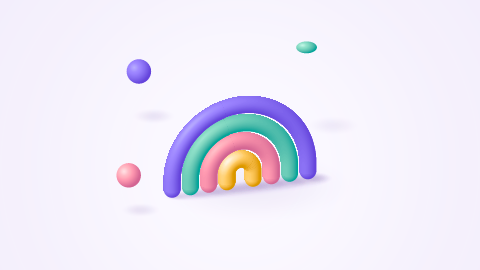
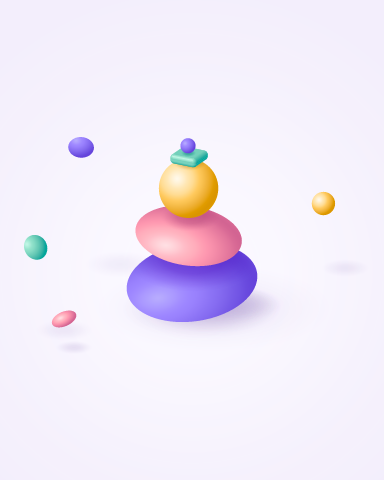
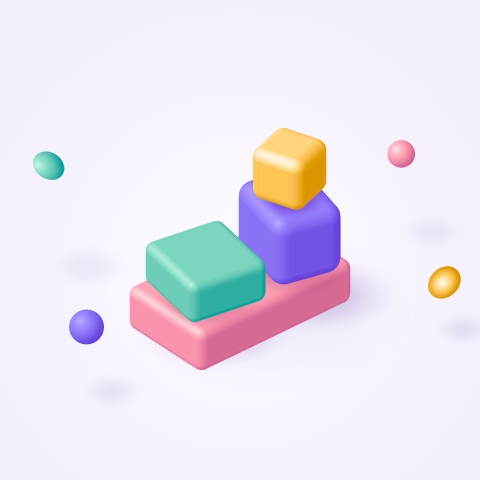
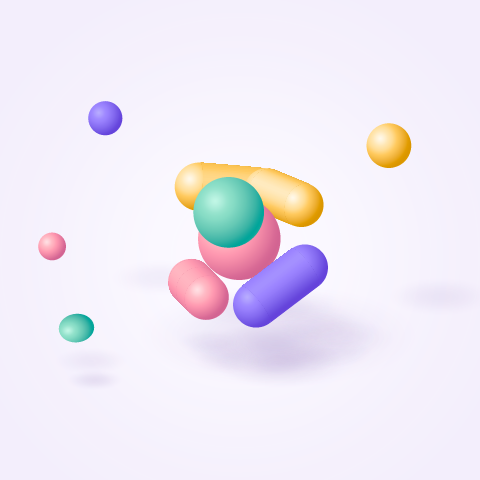
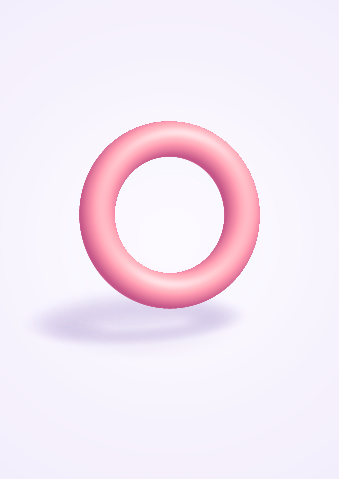
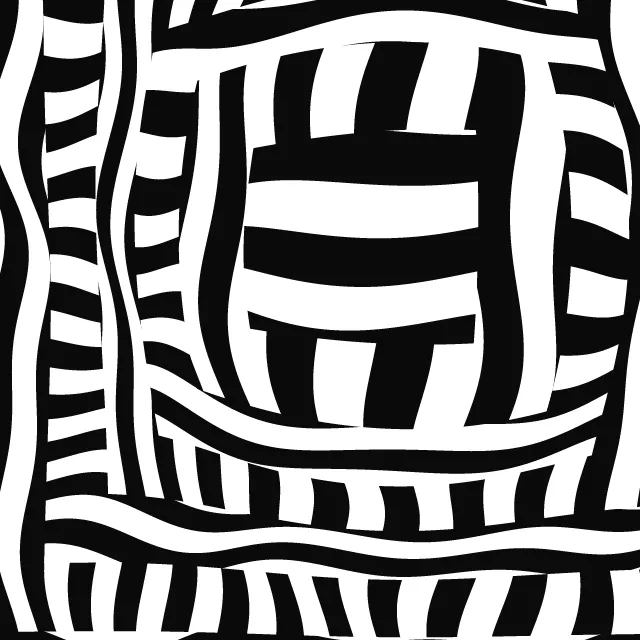
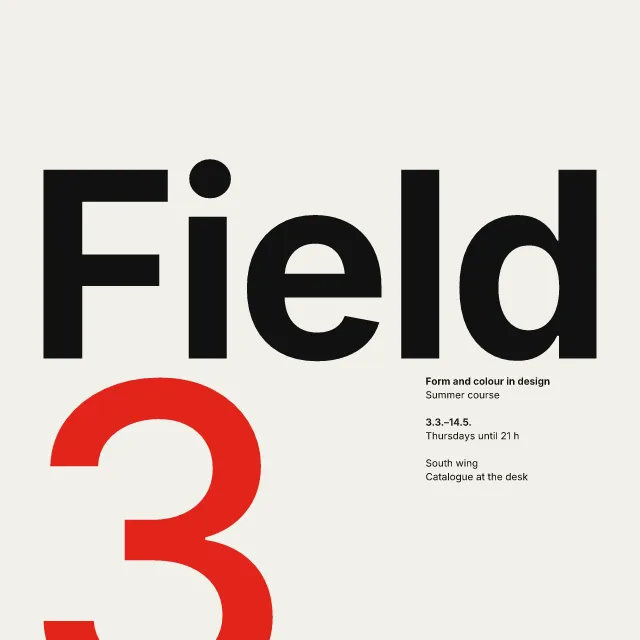
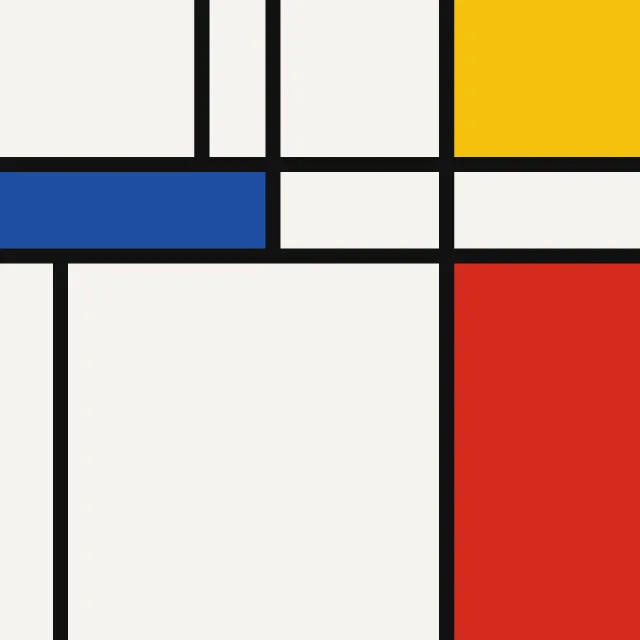
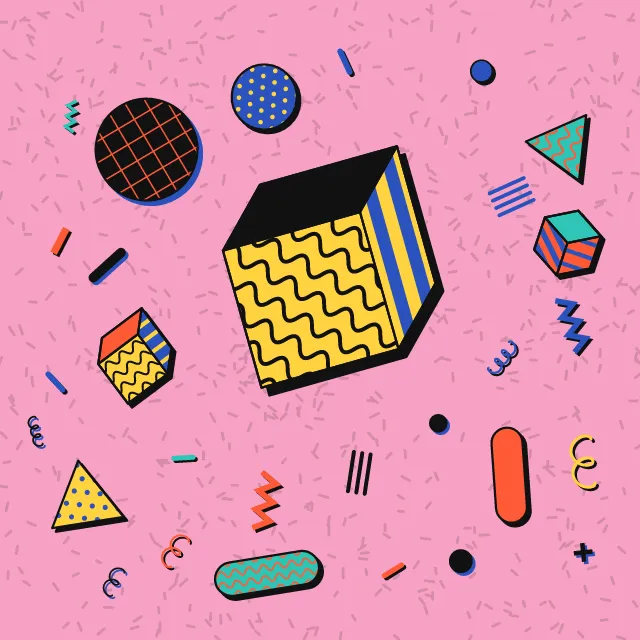
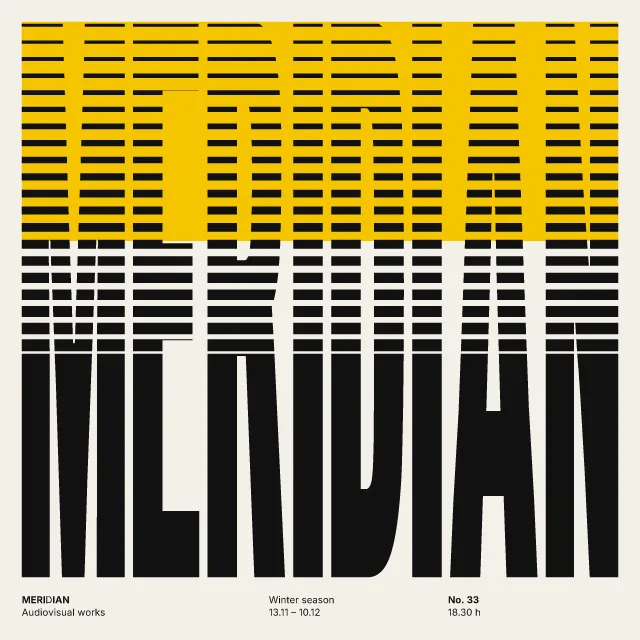
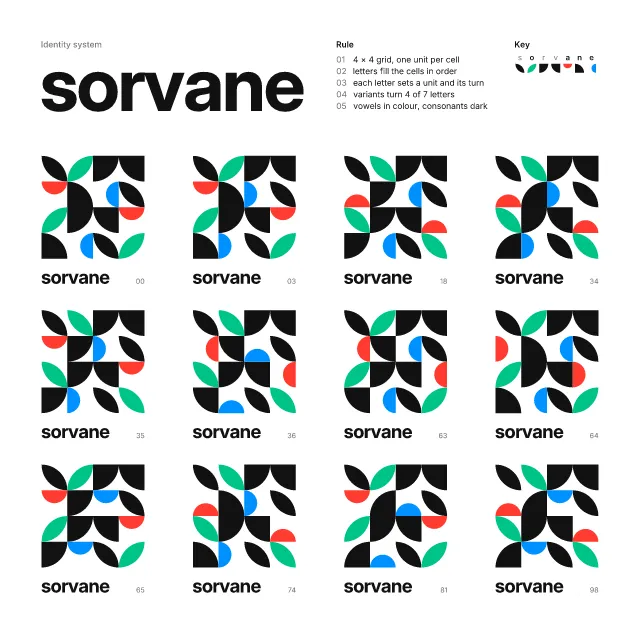
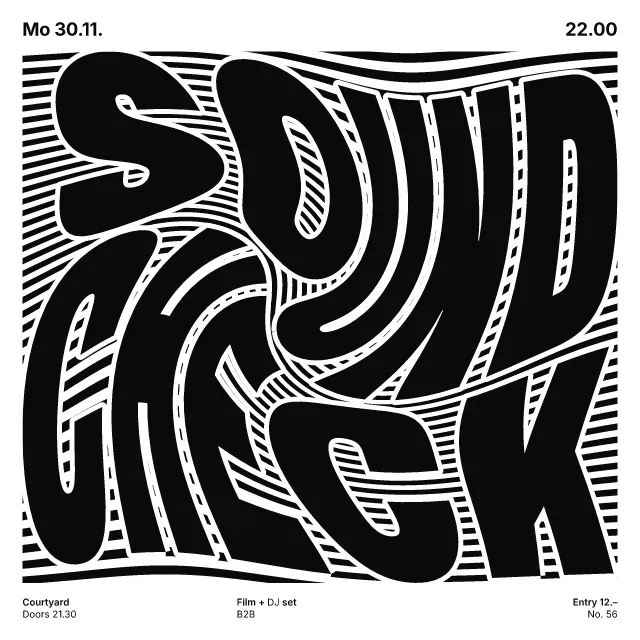
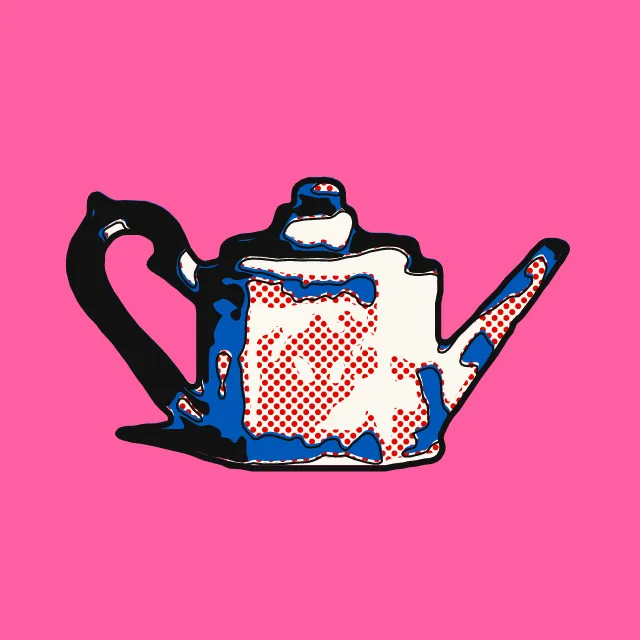
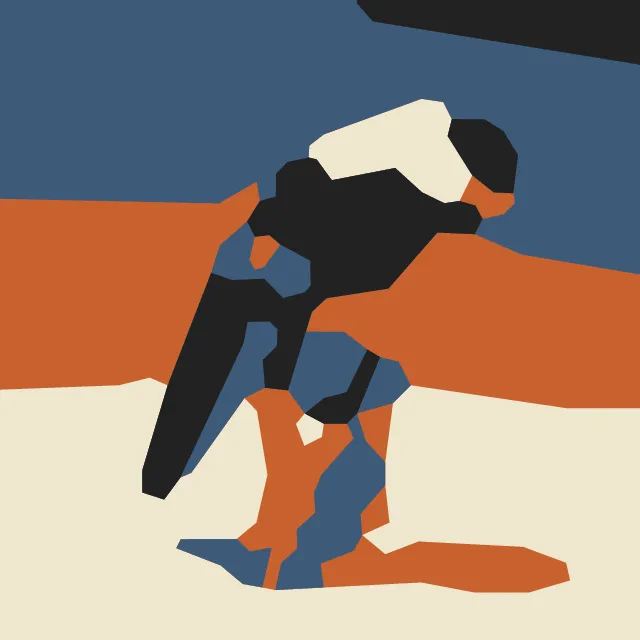
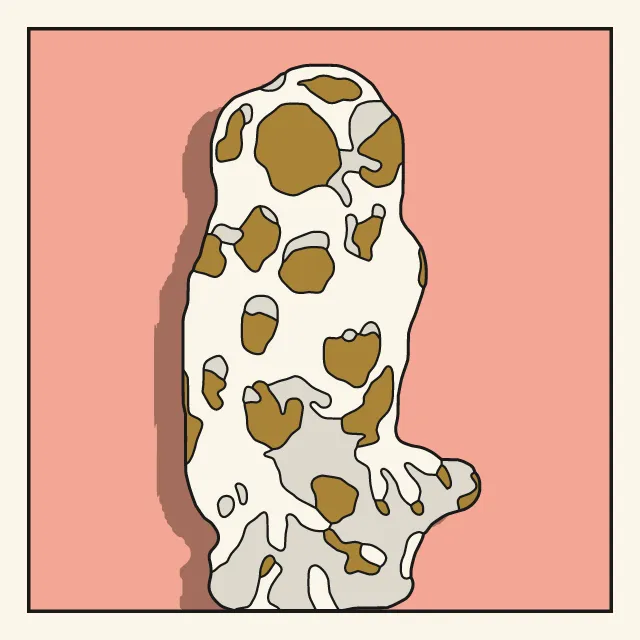
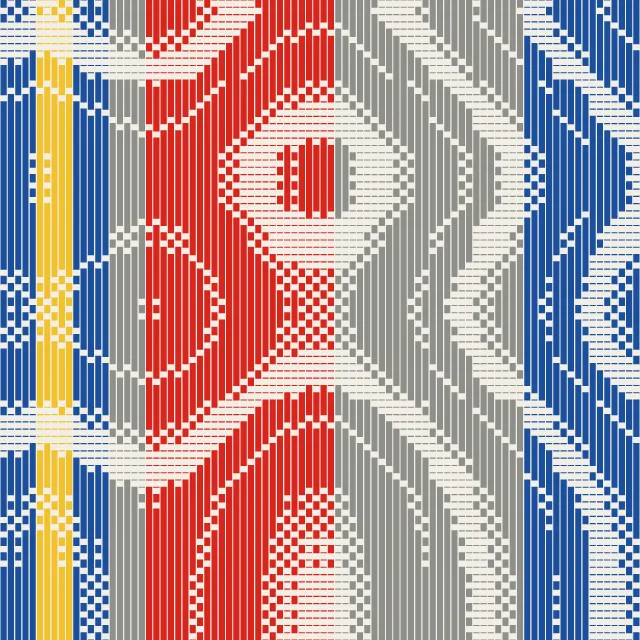
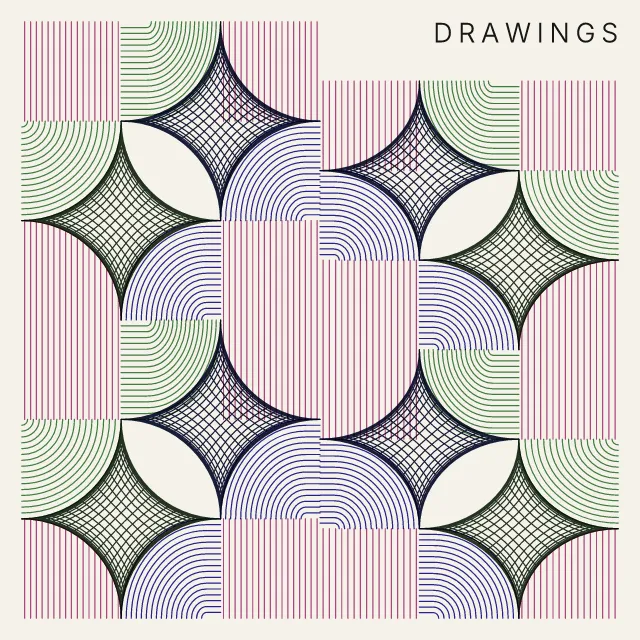
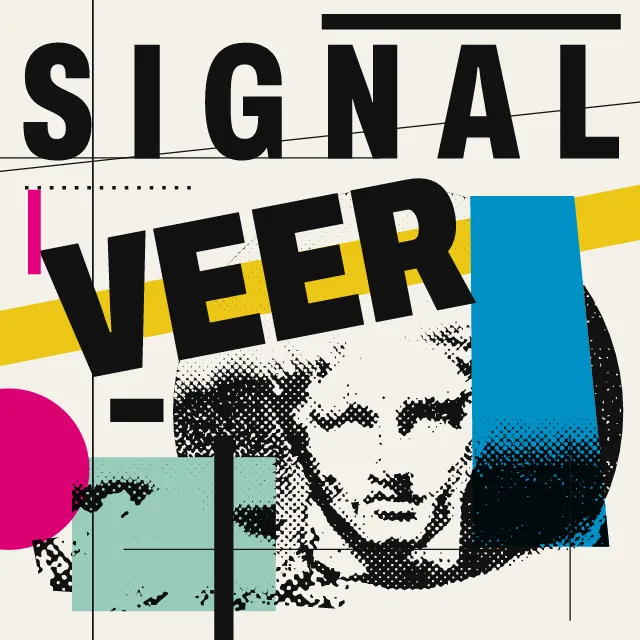
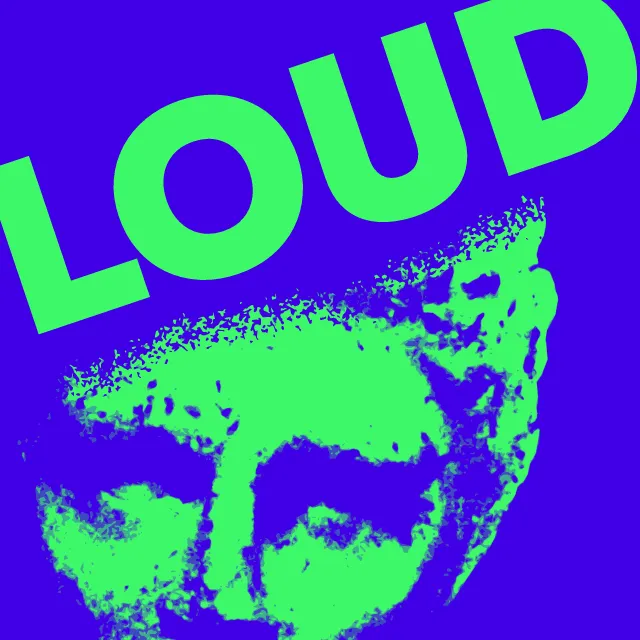
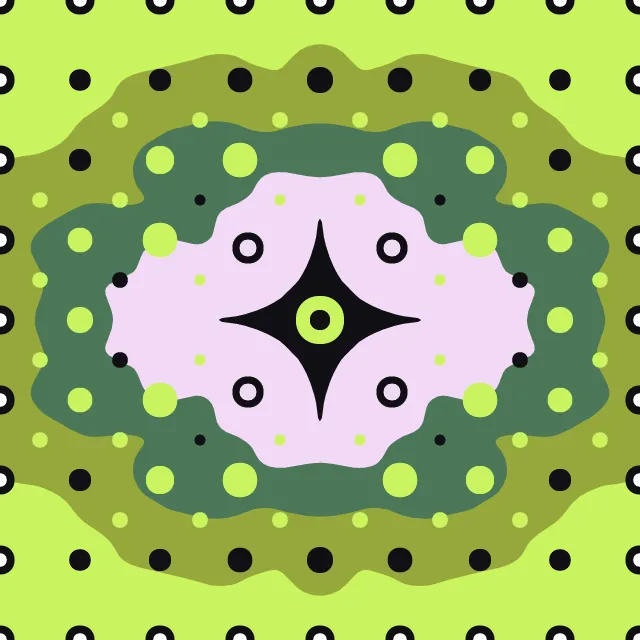
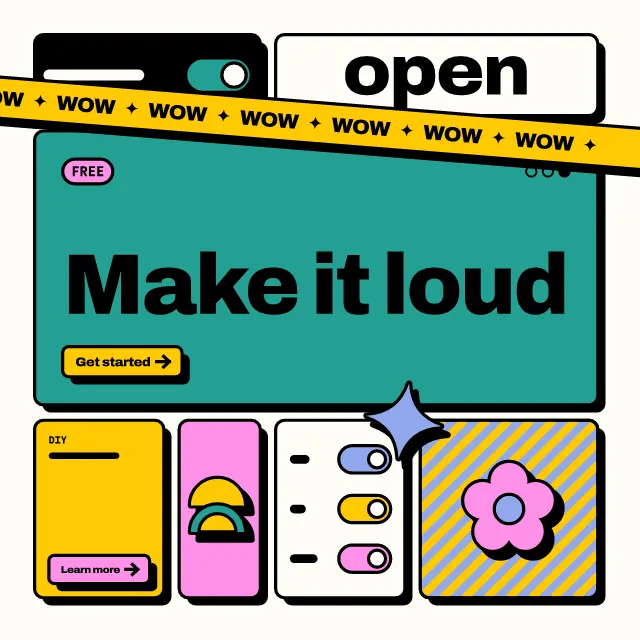
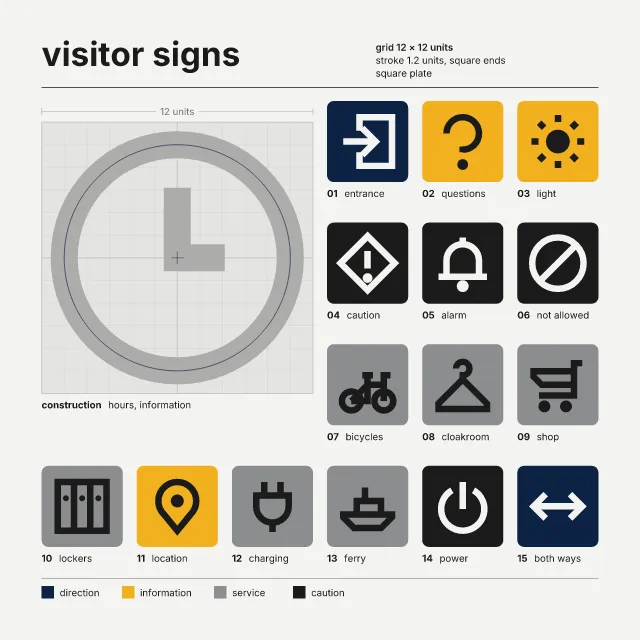
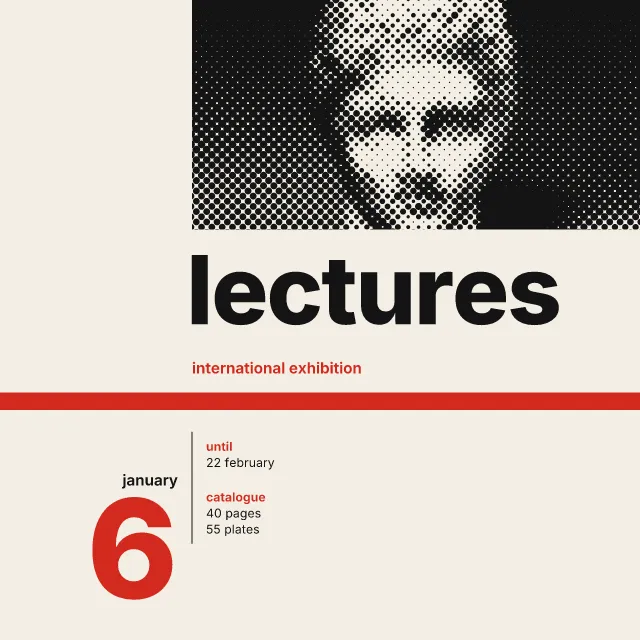
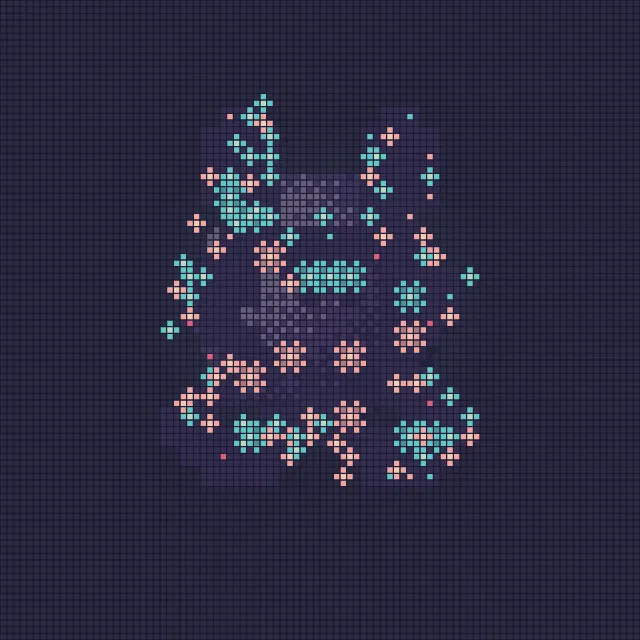
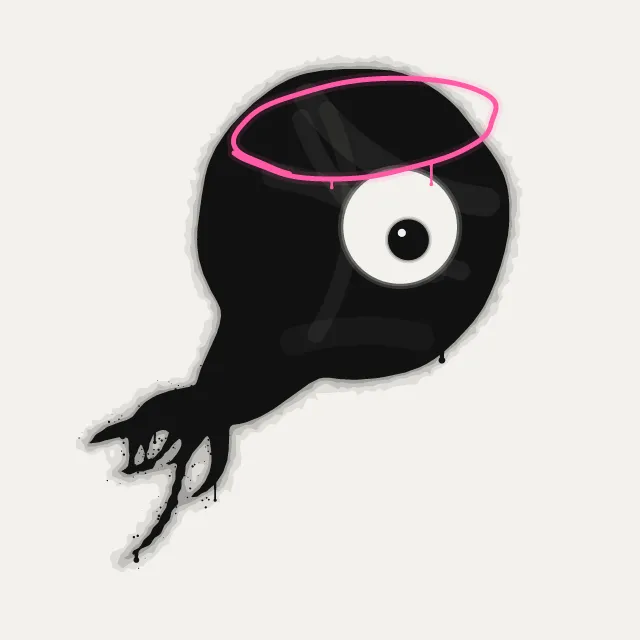
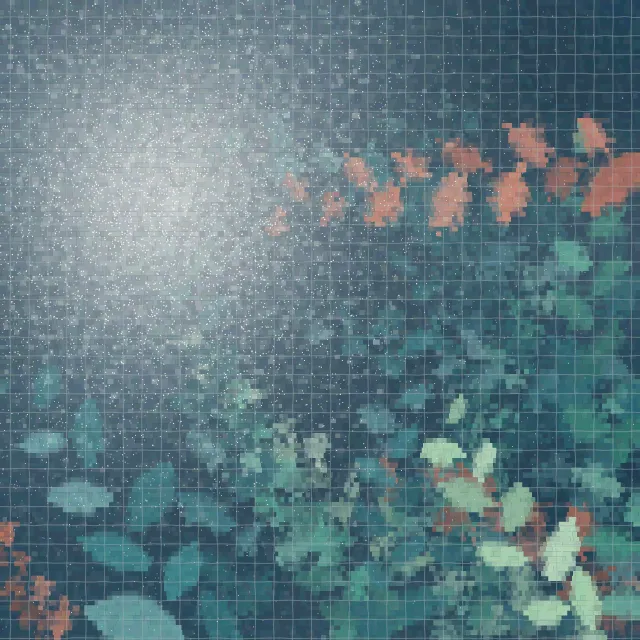

One fat, rounded object alone on a pale ground, shaded like soft clay. It is built in space, so it really turns, and drawn as vector shapes.
What makes it Claymorphism
These are the design choices this generator makes or lets you set. Where a choice says “Measured”, Morphogeny changed that control alone, kept everything else, and measured the picture: a number that moves with the choice, not proof that the picture reads as the style.
- A single object or figure isolated on a plain ground. Set by “Isolated object”.
- Soft corners, capsules and blobs. Set by “Rounded forms”.
- Low-contrast paired shadows; forms push out of the surface. Set by “Soft extrusion”.
- A few rules, dingbats or flourishes. Set by “Restrained accents”.
- Neighbouring hues for a unified, calm field. “Colour”: One family.
- Animated, time-based work: titles, broadcast, video. Set by “Motion & broadcast”.
- Perspective, overlap, shadow or parallax create a z-axis. Always.
- Smooth blends, fades or spectral ramps. Always.
- Computer-generated objects, scenes and textures. Always.
- Humour, games, visual puns. Always.
How this generator works
- One fat, rounded object stands or floats alone on a plain ground with room round it: a ring, a knot, a coil, arches, a cairn, a bunch of sweets or toy bricks, built in space from balls, tubes, pebbles and slabs with rounded edges, its proportions drawn by the seed.
- Every form is shaded by one rule, the way its surface faces a soft studio light: lighter and a touch warmer towards it, deeper, fuller in colour and a touch cooler away from it, never grey or black, over one soft shadow on the floor.
- It moves forwards only: the object turns once per loop under a light that stays where it is, the small pieces circle it on tilted paths, or the light goes round.
What it never does:
- No flat surface without a rounded edge, no hard shadow, outline, chrome, glass or wet gloss, and nothing crowded: a handful of small pieces at most.
- No faces, characters, emoji, logos or products: only plain solids put together in code, none a copy of a known icon or toy.
Every picture is a recipe: the variation number and the settings, kept in the page's address. Copy the link and the same picture comes back, in any browser. Random (or R) draws a new variation; ← and → step through them; S shuffles the settings; C borrows another style's colours.
About Claymorphism & Soft 3D
Claymorphism is the soft, toy-like 3D look that spread through app and web design from about 2020: icons and illustrations modelled as fat, rounded volumes, as if pressed from clay or blown up like a pool toy, lit softly from the top left and floated alone on a pale ground in candy and pastel colours. Nothing has a sharp corner or a hard shadow, and the finish is matt or satin, never chrome or glass.
This generator builds such an object in space from four soft solids: balls, tubes, pebbles and slabs with rounded edges. You choose a ring, a knot, a coil, arches, a stack, a bunch or toy bricks, and the seed draws its proportions, so every seed is a new one of its kind. A camera looks at it from a little above, the parts are painted from far to near, and every surface takes its tone from the way it faces the light: lighter and a touch warmer towards it, deeper and fuller in colour away from it, never grey. You set how plump the forms are, how deep the shading goes, where the light stands, how many small pieces drift round the object, the colours and the angle. It works with any palette, on a dark ground too.
It moves forwards only: the object turns once per loop while the light stays where it is, the small pieces circle it on tilted paths, passing behind and in front, or the light itself goes round. There is no blur and no image model in it: the softness is made of gradients and many nested shapes, so the SVG stays sharp at any size, and the same recipe always gives the same picture.
Claymorphism & Soft 3D: 2020–today. What the controls mean: Help.
Where claymorphism and soft 3D come from
The look grew out of online product-design culture around 2020, along two strands. One was soft 3D illustration: key visuals, avatars, icons and emoji modelled and rendered as plump, toy-like objects, first in studio 3D software and later in tools that run in the browser. Open libraries of such icons and emoji followed in 2021 and 2022, and spread the look to many products at once.
The other strand was the interface itself. Cards and buttons were drawn in CSS as an inflated cousin of neumorphism. Two inner shadows, lighter at the top left and darker at the bottom right, and one large, soft drop shadow made them seem to swell off the page. An article in December 2021 gave both strands the name claymorphism.
Today the look turns up in onboarding screens, app icons, landing pages and friendly product illustration, usually beside restrained type in a geometric sans.
How to make soft 3D shapes in code
Every part is the trace of a ball moved through space, so its outline is exact: a circle, a band of even width, an ellipse or a rounded polygon. A ball is shaded with one radial gradient centred off its middle. A bent tube cannot take a single gradient, so it is painted as nested bands, one for each of 96 tones, too fine to see as steps. The floor takes faint ovals under each part, wider and paler the higher the part floats.
Isolated object picks the subject, from Ring and Knot to Bunch and Bricks. Rounded forms sets how fat the tubes are, Soft extrusion how deep the shade falls, and Light where the lamp stands, read like a clock face. Restrained accents adds up to eight small balls and sweets. Colour gives each part its own ink, or keeps them all in One family, and Angle and From above place the camera.
Uses for a 3D clay illustration
A single soft object on a pale ground is made to sit next to a short line of text. The Landscape and Banner formats suit the top of an app or product page, Square and Portrait a social post, and the Slide size a title page in a presentation. Set your own headline beside it in a plain geometric sans.
The Video button records the loop: the object turning once, the small pieces circling, or the light going round. That works as a story, a looping header or an onboarding screen. For print, the A3 poster at 300 dpi keeps every edge crisp, since the SVG holds only vector shapes. The SVG, PNG and video are yours to use.
Tips for a good claymorphism picture
Keep the light near the top left, as the style does; the default of 310 sits there. The style wants plump forms, so keep Rounded forms above the middle unless you want a lean, drawn line. Two or three accents are plenty: the style wants room round one object, not a crowd.
One family gives a calm, branded picture, Many colours a candy one. Raise From above for Bricks and Stack, so the shadow and the tops show. Pastel grounds can shift in print, so check a proof before a large run.
Use it from code
The recipe below draws the picture this page opens with. Copy recipe gives you the one on screen. Agents can render recipes to SVG or PNG through Morphogeny's MCP server (morphogeny_render); the same recipe always gives the same SVG.
{
  "tool": "claymorphism",
  "v": 1,
  "seed": 3,
  "format": "square",
  "params": {
    "subject": "ring",
    "plump": 0.7,
    "soft": 0.55,
    "light": 310,
    "pieces": 4,
    "colours": "many",
    "angle": 20,
    "above": 22,
    "motion": "turn"
  },
  "palette": "claymorphism"
}
Open this recipe: /claymorphism/#seed=3&v=1. A plain-text version of this page:/claymorphism.md.