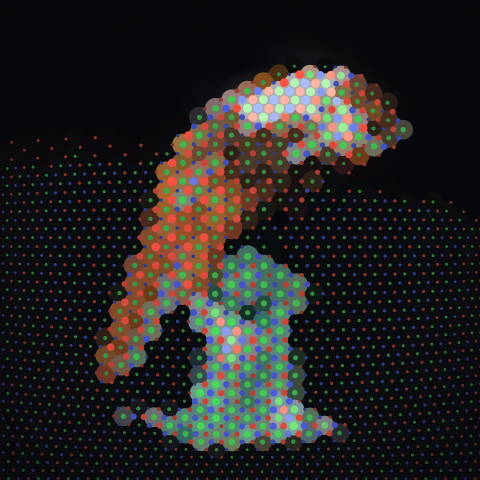
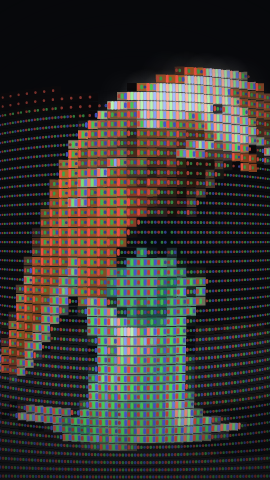
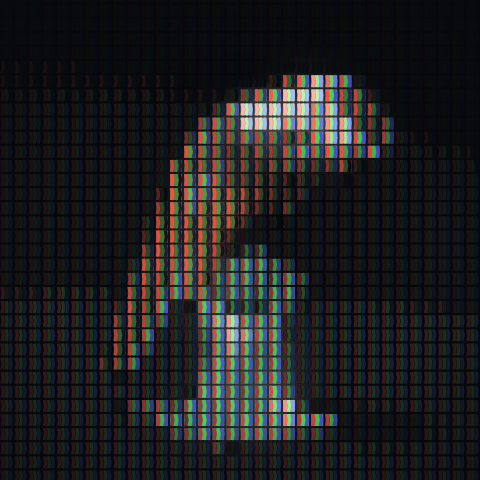
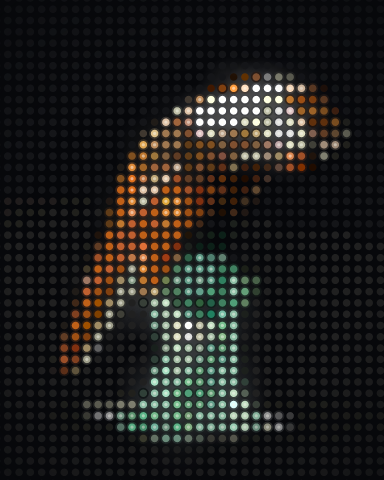
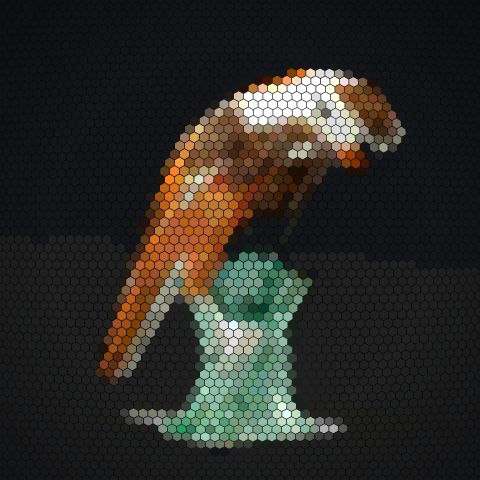
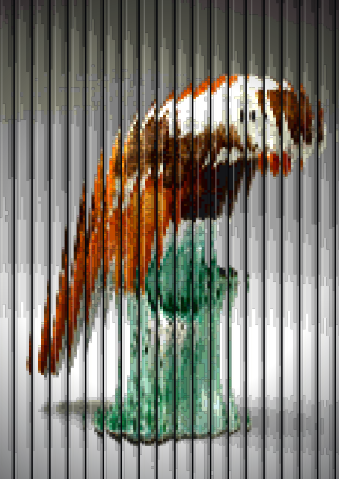
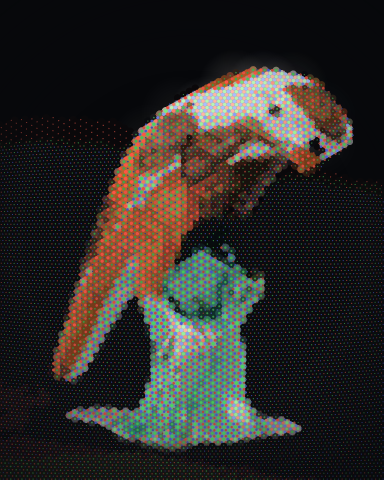
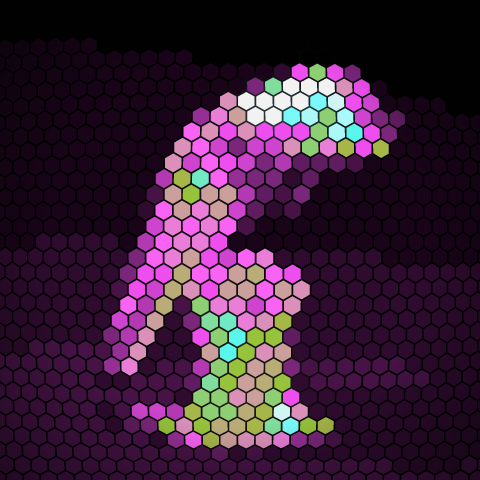
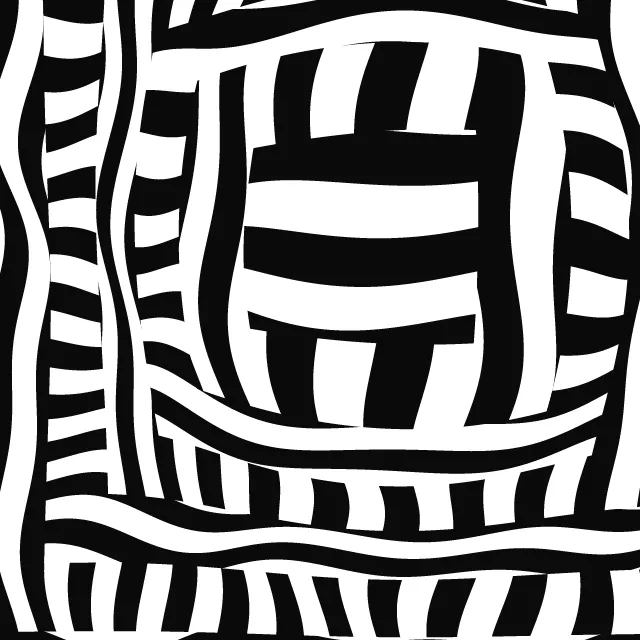
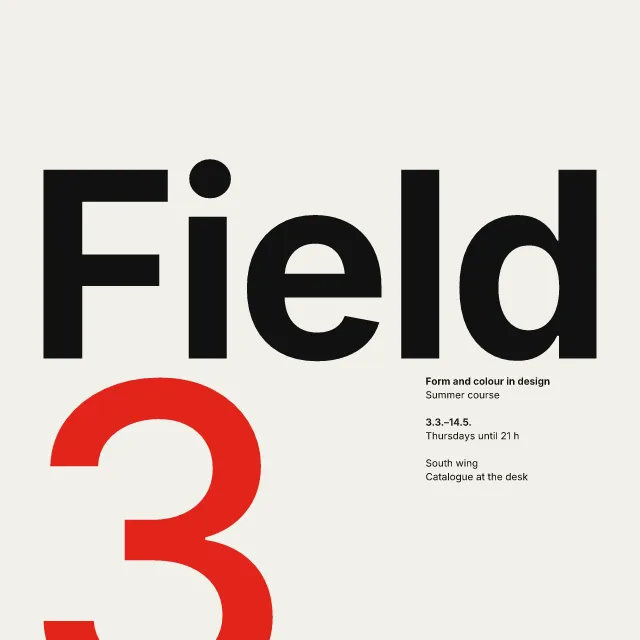
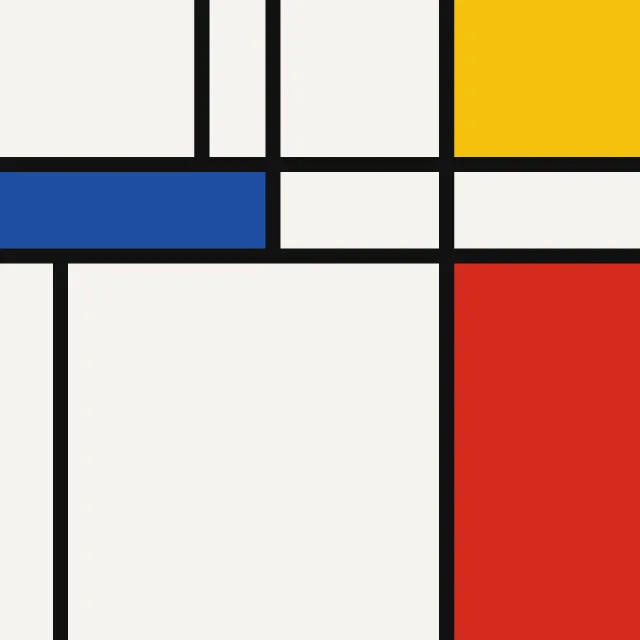
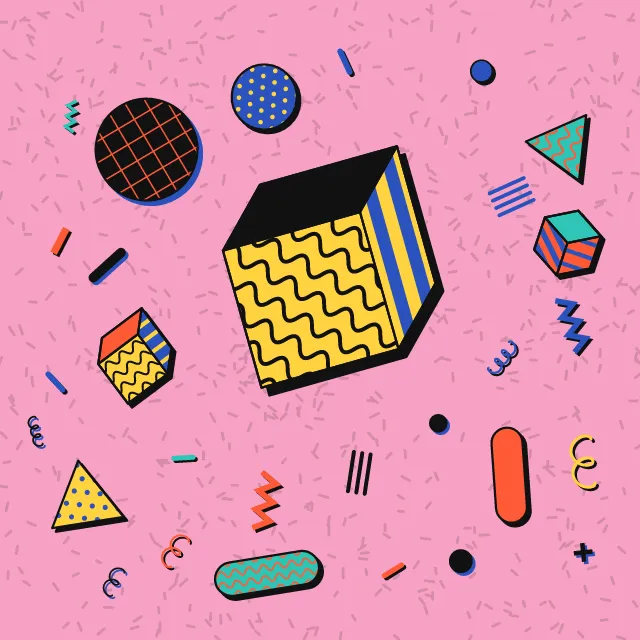
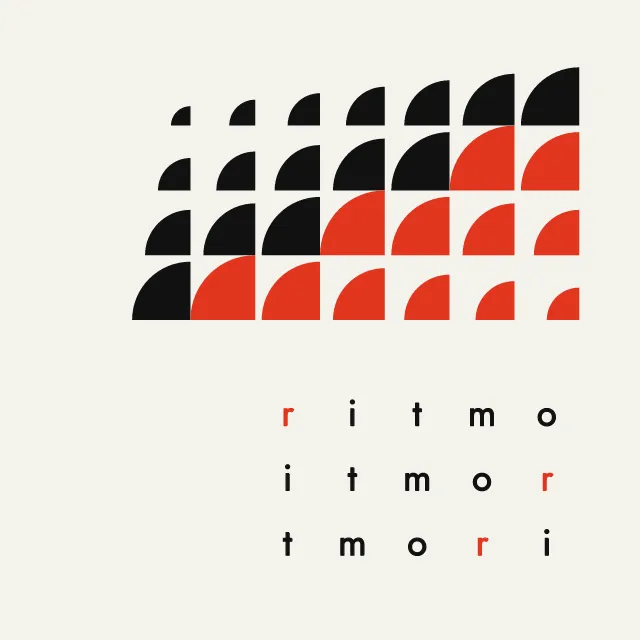
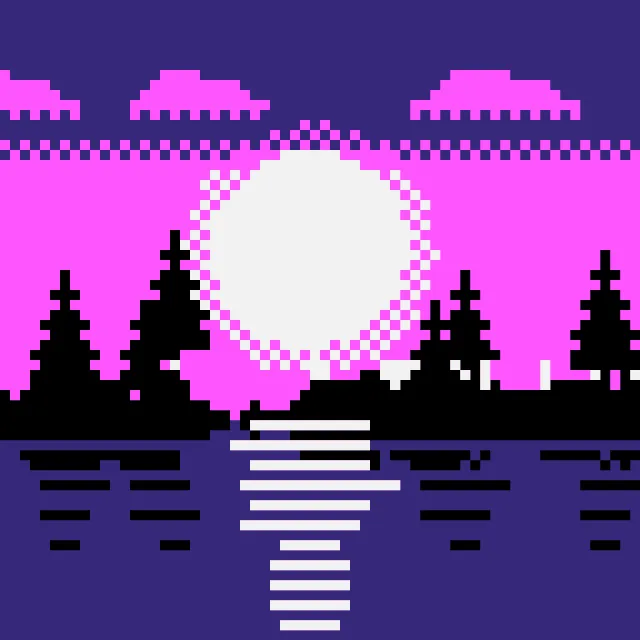
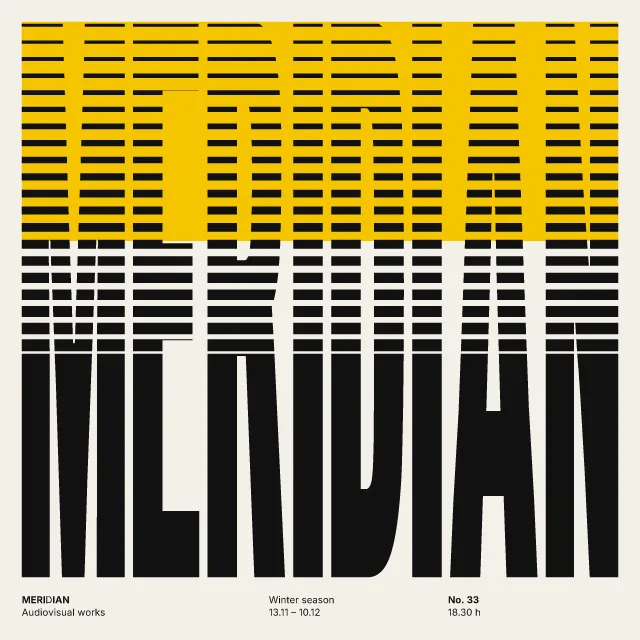
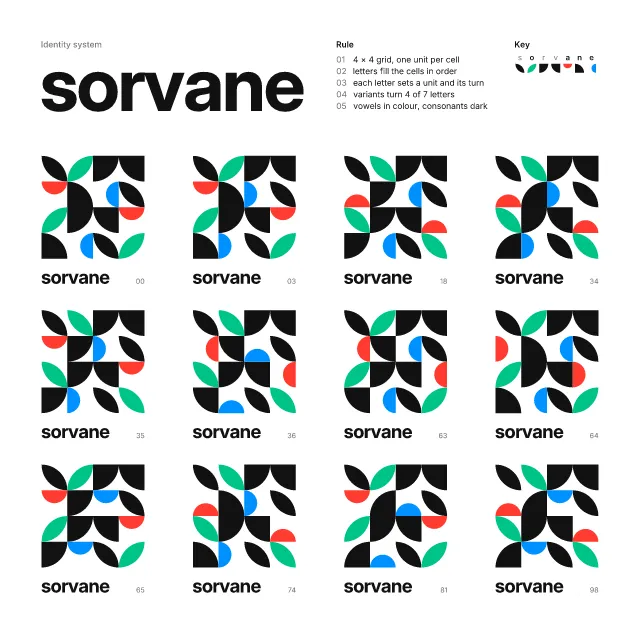
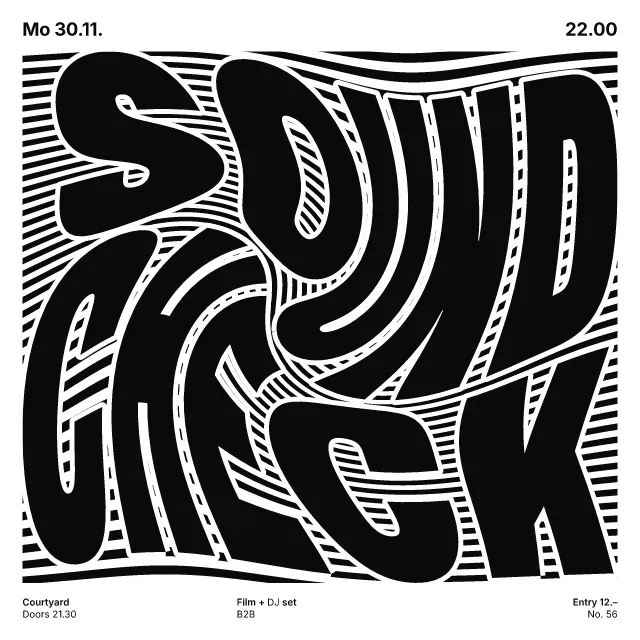
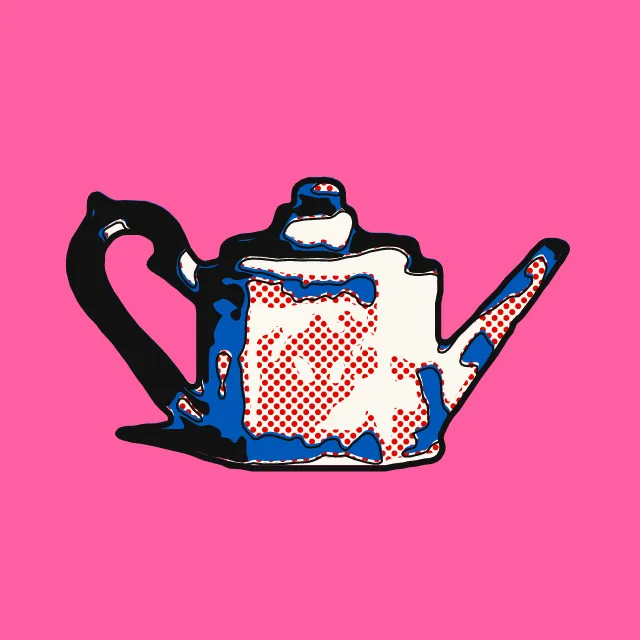
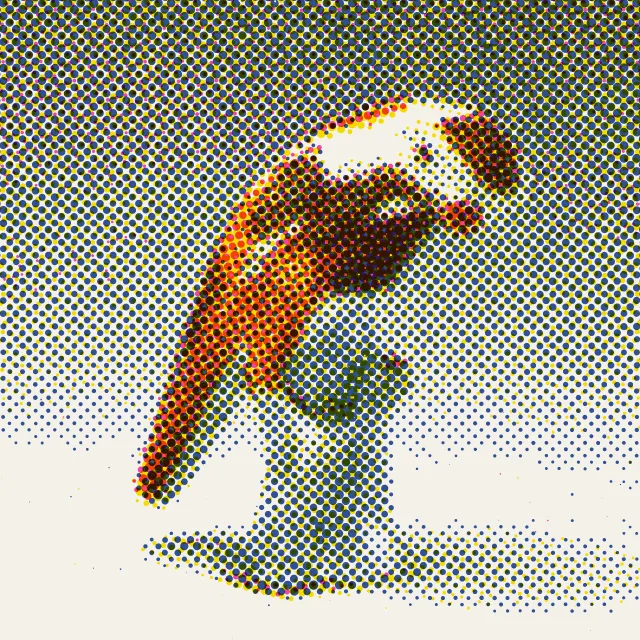
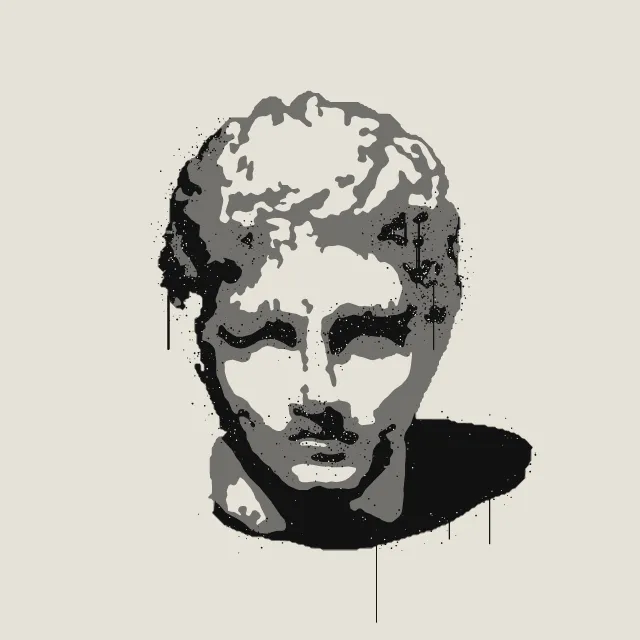
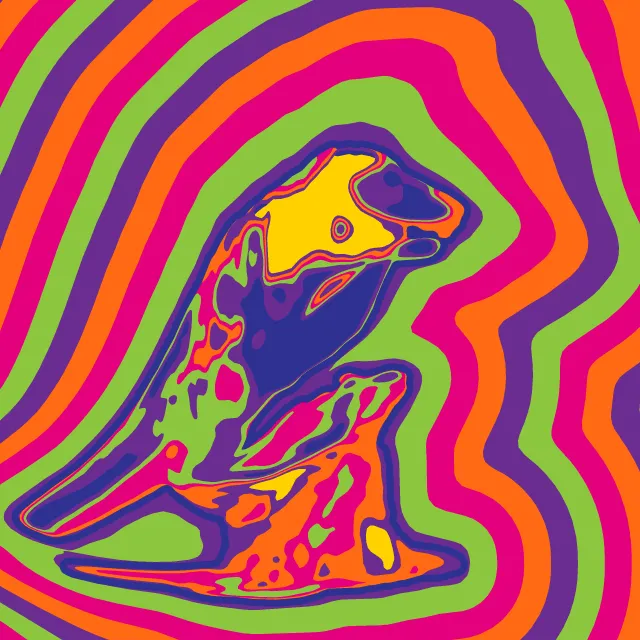
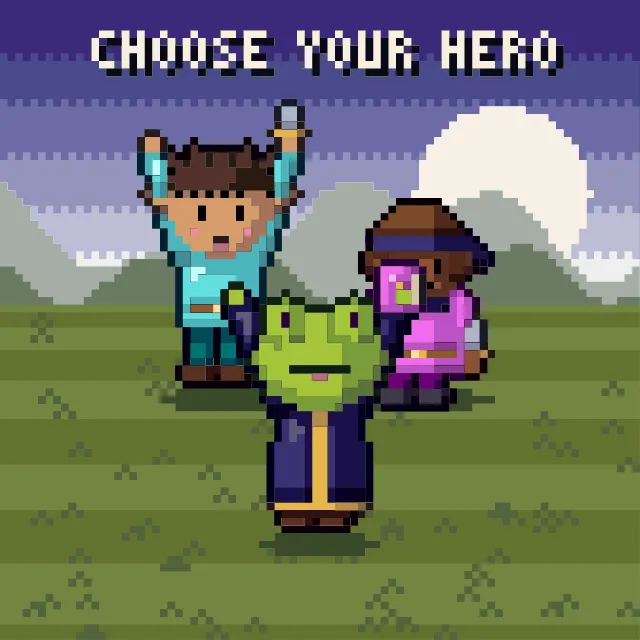
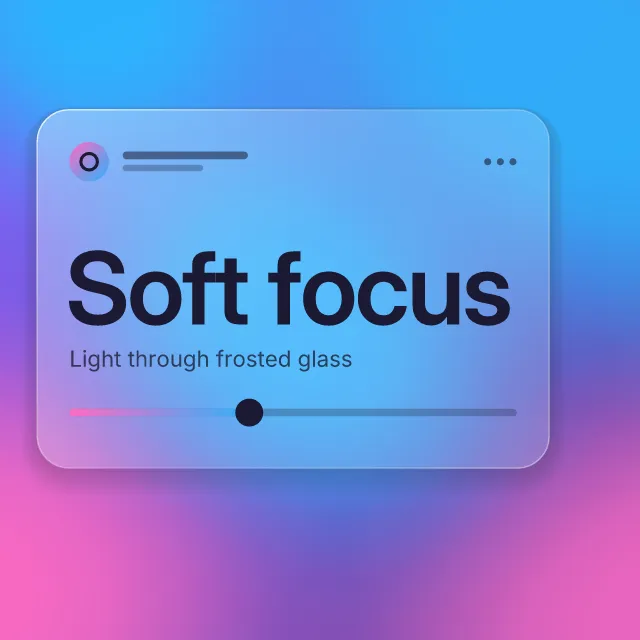
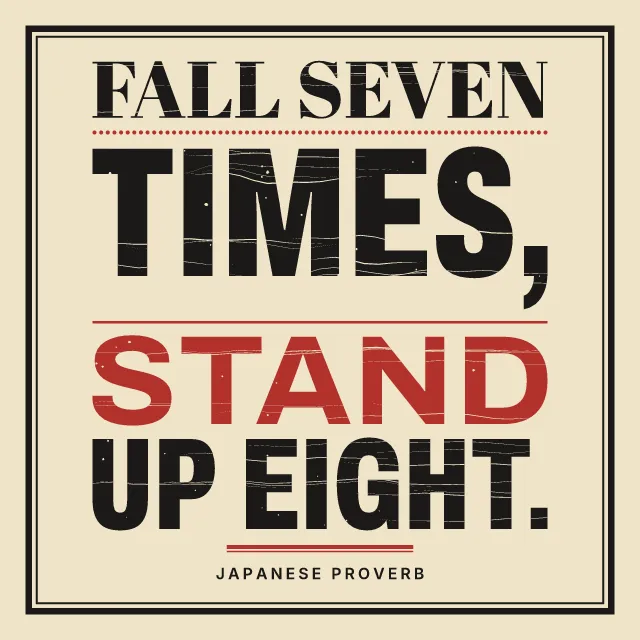
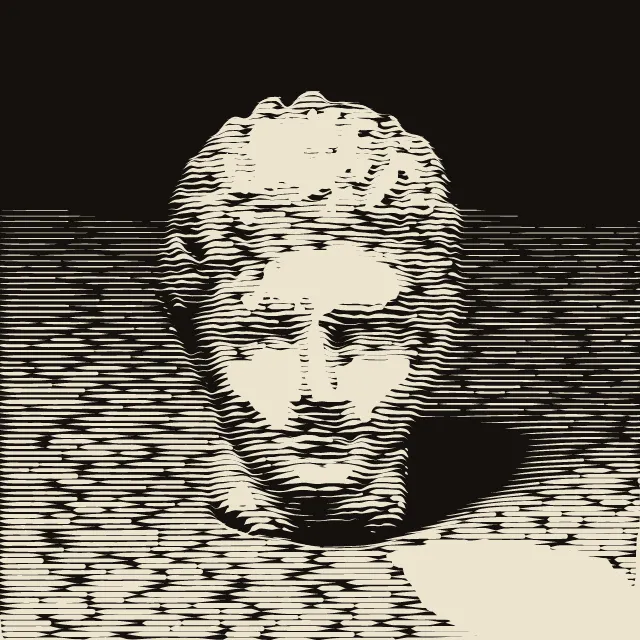
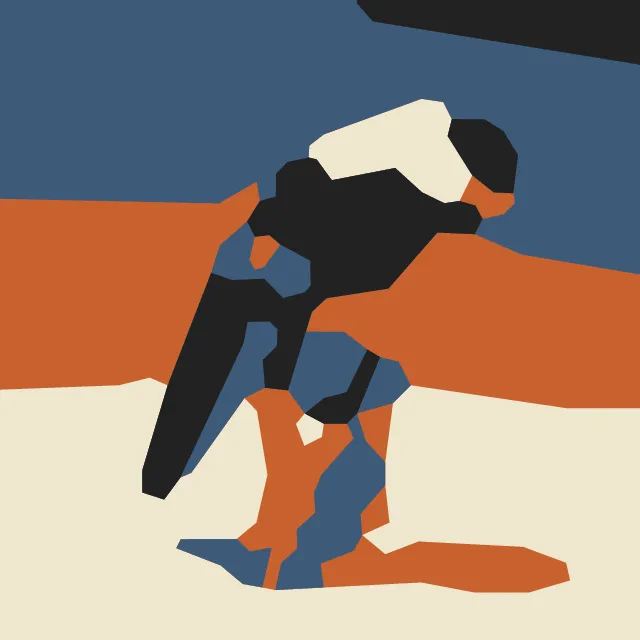
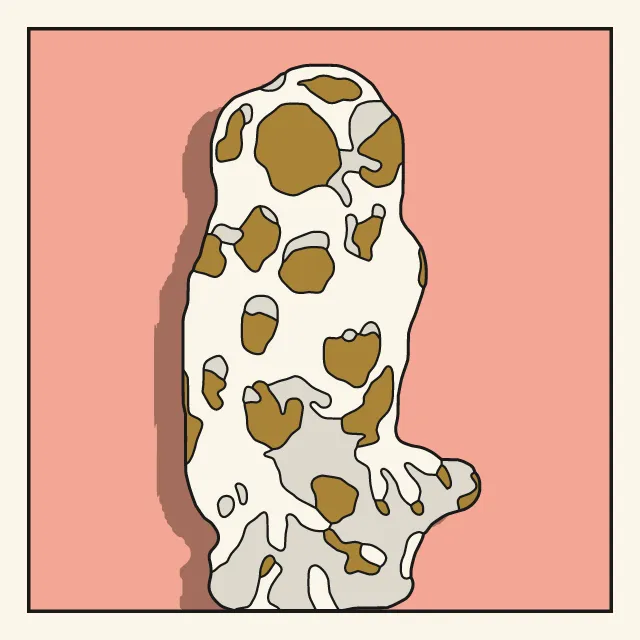
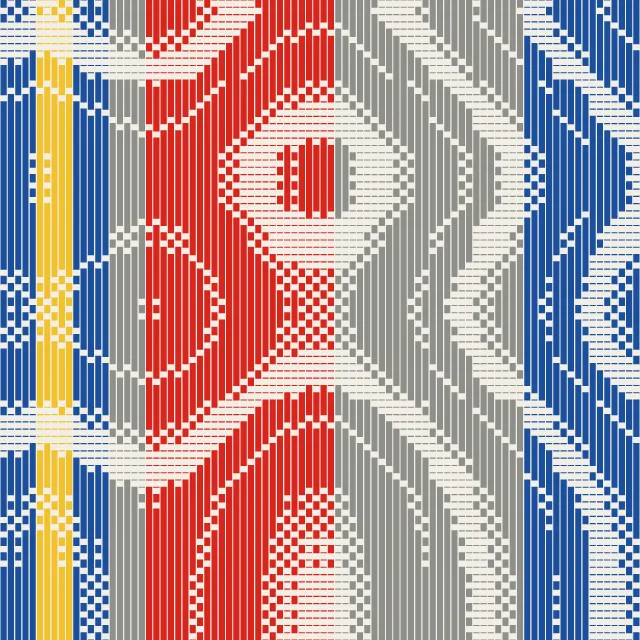
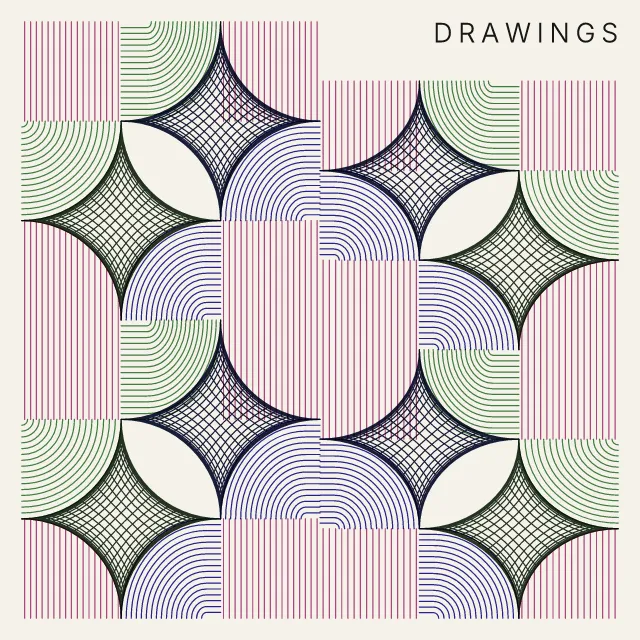
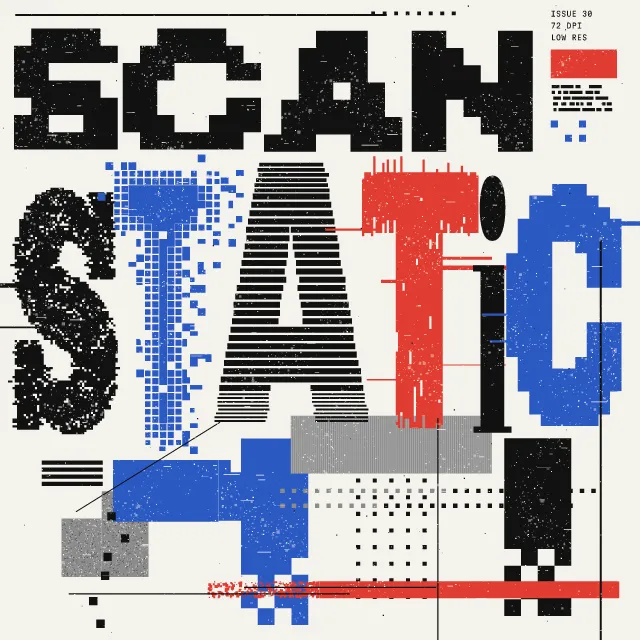
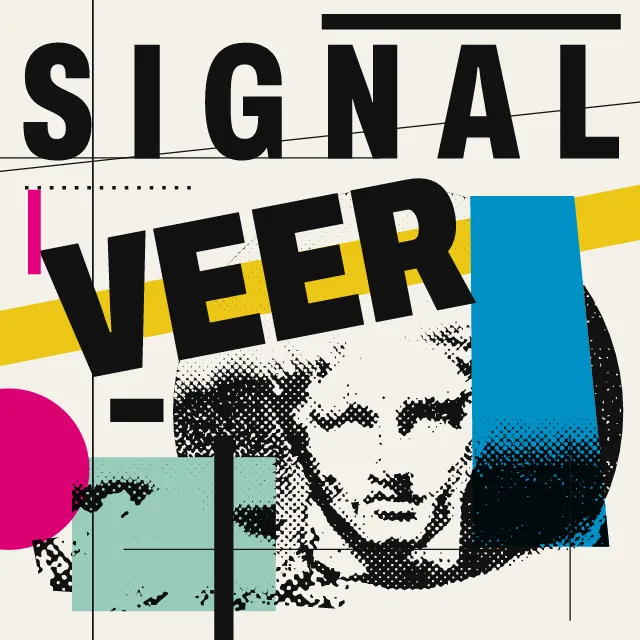
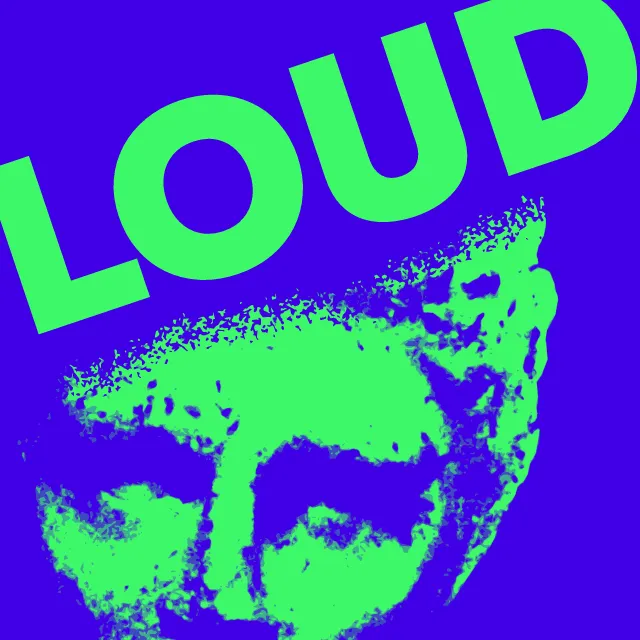
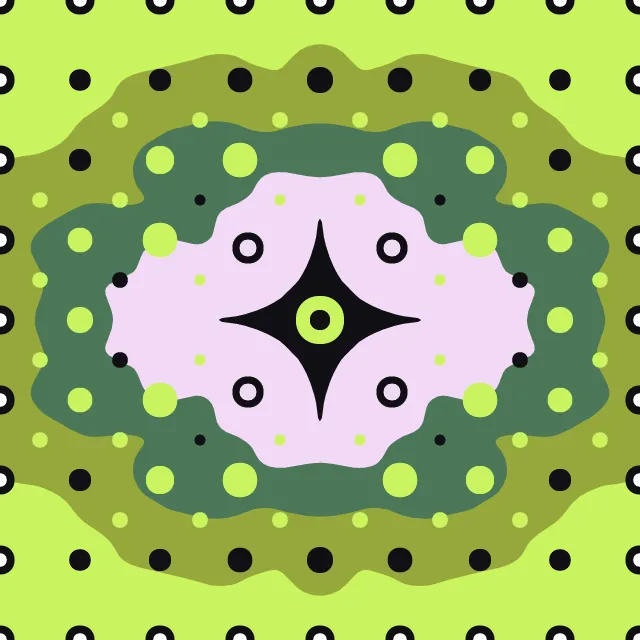
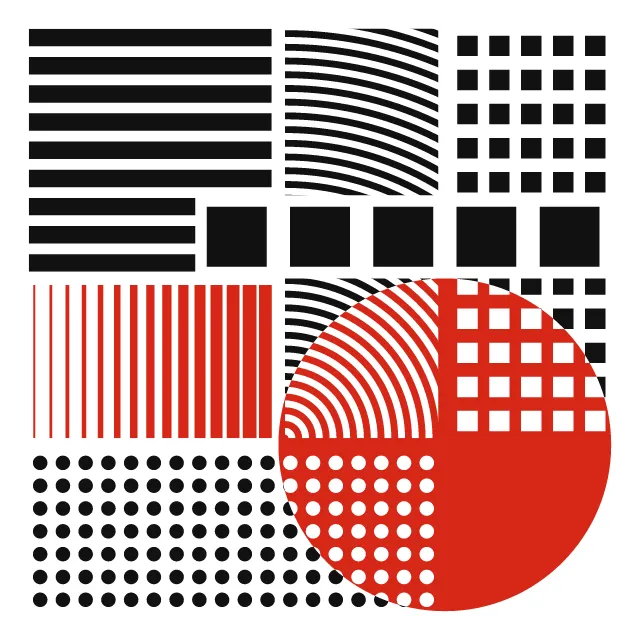
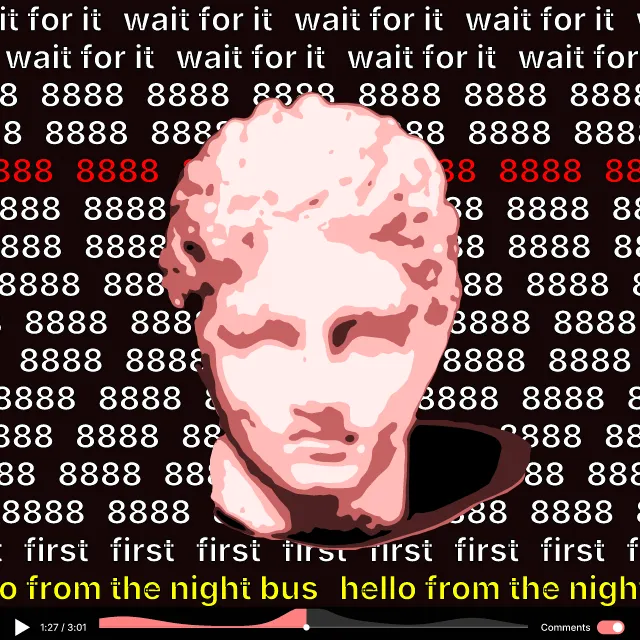
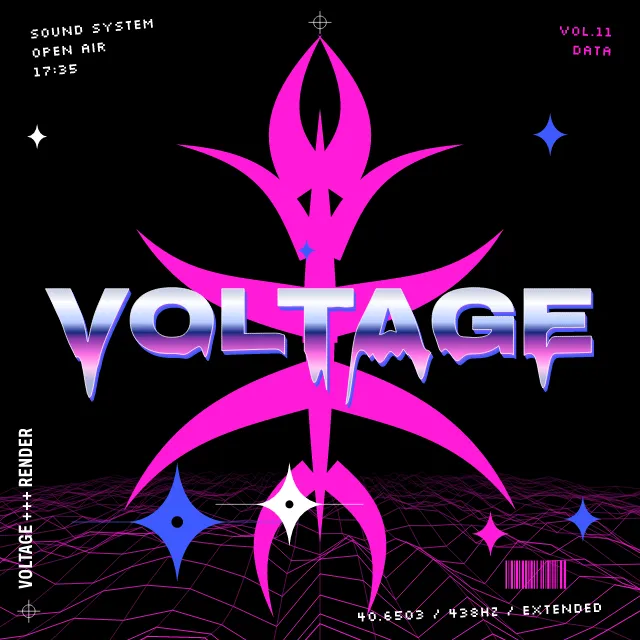
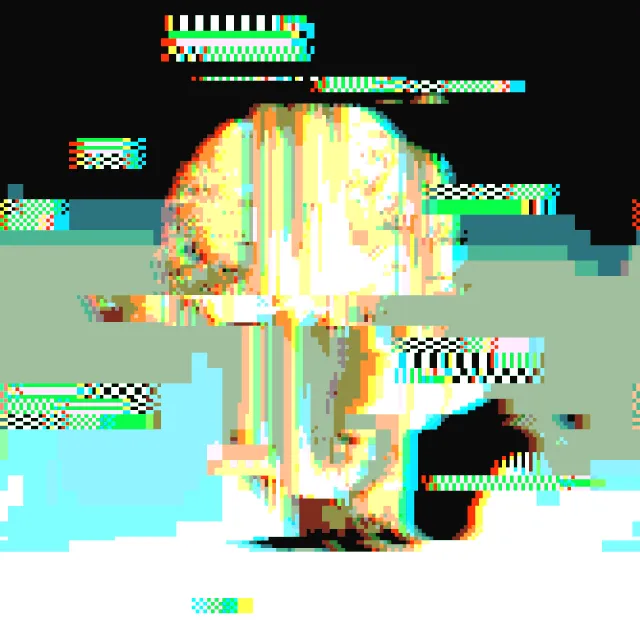
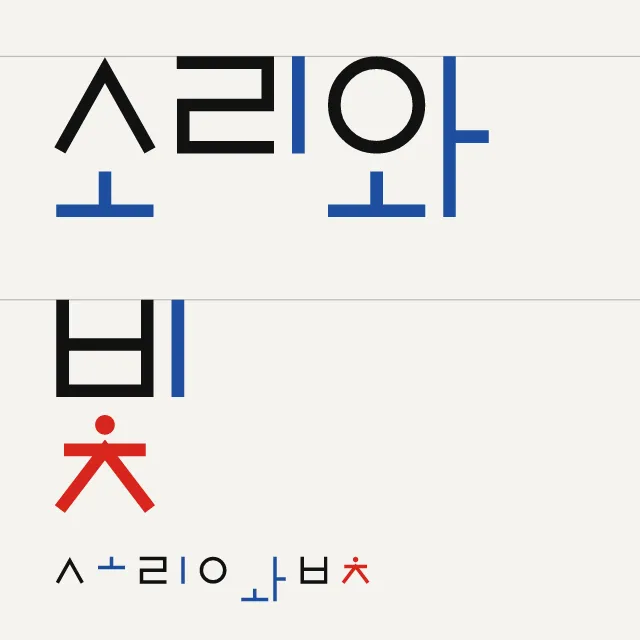
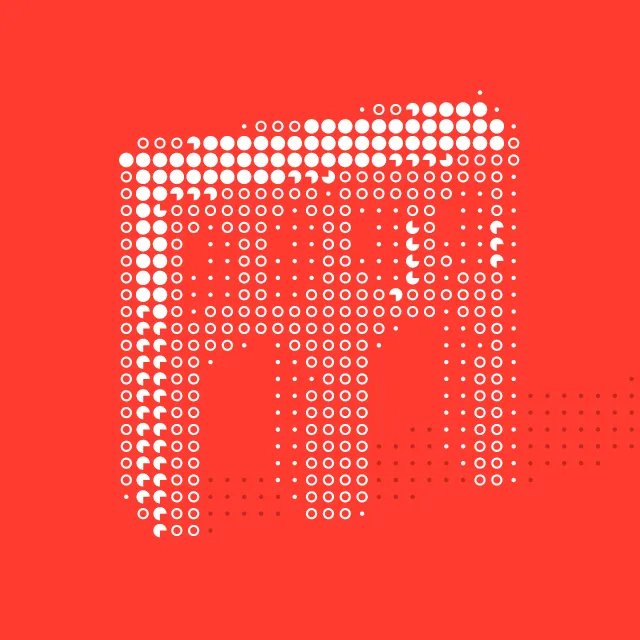

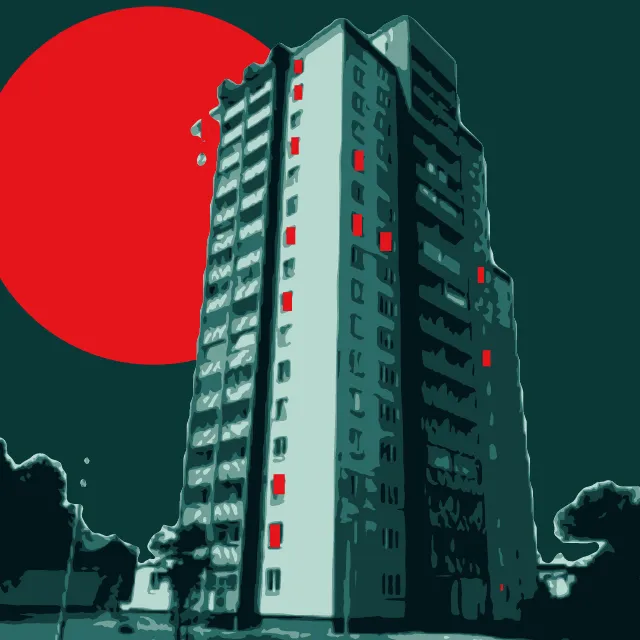
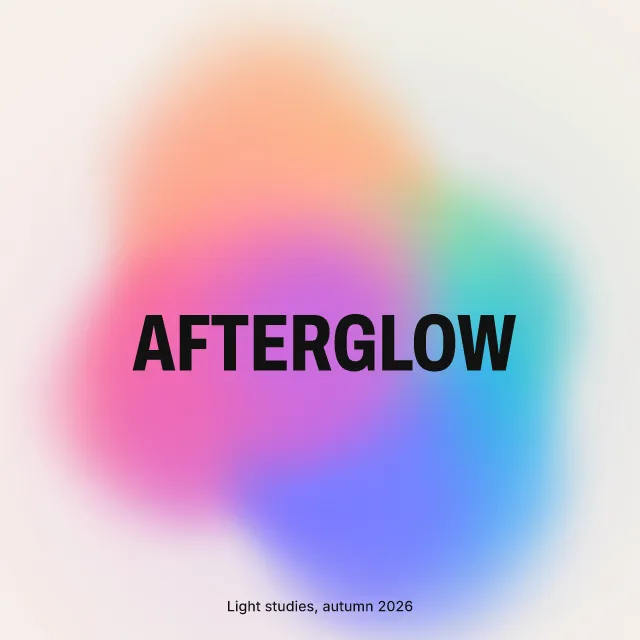
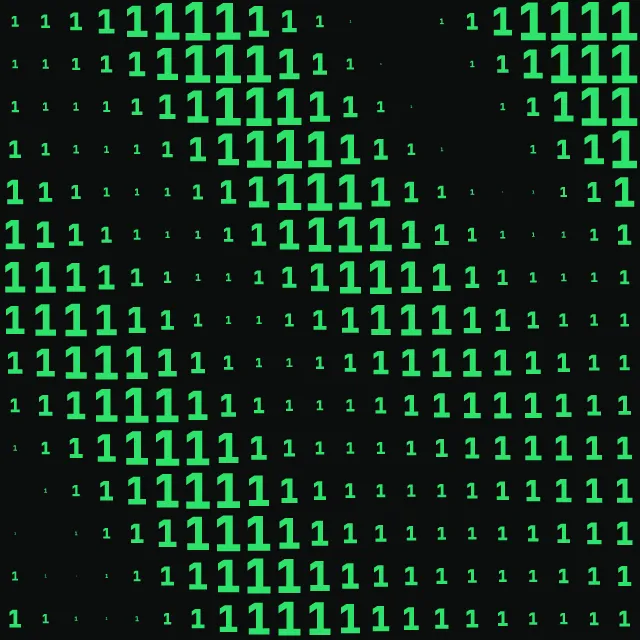

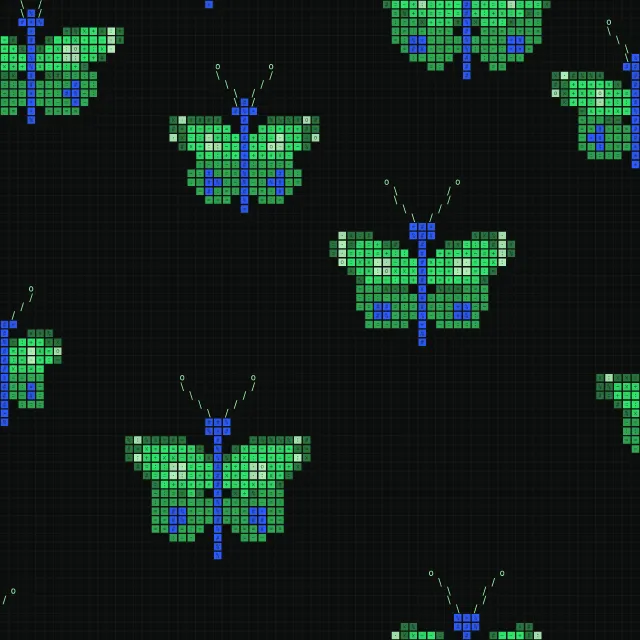

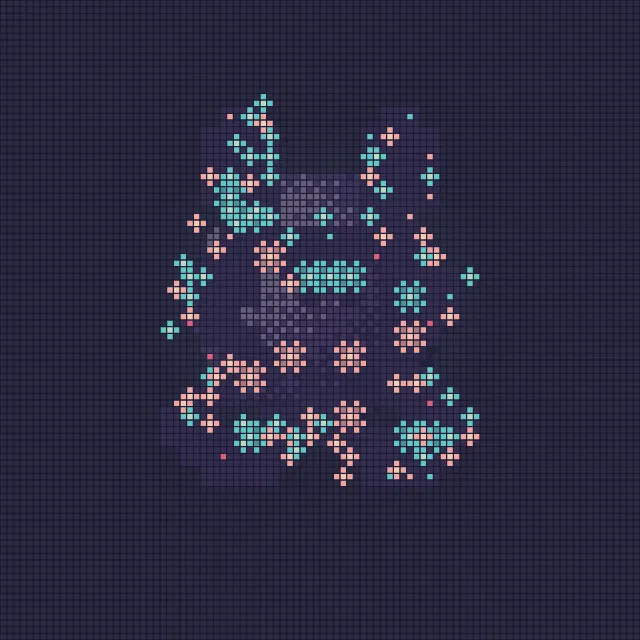
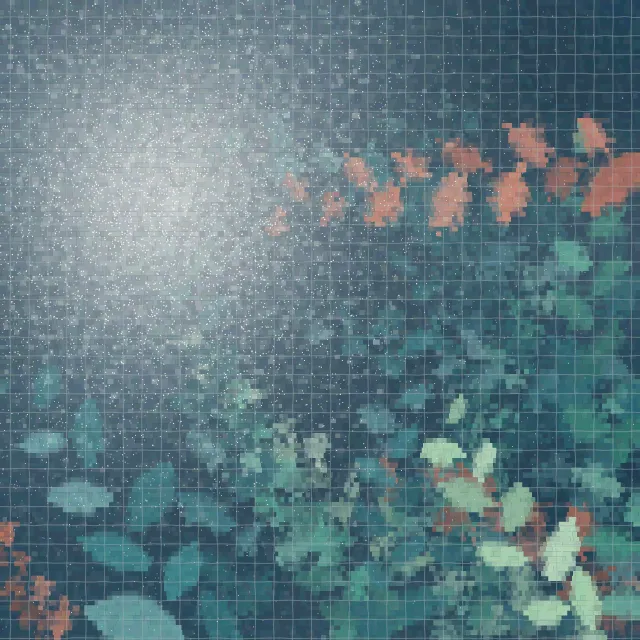

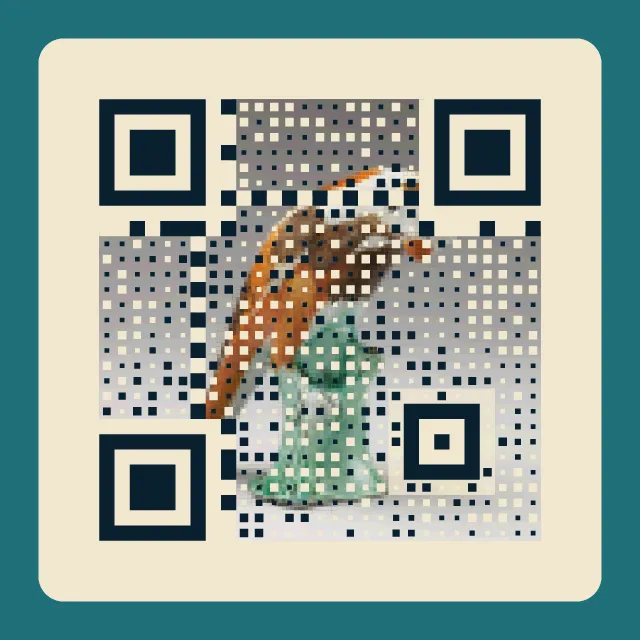
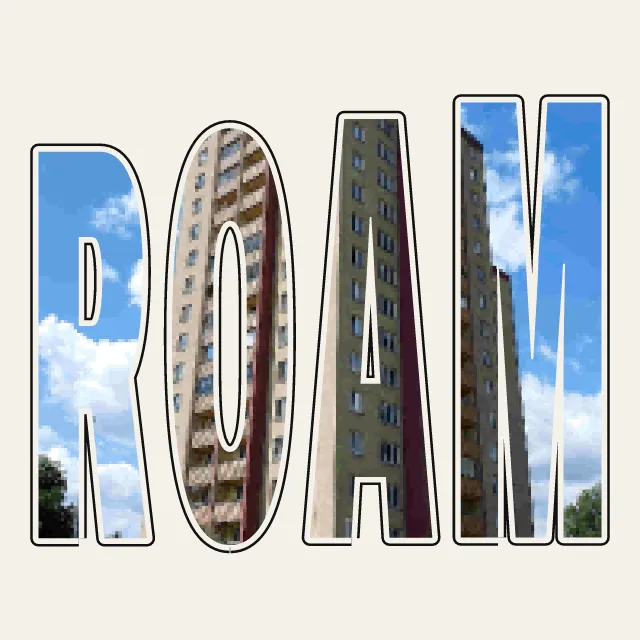
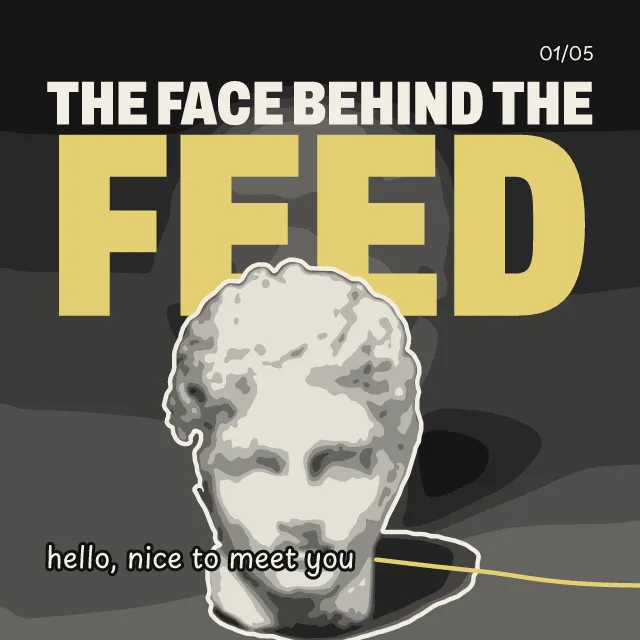

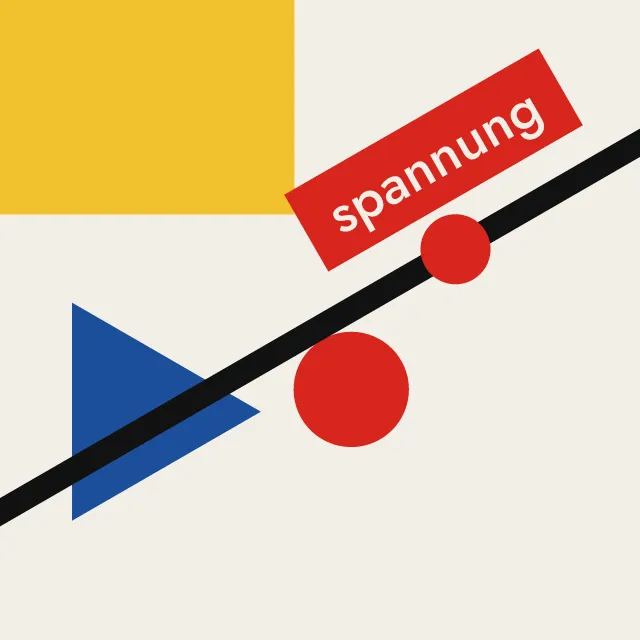
Your picture as a screen shows it, seen from so near that the cells come apart: three lights, red, green and blue, each as bright as the picture is there.
What makes it Screens
These are the design choices this generator makes or lets you set. Where a choice says “Measured”, Morphogeny changed that control alone, kept everything else, and measured the picture: a number that moves with the choice, not proof that the picture reads as the style.
- Fields defined by rows and columns; every element snaps to modules. Set by “Modular grid”.
- Repeated units create a visual cadence. Set by “Repetition & rhythm”. Measured on the opening picture, from 16 to 90: pixels on an edge 20% → 60%.
- Light elements on black or deep fields. Set by “Dark ground”.
- Animated, time-based work: titles, broadcast, video. Set by “Motion & broadcast”.
- Speed, machines, progress and the future. Always.
How this generator works
- The picture is light, not ink: every cell is a part of a display that glows in the picture’s colour there, on the black of a screen that is off.
- On the tube and liquid-crystal screens a colour is three separate lights, red, green and blue, each as bright as its channel; only the glow they spill into the dark between them is mixed.
- It moves forwards only: a brighter band rolls down once a loop, or the cells slide sideways over the still picture by whole cells.
What it never does:
- No bezel, knobs, maker’s mark, test card or channel logo: only the lit surface of the screen.
- No embedded photo or raster: every cell is a vector shape, and a light changes only as the picture under it does.
- No frame of a broadcast, a game or a film: the picture is only ever your own photo, or the sample.
Every picture is a recipe: the variation number and the settings, kept in the page's address. Copy the link and the same picture comes back, in any browser. Random (or R) draws a new variation; ← and → step through them; S shuffles the settings; C borrows another style's colours.
About Bitmap & Pixel Graphics
Every picture on a screen is built from cells. A colour tube lights round dots or upright stripes of red, green and blue phosphor behind a mask, a liquid-crystal panel has three bars to a cell, and an outdoor wall has one lamp to a cell. From across the room the eye mixes them into a picture. From near, or through a loupe, the grid shows: a few fixed colours on a dark ground, repeated in rows. Pixel graphics, from the late 1970s on, grew out of that grid, and this generator goes back to the grid itself.
It reads your photo on a coarse grid and draws each cell as the part of a screen that lights up there. On the two tubes and the liquid-crystal panel a colour is three lights side by side: an orange is a full red dot, a half green one and almost no blue, and only the glow they spill into the dark between them is mixed. A dot or a scan line grows with its light, as the spot of a tube does, and a liquid-crystal bar only changes tone. The lamp wall and the honeycomb show one mixed colour a cell, and ribbed glass shows the picture squeezed and repeated behind upright ribs. You choose the screen, how many cells go across, how much black stays between them, how far the glass bulges and how much light spills into the dark. The lights are a screen’s own red, green and blue, or three inks of any palette on its darkest colour. The brightness is set from the photo, so a pale picture keeps its light tones apart. A clear subject before a plain backdrop keeps its light while the backdrop is turned down, so it stands on a dark screen; any other photo is shown whole.
It moves forwards only: a soft band of light rolls down the screen once in a loop, or the cells slide slowly sideways over the still picture. Everything is vector shapes, so the SVG stays sharp at any size, and your photo is read only in your browser and never uploaded.
Bitmap & Pixel Graphics: 1977–1995. What the controls mean: Help.
Where the CRT screen and pixel look comes from
Colour television tubes of the 1950s put a perforated metal mask behind the glass, so that each of three electron beams could reach only its own phosphor dots. Later tubes swapped the dots for upright stripes behind a grille. From the 2000s, flat liquid-crystal panels with three coloured bars to a cell took over from the tube. Outdoor walls of lamps and diodes use the same idea at the scale of a building.
Bitmap and pixel graphics grew up on these screens between the late 1970s and the mid-1990s, on home computers in North America and arcade and console games in Japan. Memory, resolution and colour were scarce, so designers placed each dot by hand within a fixed hardware palette and faked extra tones with dither. Today the visible grid of a screen, with its scan lines and coloured subpixels, is a sign of that era in music artwork, game titles and posters.
How the generator turns a photo into RGB subpixels
First the photo is averaged onto a grid a little finer than the smallest light. It is levelled so its darkest and lightest points use the full range. A tone curve is then fitted to that photo: a dark one is lifted, a pale one turned down.
On the two tubes each channel sets the size of its dot or scan line, in eight steps. On Liquid crystal it sets only the tone, in twelve. Where all three channels run high, the lights turn towards white, as a screen driven hard does.
Modular grid chooses the screen, from Dot tube to Ribbed glass, and Repetition & rhythm the number of cells across a square sheet. Dark ground sets how much black shows between the lights, Glow how much they spill into it, and Bulge how far the middle swells. Backdrop dims a plain background behind a clear subject.
What to make with a CRT screen effect
Drop a portrait, a pet or an object onto the panel. It becomes a cover for a single, a poster for a games night or a club night, or a square post. The Poster format exports at A3 and 300 dpi, and every cell stays a sharp vector shape at that size.
The Video button records the loop, a soft band rolling down the screen or the cells sliding sideways, for a story or a slide background. The photo is read in your browser and never leaves your device. The SVG, PNG and video you export are yours to use.
Tips for a good RGB pixel picture
A clear subject before a plain wall works best: with Backdrop near 0 it glows alone on a dark screen. A busy photo is always shown whole, so expect the backdrop to stay lit there.
Around 30 cells across shows a screen seen through a loupe; past 70 the picture starts to read as a photo again. With Glow at 0, red, green and blue stand alone on black, which looks dark when the picture is shown small, so keep some glow for posts. The Lights setting can borrow a palette’s inks, as in the Neon comb look. Screen red, green and blue are brighter than ink can print, so check a proof before a large run.
Use it from code
The recipe below draws the picture this page opens with. Copy recipe gives you the one on screen. Agents can render recipes to SVG or PNG through Morphogeny's MCP server (morphogeny_render); the same recipe always gives the same SVG.
{
  "tool": "screens",
  "v": 1,
  "seed": 1,
  "format": "square",
  "params": {
    "screen": "dots",
    "cells": 48,
    "gap": 0.2,
    "lights": "rgb",
    "brightness": 0.6,
    "backdrop": 0.2,
    "glow": 0.7,
    "bulge": 0.08,
    "move": "roll"
  },
  "palette": "bitmap-pixel"
}
Open this recipe: /screens/#seed=1&v=1. A plain-text version of this page:/screens.md.