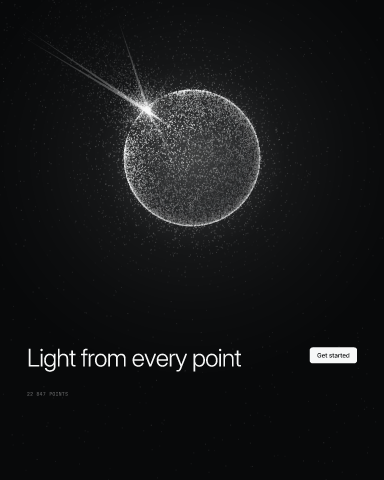
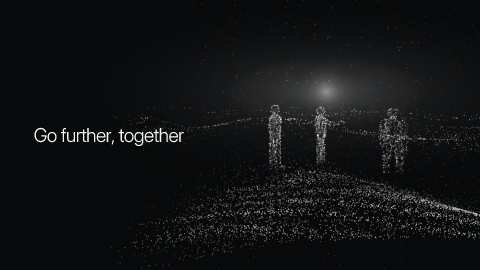
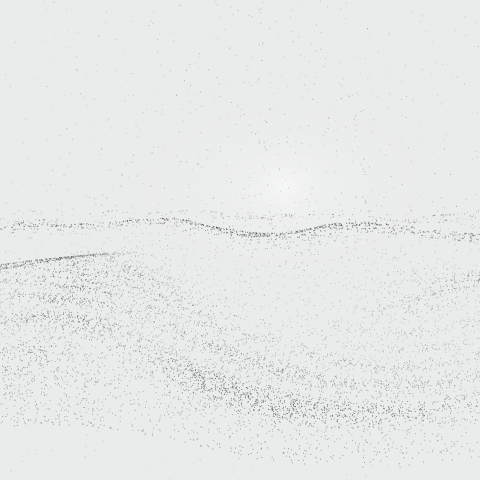
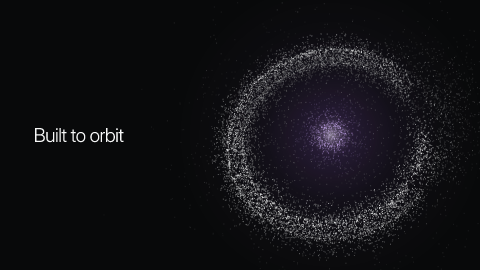
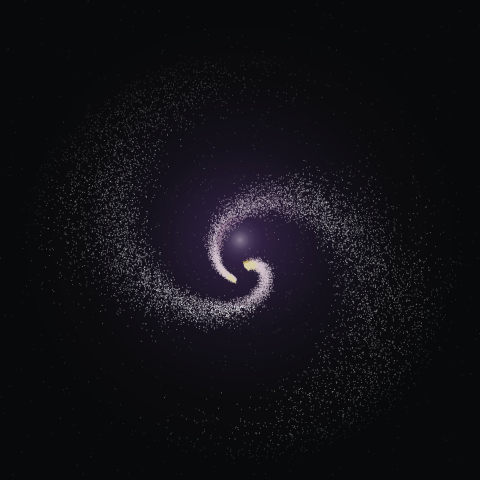
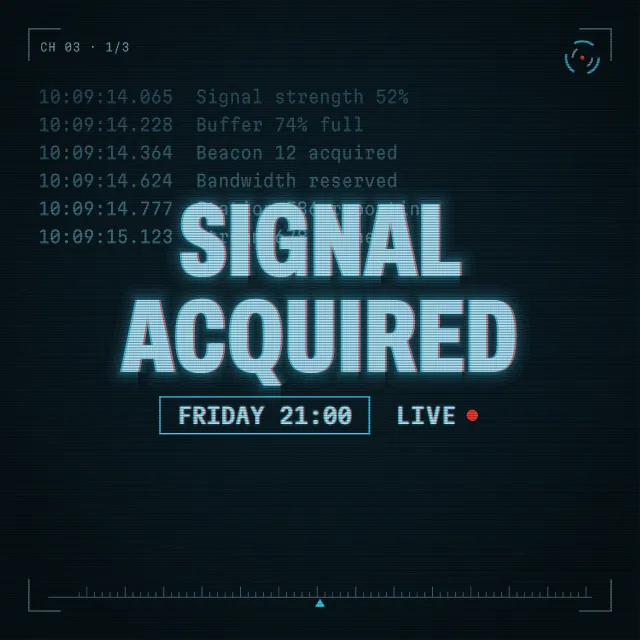

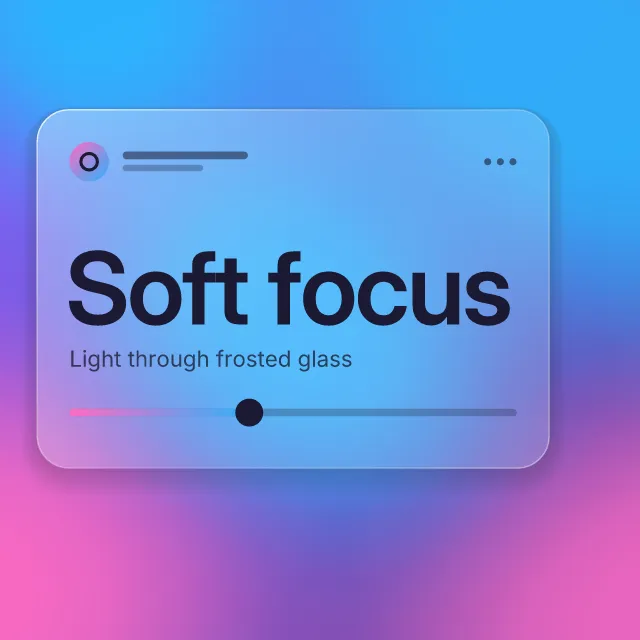

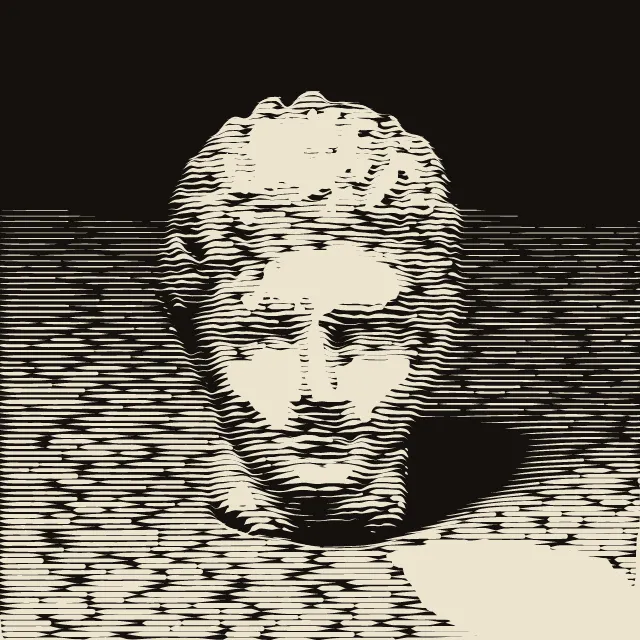
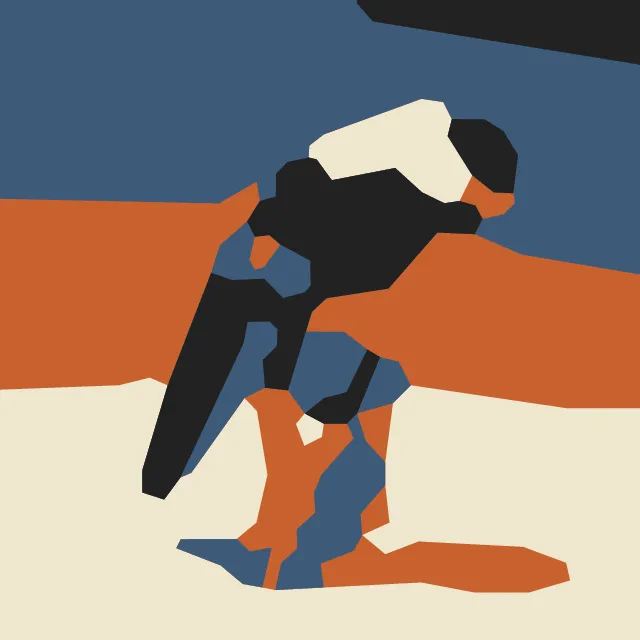




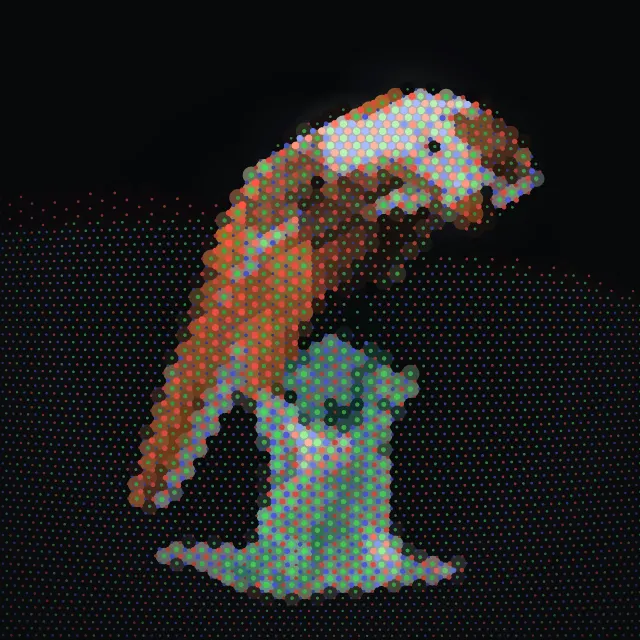
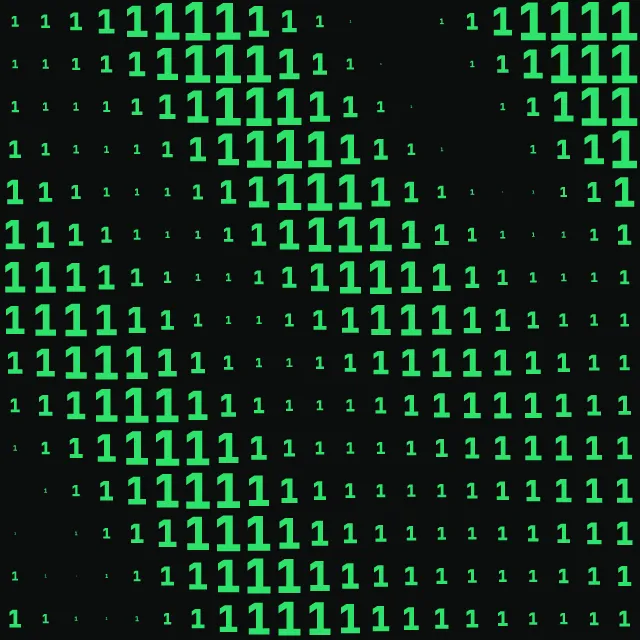








A sphere, a ring, a spiral or a dune drawn in thousands of fine points on a near-black ground, with one soft glow and dust drifting off its edges.
What makes it Particle field
These are the design choices this generator makes or lets you set. Where a choice says “Measured”, Morphogeny changed that control alone, kept everything else, and measured the picture: a number that moves with the choice, not proof that the picture reads as the style.
- Elements radiate from, or orbit around, a centre. “Form”: Ring.
- Simplified, flattened people and objects. “Form”: Figures on a dune.
- Perspective, overlap, shadow or parallax create a z-axis. Set by “Illusion of depth”.
- Smooth blends, fades or spectral ramps. Set by “Gradients”.
- Light elements on black or deep fields. “Ground”: Near-black. Measured on the opening picture with “Near-black”: brightness of the ground 0.3%.
- Paper-white or pale fields dominate. “Ground”: Pale.
- A single hue, or black and white. “Colour”: Greys only. Measured on the opening picture with “Greys only”: hues besides black, white and grey 0.
- Two or three flat inks. “Colour”: One accent. Measured on the opening picture with “One accent”: hues besides black, white and grey 1.
- Neutral, rational sans: Akzidenz-Grotesk, Helvetica, Univers. Set by “Grotesque”.
- One unmistakable point of entry. Always.
- Emptiness is an active element: wide margins and quiet areas. Always.
- HTML/CSS rendered in the browser. Always.
- Speed, machines, progress and the future. Always.
How this generator works
- The form is sampled from solids built in code (spheres, ellipsoids, tapered capsules, a torus, a rolling height field) into thousands of points: dense on the surface, brighter where it turns away at the silhouette, smaller and dimmer with depth, loosening into dust at its edges.
- One light: a soft glow at a single focal point, which brightens and tints the points near it; everything else is a ramp of one ink on a near-black ground.
- Dissolve lets the leeward side of the form come apart into grains that stream away with the drift, one trip a loop.
What it never does:
- No solid shapes, outlines or flat illustration: everything visible is points, a glow or type.
- No traced photograph or scan, no copy of any company’s hero picture, and no likeness of a real person: the figures are built from a handful of simple solids.
Every picture is a recipe: the variation number and the settings, kept in the page's address. Copy the link and the same picture comes back, in any browser. Random (or R) draws a new variation; ← and → step through them; S shuffles the settings; C borrows another style's colours.
About Dark Tech Minimalism
Dark tech landing pages often open on a single picture made of light: a form built from countless fine points on near-black, dense where the form is and thinning into scattered dust at its edges, with one glow and a quiet headline set flush left beside it.
This generator builds each form in code from a few simple solids, a sphere, a ring, tapering capsules or a rolling height field, and scatters points over their surfaces. Points facing away at the silhouette are brighter, far points smaller and dimmer, and the focal light brightens what lies near it. Dissolve lets one side of the form come apart into grains that drift away.
Every point is part of a vector path, so the picture stays sharp at any size, and the same recipe always draws the same points.
Dark Tech Minimalism: 2019–today. What the controls mean: Help.
Where particle heroes come from
Point clouds began as the raw output of 3D scanners and simulations: millions of measured points with nothing joining them. Motion designers and creative coders liked how they looked, half solid and half vapour, and particle systems in 3D software made it easy to turn any shape into drifting dust.
Software companies took the look for their websites once dark interfaces became the norm. A form made of light on a near-black page says precision and computation without showing a product, and it leaves the page calm: one picture, one glow, a short headline in a neutral grotesque and a single button.
How this generator builds a form from points
Each form is a small set of solids. The orb is one sphere, turning once a loop, with a loose shell of points round it and rays bursting from its core. The ring is a torus with debris in its plane, the vortex a tilted disc of spiral arms that dips at the centre. Figures on a dune are a head, a torso and limbs of tapering capsules, standing on a rolling surface seen from just above.
Points are spread over the solids by surface area, and any point that lands inside another solid is dropped, so only the outer skin remains. A few points drift off the surface, most of them close, a few far: that is what makes the edge soft. Each point is then lit by one light, made brighter at the silhouette, and scaled by its depth.
Dissolve takes the side of the form facing the drift and lets its points go: each becomes a grain that streams away, shrinks and fades, then starts again, so the form keeps coming apart without ever running out.
What to make with particle pictures
The landscape frame with a headline is a ready hero for a product page or a launch post; the button and readout show where an interface would sit, and the stand-in setting leaves them out. The portrait and story frames put the type under the form for a phone screen or a social story. The pale ground turns the look into dark grains on paper for print or a light theme.
In motion the orb and the vortex turn, the ring rocks a little, the dunes roll and dust drifts across the frame, a slow loop for a background video.
Tips for a good particle hero
Keep it to one form and one glow: the style depends on darkness around a single source of light. Raise Points for a large screen and lower it for a small one, where fewer, larger points read more clearly.
Turn Dissolve up with the drift to one side for a sense of movement, or down to zero for a still, solid form. One accent tints only the glow and the points it reaches; Two accents shade near and far points differently, which helps a ring or a vortex read in depth.
Use it from code
The recipe below draws the picture this page opens with. Copy recipe gives you the one on screen. Agents can render recipes to SVG or PNG through Morphogeny's MCP server (morphogeny_render); the same recipe always gives the same SVG.
{
  "tool": "particle-field",
  "v": 1,
  "seed": 3,
  "format": "landscape",
  "params": {
    "headline": "Every point in its place",
    "subject": "orb",
    "points": 0.55,
    "dissolve": 0.35,
    "drift": 0.7,
    "depth": 0.65,
    "glow": 0.55,
    "ground": "dark",
    "colour": "mono",
    "type": "quiet"
  },
  "palette": "dark-tech-minimalism"
}
Open this recipe: /particle-field/#seed=3&v=1. A plain-text version of this page:/particle-field.md.