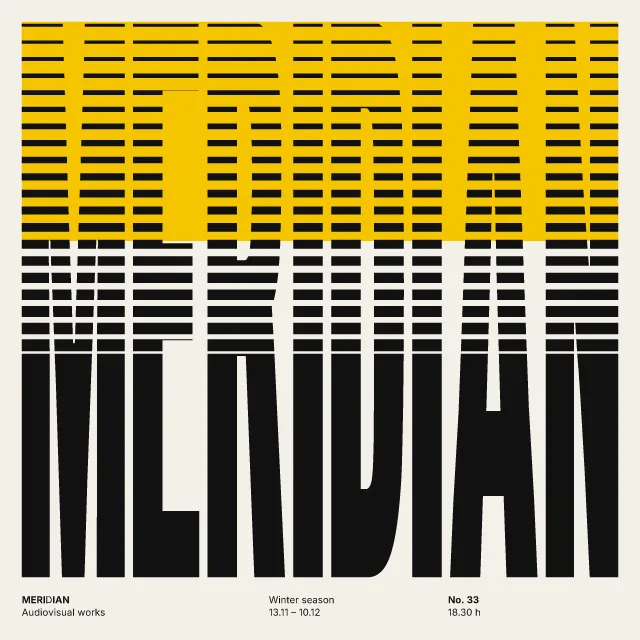
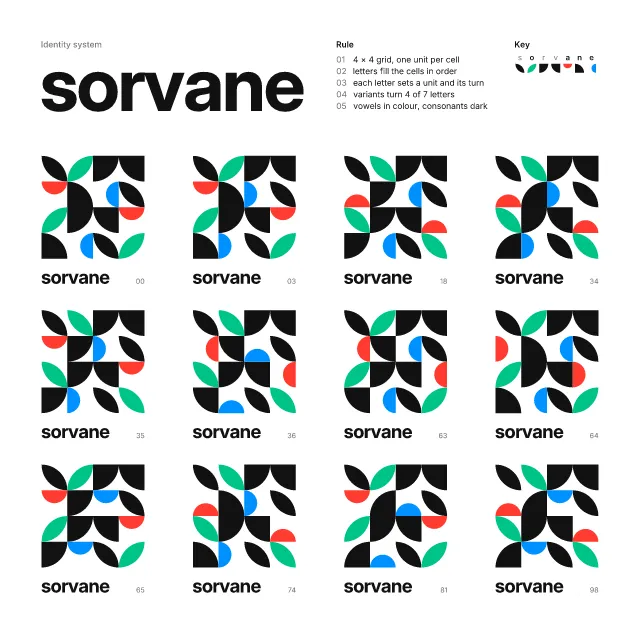
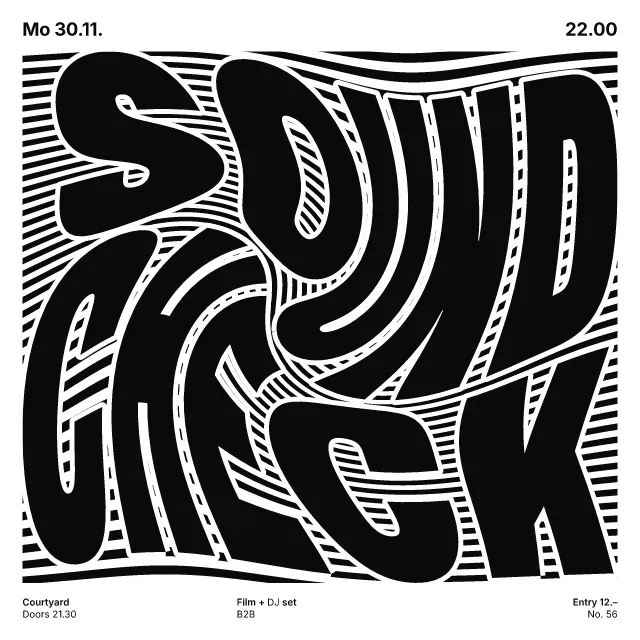


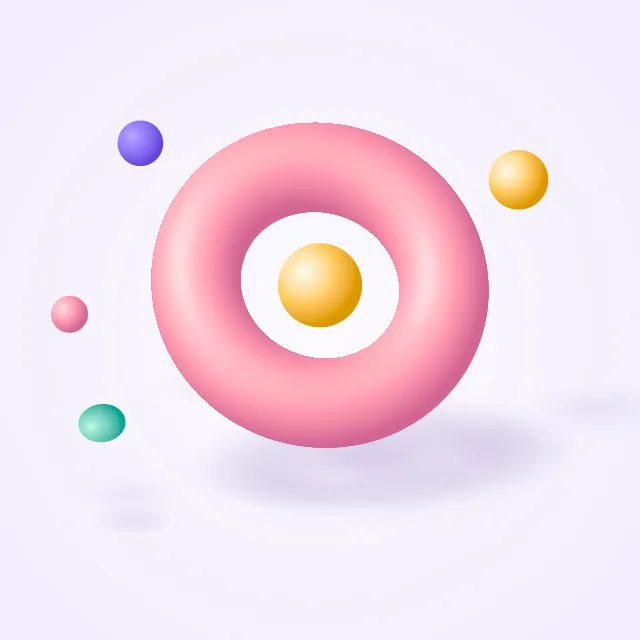



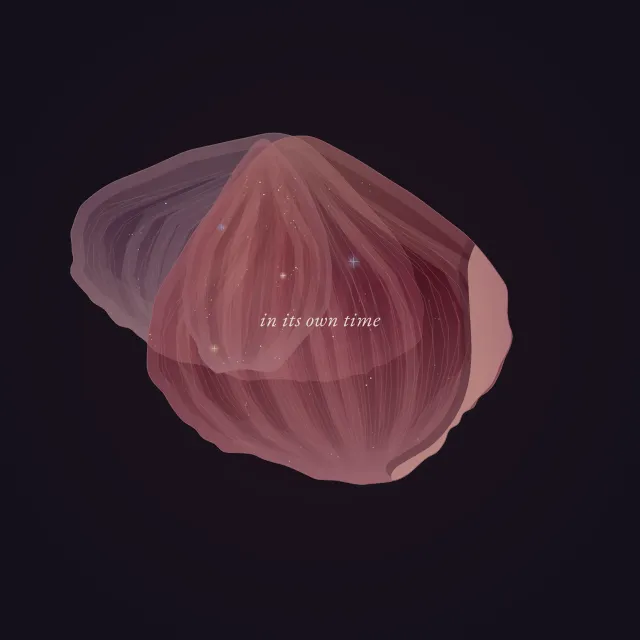


One soft mass of colour that dissolves into a pale ground, as a bloom, ribbon, halo or rising glow, with crisp type set against it.
What makes it Aura gradient
These are the design choices this generator makes or lets you set. Where a choice says “Measured”, Morphogeny changed that control alone, kept everything else, and measured the picture: a number that moves with the choice, not proof that the picture reads as the style.
- Soft, cell-like, plant-like forms. Set by “Biomorphic curves”.
- Elements radiate from, or orbit around, a centre. “Biomorphic curves”: Halo.
- Emptiness is an active element: wide margins and quiet areas. Set by “Generous white space”. Measured on the opening picture, from 0 to 1: ground showing 34% → 85%.
- Smooth blends, fades or spectral ramps. Set by “Softness”.
- Neighbouring hues for a unified, calm field. Set by “Analogous harmony”.
- Day-glo inks and RGB brights. “Colour”: Fluorescent.
- Light, softened tints. “Colour”: Pastel. Measured on the opening picture: area in pastel tints 42% with “Pastel”, 34% with “As the palette” and 36% with “Fluorescent”.
- Neutral, rational sans: Akzidenz-Grotesk, Helvetica, Univers. Set by “Type”.
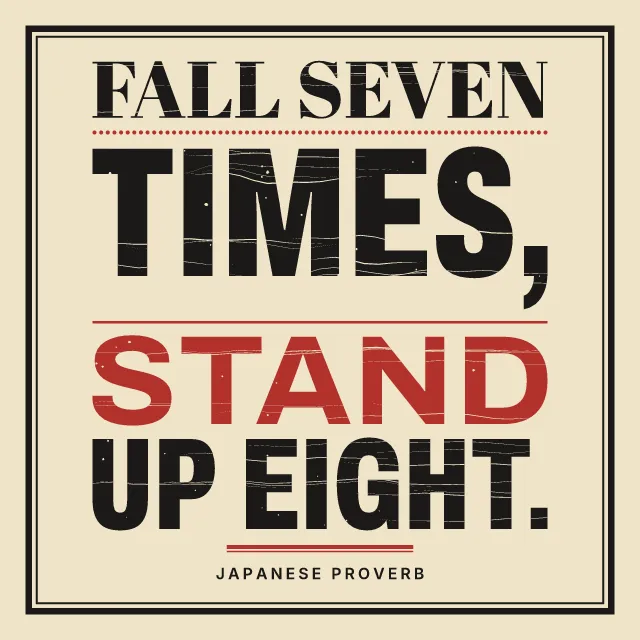
- Tall, narrow, heavy letters for impact. “Type”: Over the glow.
- Pure form with no depicted subject. Always.
- One unmistakable point of entry. Always.
- Decoration rejected; form follows function. Always.
- Quiet, slow, meditative. Always.
How this generator works
- The picture is one mass of colour with no hard edge anywhere: feathered discs overlap into a single body whose rim dissolves into the ground, and faint wide discs carry an aura out past it.
- Colour flows by position: hue round or along the mass follows the inks in order round the colour wheel, so only neighbouring hues meet and every mix stays luminous.
- Type is crisp and neutral against the blur, either condensed capitals over the glow or a plain grotesque on an open grid beside it.
What it never does:
- No figures, photographs, icons or ornament: the glow stands for nothing.
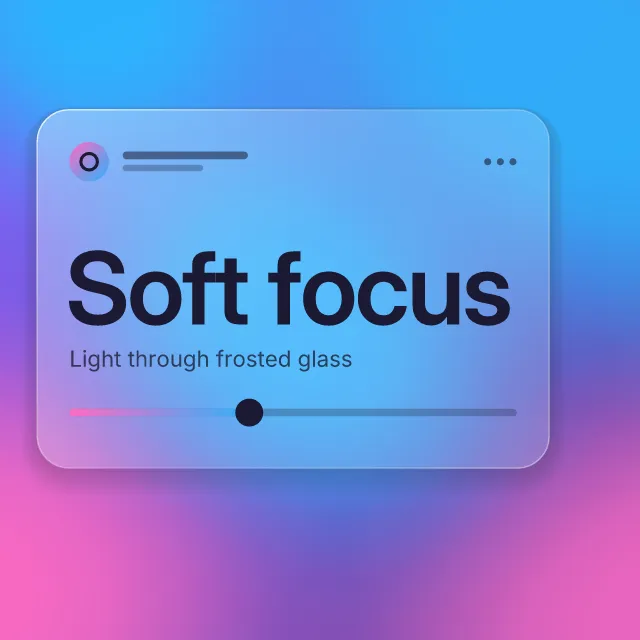
- No frosted panes or cards (that is Glassmorphism) and no grid of tiles; no copy of any identity or campaign’s glow.
Every picture is a recipe: the variation number and the settings, kept in the page's address. Copy the link and the same picture comes back, in any browser. Random (or R) draws a new variation; ← and → step through them; S shuffles the settings; C borrows another style's colours.
About Aura Gradient Graphics
Aura gradients are a commercial look of the 2020s: a blurred, luminous mass of colour is the main picture of an identity, a book cover, packaging or a website, set against plain sans-serif type and a lot of open space. The colours run into one another and into the pale ground without a hard edge anywhere, and the glow stands for nothing: it is light and mood, not a figure.
This generator builds the glow from many feathered discs that overlap into one body, so the SVG stays plain vector gradients and opens sharp at any size. Each disc takes its colour from where it sits, running through your palette’s inks in their order round the colour wheel, so only neighbouring hues meet and the mixes stay bright. Faint, wide discs carry an aura out into the ground.
Choose the glow’s shape, how soft it is and how much ground it leaves, which hues it runs through, and whether the type sits over the glow in condensed capitals or beside it on an open grid. In motion the colours travel round the glow, the glow turns, or new pockets of colour bud and fade inside it.
Aura Gradient Graphics: 2021–today. What the controls mean: Help.
Where aura gradients come from
The look has no single origin. Trend writers trace it to the gradient logos and rebrands of large apps in the 2010s, and to the freeform gradient tool that vector software gained in 2019. The earliest dated identity built on the idea of an aura of light is from 2021. Since then the glow has turned up on book covers, packaging, websites and whole brand systems.
What makes it a style rather than an effect is the combination. The blur is the picture itself, not a filter laid over a photograph, and it comes with open layouts, generous empty ground and plain grotesque type. The word aura is borrowed as a metaphor for glow and makes no claim about any spiritual tradition. Grain, where it appears, is a light finishing layer and never the point.
How to make an aura gradient in SVG
An SVG has no blur, so the glow is built from discs whose radial gradients fade to nothing exactly at their edge. They sit on rings from the heart outwards, and the outer rings hold more and fainter discs, so the rim comes out smooth rather than scalloped. Between two hues the colour travels the short way round the colour wheel, so pink and teal meet in lilac and sky blue instead of grey.
Biomorphic curves gives the shape: Bloom, Ribbon, Halo, Rise or Pair. Generous white space sets how much pale ground surrounds it, Softness how far each colour dissolves, and Analogous harmony which inks it runs through. Colour keeps the palette, raises it to Fluorescent or softens it to Pastel. Type places your Headline and Small line Over the glow, on an Open grid, or leaves the glow alone.
Uses for a mesh gradient background
With a headline, the picture is ready as a book cover, a poster for a talk or an exhibition, or a key visual for an identity. With Type set to None, it becomes a background: a Slide for a presentation, a Banner for the top of a website, or a Story-sized wallpaper for a phone.
The Video button records the loop for a story or a calm screen. Colours flow round the glow, the glow turns, or new pockets of colour bud inside it. The A3 poster export prints at 300 dpi. The SVG, PNG and video are yours to use.
Tips for a soft gradient poster with crisp type
Neighbouring hues give the brightest mixes; inks far apart on the wheel meet in paler middles, which can look washed out. Keep the headline short and use a slash to break it where you want. On a dark ground a white headline over a very bright glow loses contrast, so choose Open grid or more white space there.
The light grain the page opens with is a finishing pass: the PNG keeps it, the SVG leaves it out. Fluorescent colours and long gradients can print duller or in visible steps, so check a proof before a large run.
Use it from code
The recipe below draws the picture this page opens with. Copy recipe gives you the one on screen. Agents can render recipes to SVG or PNG through Morphogeny's MCP server (morphogeny_render); the same recipe always gives the same SVG.
{
  "tool": "aura",
  "v": 2,
  "seed": 4,
  "format": "portrait",
  "params": {
    "form": "bloom",
    "space": 0.25,
    "soft": 0.55,
    "hues": "all",
    "tone": "palette",
    "words": "centre",
    "title": "Afterglow",
    "note": "Light studies, autumn 2026",
    "move": "flow"
  },
  "palette": "aura-gradient-graphics"
}
Open this recipe: /aura/#seed=4&v=2&grain=amount:0.1,specks:0,vignette:0. A plain-text version of this page:/aura.md.