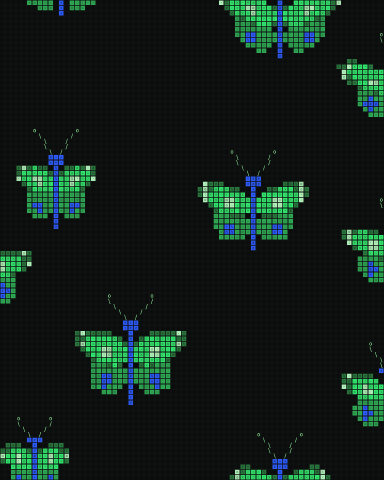
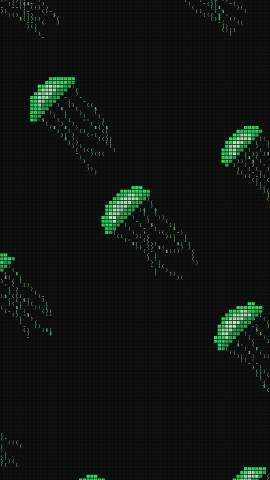
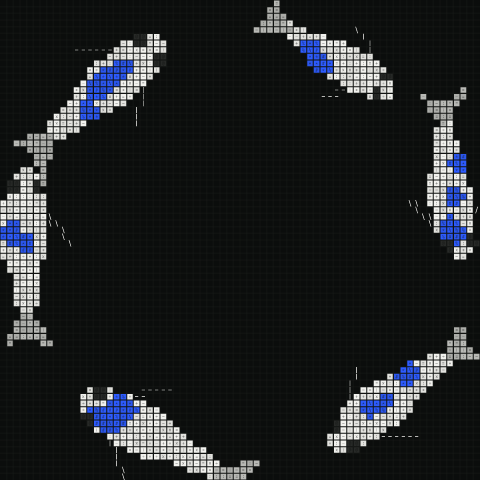
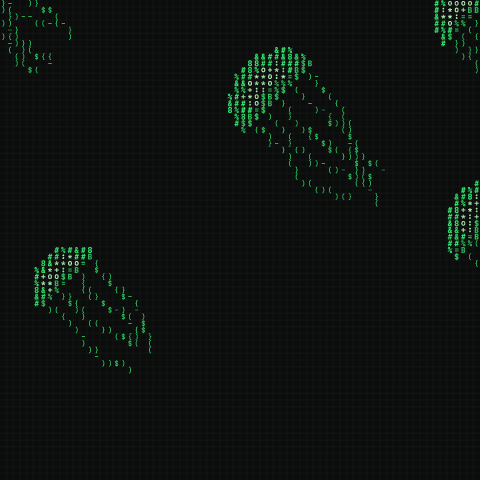
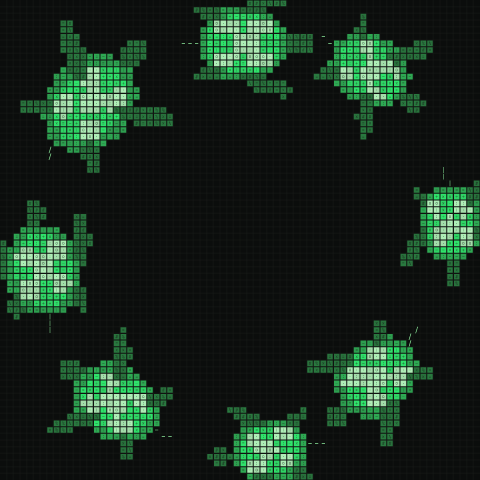
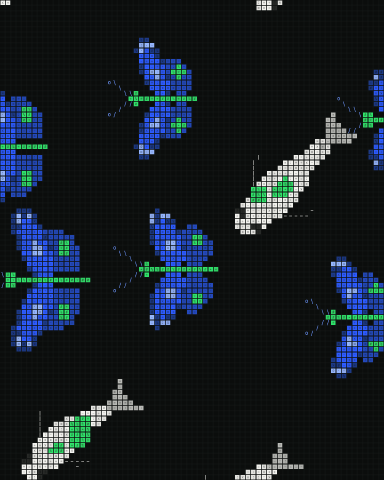
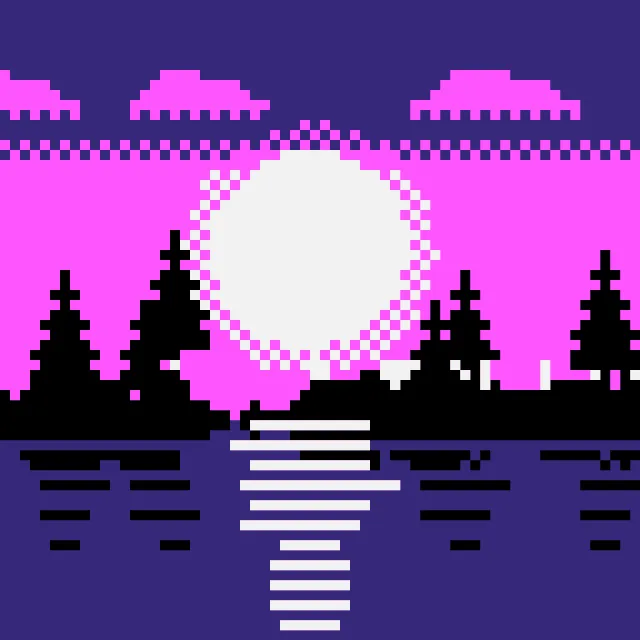
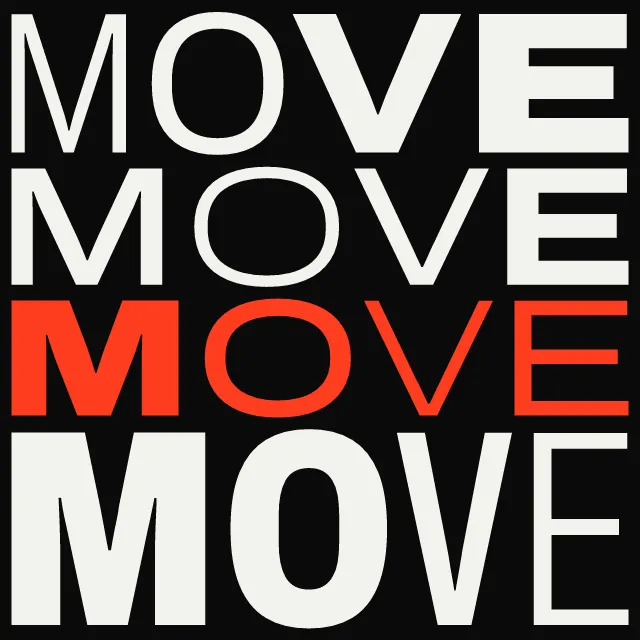
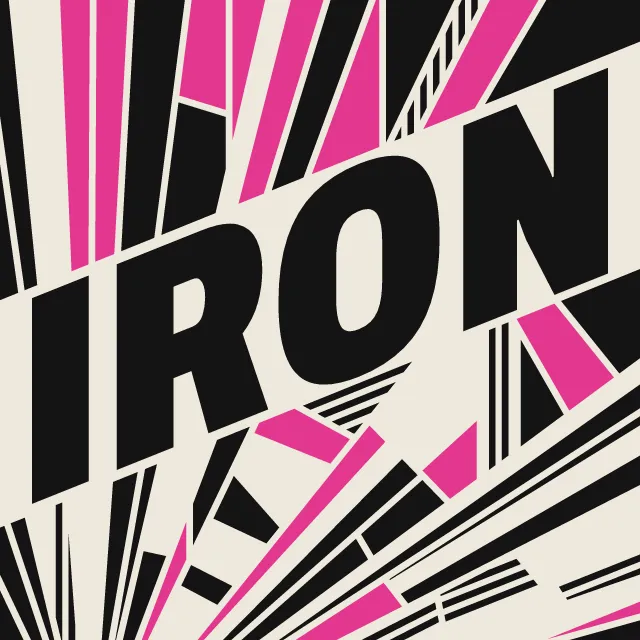
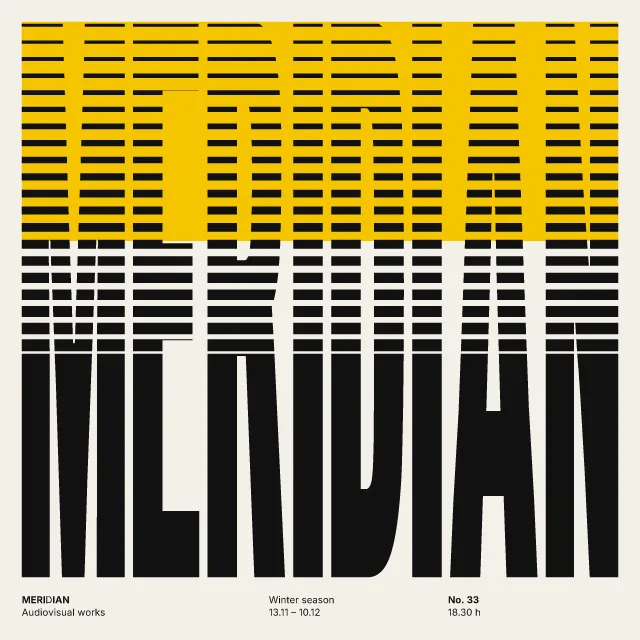
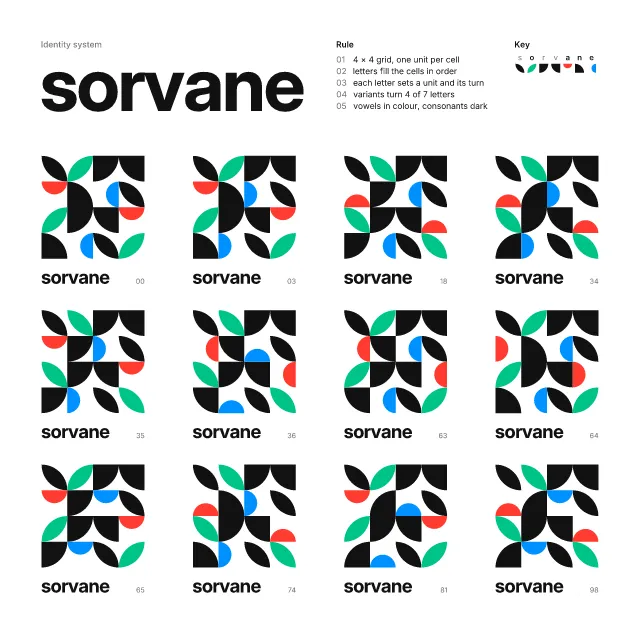
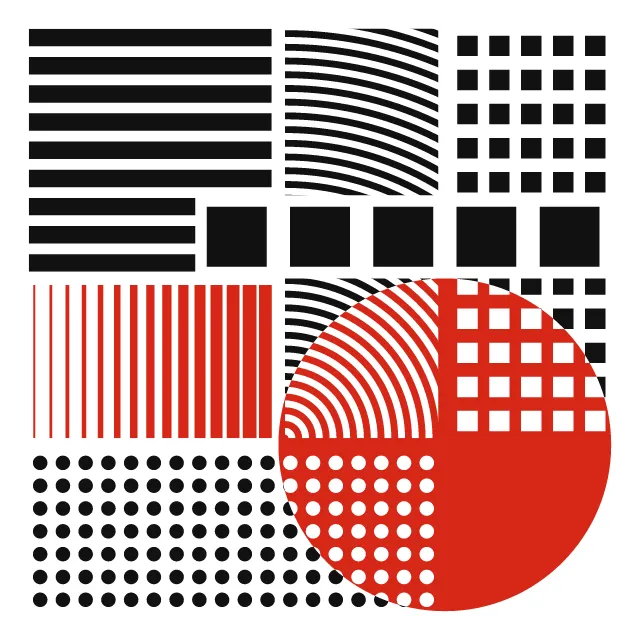
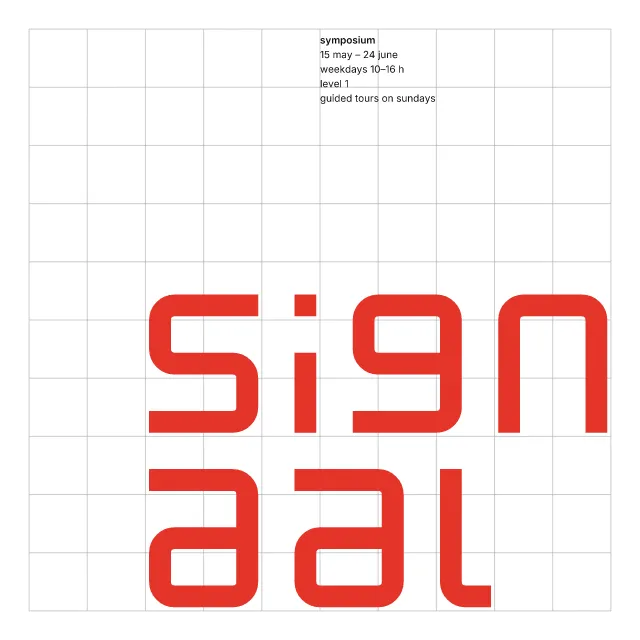
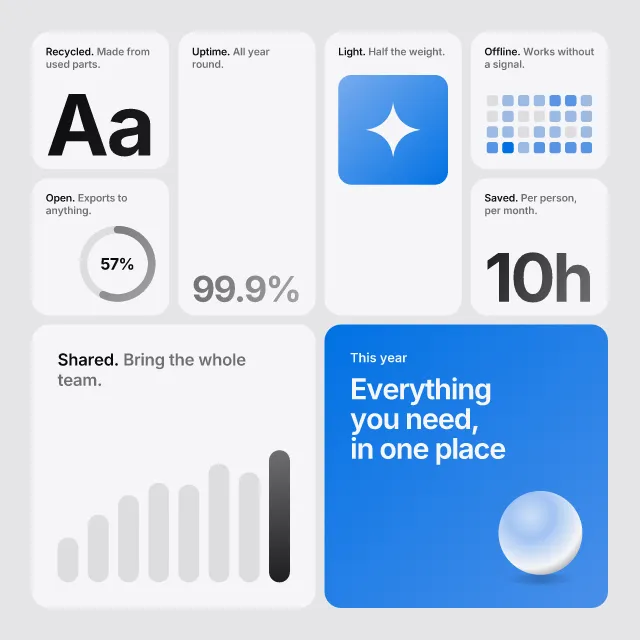
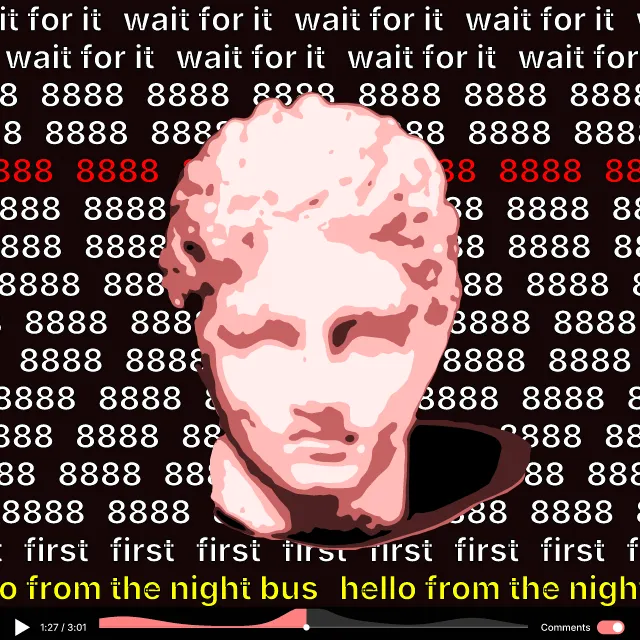


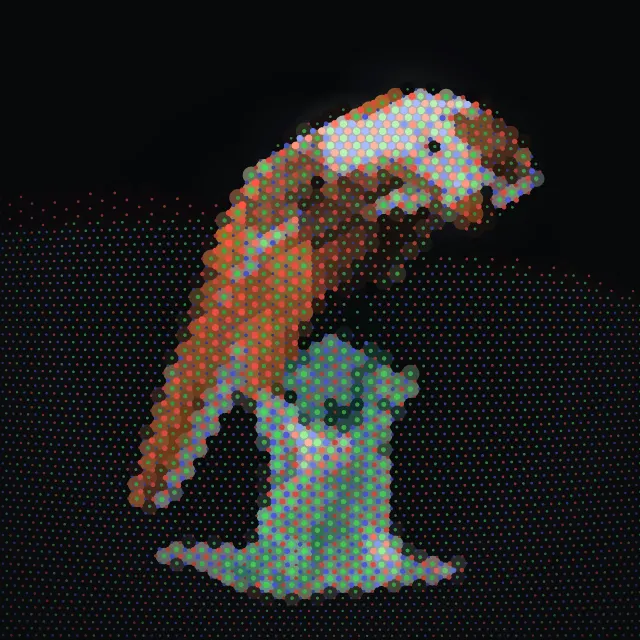
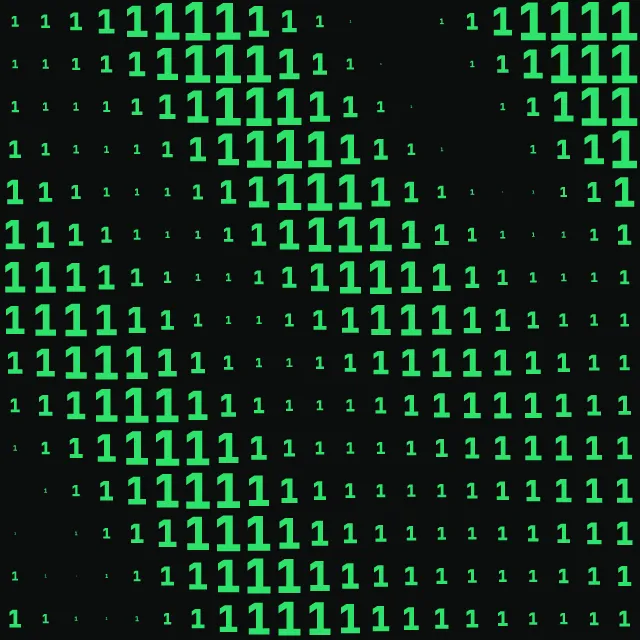
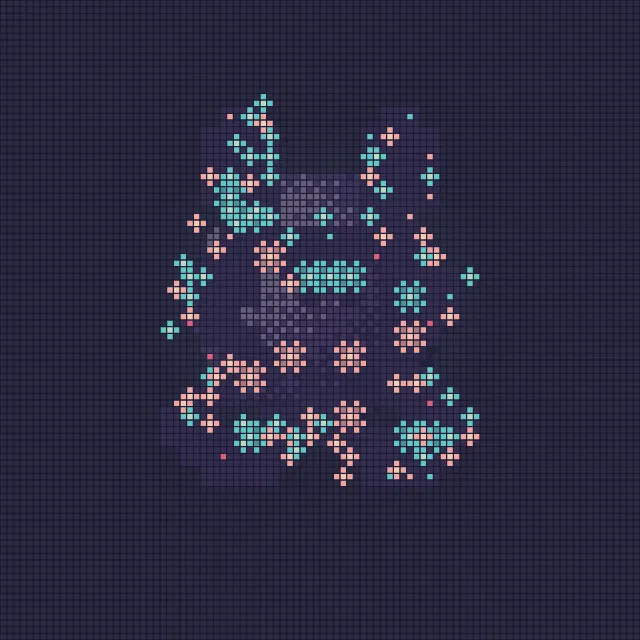

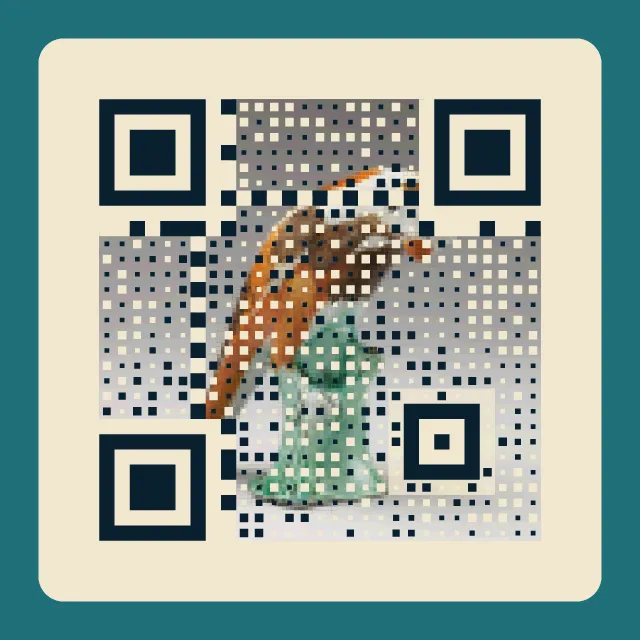
Small animals set in the cells of a monospace grid: tiles with a character in each, legs and antennae in punctuation, drifting, wandering or circling.
What makes it Glyph swarm
These are the design choices this generator makes or lets you set. Where a choice says “Measured”, Morphogeny changed that control alone, kept everything else, and measured the picture: a number that moves with the choice, not proof that the picture reads as the style.
- A single hue, or black and white. “Colour”: One ink. Measured on the opening picture with “One ink”: hues besides black, white and grey 1.
- Fields defined by rows and columns; every element snaps to modules. Always.
- Fixed-width typewriter or code letterforms. Always.
- Repeated units create a visual cadence. Always.
- Simplified, flattened people and objects. Always.
- No simulated depth or texture. Always.
How this generator works
- Small animals drawn on a fixed character grid: a cell under a body becomes a tinted tile with a character in it, a cell under a leg, antenna or tentacle takes the punctuation mark that runs its way.
- The grid never moves; the animals drift, wander or circle over it and beat their wings, and are set again in its cells, so they step from cell to cell.
- Each cell keeps its own shade and character, so only an animal’s outline and markings move through the grid.
- Each animal keeps clear of the others, and its markings (a butterfly’s body and eye spots, a beetle’s spots) take the palette’s next ink.
What it never does:
- No smooth vector animals and no pixel squares without characters: every mark sits in one cell of one monospace.
- No known pieces of text art, mascots or logos: the animals are a few plain shapes, placed by the variation number.
- No gradients, glow or gloss: flat tiles on a flat ground.
Every picture is a recipe: the variation number and the settings, kept in the page's address. Copy the link and the same picture comes back, in any browser. Random (or R) draws a new variation; ← and → step through them; S shuffles the settings; C borrows another style's colours.
About Character-grid graphics
Character-grid graphics draw pictures with typed characters on a monospace grid and leave the cell in view. Studios have used the look since about 2020 for identities, websites and print, mostly on a dark ground with one or two flat inks.
This generator builds small animals on such a grid. Each animal is a few plain shapes and lines. A cell under a shape becomes a tinted tile holding a small character, and a cell under a leg, antenna or tentacle takes the punctuation mark that runs its way. When it plays, the animals drift, wander or circle and beat their wings, and the grid draws them again in its cells, so they step from cell to cell.
Every tile and character is an outline in the SVG, so the picture stays sharp at any size.
Character-grid graphics: 2020–today. What the controls mean: Help.
Text-mode animals and where they come from
People drew animals with typed characters long before screens could show anything else. Typists built birds and cats from letters and brackets, and early terminal users swapped fish, cows and butterflies made of slashes and underscores. Those drawings had to work on a fixed grid of identical cells, and that limit gave them their look.
Since about 2020 design studios have taken the grid back into identities, websites and print. The current work keeps the cell visible, sets everything in one monospaced face and uses few colours, often a single ink on a dark ground. Moving versions have spread on websites and start pages, where small creatures made of characters cross the screen behind the content.
How the animals are built on the grid
Every animal is made of a few ellipses and polygons for its body, wings, bell or shell, and a few lines for its legs, antennae or tentacles. The grid never moves. For every cell, the generator asks whether the cell’s centre falls inside the animal. If it does, the cell becomes a tile in one of the animal’s tones, with a small character inside it.
Lines are walked in half-cell steps, and each cell they pass through gets a dash, a bar or a slash, whichever runs closest to the line’s direction. Tentacles waver in brackets. A turning animal therefore changes its marks as it turns, which is how hand-made text art handles a diagonal.
Each cell keeps the same shade and character for the whole loop. When an animal crosses a cell, the cell lights once and goes dark once, and only the outline and markings move. That keeps the animation calm and under the flash limits.
Choosing animals, course and colour
Animals picks butterflies, jellyfish, carp, dragonflies, beetles, swallows or turtles, or a mix of two or three kinds. How many sets the size of the crowd, and Animal size how many cells each one spans. Cells across sets the grid, from about forty large cells to a fine screen of a hundred and twenty.
Course sets the movement. With Drift together, each kind travels one way as a flock. Each its own way gives every animal its own heading, and Circle turns them round the middle in rings, like fish in a pond. Bodies chooses tiles with characters or plain characters only, and Colour gives each kind its own ink, every animal the next ink, or one ink for all. A butterfly’s body and eye spots and a beetle’s spots take the palette’s next ink, and the animals keep clear of each other, so a crowded field holds fewer of them rather than a heap.
Where a character grid of animals works
A slow drift of butterflies or jellyfish makes a background for a website header, a start page or a slide, and the Video button records it as a loop that joins up. Carp circling in a square make a social post. Characters only on a dark ground gives the plainest text-art look.
For a background behind words, use fewer animals and a coarser grid, and keep the faint grid lines so the cells still show. For print, a fine grid and larger animals keep the characters inside the tiles readable. The style’s own palette of one bright ink on near-black is a good start, and every other palette works too.
Use it from code
The recipe below draws the picture this page opens with. Copy recipe gives you the one on screen. Agents can render recipes to SVG or PNG through Morphogeny's MCP server (morphogeny_render); the same recipe always gives the same SVG.
{
  "tool": "glyph-swarm",
  "v": 2,
  "seed": 1,
  "format": "portrait",
  "params": {
    "kind": "butterfly",
    "count": 14,
    "size": 1,
    "across": 72,
    "course": "drift",
    "body": "tiles",
    "colour": "kind",
    "grid": "lines"
  },
  "palette": "contemporary-ascii-graphics"
}
Open this recipe: /glyph-swarm/#seed=1&v=2. A plain-text version of this page:/glyph-swarm.md.