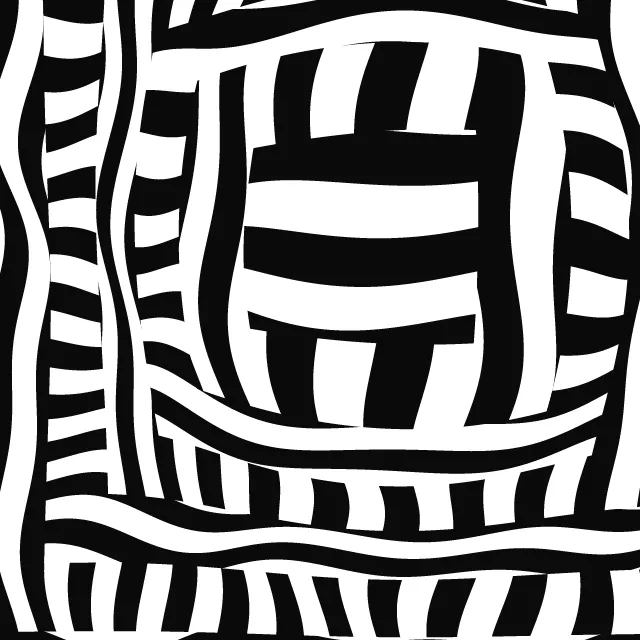
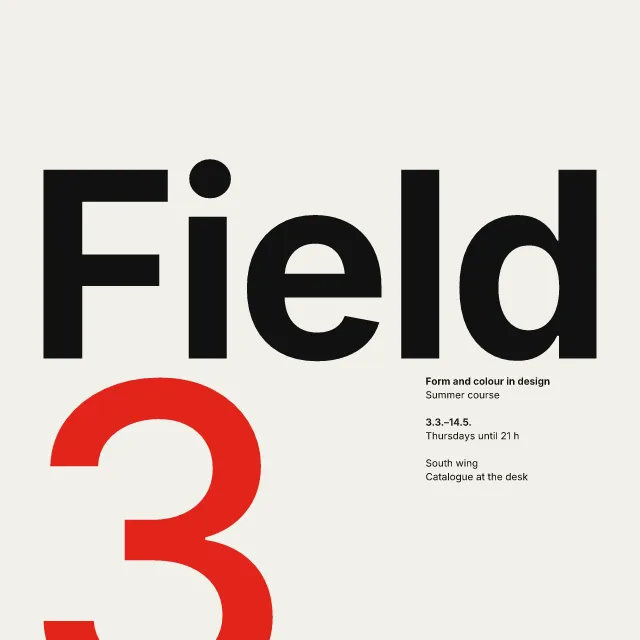
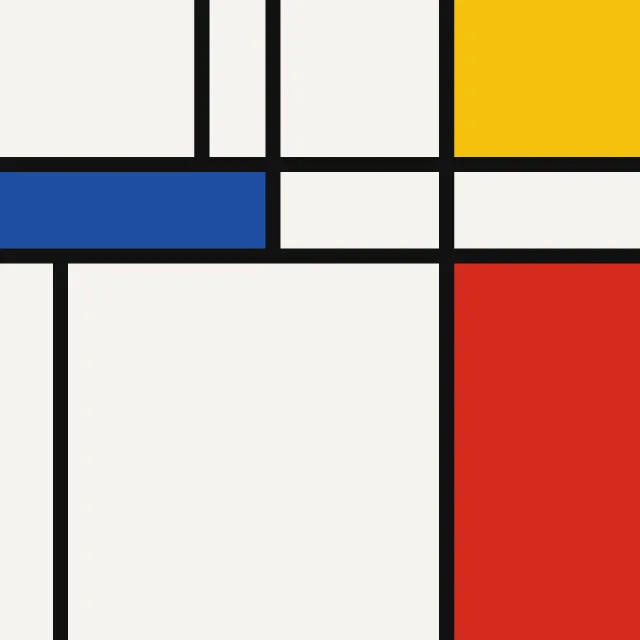
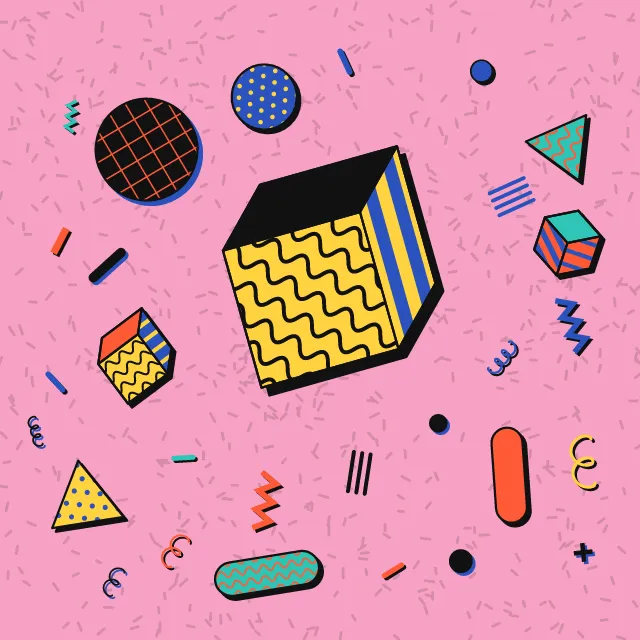
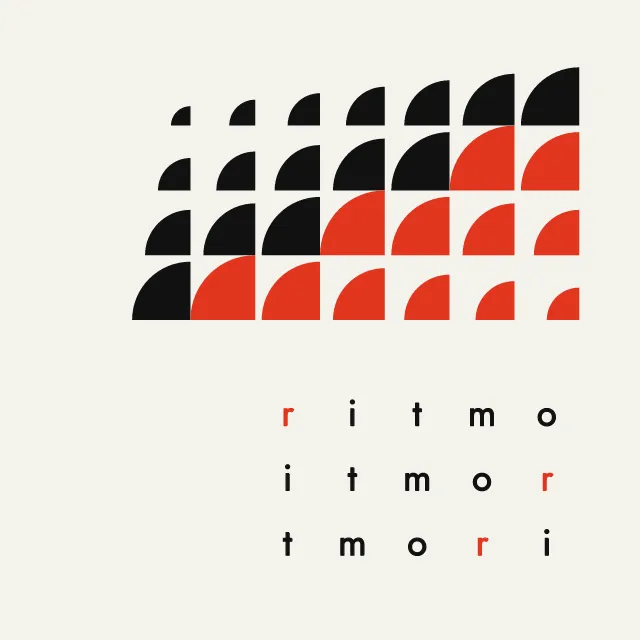
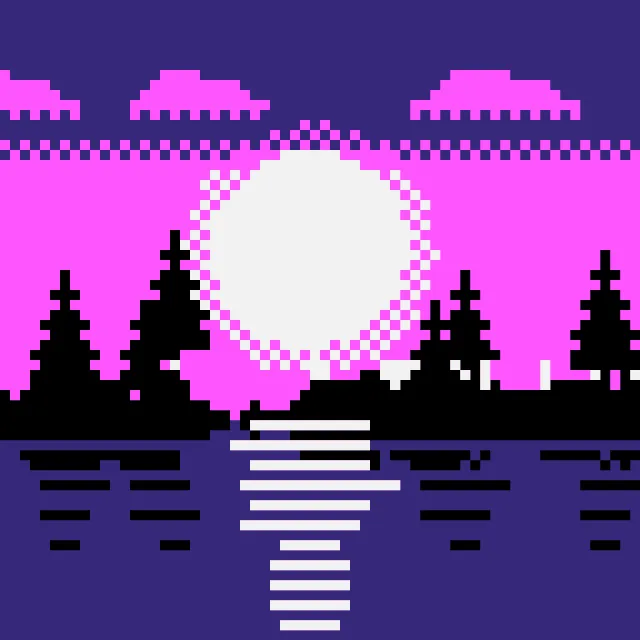
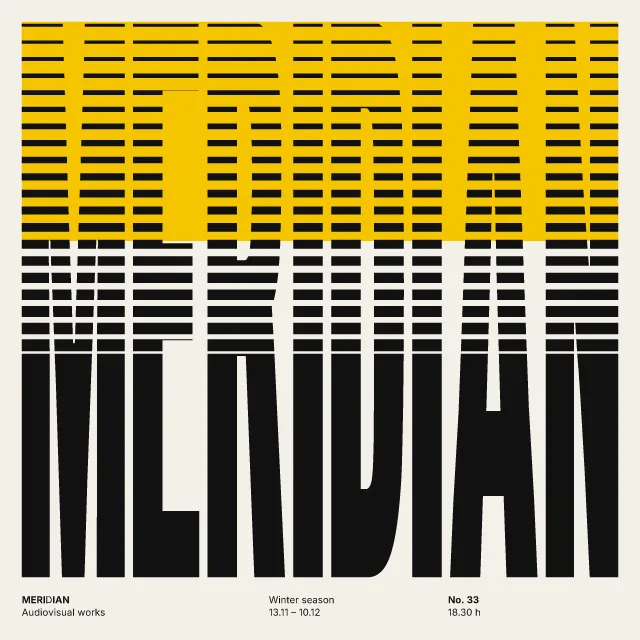
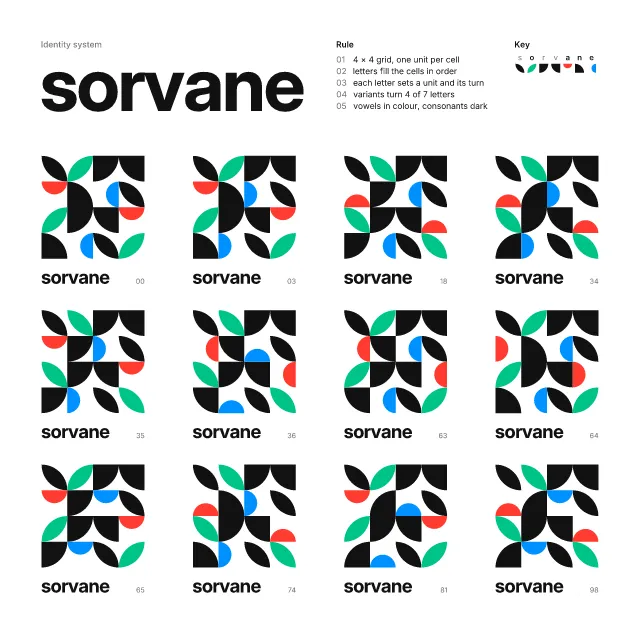
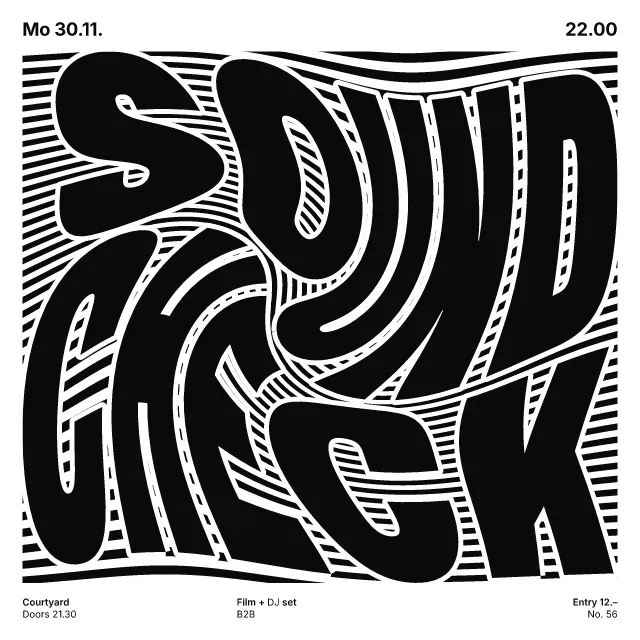
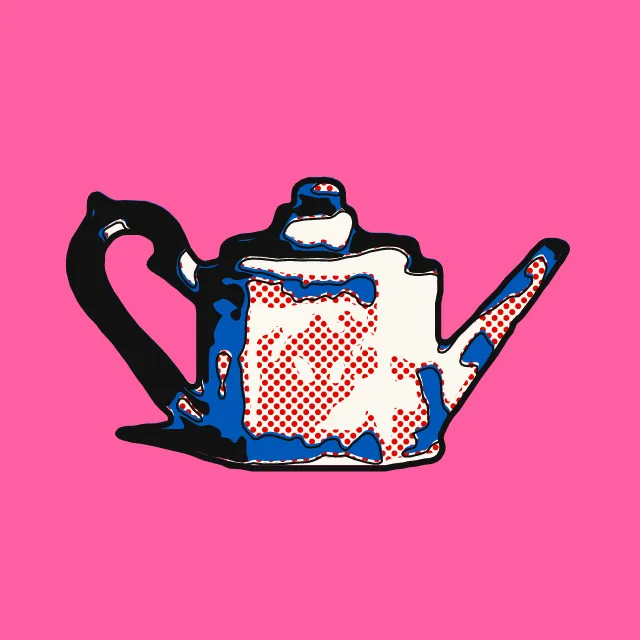
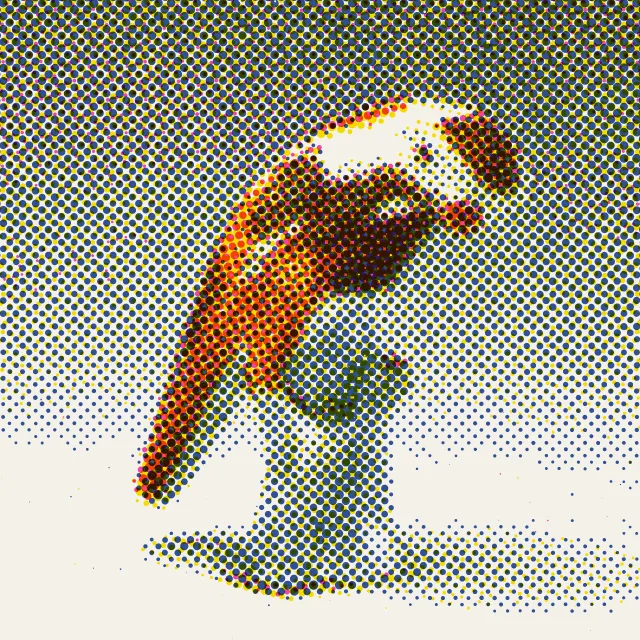
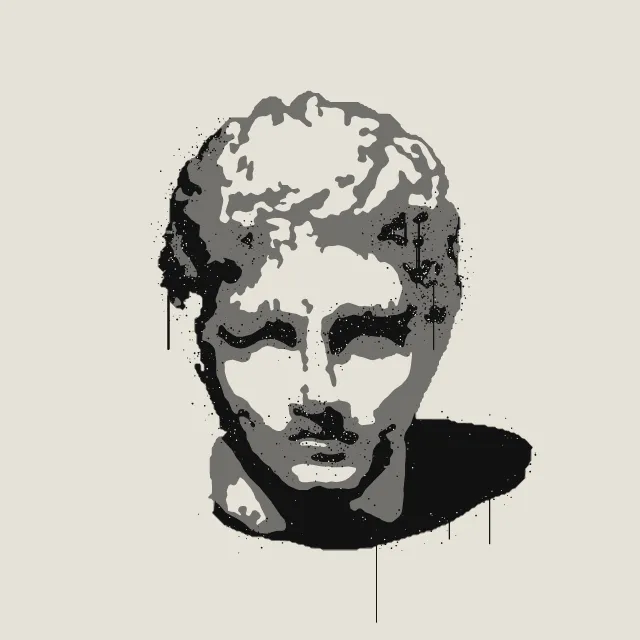
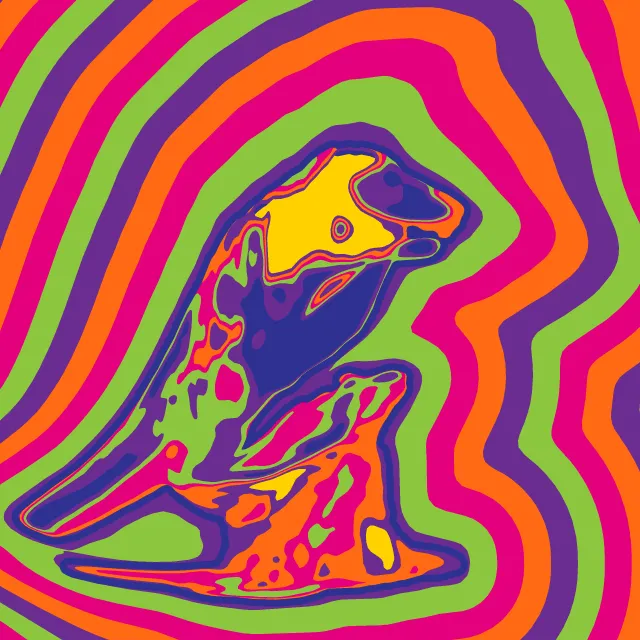
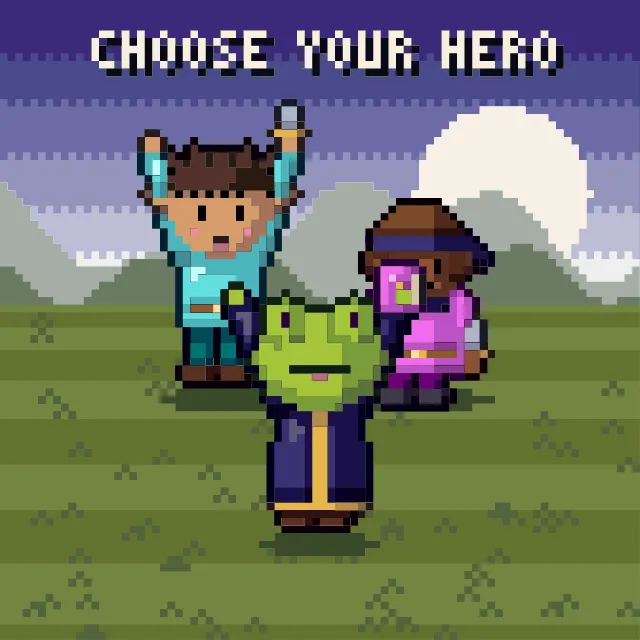
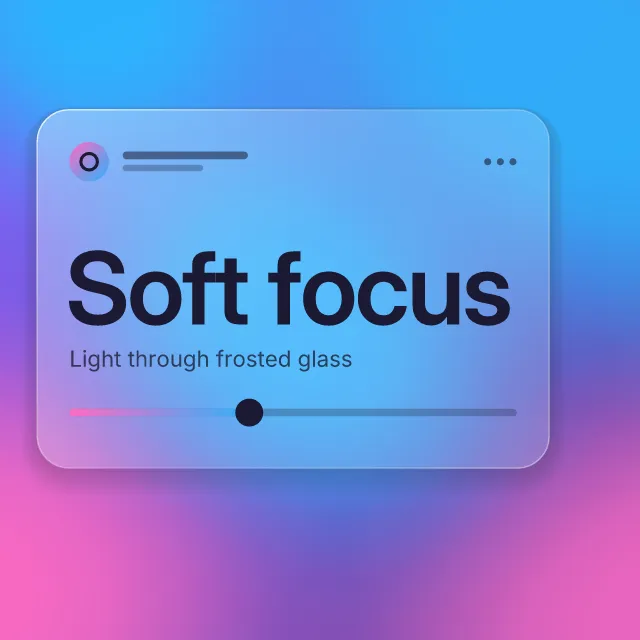
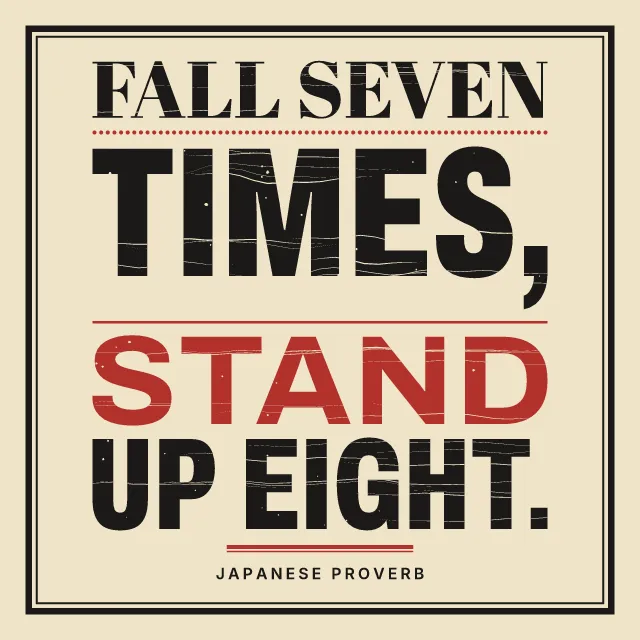
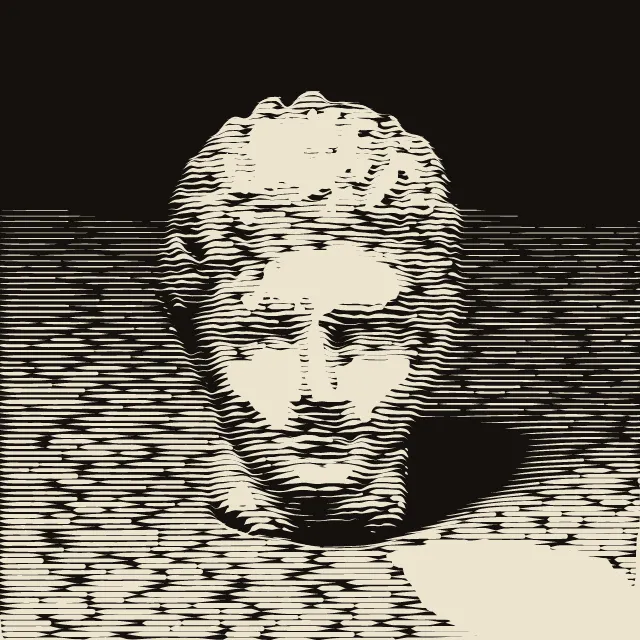
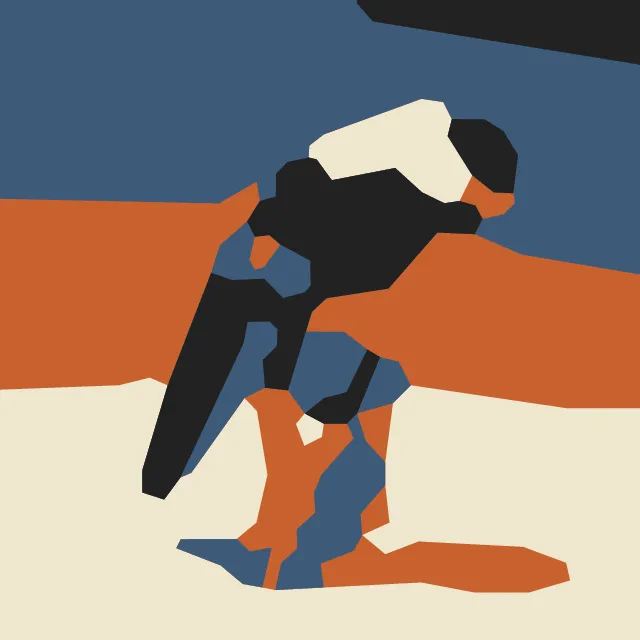
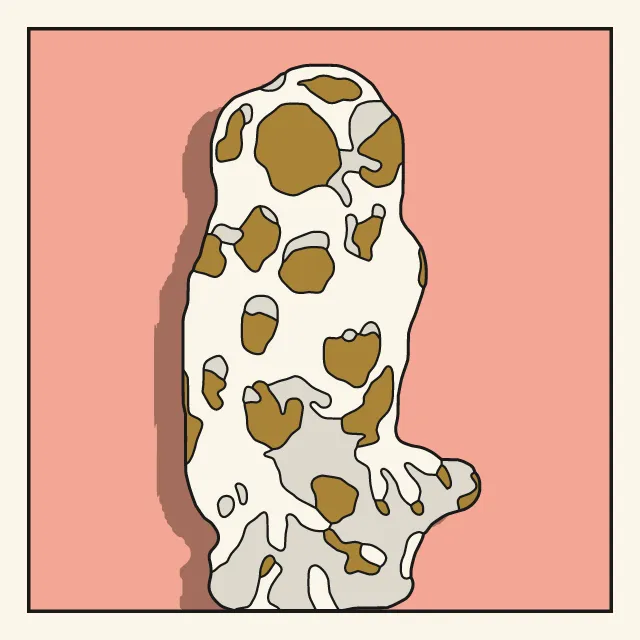
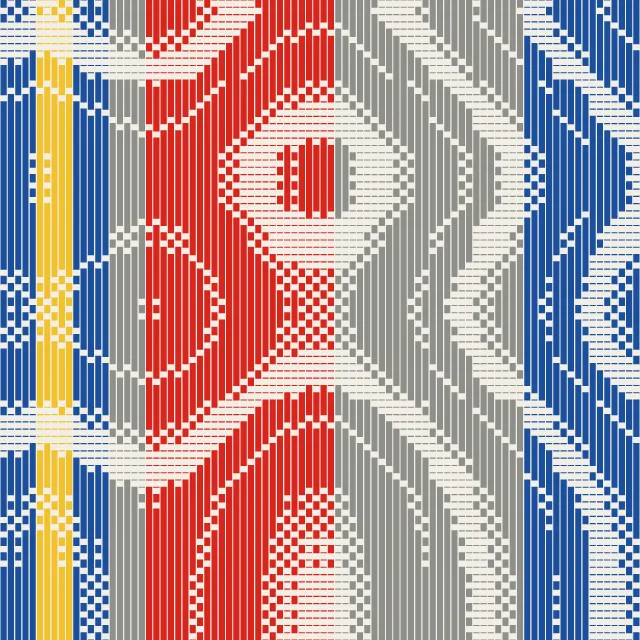
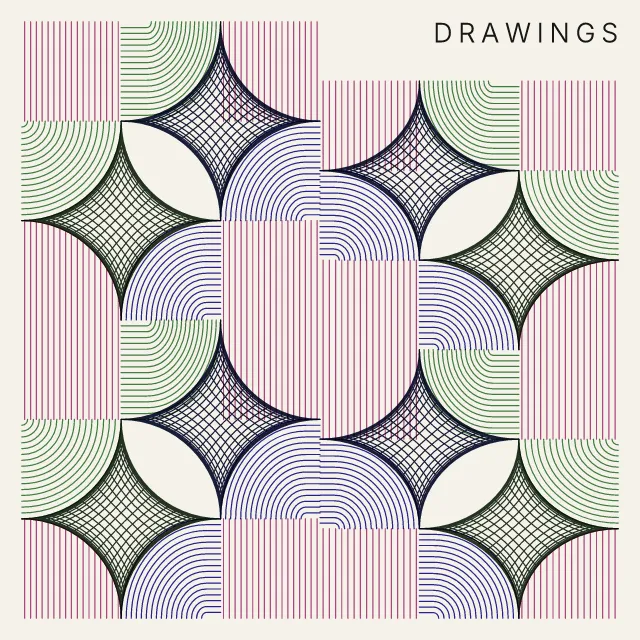
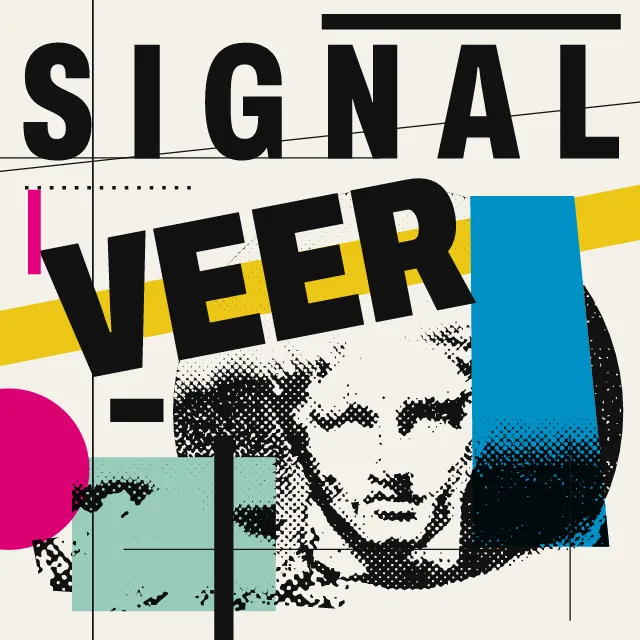
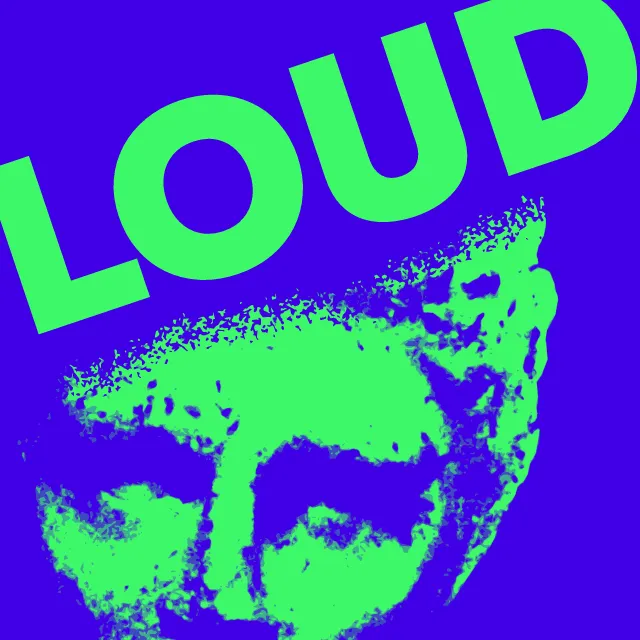
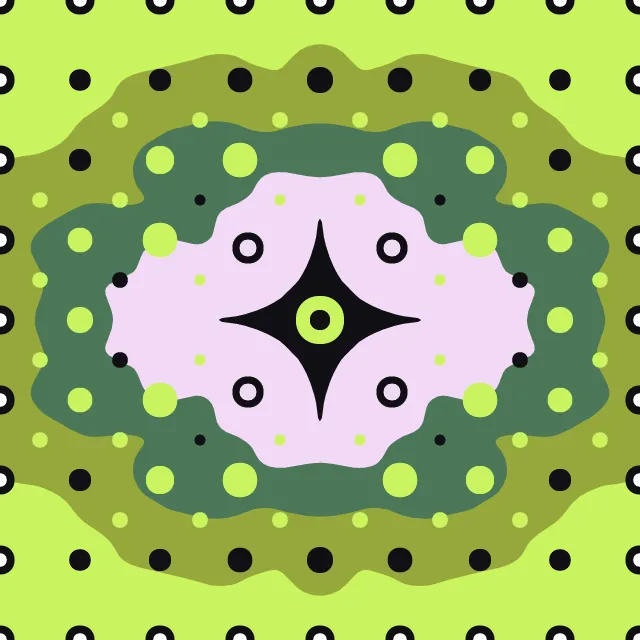
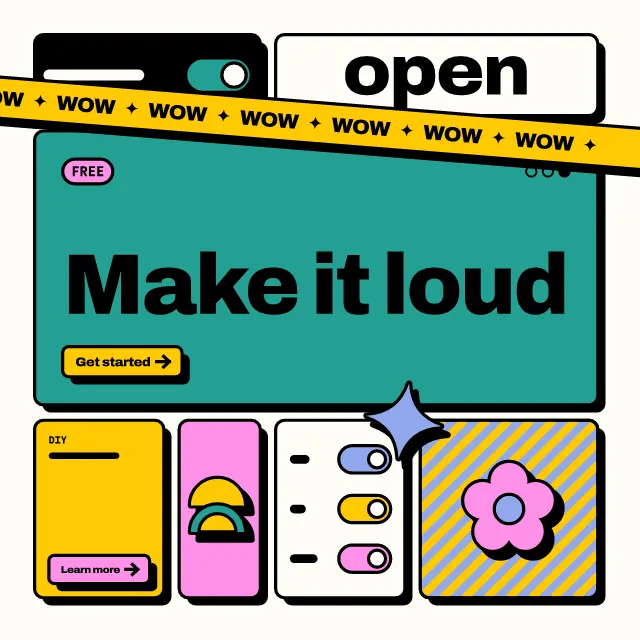
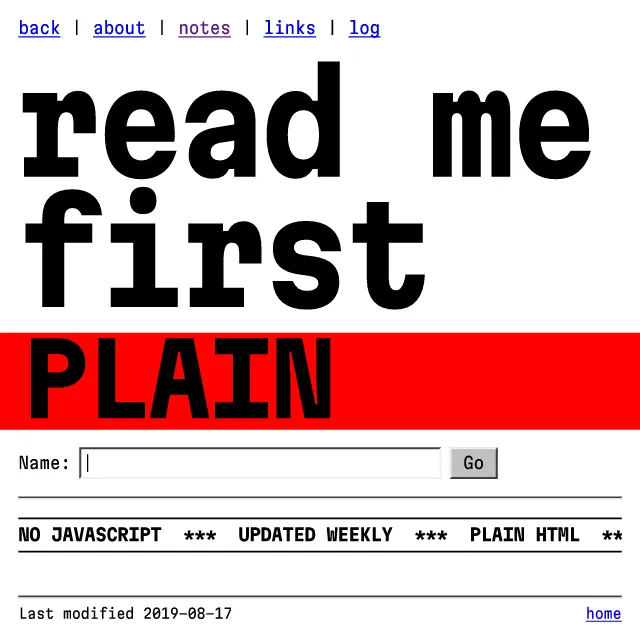
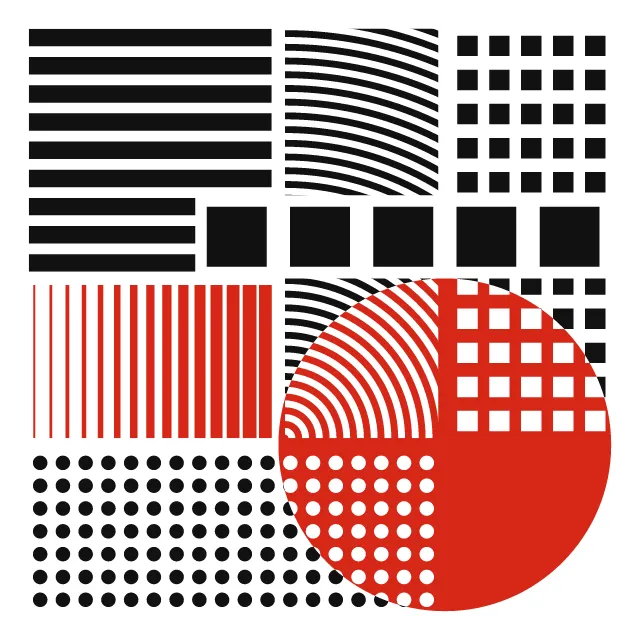
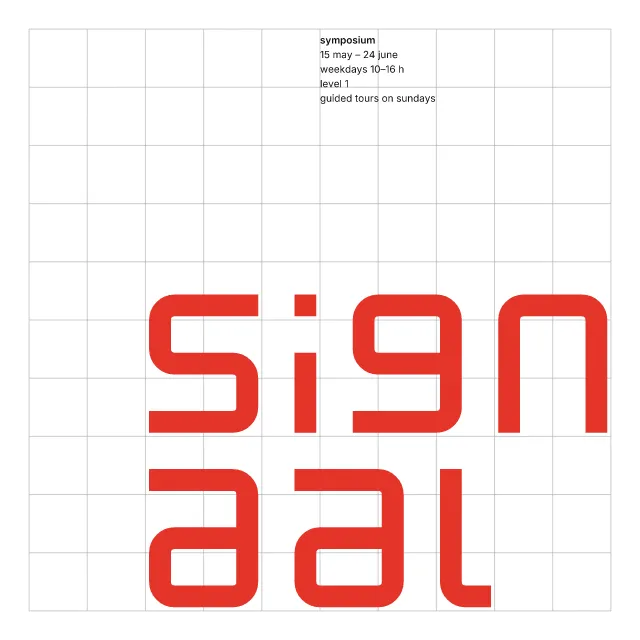
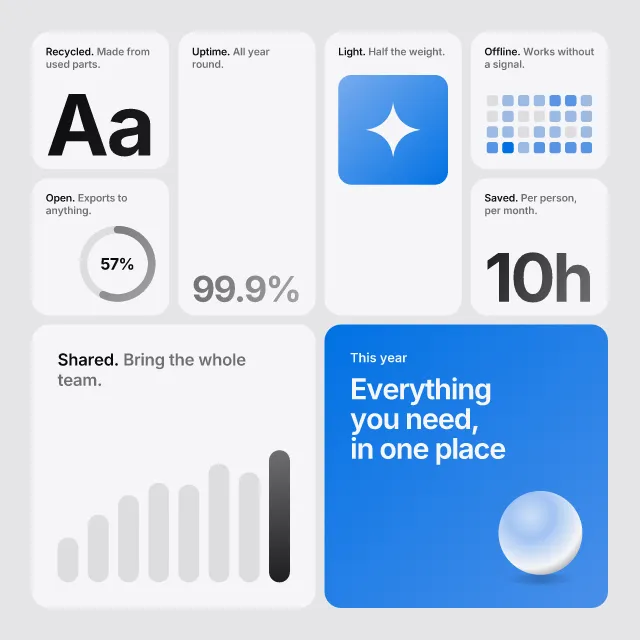
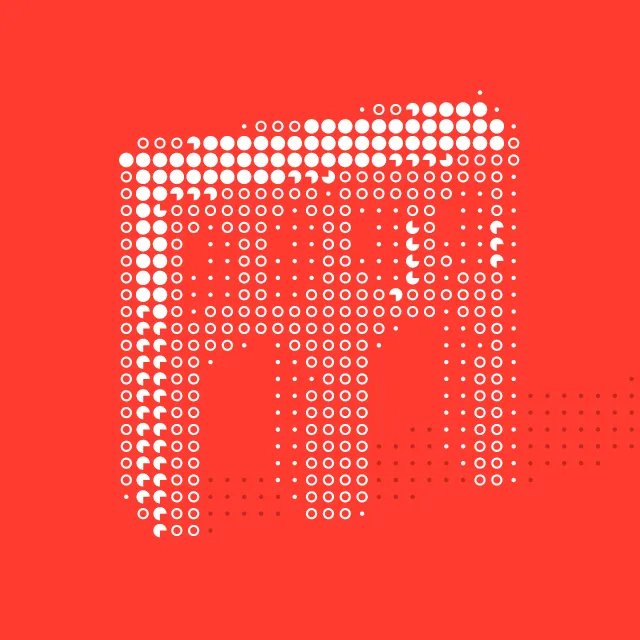
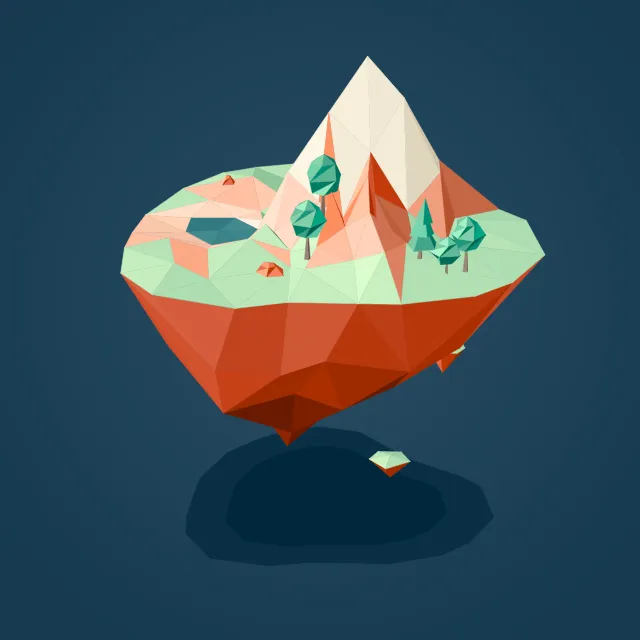
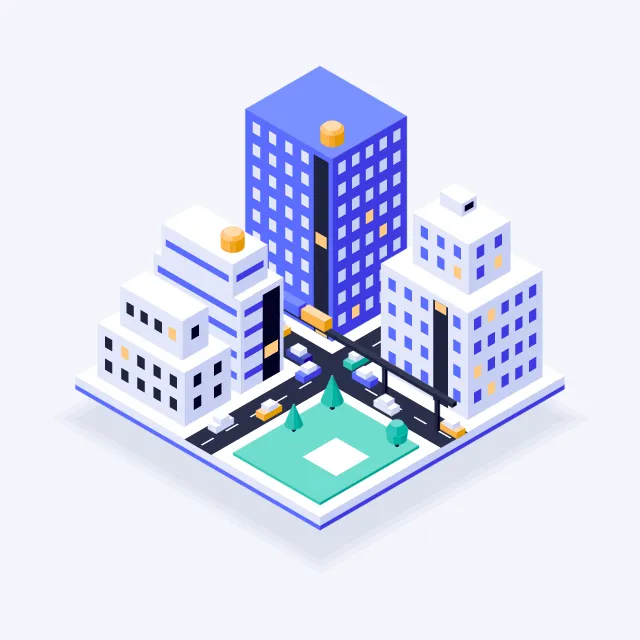
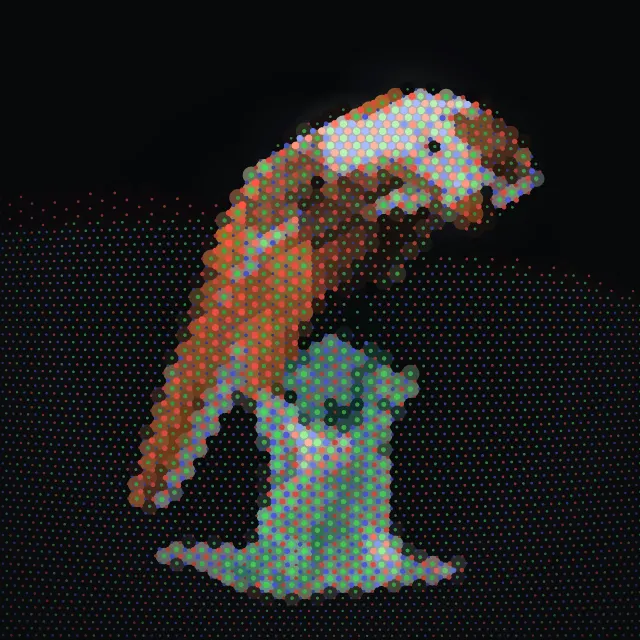
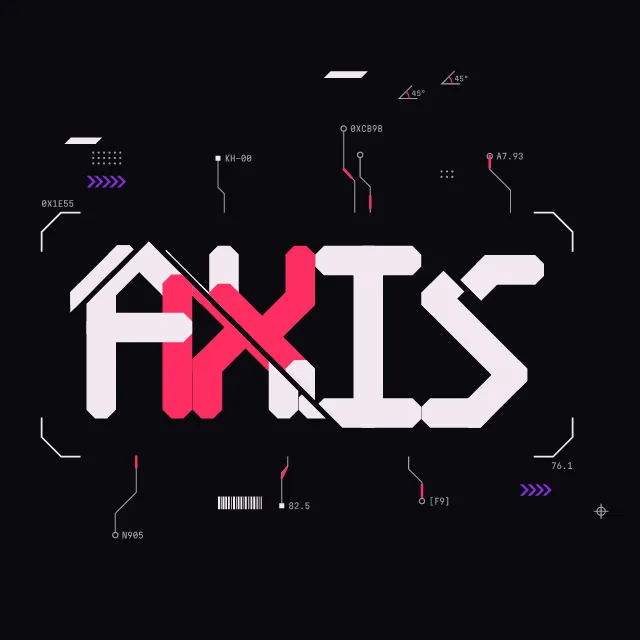
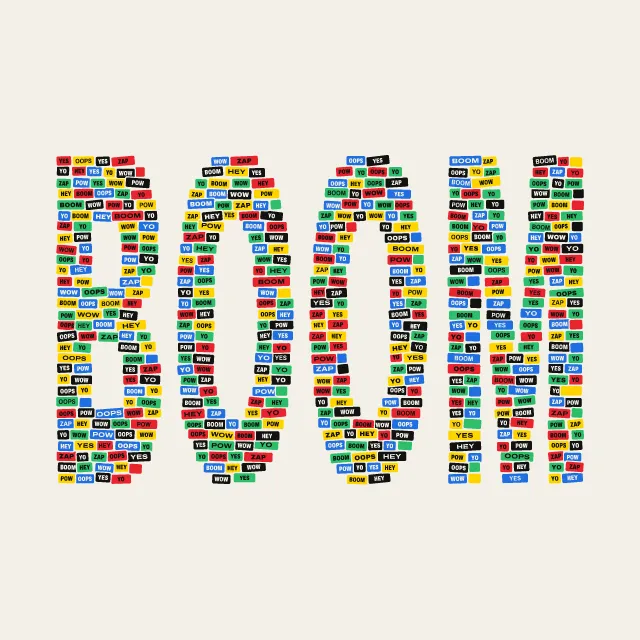
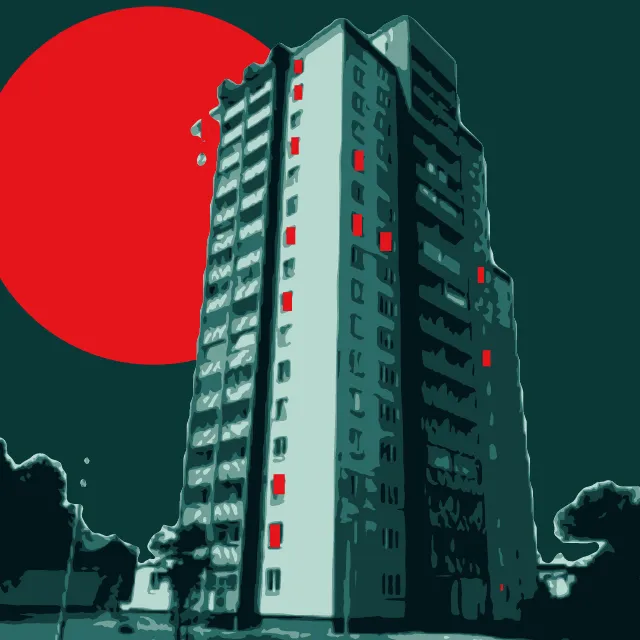
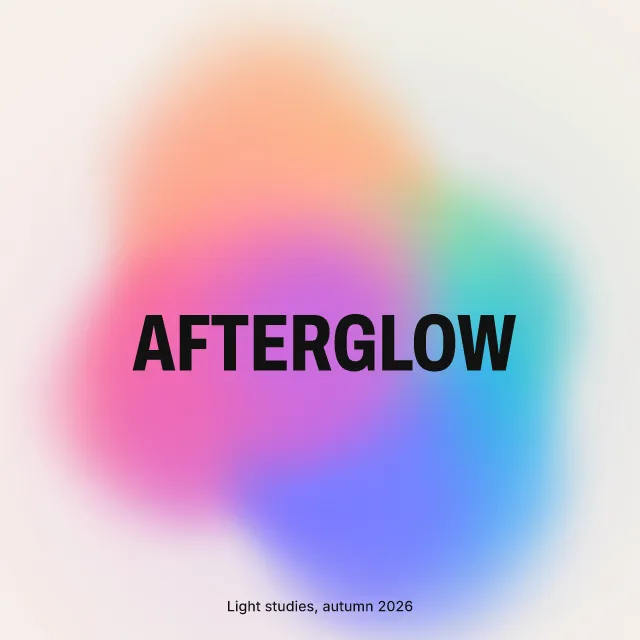
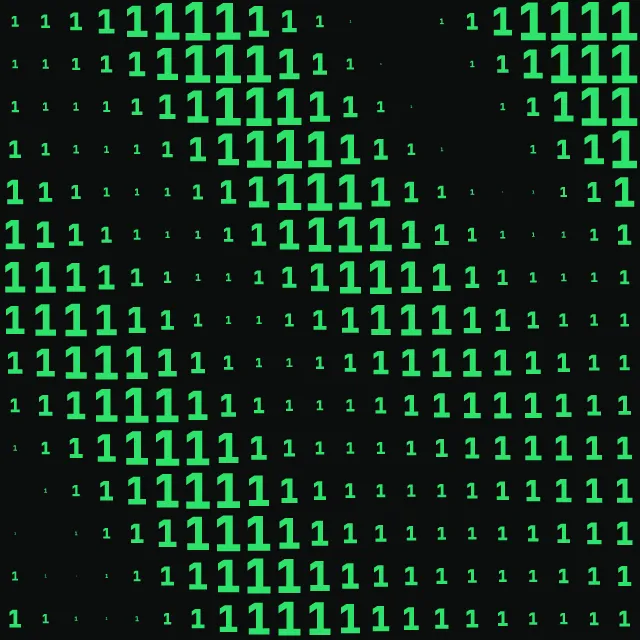
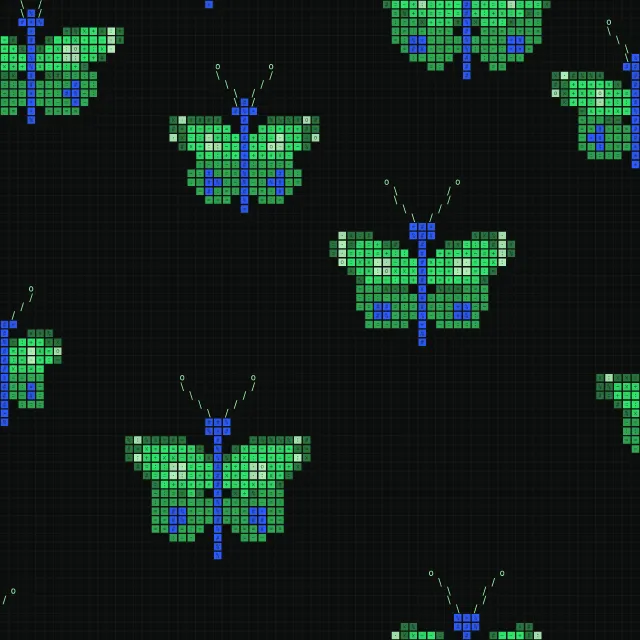
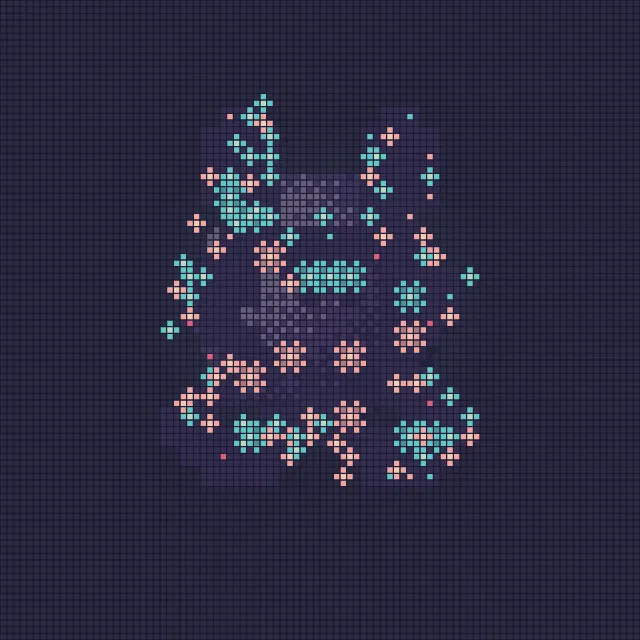
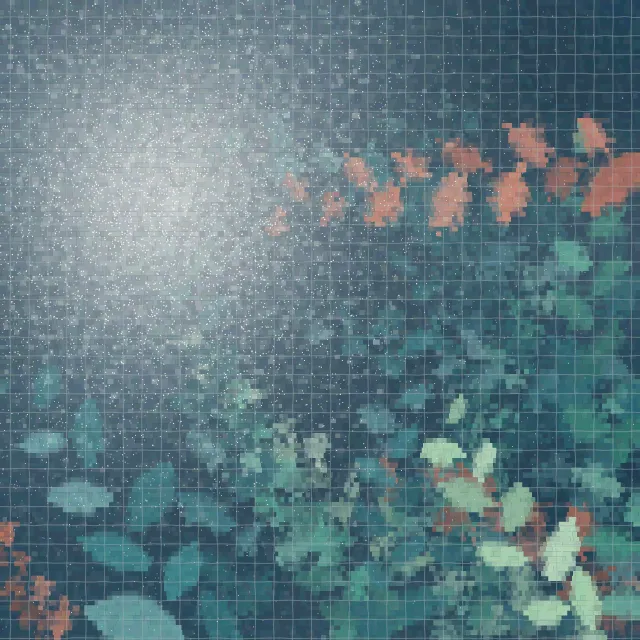
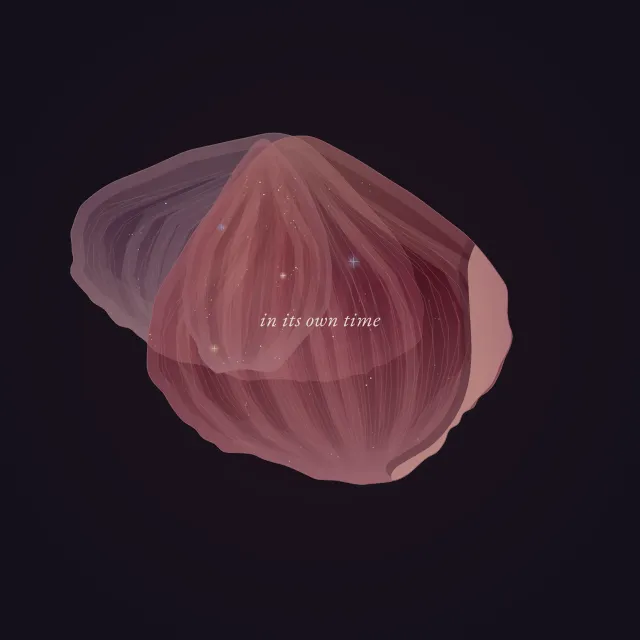
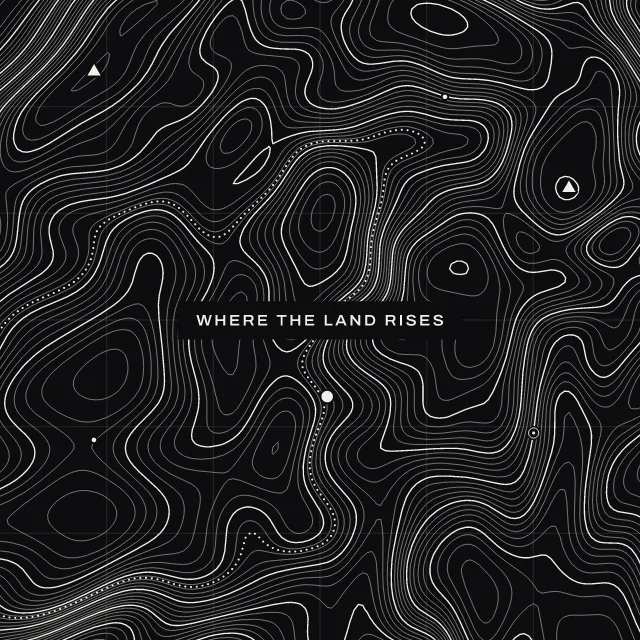
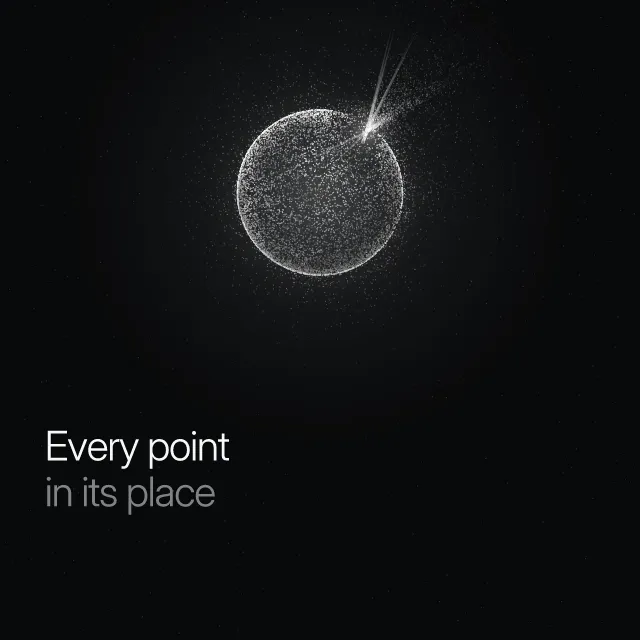
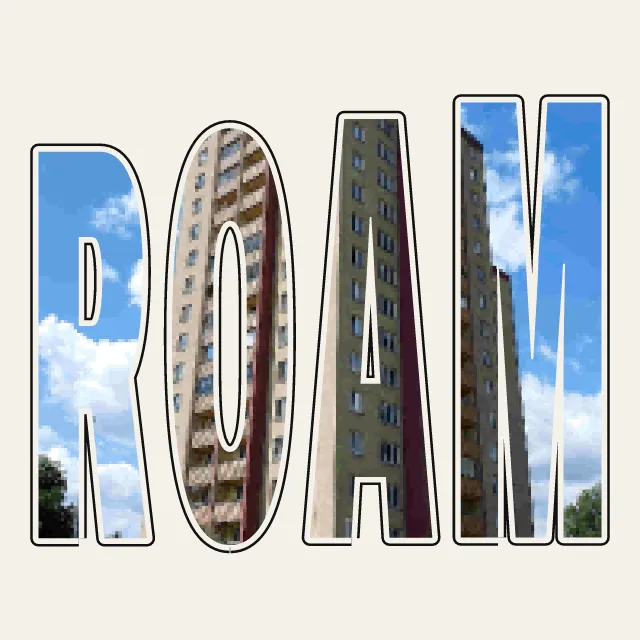
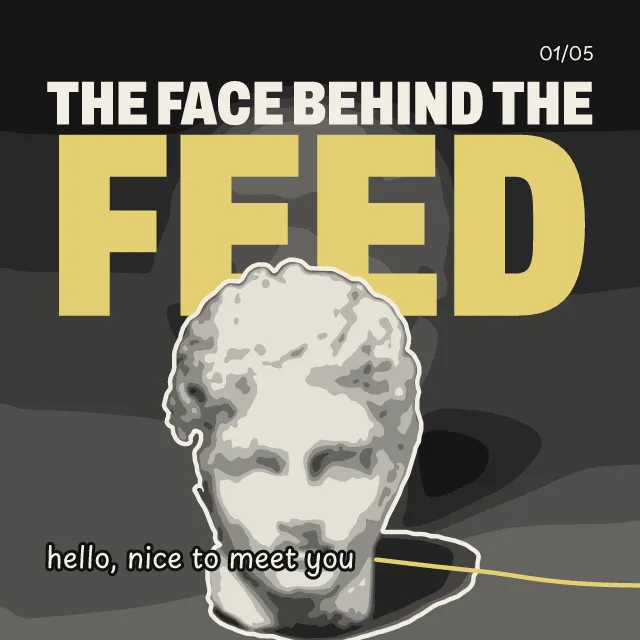
Your picture, drawn as a mosaic, with one small dot wherever the code needs one. A phone reads the dots. People see the picture.
What makes it Picture QR
These are the design choices this generator makes or lets you set. Where a choice says “Measured”, Morphogeny changed that control alone, kept everything else, and measured the picture: a number that moves with the choice, not proof that the picture reads as the style.
- Decorative frames, cartouches and rules around content. Set by “Borders & frames”.
- Two or three flat inks. “Colours”: The palette. Measured on the opening picture with “The palette”: hues besides black, white and grey 2.
- A single hue, or black and white. “Colours”: Two inks. Measured on the opening picture with “Two inks”: hues besides black, white and grey 1.
- Orthogonal bars, blocks and lines. “Dots drawn as”: Squares. Measured on the opening picture: edges that run straight across or down 71% with “Squares” and 58% with “Rounds”.
- Fields defined by rows and columns; every element snaps to modules. Always.
- A single object or figure isolated on a plain ground. Always.
- Unmodulated areas of colour. Always.
- Speed, machines, progress and the future. Always.
How this generator works
- The picture is a mosaic of flat squares on the code’s own grid, and each module that carries the message keeps only a dot at its centre, pushed dark or light: a phone reads the centres, the eye reads the picture between them.
- The corner squares, the small square, the dashed lines between them and the format bits are drawn whole, with clear light all round, in two inks chosen by lightness from whatever palette is in use and pushed apart until a phone can tell them.
- In motion the dots’ sizes change, one way, in a wave, a ring or here and there, and a video as the picture moves under them: the corner squares, the lines and every dot’s centre stay put, so each frame is the whole code.
What it never does:
- No embedded photo or raster: every square and dot is a shape, so it stays sharp at any size.
- Never a light code on a dark card, no logo over the middle, and nothing drawn into the clear margin.
- No known picture as its opening: it starts on a museum object, and the picture is the visitor’s own.
Every picture is a recipe: the variation number and the settings, kept in the page's address. Copy the link and the same picture comes back, in any browser. Random (or R) draws a new variation; ← and → step through them; S shuffles the settings; C borrows another style's colours.
About Bitmap & Pixel Graphics
A QR code usually sits in the corner of a design as a black and white square, and this generator makes the code out of a picture. Choose a photo and type a link, and the page draws the photo as a mosaic of flat squares on the code’s own grid. Each module that carries the message keeps one dot at its centre, dark or light. A phone reads a module at its centre, so the dots are the code and the picture has the room between them.
The parts a phone needs before it reads a single dot stay whole. Those are the three corner squares, the small square near the fourth corner, the dashed lines between them and the format bits, with a clear margin all round. Each dot is only as large as its place in the picture needs, so the code still reads when it is small or out of focus.
Press play and the dots swell and settle, in a wave, in a ring or here and there. The loop comes to rest on the still picture, or keeps going with no pause. Choose a video and the picture moves as well, behind a code that reads at every moment.
Your photo or video is read in your browser and never sent anywhere, and the file is a vector SVG with no image inside it, or a PNG. The tests read every setting back with two decoders from sharp pictures, and with one of them from pictures that were blurred, tilted, noisy and small. Neither decoder is a phone, so scan your code at the size you will use it before you print. QR Code is a registered trademark of DENSO WAVE INCORPORATED.
Bitmap & Pixel Graphics: 1977–1995. What the controls mean: Help.
Where QR code art comes from
The QR code was invented in Japan in 1994 to track car parts. It had to be read fast, from any angle and off a scuffed label, so it carries three large corner squares to find it by and spare data to repair what a scanner misses. Designers later began to spend that spare data. A code can lose part of itself and still open its link, so a logo could cover the middle, and the modules could take other shapes and colours.
Research in the early 2010s looked at how a reader works. It samples each module near its centre and ignores the rest. Keep the centre of every module right and the border of each one is free, so it can carry a picture, printed in dots like a halftone. Picture QR builds on that finding.
How the generator keeps the picture and the code apart
The picture comes first. The page cuts the photo into squares on the code’s grid, up to five along the side of a module. Detail sets how many. Colours draws them in the photo’s own colours, in the tones of the palette from dark to light, or in two inks alone. In two inks a screen of dark squares stands for the tones.
Then the dots. Smallest dot is the size of a dot with nothing to prove, where the picture is already as dark or as light as the code wants. Elsewhere the generator works out the tone each module melts into, compares it with the modules around it and enlarges the dot until the module falls on its own side. A light dot in a dark passage beside a bright one grows most.
In motion the size of the dots changes: a wave crosses the code, a ring spreads from the middle, or dots swell one by one. The corner squares, the lines and the centre of every dot stay put, and no dot drops under the size its place needs, so any frame a phone catches is the whole code. The loop comes to rest on the still picture, or keeps going with no moment at rest.
Choose a video and the picture moves too. The page reads it twice a second and dissolves from one reading to the next, so a flickering clip is slowed to two changes a second, and fast action turns soft. Set Dots swell to Not at all and only the picture moves.
The link decides how fine the code is. A short link gives large modules and room for the picture, and a long one gives small modules. A link of up to 64 characters gets the strongest error correction, so the code can lose about 30% of itself and still open. Longer links step down to 25% and then 15%, which keeps the modules as large as they can be. The variation number picks one of the eight masks, and each puts the dots elsewhere.
What to make with QR code art
A code that is also a picture can take the middle of a design. Put a dish on a menu card, a portrait on a business card, a sleeve on a gig poster, a product on its own box or the two of you on a wedding invitation. Card and Stamp set it on a coloured ground for a post or a sticker. Edge to edge gives the code alone with its clear margin, for a layout of your own. As a loop it suits a story or a screen on a counter.
Tips for a code that scans
Use the shortest link you can, and one you control. A printed code cannot be changed, but the page behind it can send people on. Choose a picture with one clear subject and frame it away from the three corner squares. Pictures in middle tones give the dots the least to do, and black beside white gives them the most.
Keep the margin clear and the code dark on light. Raise Scan margin for a small print, a sticker read from across a room or a screen in sunlight. Then test it as it will be used. Print it at its real size or show it on the real screen, and scan it with more than one phone before you make many.
Use it from code
The recipe below draws the picture this page opens with. Copy recipe gives you the one on screen. Agents can render recipes to SVG or PNG through Morphogeny's MCP server (morphogeny_render); the same recipe always gives the same SVG.
{
  "tool": "picture-qr",
  "v": 1,
  "seed": 3,
  "format": "square",
  "params": {
    "link": "https://morph.ogeny.app",
    "frame": "card",
    "colour": "own",
    "detail": 4,
    "margin": 0.02,
    "dot": 0.3,
    "dots": "square",
    "moves": "wave",
    "loop": "rest",
    "strength": 1,
    "contrast": 1,
    "brightness": 0
  },
  "palette": "low-poly"
}
Open this recipe: /picture-qr/#seed=3&v=1&pal=low-poly. A plain-text version of this page:/picture-qr.md.