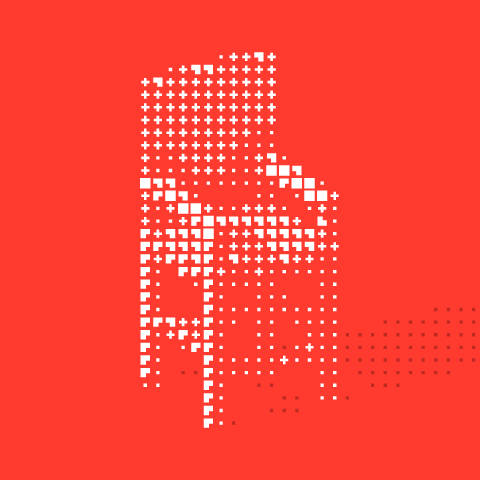
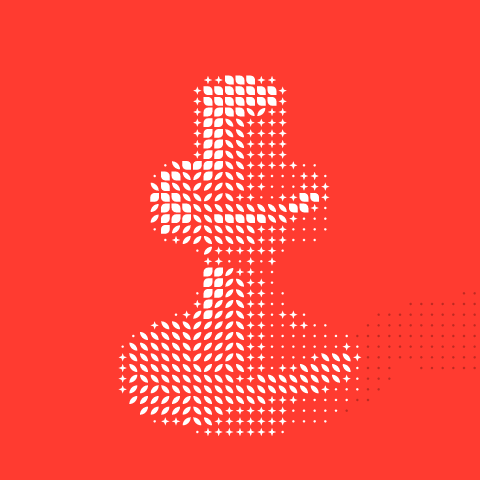
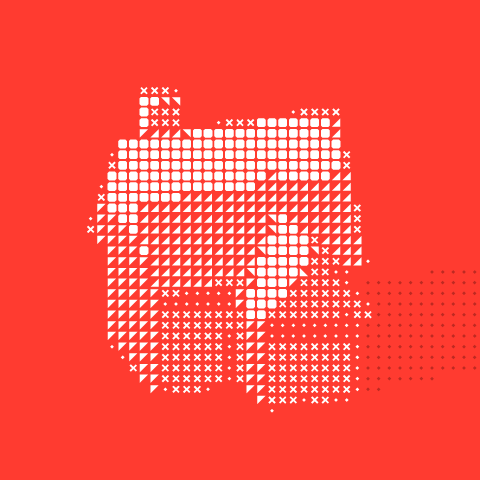
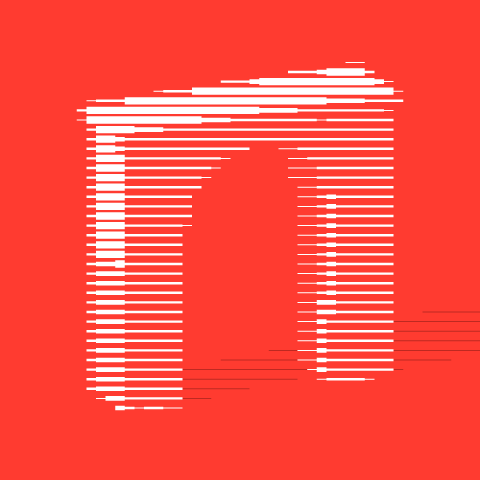
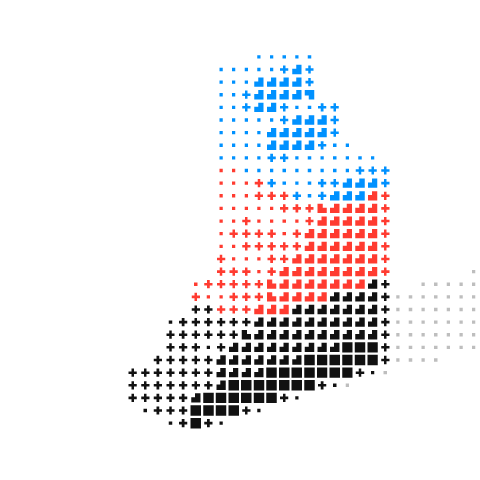
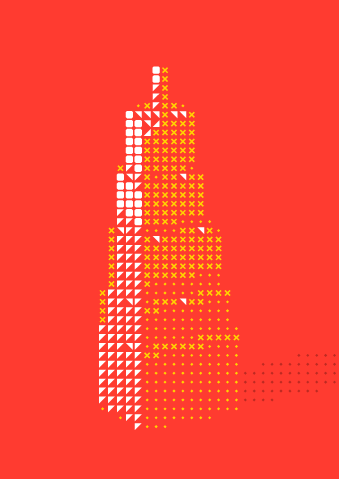
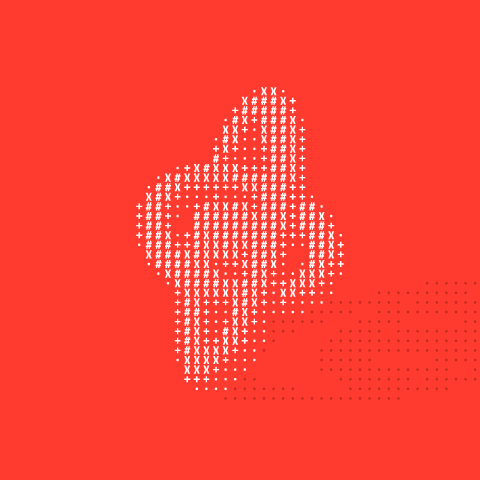
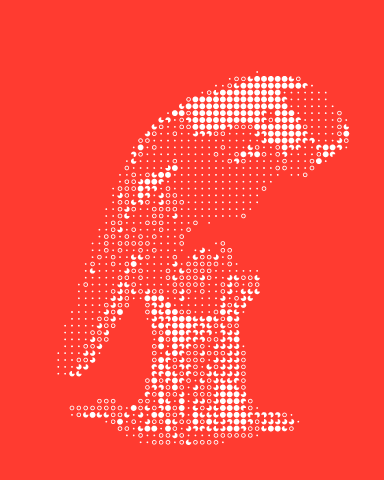
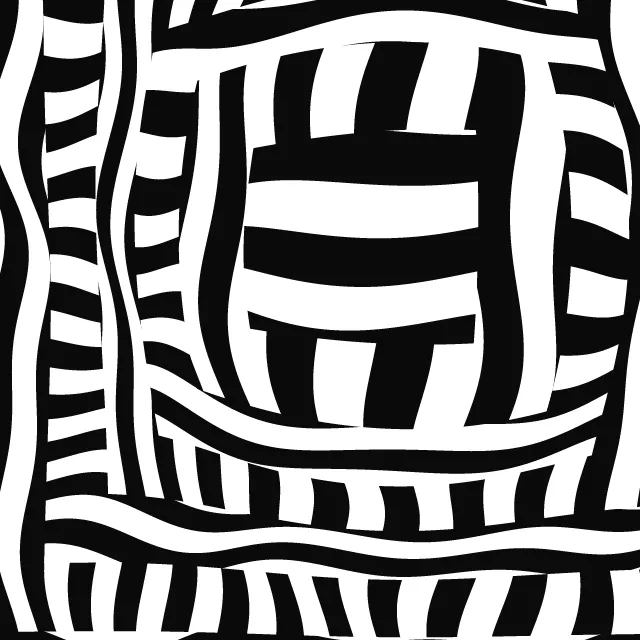
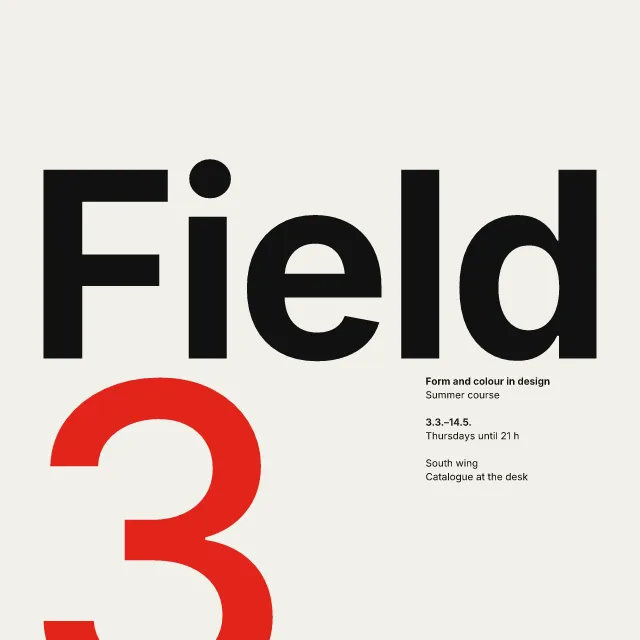
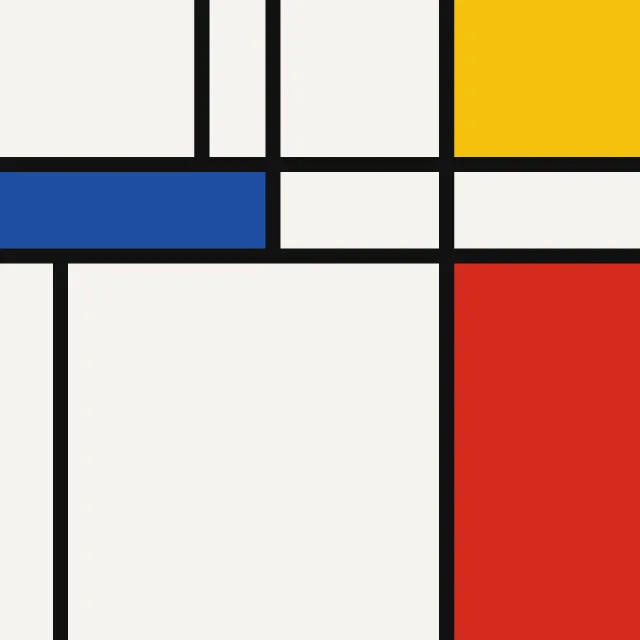
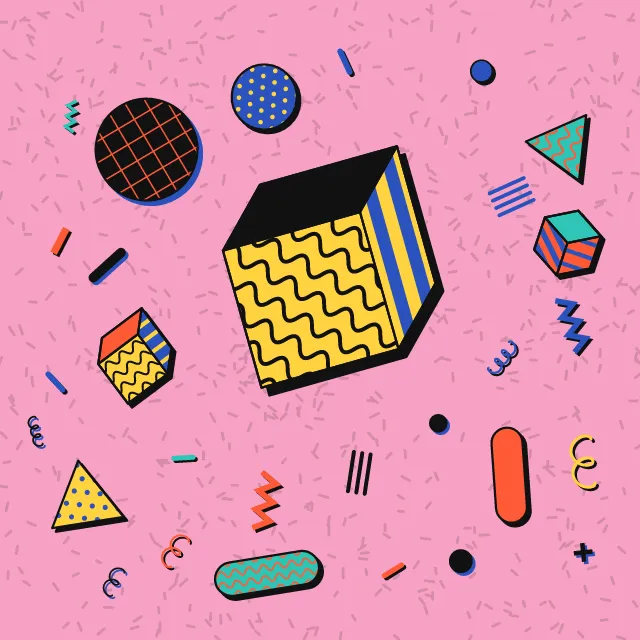
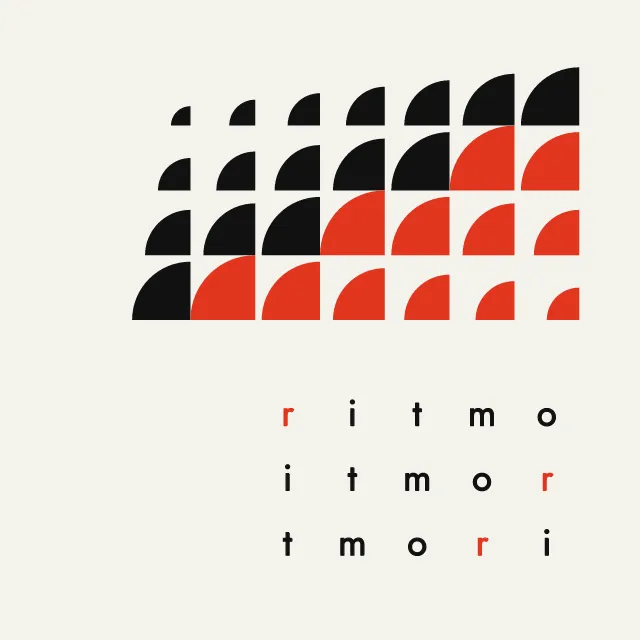
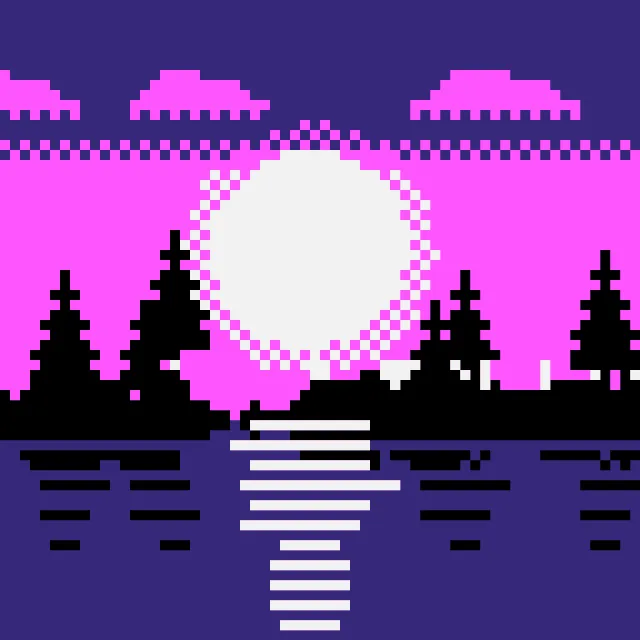
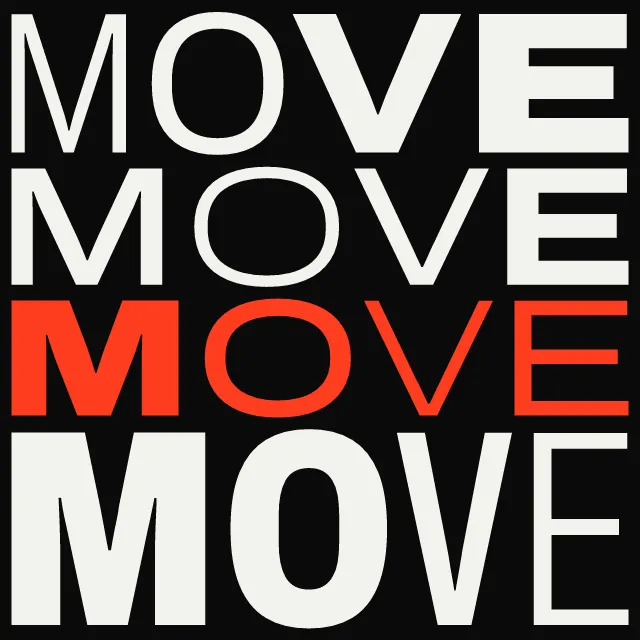
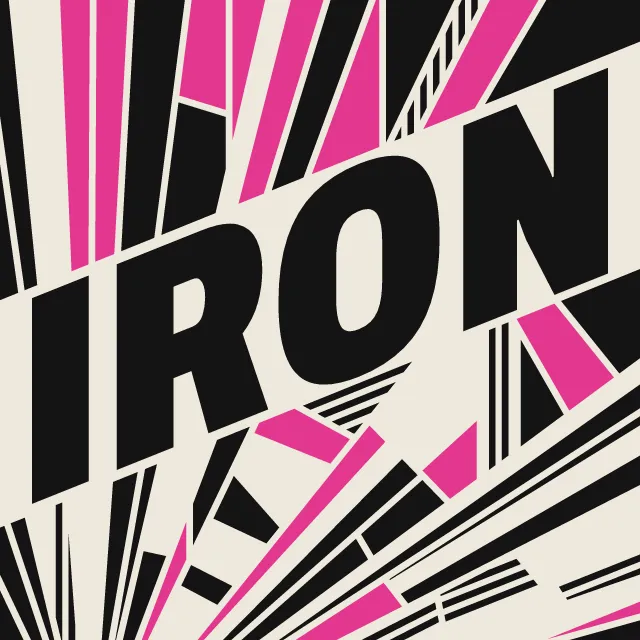
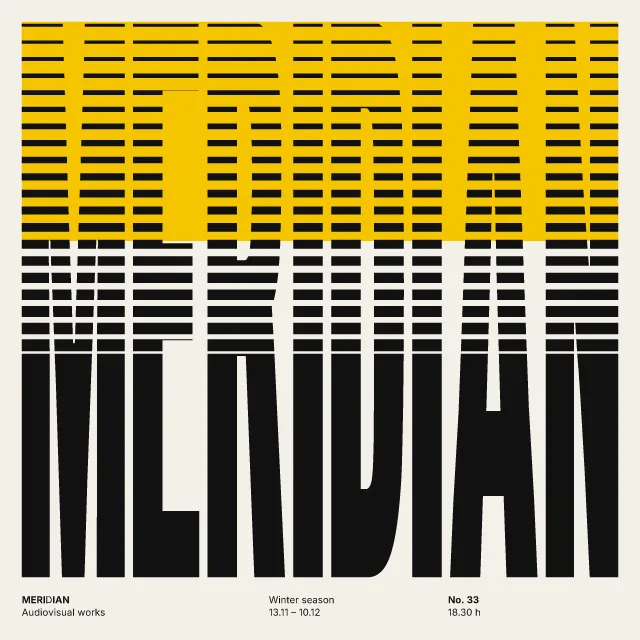
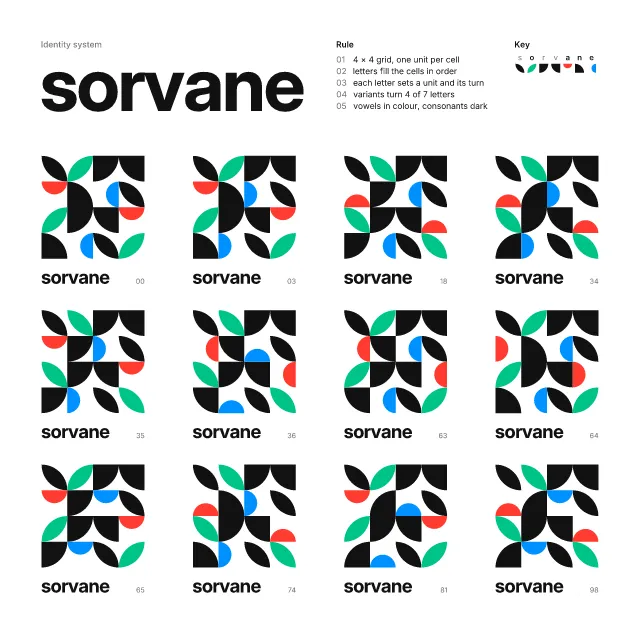
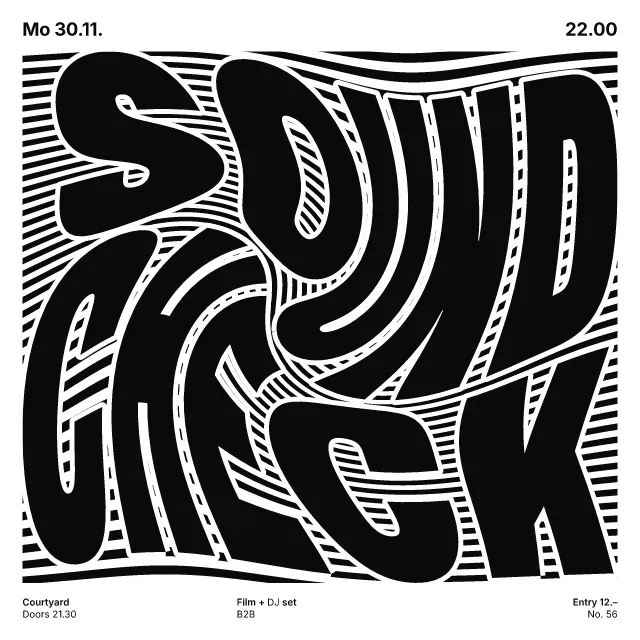
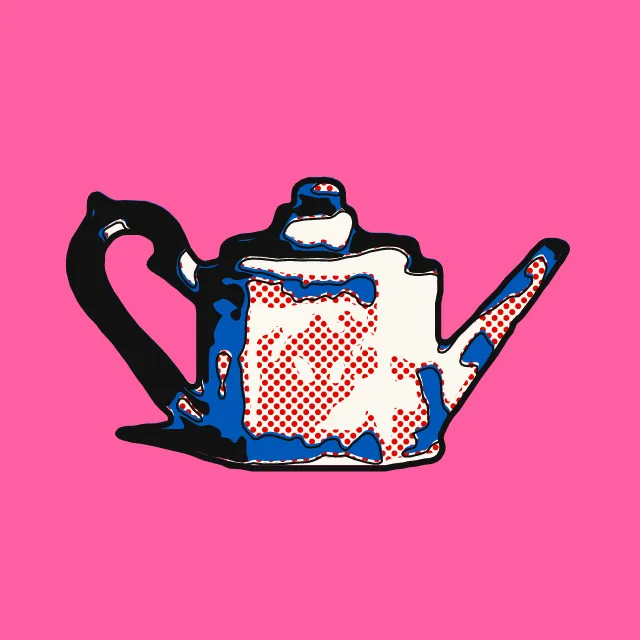
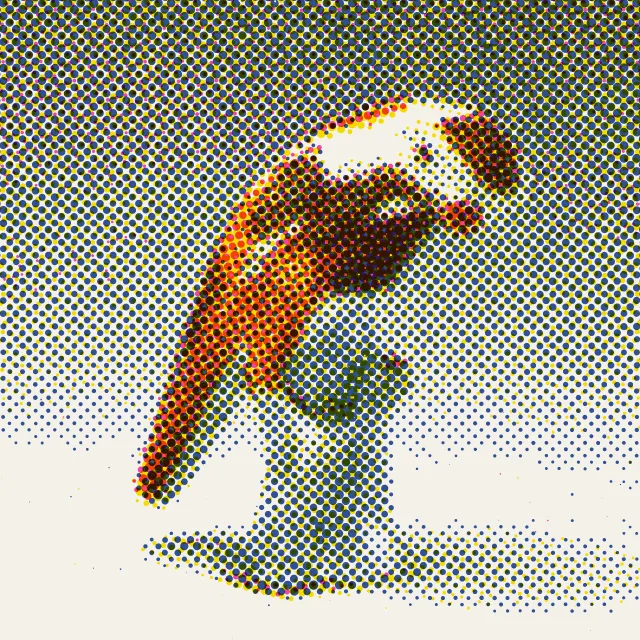
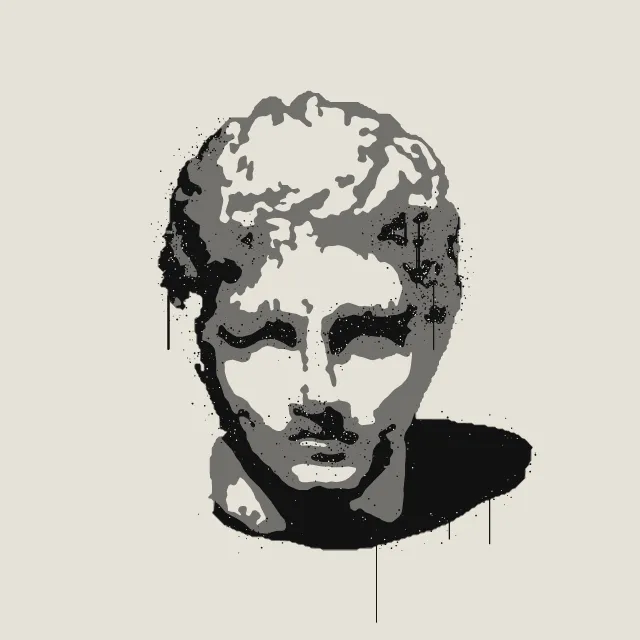
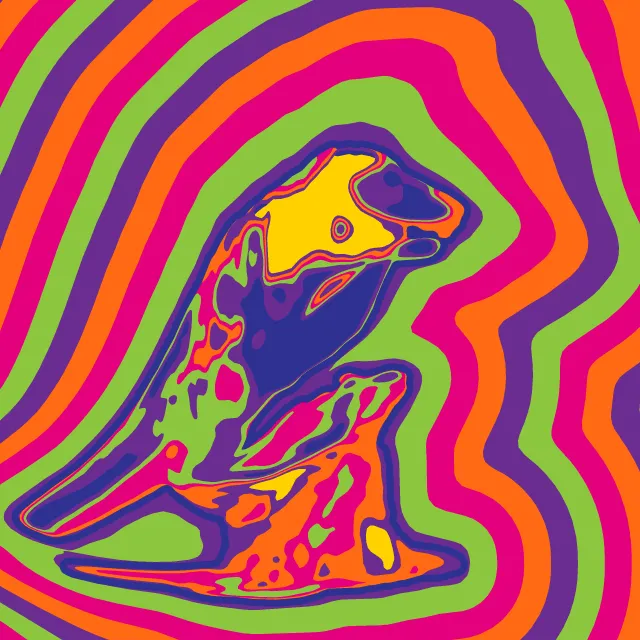
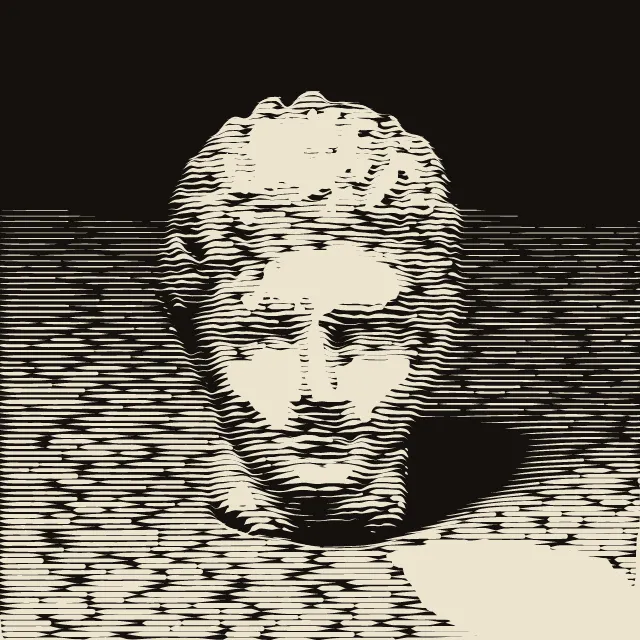
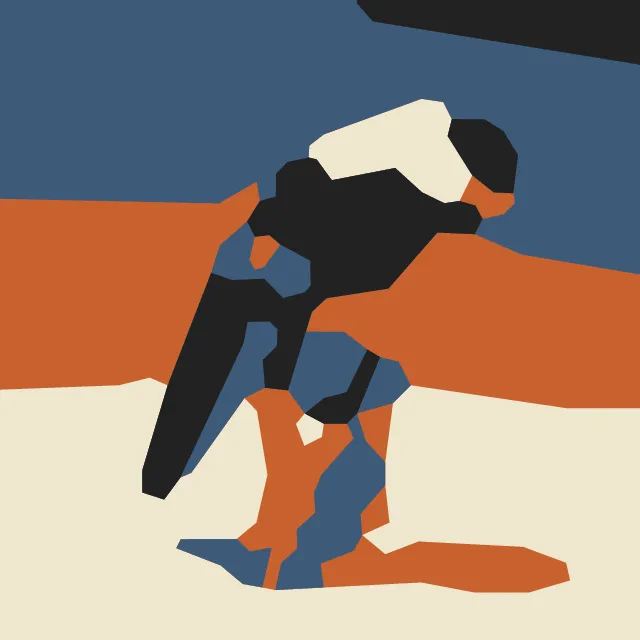
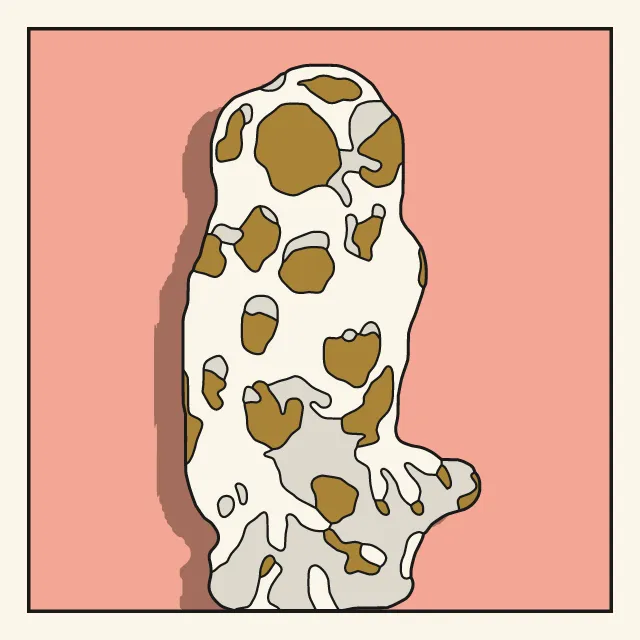
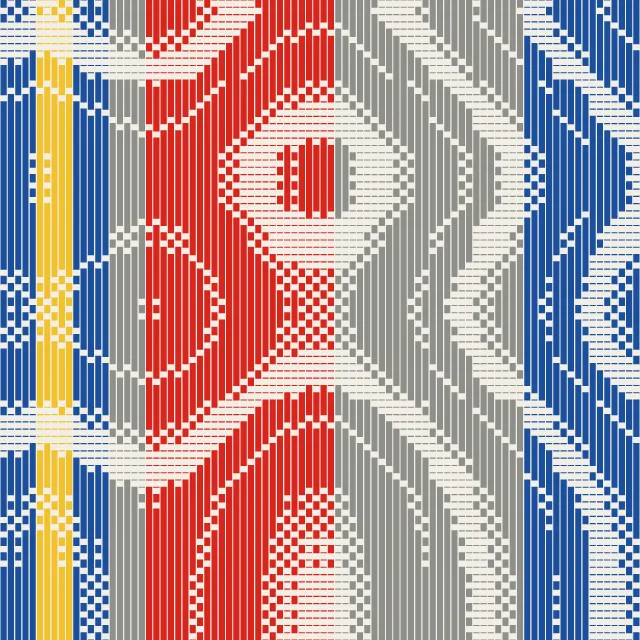
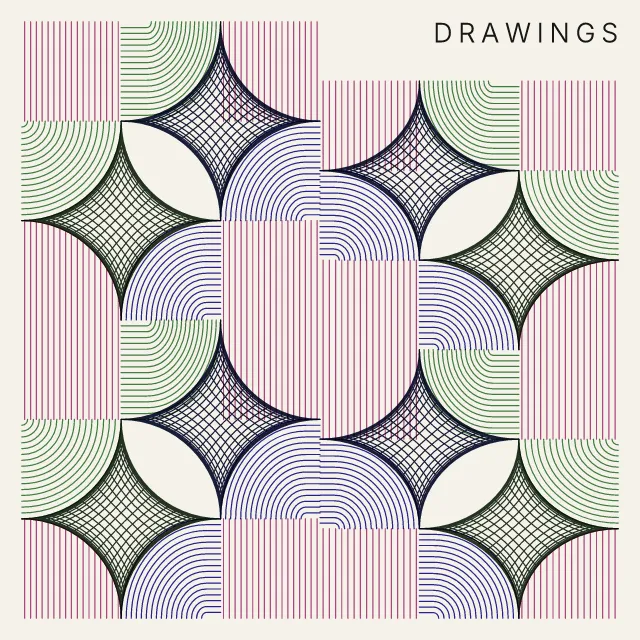
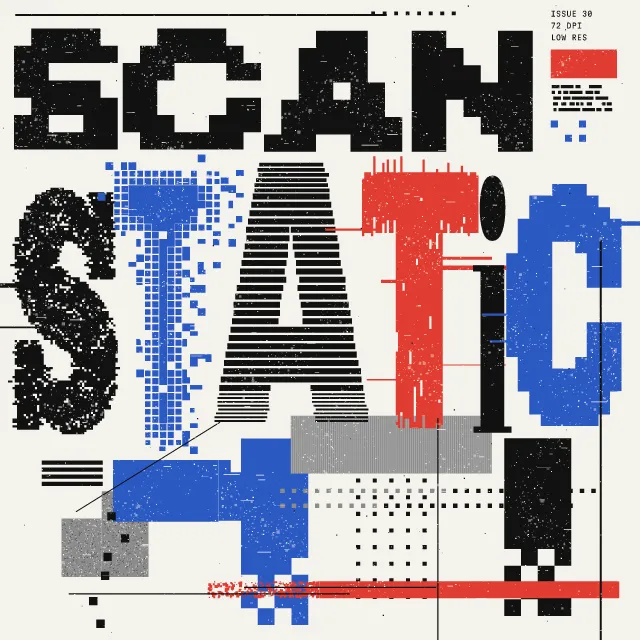
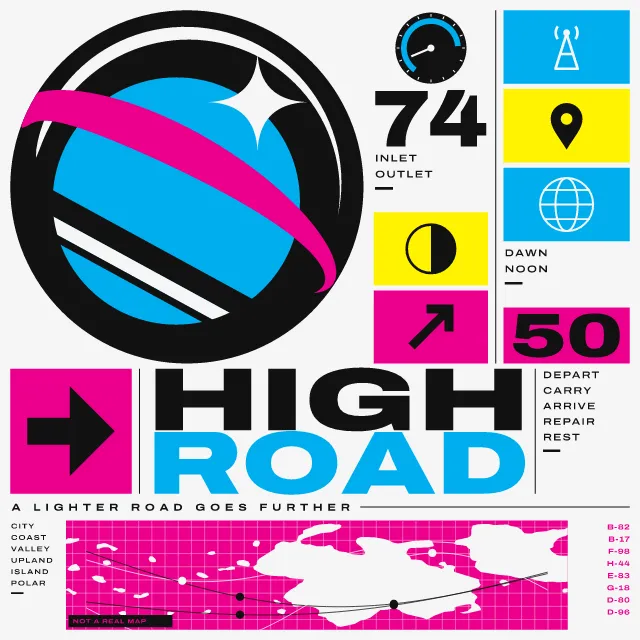
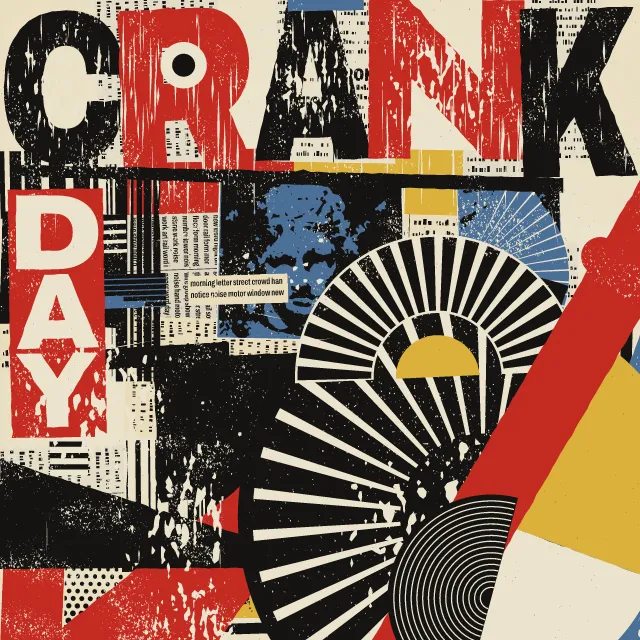
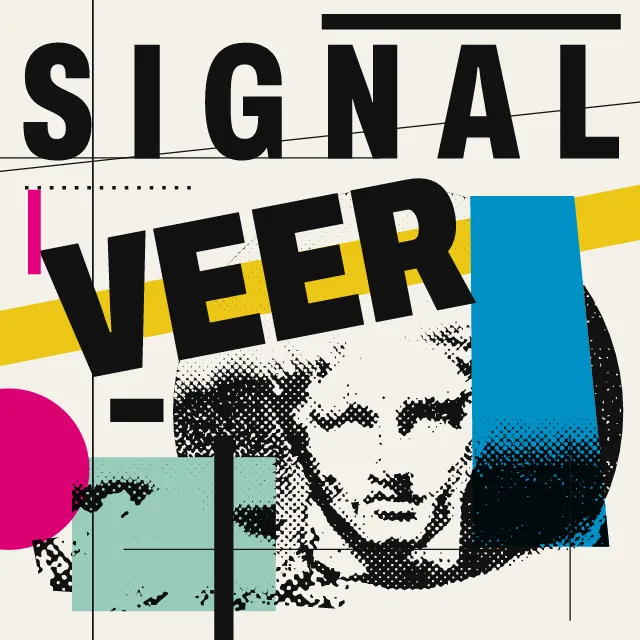
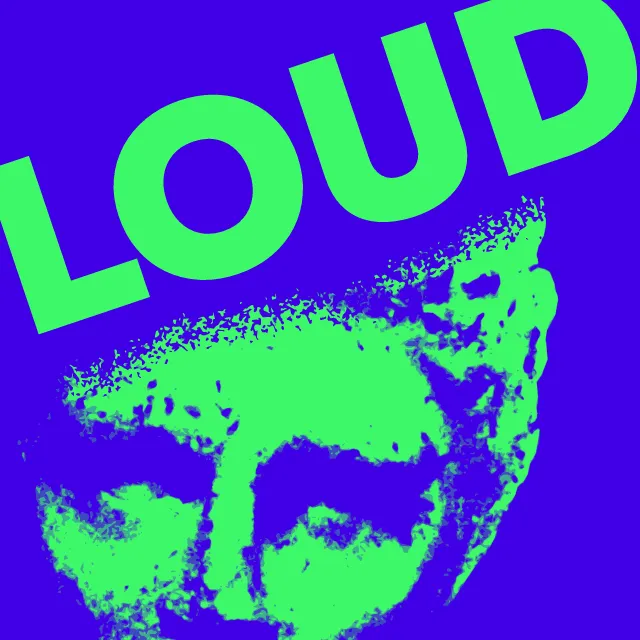
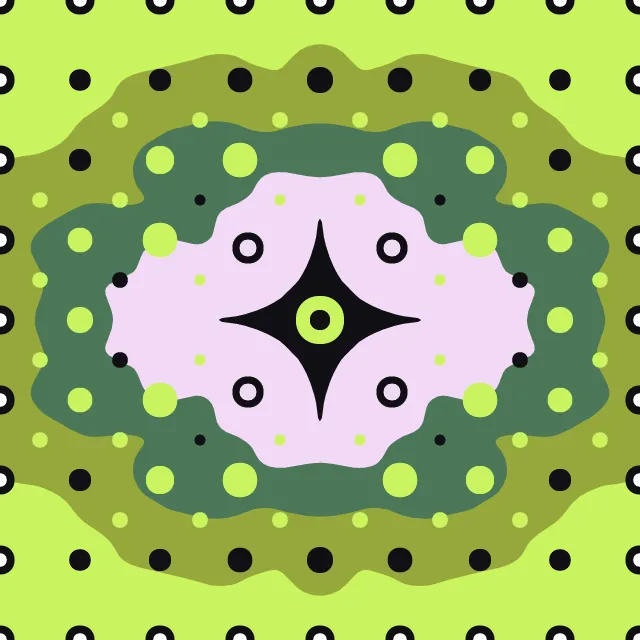
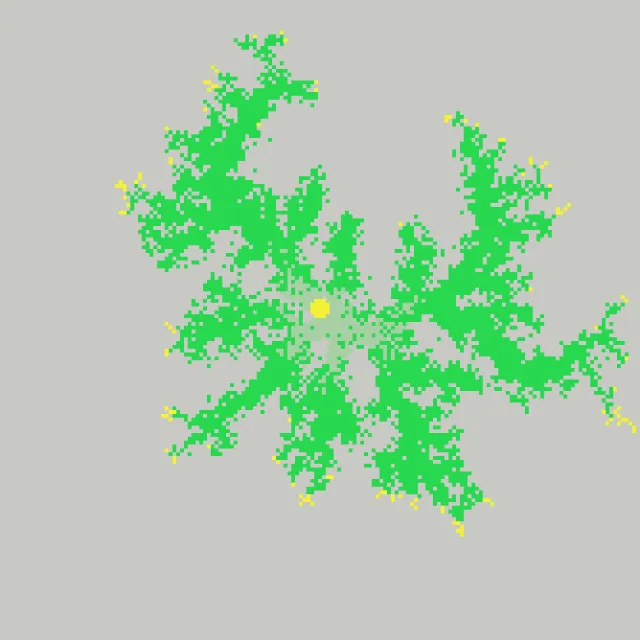
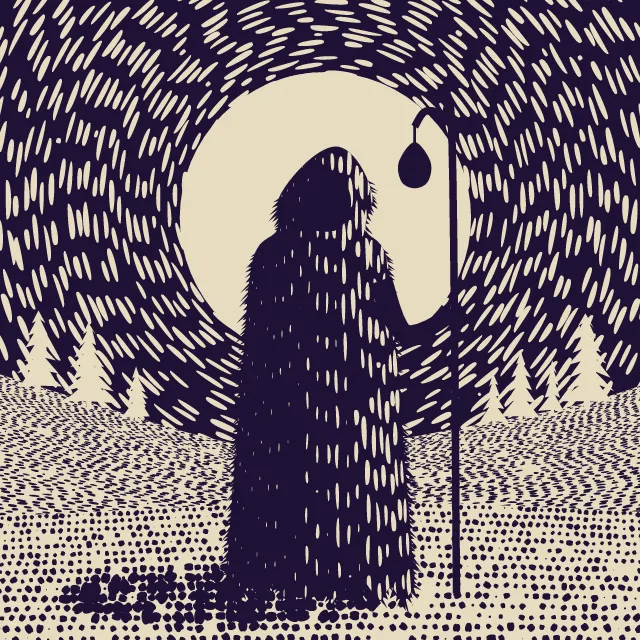
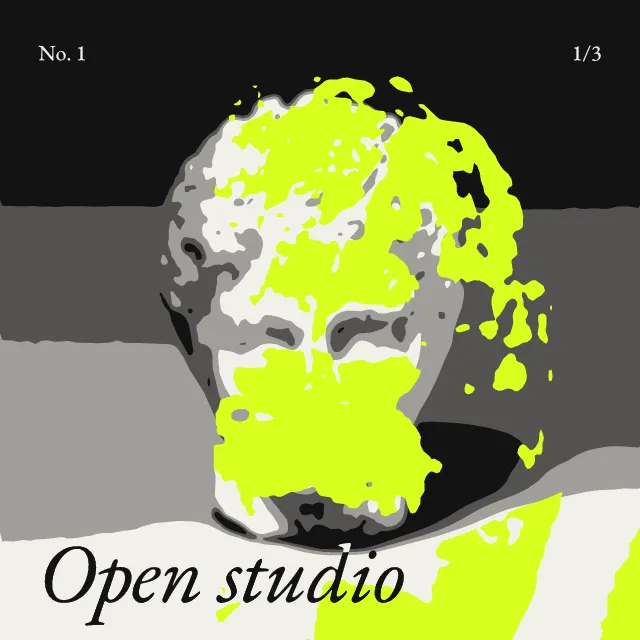
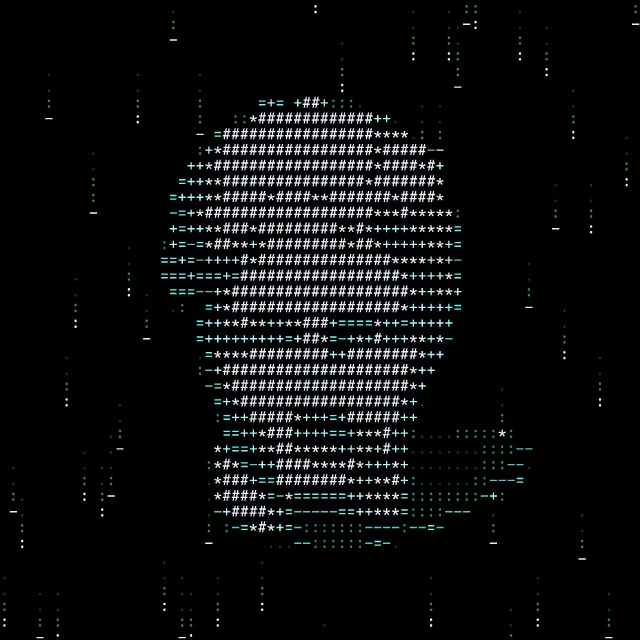
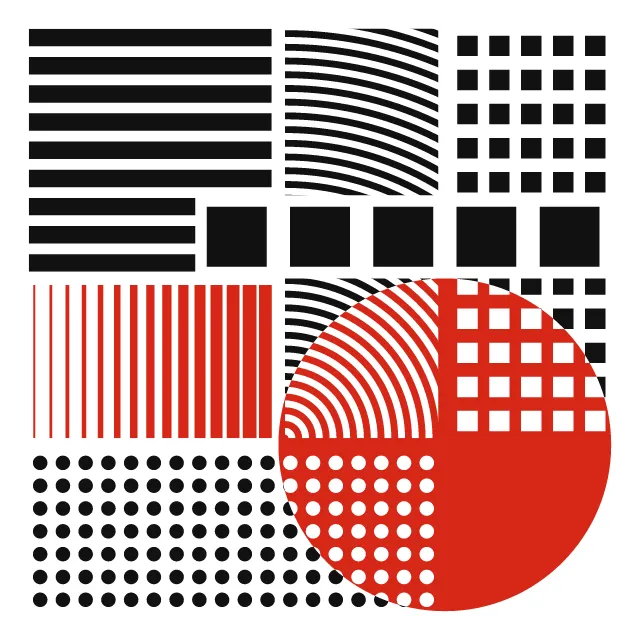
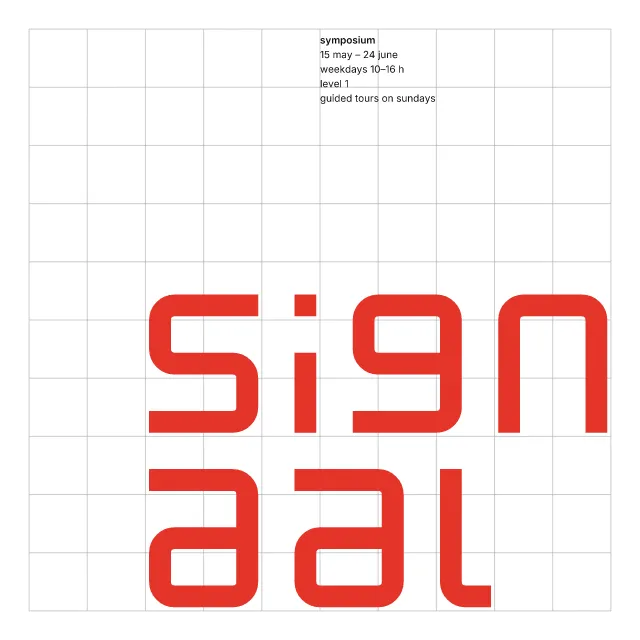
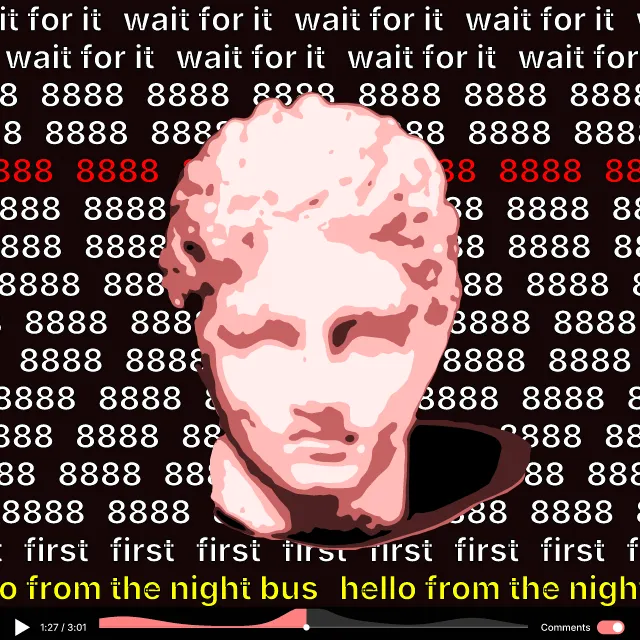
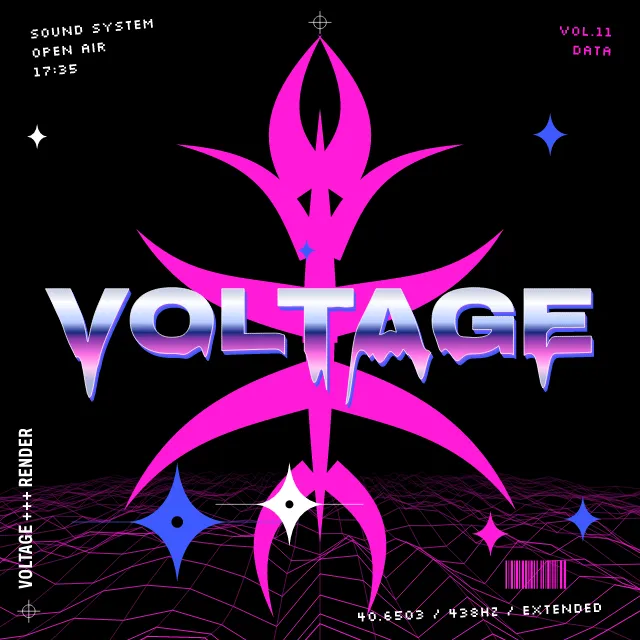
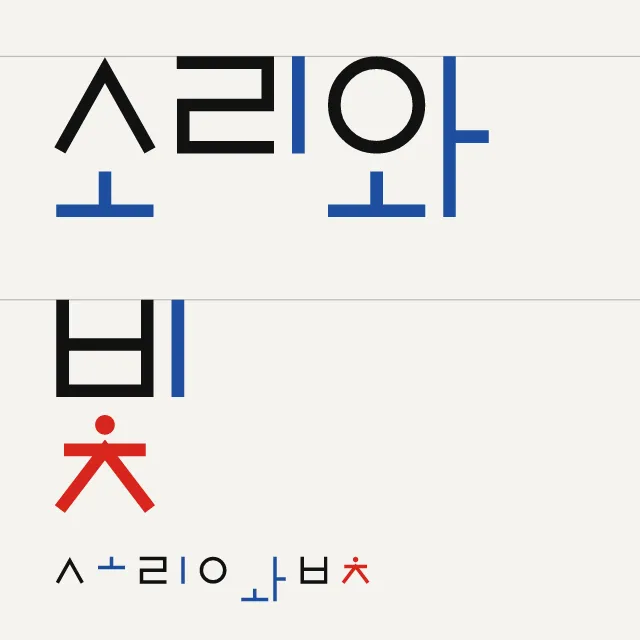
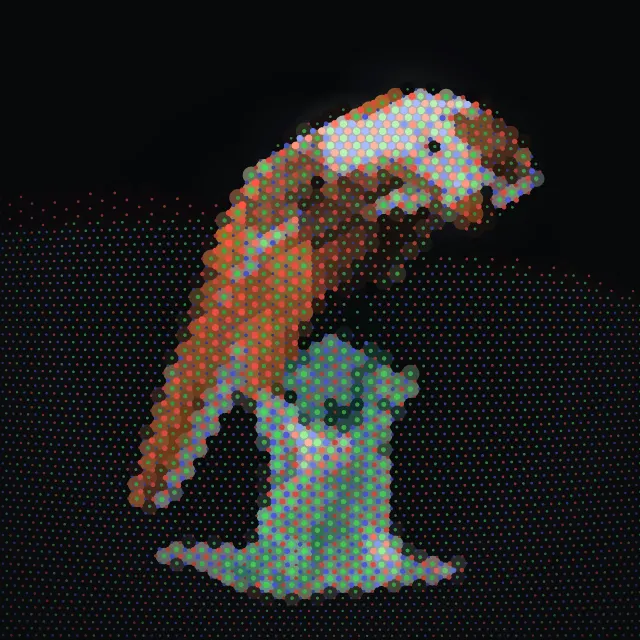
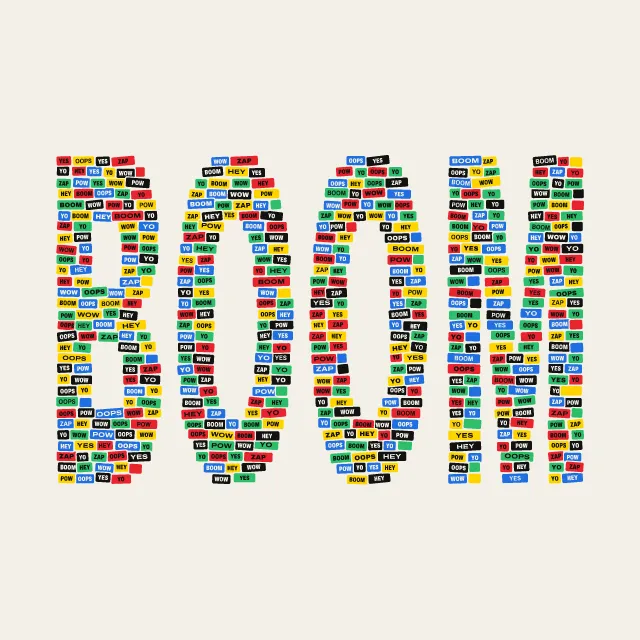
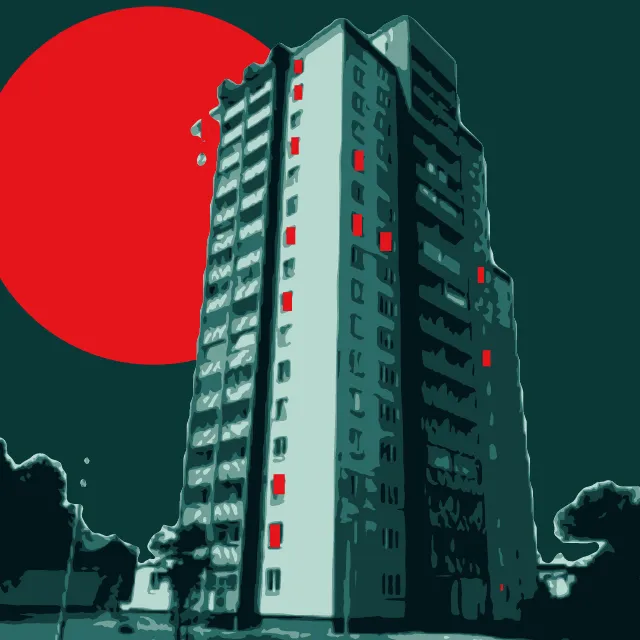
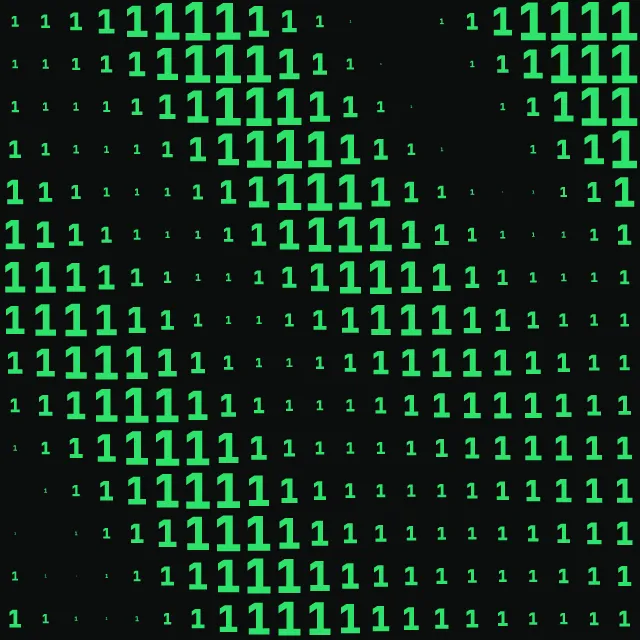
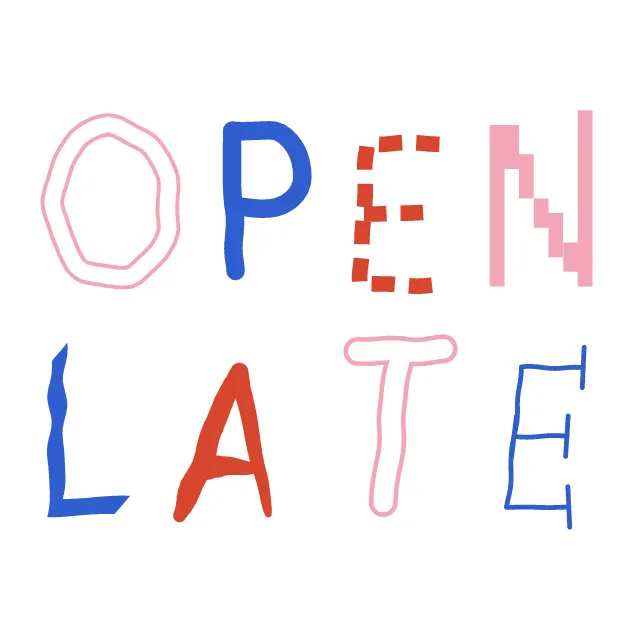
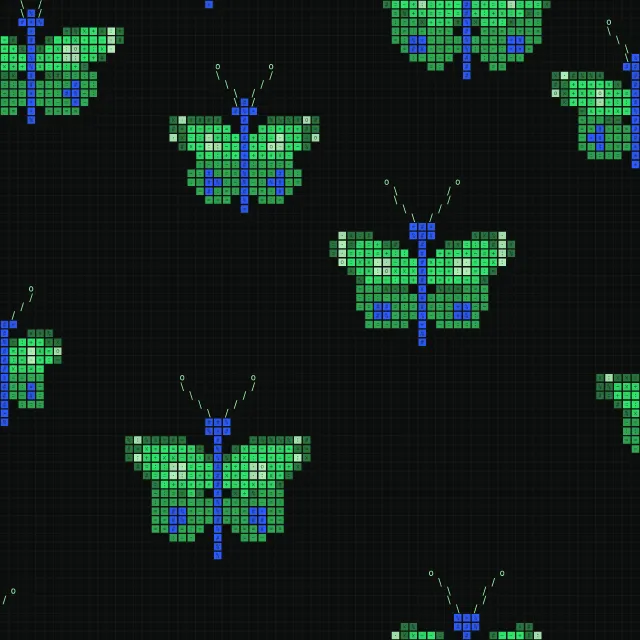
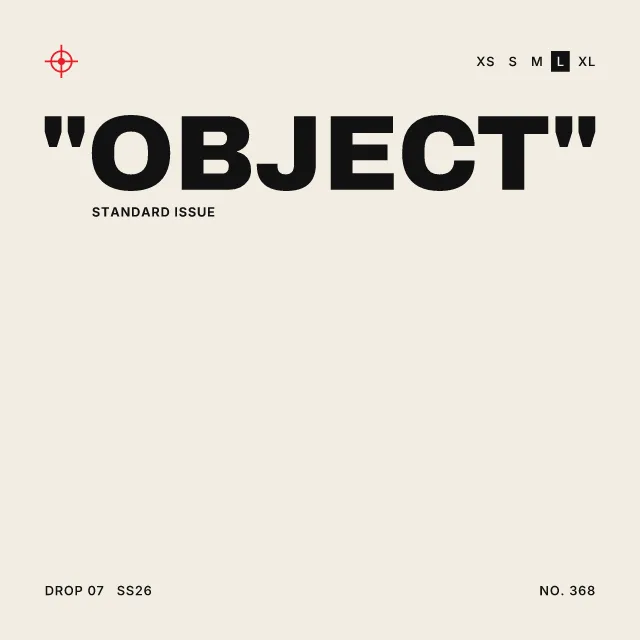
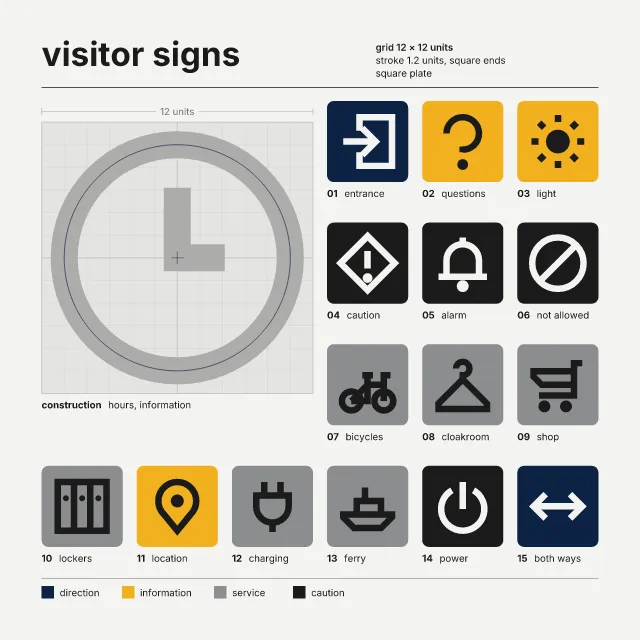
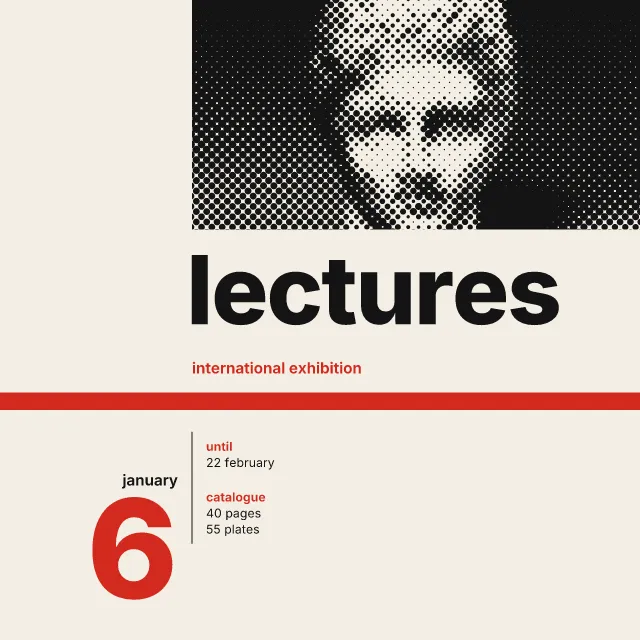
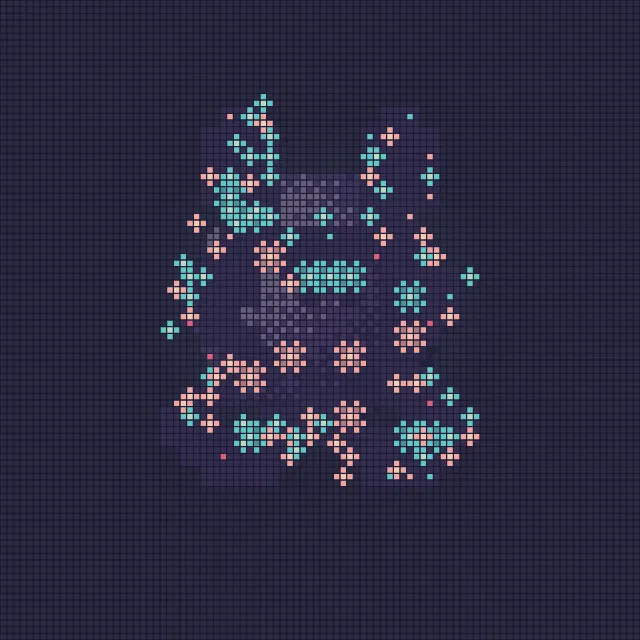
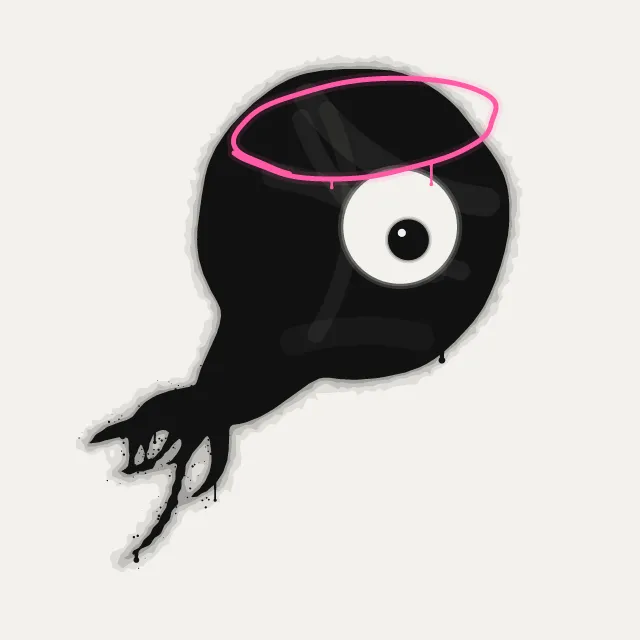
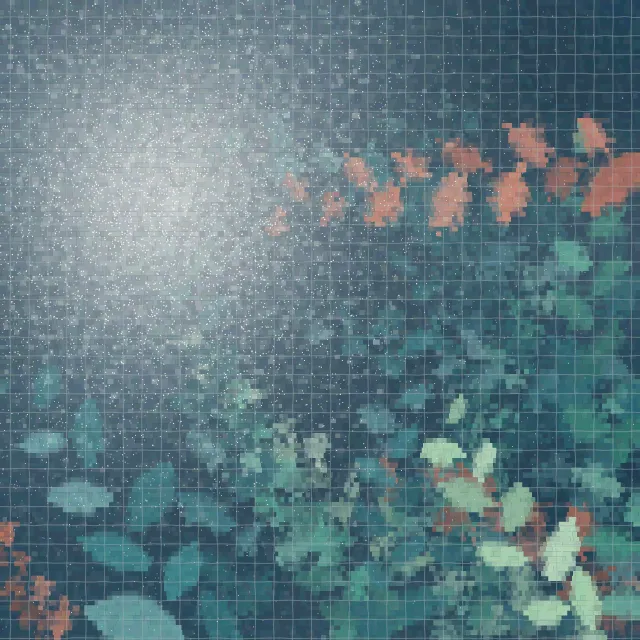

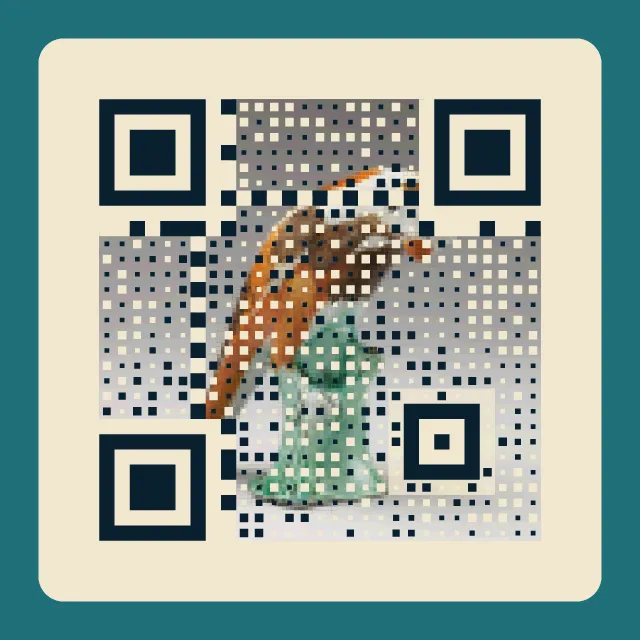
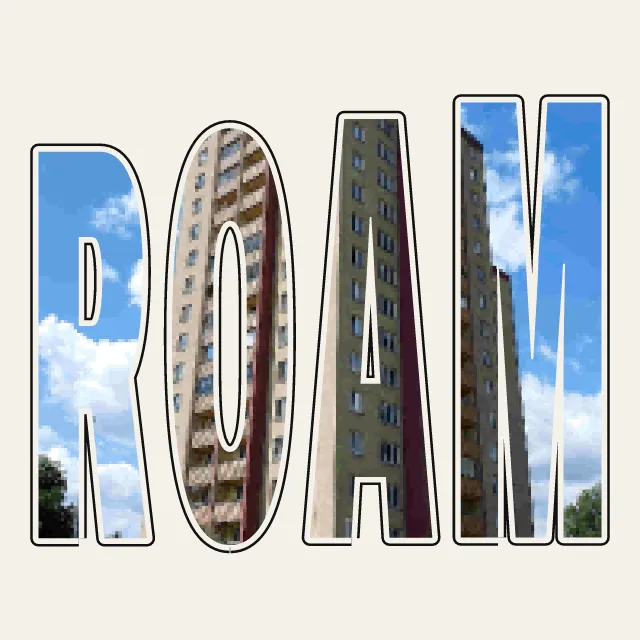
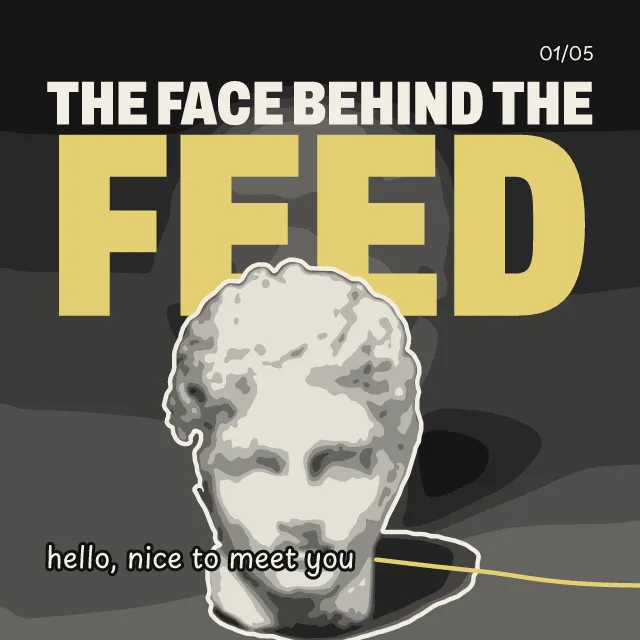
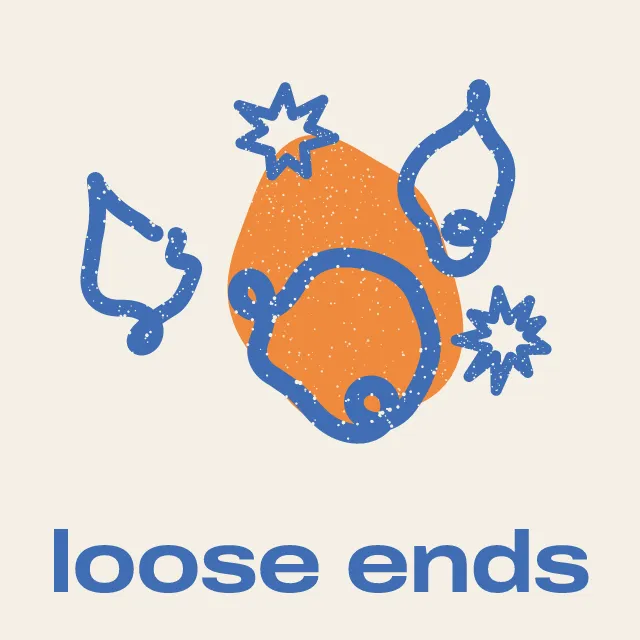
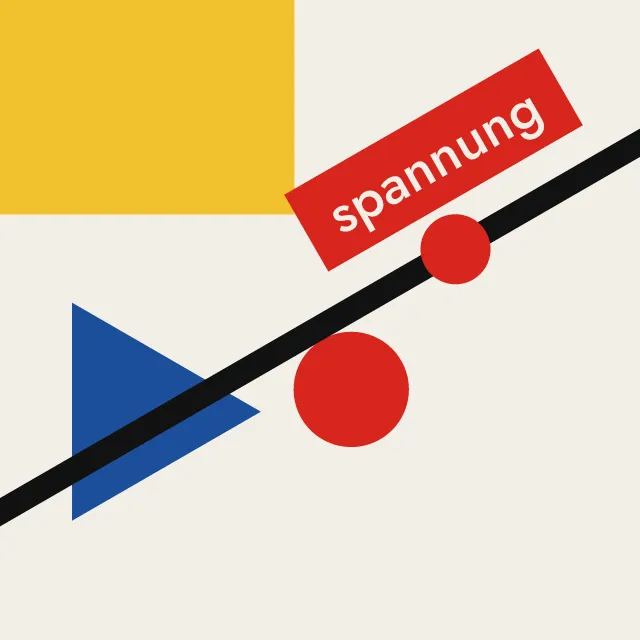
One solid or one photo, drawn with nothing but four shapes on a grid: each cell takes the shape that carries as much ink as the light it finds.
What makes it Shape halftone
These are the design choices this generator makes or lets you set. Where a choice says “Measured”, Morphogeny changed that control alone, kept everything else, and measured the picture: a number that moves with the choice, not proof that the picture reads as the style.
- A single object or figure isolated on a plain ground. Set by “Isolated object”.
- Duotone, high-contrast or posterised photographs. “Isolated object”: Your photo.
- Circle, square and triangle as building blocks. Set by “Geometric primitives”.
- Orthogonal bars, blocks and lines. “Geometric primitives”: Blocks. Measured on the opening picture: edges that run straight across or down 34% with “Blocks”, and 12% to 30% with the other options.
- Soft corners, capsules and blobs. “Geometric primitives”: Rounds.
- Chevrons, zigzags, sunbursts and faceted shards. “Geometric primitives”: Facets.
- Fixed-width typewriter or code letterforms. “Geometric primitives”: Characters.
- Repeated units create a visual cadence. Set by “Repetition & rhythm”. Measured on the opening picture, from 16 to 80: pixels on an edge 10% → 26%.
- A single hue, or black and white. “Colour”: One ink. Measured on the opening picture with “One ink”: hues besides black, white and grey 1.
- Two or three flat inks. “Colour”: Light and shade. Measured on the opening picture with “Light and shade”: hues besides black, white and grey 1.
- Unmodulated areas of colour. Set by “Flat colour fields”.
- Animated, time-based work: titles, broadcast, video. Set by “Motion & broadcast”.
- No simulated depth or texture. Always.
- Code-, algorithm- or AI-generated pictures. Always.
- Code, parametric systems or machine-learning models. Always.
How this generator works
- One subject stands alone on the sheet, a solid built in code or a photo, and is drawn only with the four shapes of one family on a square grid: each cell takes the shape that carries as much ink as the light it finds.
- The shape of each family that has a direction turns to face the way the surface does, so four flat signs keep the volume.
- It moves forwards only: one turn per loop, a tumble, a light circling or crossing, or a life that thins out while the next is built from the floor.
What it never does:
- No real building, monument, product or logo: every solid is put together in code from boxes, drums, rings and balls, with proportions drawn by the seed.
- No smooth shading, outlines or perspective lines, and no embedded photo: only the grid of shapes, and a cast shadow in a tint of the ground.
Every picture is a recipe: the variation number and the settings, kept in the page's address. Copy the link and the same picture comes back, in any browser. Random (or R) draws a new variation; ← and → step through them; S shuffles the settings; C borrows another style's colours.
About Generative & Dynamic Identities
A generative identity is a rule rather than a fixed logo: a few shapes and colours, and a way of putting them together that gives endless pictures which still belong to one brand. A common move is to take the plainest forms of a mark, such as a dot, a cross and a block, and use them as a halftone, so that whatever the brand needs to show is drawn in its own signs.
This generator does that with a solid or with your photo. It builds a tower, an arcade, steps, rings, a blob, a chair, a house, a stack of plain forms or a cage in code, lights it from the side you choose and looks at it through a square grid. Each cell takes one of four shapes by how much light it finds: the fullest in the light when the shapes are lighter than the ground, the fullest in the shade when they are darker. In each family one shape has a direction, and it turns to face the way the surface does, which keeps the volume in a flat picture. The seed draws the solid’s proportions; you choose the family of shapes, the number of cells, the angle, the light and the colours. A photo is read the same way, and a clear subject stands alone on the field as a solid does.
It moves forwards only: the solid turns once per loop, tumbles, stands under a light that circles it like the sun, or thins out while the next one is built from the floor. Everything is vector shapes, so the SVG stays sharp at any size, and a photo is read only in your browser and never uploaded.
Generative & Dynamic Identities: 2007–today. What the controls mean: Help.
From halftone screens to generative identities
Halftone is a print technique from the late nineteenth century. A photograph is broken into a grid of dots whose size carries its tones, so a press with one ink can print grey. The dot need not be round: a grid of crosses, lines or letters still reads as a picture from a distance, and up close it shows its own signs.
Generative identity grew from a related idea: in the 1960s a Swiss designer argued in print that design should be a programme of rules rather than a single solution. Op Art, at the same time, showed how far one repeated module could carry an image. From about 2007, studios in Europe and North America began to deliver identities as rules and code instead of fixed logos. A shape halftone is one of the plainest of those rules: whatever the brand needs to show, it shows in its own few shapes.
How the shape halftone generator lights and reads a solid
Isolated object chooses the subject: Tower, Arcade, Steps, Rings, Blob, Chair, House, Totem, Cage, or Your photo. Angle turns a solid round, and Light places the light as on a clock face, with 0 above and 90 to the right. The solid gets a key light, a weaker fill from the other side and darker corners, and it casts a shadow on the floor in a tint of the ground.
Geometric primitives chooses the family of four shapes: Blocks, Rounds, Facets, Leaves, Lines or Characters. Repetition & rhythm sets how many cells run across, Margin the space round each shape, and Shapes face the surface turns the one directional shape to follow the planes. Where the solid only grazes a cell, a lighter shape is drawn, so the outline is made by the smallest signs.
Colour uses One ink, Light and shade, or Bands up the subject. Flat colour fields sets the ground in an accent colour with the shapes in the paper’s colour.
Brand assets and posters from a shape halftone
Choose a family of shapes and a palette once, then make a set in the same signs: a tower for a header, a chair for a sticker, a house for a post. Square suits icons and posts, Story a vertical video, Landscape a slide or a web page hero, Banner a header, and Poster prints at A3 or larger.
With a solid or a photo, the subject turns, tumbles or passes under a moving light as a looping video. Bring a product shot or a portrait of your own: it is read in your browser and never leaves your device. Export SVG, PNG or video; the pictures are yours to use.
How to make a shape halftone that keeps its volume
Keep Shapes face the surface on: the turned shapes are what tell a wall from a roof when both share one tone. Light from above and to one side, around 60 or 300, gives the clearest planes; Lines and Characters never turn, so they need a stronger difference in light. Between 30 and 50 cells across, each sign stays visible and the solid still reads; near 80 the signs shrink into a fine screen.
A photo works best with a clear subject on a plain background, which stands alone on the field. A Margin near zero lets the fullest shapes run together into solid areas, so leave a little space if each sign must stay visible in print.
Use it from code
The recipe below draws the picture this page opens with. Copy recipe gives you the one on screen. Agents can render recipes to SVG or PNG through Morphogeny's MCP server (morphogeny_render); the same recipe always gives the same SVG.
{
  "tool": "shape-halftone",
  "v": 1,
  "seed": 3,
  "format": "square",
  "params": {
    "solid": "arcade",
    "shapes": "rounds",
    "across": 38,
    "margin": 0.12,
    "follow": true,
    "angle": 20,
    "light": 300,
    "colour": "one",
    "field": true,
    "motion": "turn",
    "flow": "pass"
  },
  "palette": "generative-identity"
}
Open this recipe: /shape-halftone/#seed=3&v=1. A plain-text version of this page:/shape-halftone.md.